
Some of what Youzse can do will not apply to you. Anything optional can be switched off so it stops taking up space and switched on again whenever you want it.
Find it under Settings, then Integrations & Features. You need the Edit settings permission.
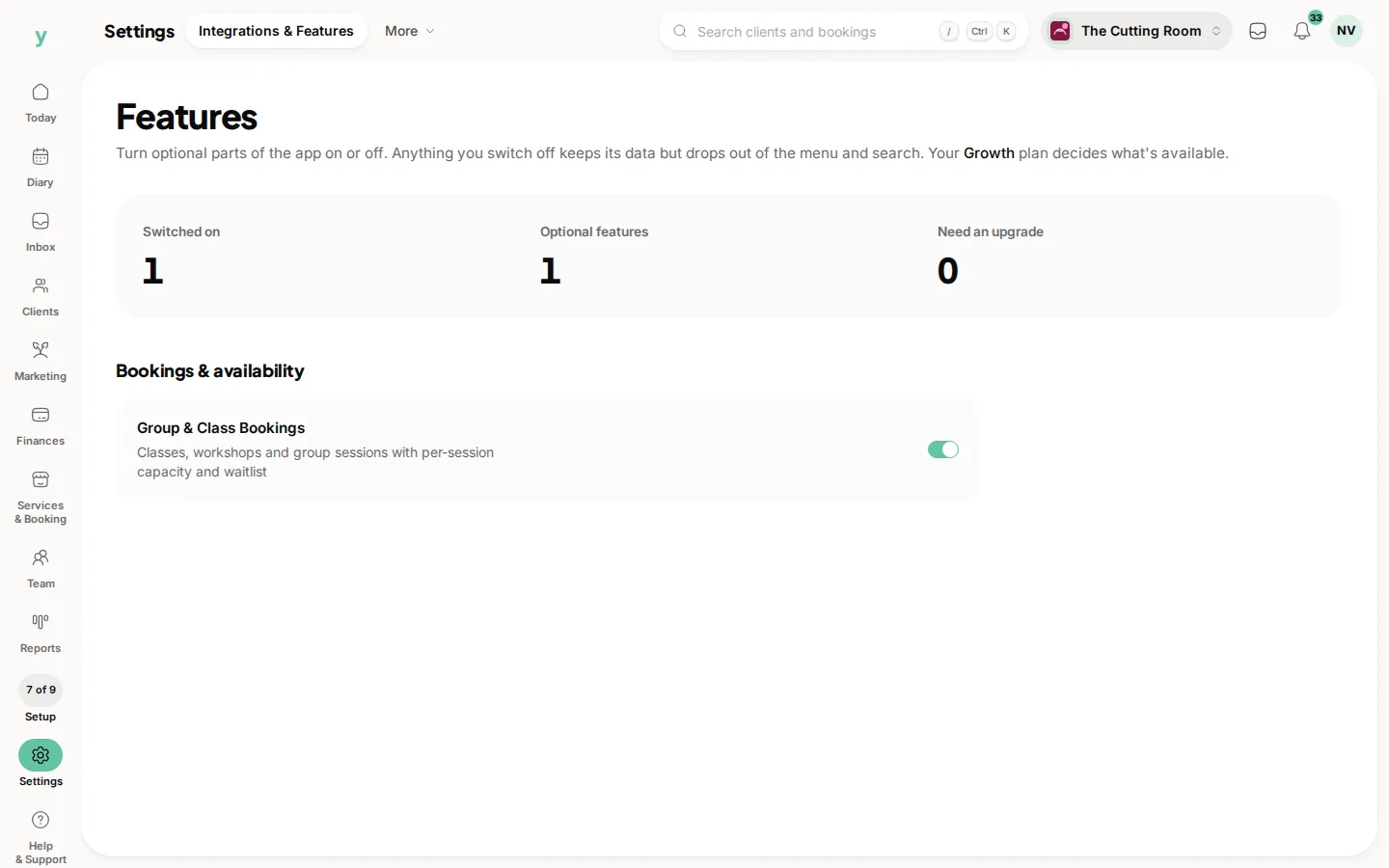
What is on the screen
The page lists the optional features that come with your plan, grouped by area, each with a short description and a switch. Your plan name is shown at the top so you know what you are working with.
A feature your plan does not include is shown with an Upgrade to enable badge instead of a switch. Nothing is hidden from you, you can see what the next plan up would add.
If you are on a plan with no optional features, the page says so rather than sitting empty.
Switching one off
Youzse asks you to confirm first, because switching a feature off hides it across the whole business for everybody.
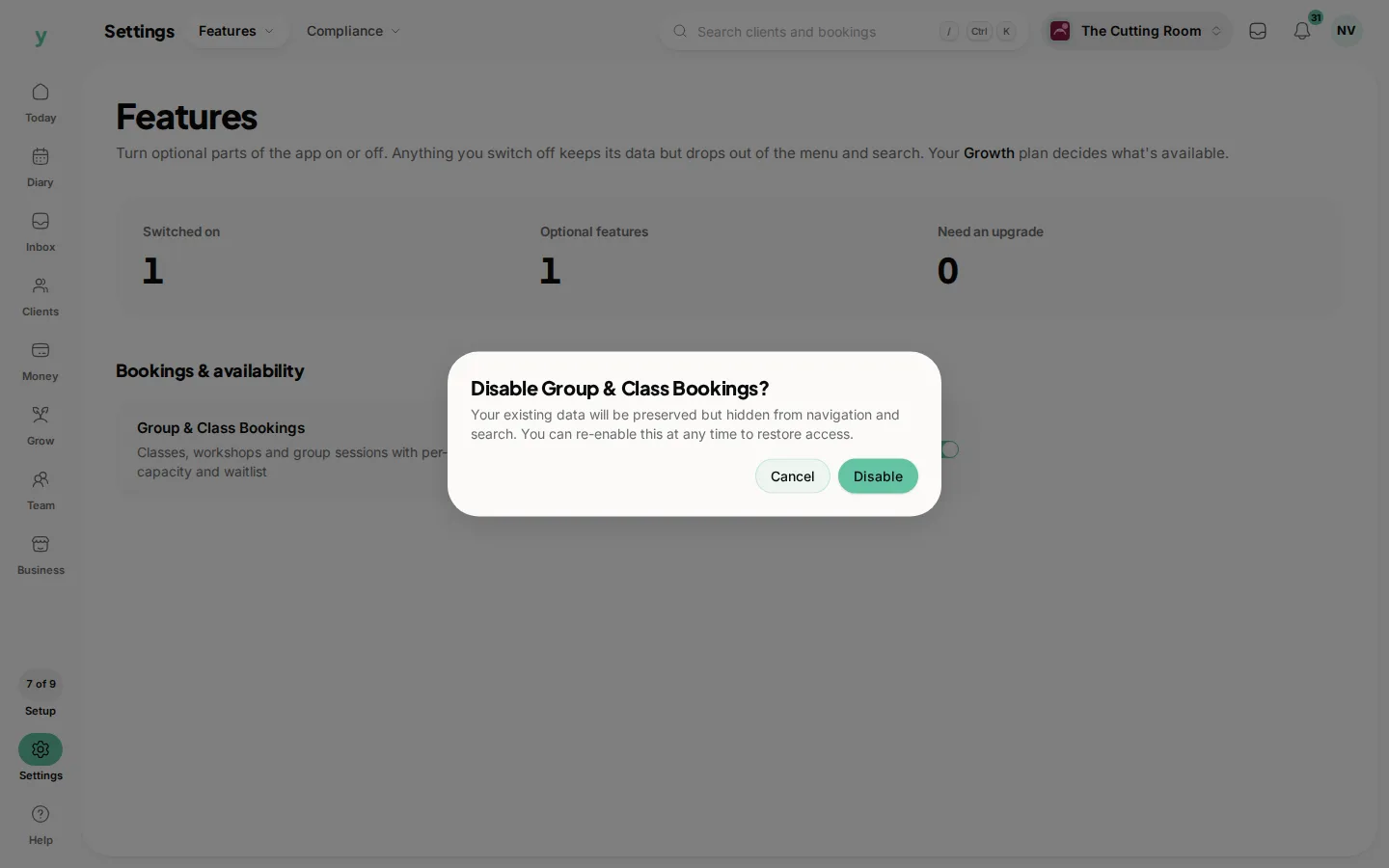
Your data is not deleted. Switch the feature back on and everything is where you left it.
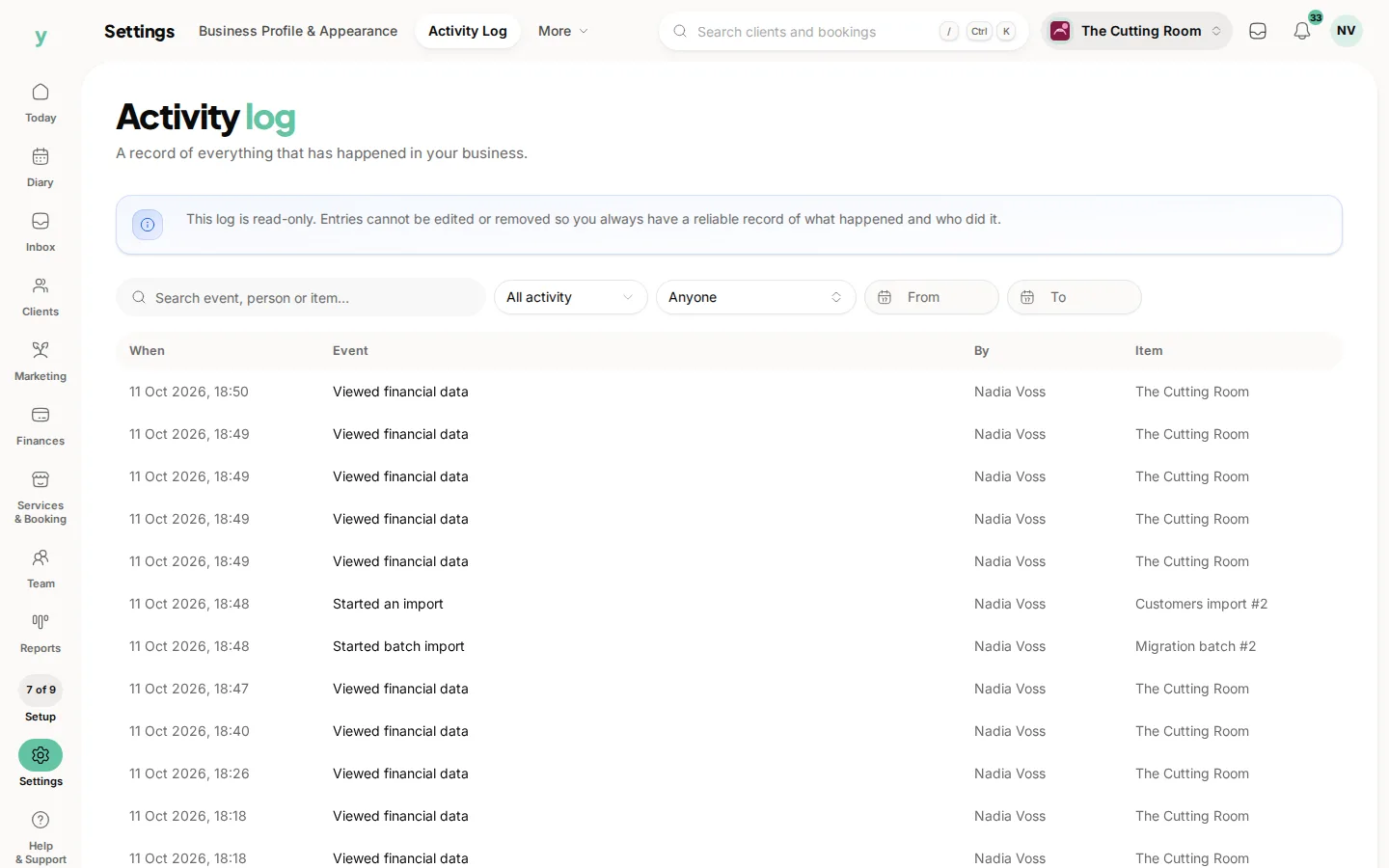
The change is recorded in the activity log with who made it and when, so an unexplained disappearance is always traceable. Find it under Settings, then Activity Log.
What is not here
Plenty of things people think of as features are not switches on this page.
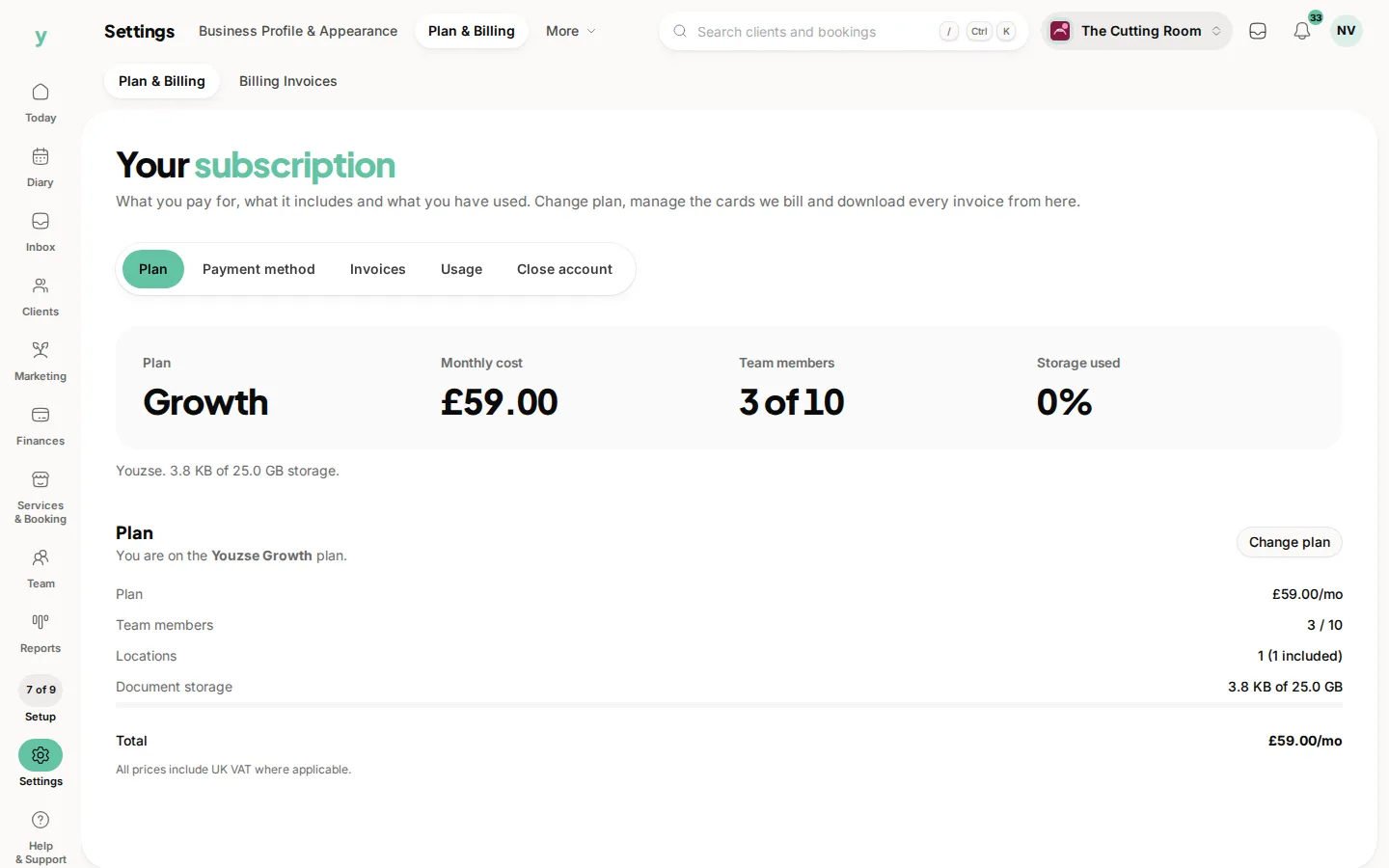
- Whether a feature exists on your plan at all is decided by your plan, under Settings, then Plan & Billing.
- What each person can reach is decided by roles, under Team, then Roles & Access.
- What the count beside a menu item shows is set from the screen itself, with the small sliders beside the section name.
On the app
Go to More, then Business Settings, then Features. It is the same list and the same switches and because feature switches apply to the whole business, a change made on your phone applies on the web straight away.
Common questions
If I turn a feature off, do I lose the data?
No. Nothing is deleted. The feature and everything in it comes back when you switch it on again.
Why is a feature greyed out with an upgrade badge?
It is not part of your current plan. Upgrading under Settings, then Plan & Billing makes the switch available.
Can I turn a feature off for one member of staff only?
No. Feature switches apply to the whole business. To limit one person, change their role or create a custom role.
Does a switched off feature still send notifications?
No. Once it is off, the feature and everything it does stops, including anything it would have sent.
Who can change these?
Anyone with the Edit settings permission, which owners and managers have by default.