
If you need to give a customer their money back, you can refund a card payment directly from Youzse. The refund goes back to the card the customer originally paid with.
How to issue a refund
- 1Find the payment you want to refund, on the customer's record or against the invoice or booking. The list of payments is under Finances, then Takings & Payments, then Payments. Choose Refund on the payment.
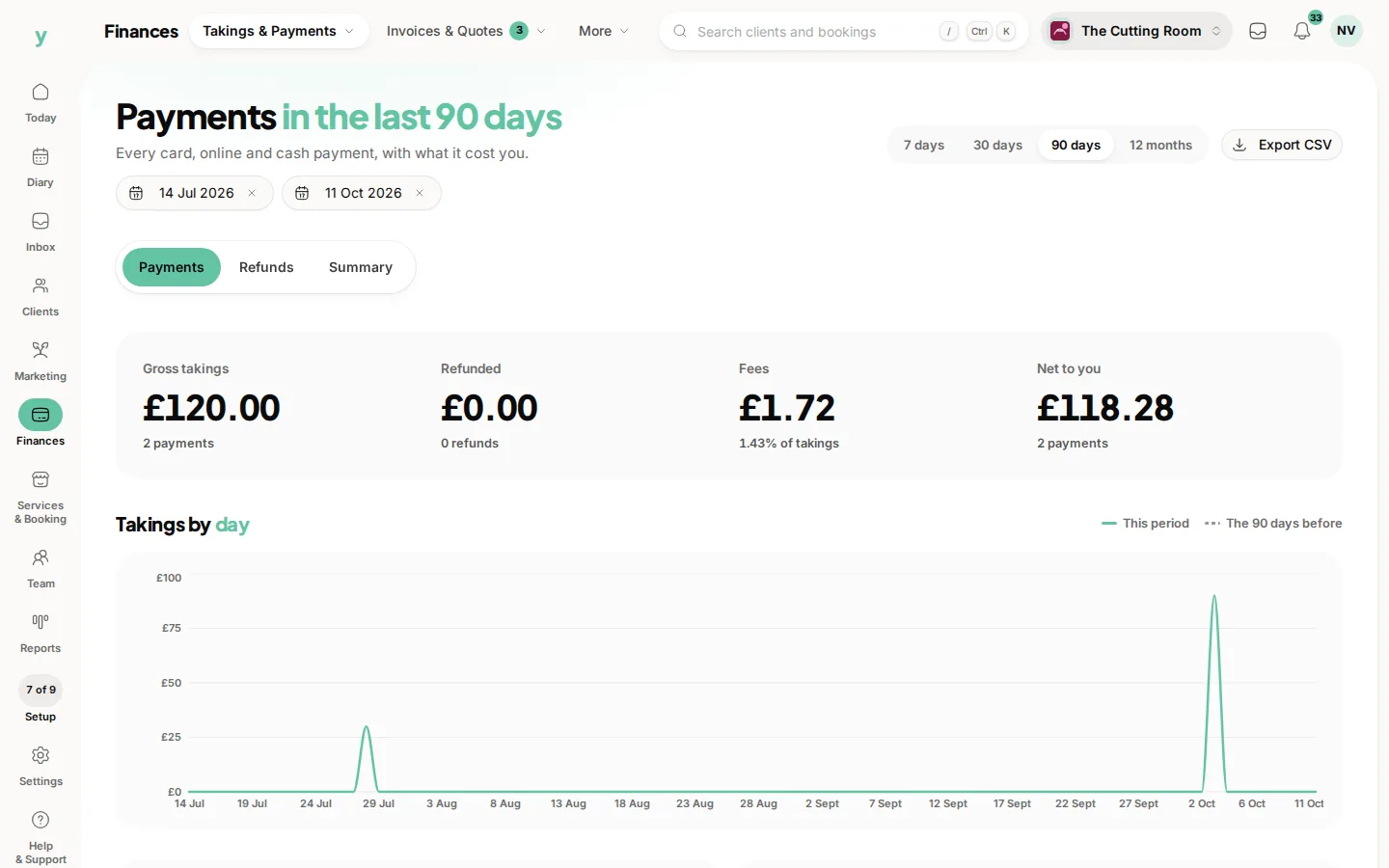
- 2Choose Refund.
- 3Enter the amount. You can refund the whole payment or just part of it.
- 4Add a reason, then confirm.
The customer is notified automatically once the refund is processed. Refunds usually take a few working days to appear on the customer's statement, depending on their bank.
Good to know
- You can never refund more than the remaining amount of a payment. Part refunds reduce what is left to refund.
- When you refund a payment in full, Youzse reverses the card-processing fee and the Youzse fee on that transaction, so a fully refunded sale does not leave you out of pocket on fees.
- Refunds against a VAT invoice carry the right proportion of VAT, so your figures stay correct.
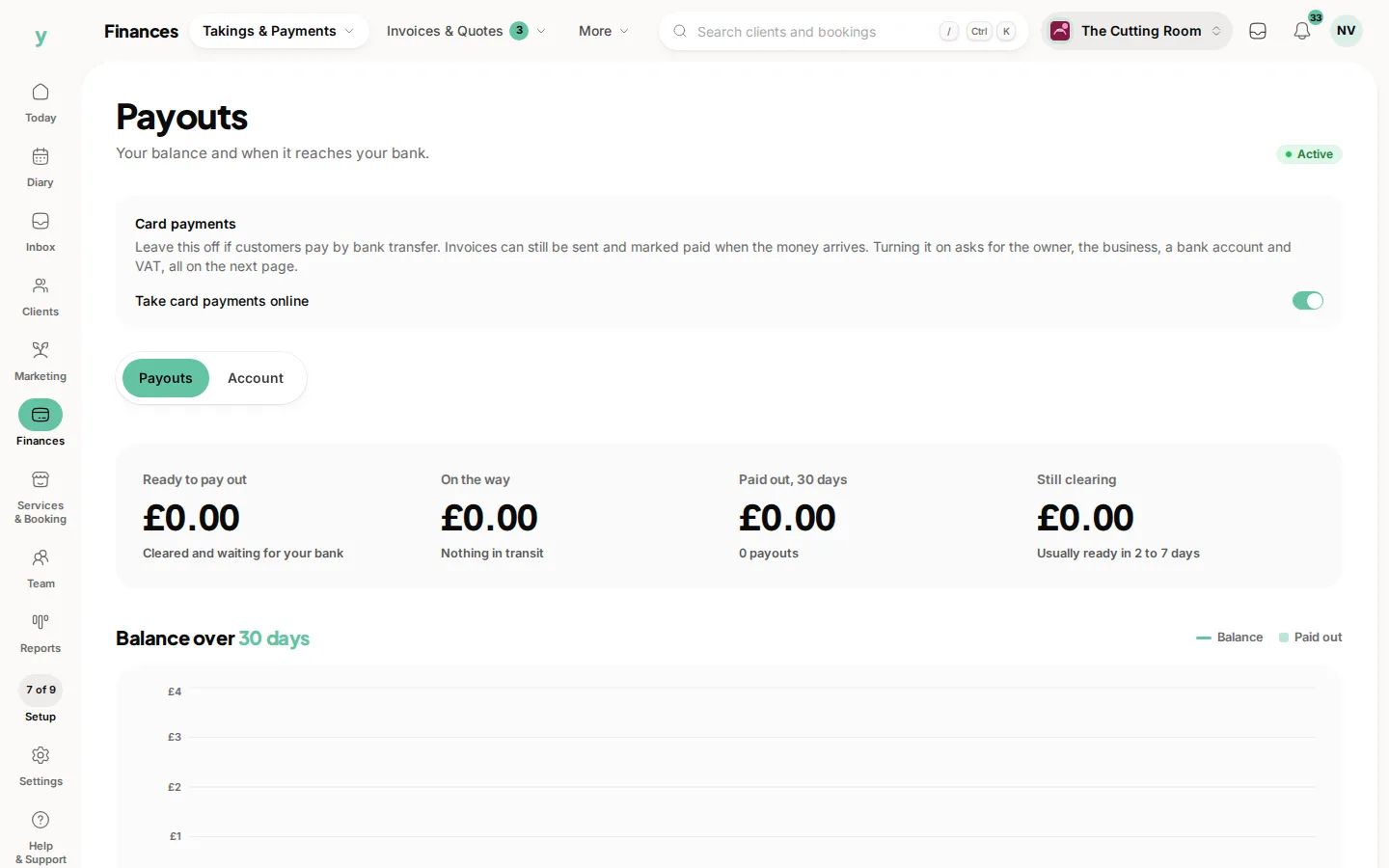
If a refund cannot be completed, for example because the connected account does not have the funds available, you will see an error and the customer is told the refund did not go through. Make sure your balance or payout timing allows for refunds you expect to make.
Common questions
How long does a refund take to reach the customer?
A few working days, decided by their bank rather than by you.
Can I refund part of a payment?
Yes, in full or in part.
Do I get the card fee back?
Processing fees are not usually returned on a refund. Factor that in before refunding as a goodwill gesture.