
A deposit takes part of the price up front when a customer books, then the rest is settled when the job is done. It protects your diary against no-shows and gives customers a reason to turn up.
How deposits work on Youzse
A deposit is taken up front, at the point of booking. The full balance is only invoiced once the appointment is complete. Youzse never asks a customer to pay the whole amount in advance through a booking link.
Setting a deposit on a service
- 1Go to the service you want to charge a deposit on. It is under Services & Booking, then Services.
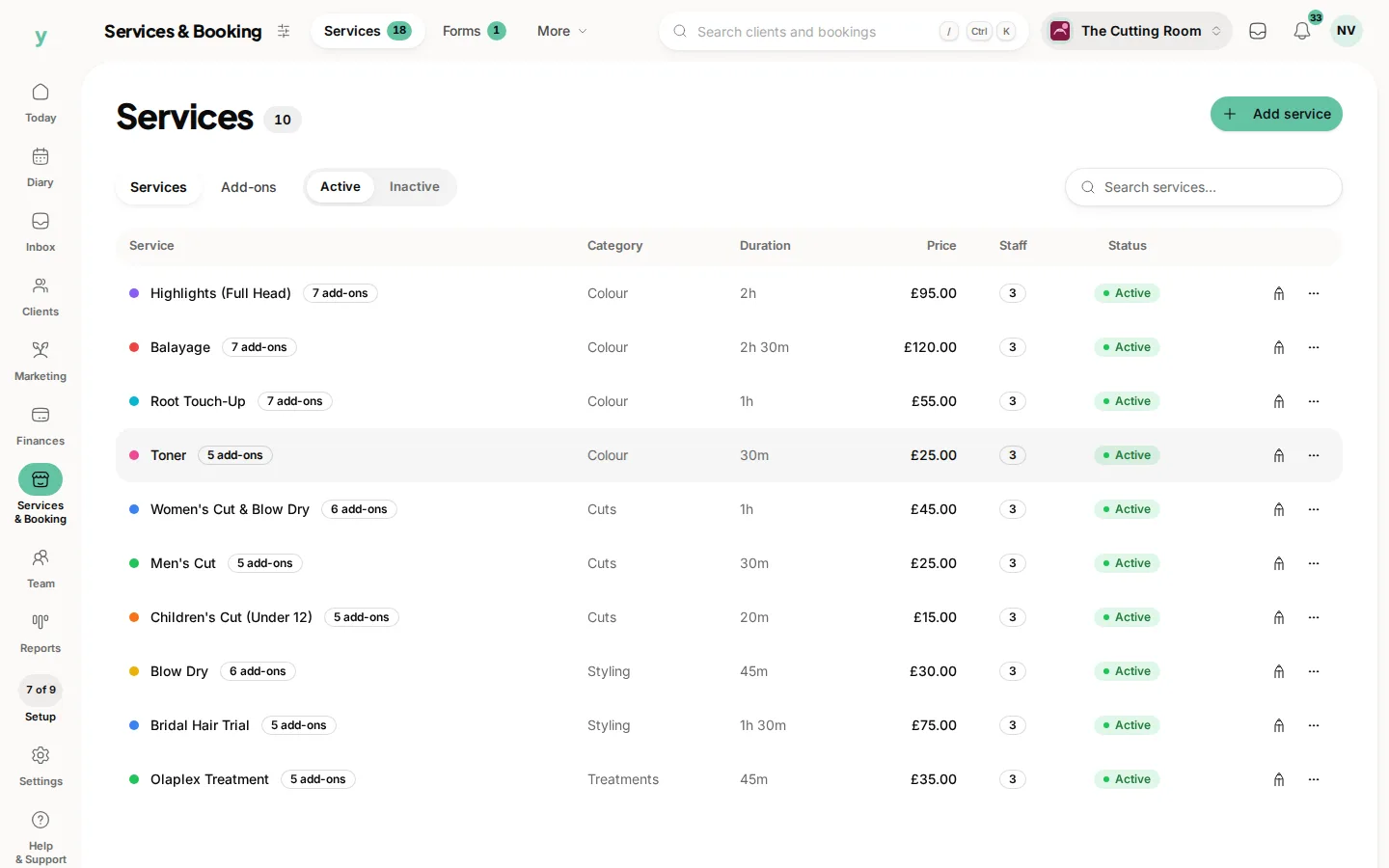
- 2Choose a deposit type: a fixed amount or a percentage of the price. On the service those are Fixed amount and Percentage of price, under Deposit.
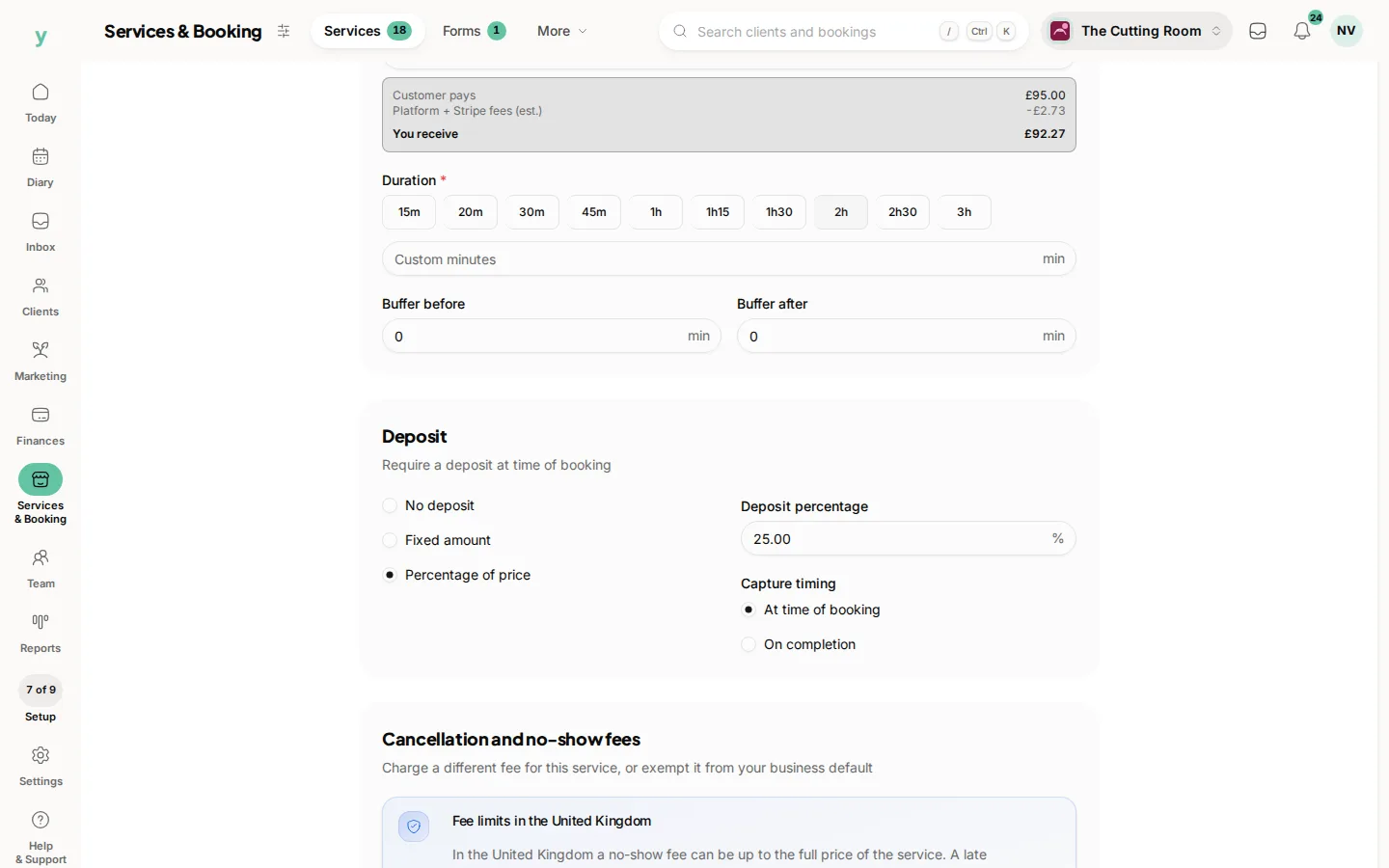
- 3Save. From now on, that deposit is requested whenever the service is booked.
Taking a deposit on a single booking
When you create a booking you can set or override the deposit for that one appointment. A deposit can never be more than the customer owes.
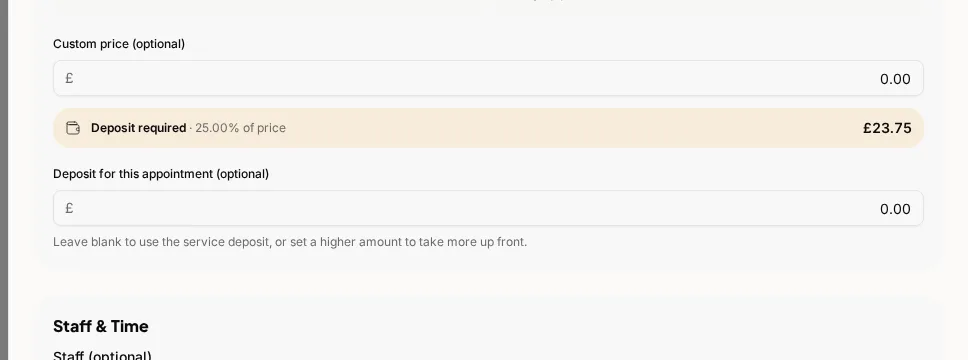
You can collect a deposit by
- Charging a card saved on the customer's file
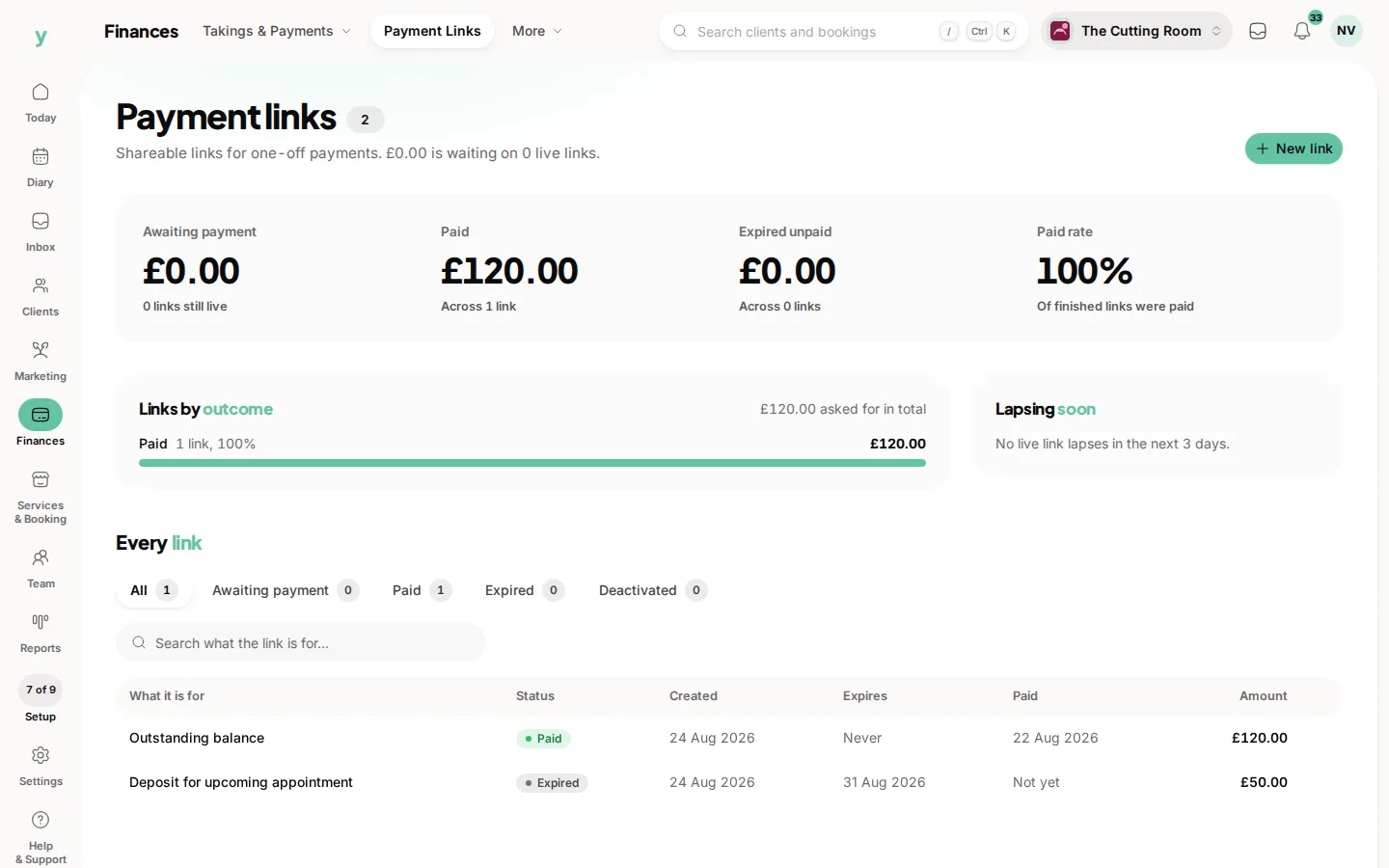
- Sending the customer a payment link to pay online
- Recording a deposit you have taken by cash or another method
When the appointment is finished and you raise the invoice, any deposit already paid is credited automatically, so the customer is only billed the balance.
If a customer does not show up, you can keep an unforfeited deposit against the booking rather than chasing the full amount.
Common questions
How much should a deposit be?
Enough to represent a real commitment. A quarter to a third of the price is common.
Do I need online payments for deposits?
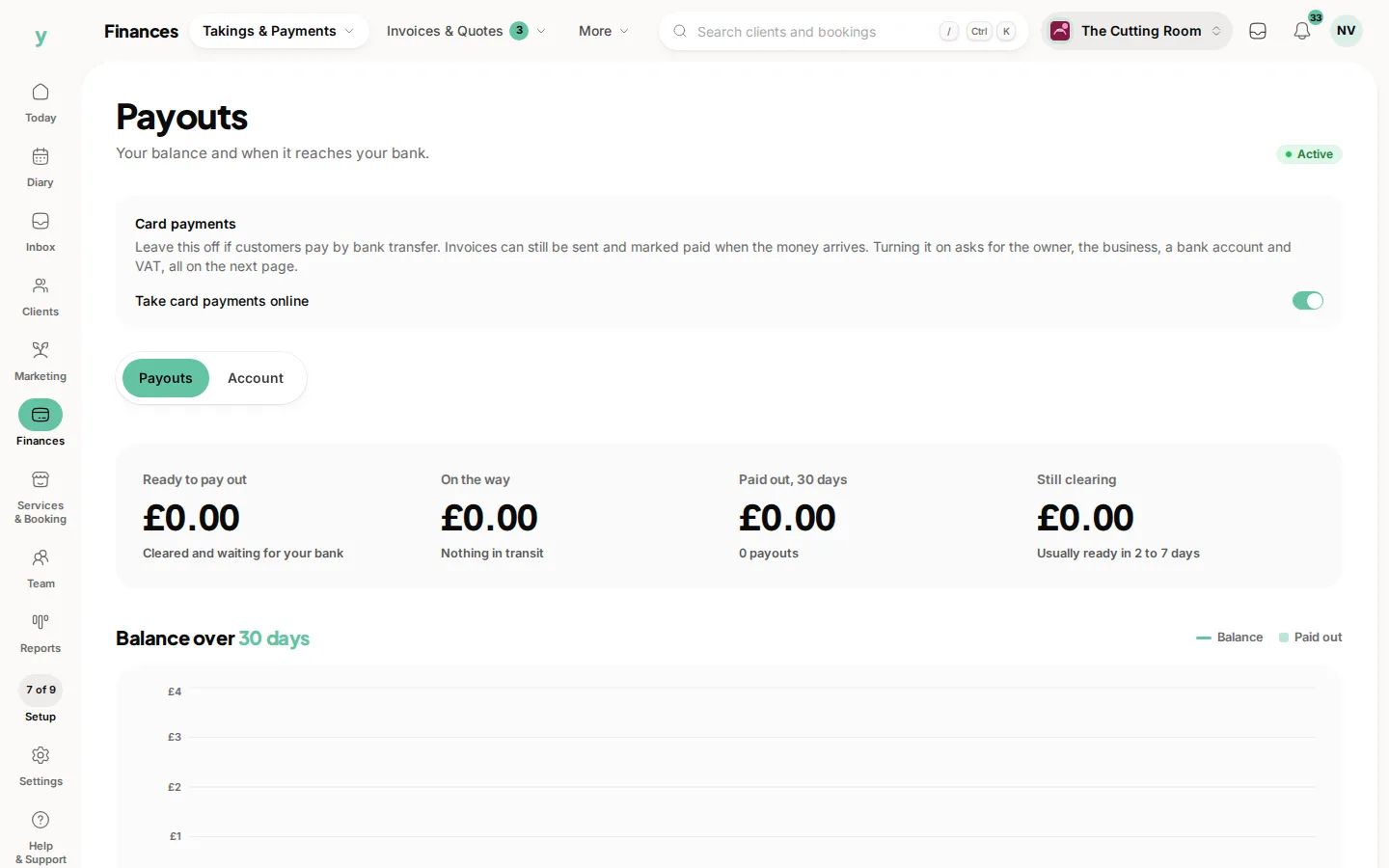
Yes. Connect them first under Finances, then Takings & Payments, then Payouts.
What if a customer cancels in good time?
Follow the policy you set and stated at booking. Returning it for genuine notice keeps customers.