
Before you can take card payments, deposits or online bookings, you need to connect your account to Stripe. Youzse uses Stripe to process every card payment securely, so your card details and your customers' never touch your own systems.
What you will need
- Your business or personal bank details for payouts
- A way to verify your identity (passport, driving licence or similar)
- Your business address and, if you have one, your company number
How to connect
- 1Go to Finances, then Takings & Payments, then Payouts.
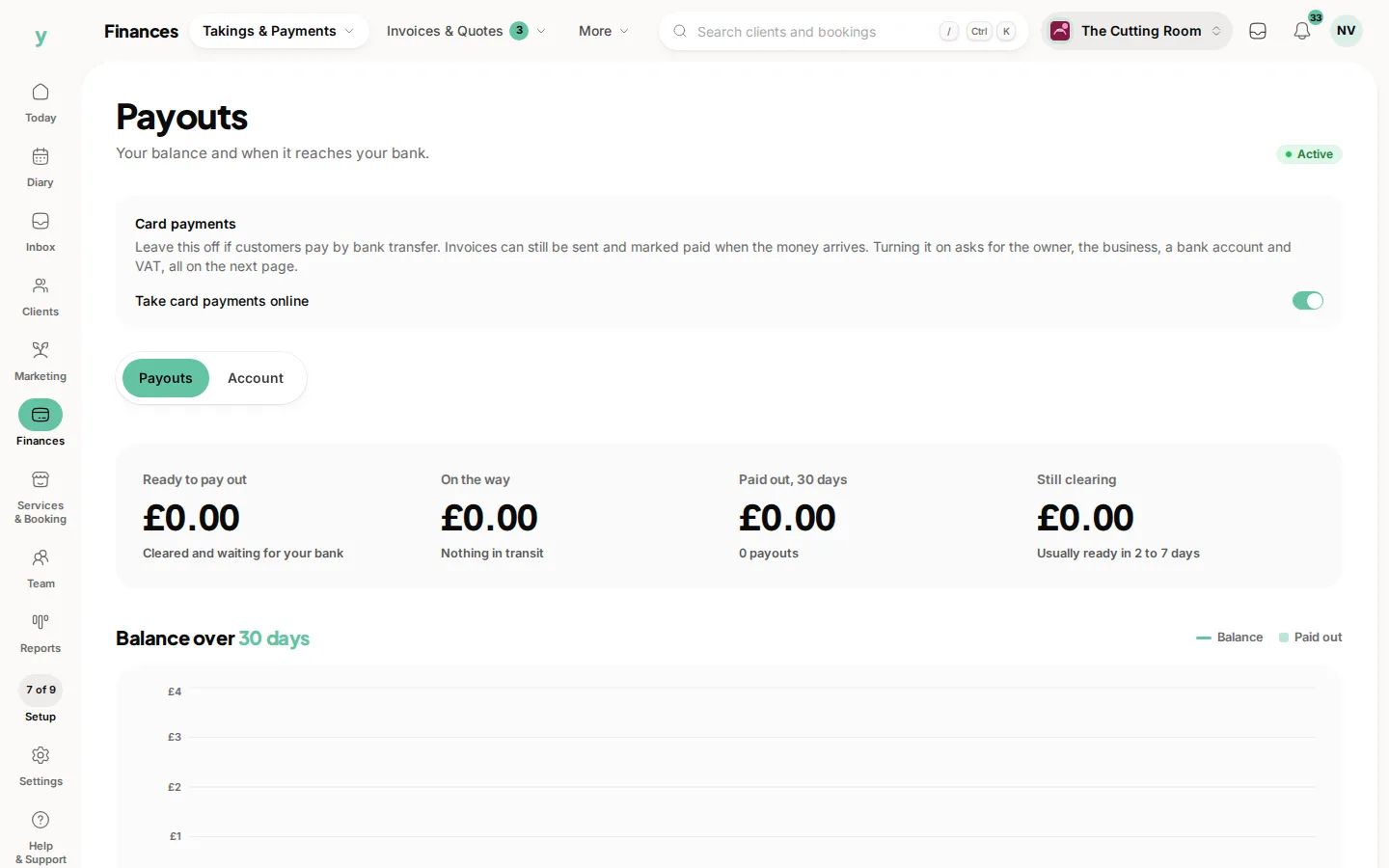
- 2Choose Set up online payments and follow the on-screen steps.
- 3Enter your business details, bank account and identity documents when prompted.
- 4Return to Youzse. Once Stripe confirms your details, Card payments shows Enabled.
Verification can take a few minutes, occasionally longer if Stripe needs to review a document. You can keep using the rest of Youzse while you wait.
Once you are connected you can
- Take card payments in person and online
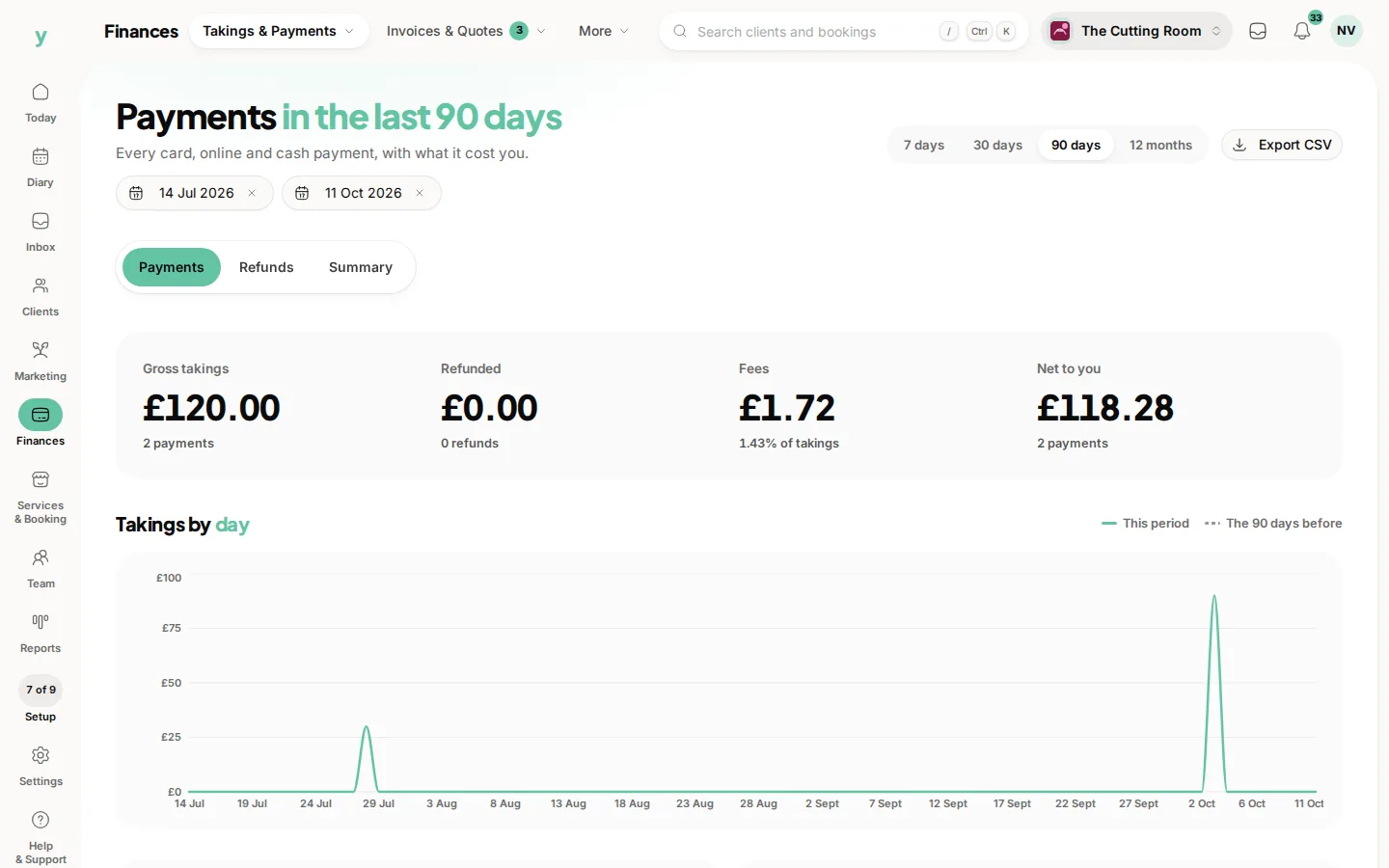
- Ask for deposits at the point of booking
- Send invoices and payment links
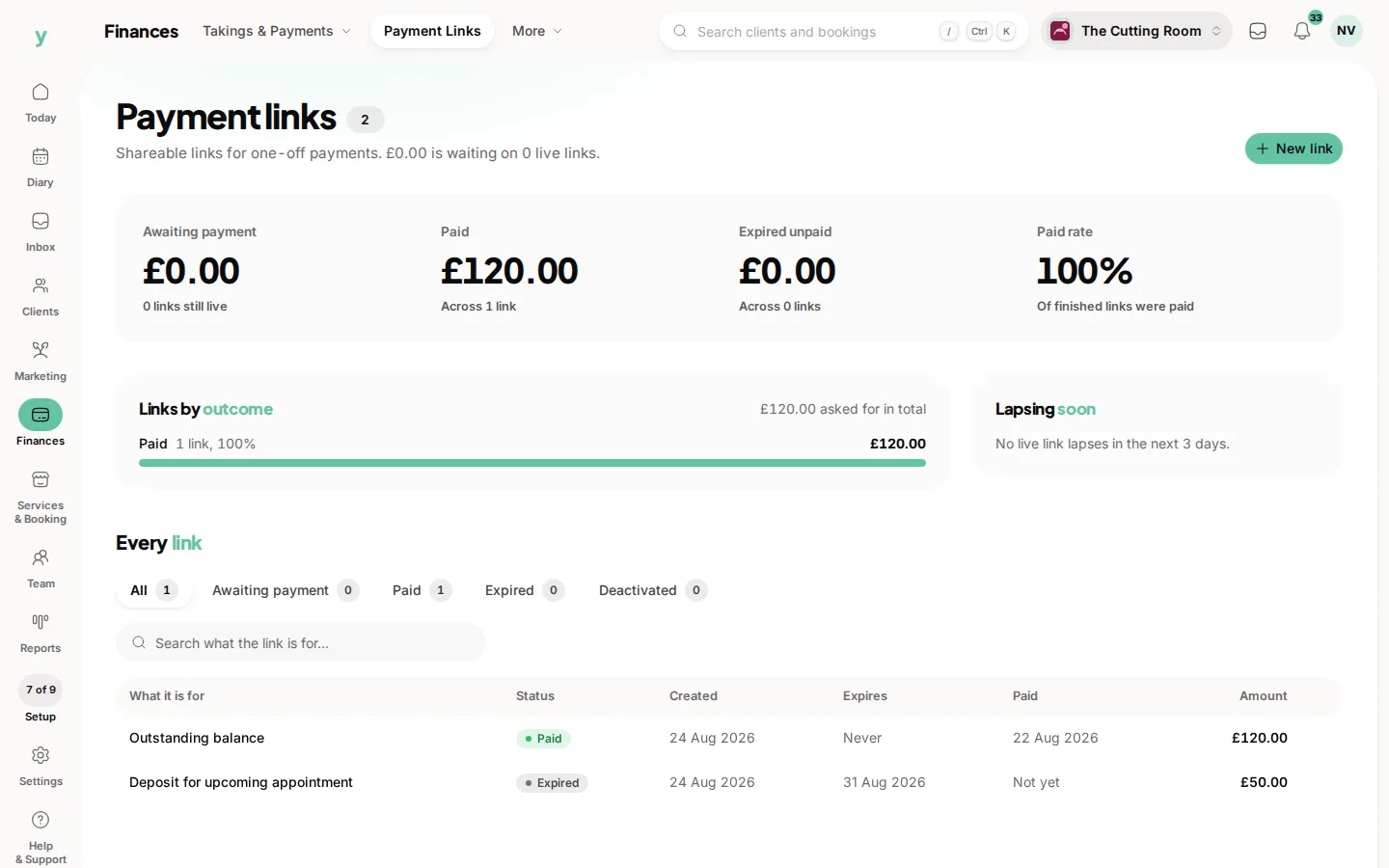
- Get paid out to your bank on a schedule that suits you
If Stripe asks for more information later, you will see a prompt on the Payouts page telling you exactly what is outstanding. Keeping your details up to date means your payouts are never held up.
Common questions
What do I need to connect payments?
Your business details and bank account. Verification is part of the process and is required before payouts run.
Can I take bookings before payments are set up?
Yes. Choose Set up online payments when you are ready and carry on being paid however you do now.
Why are my payouts on hold?
Usually because account verification is outstanding. Check Finances, then Takings & Payments, then Payouts.