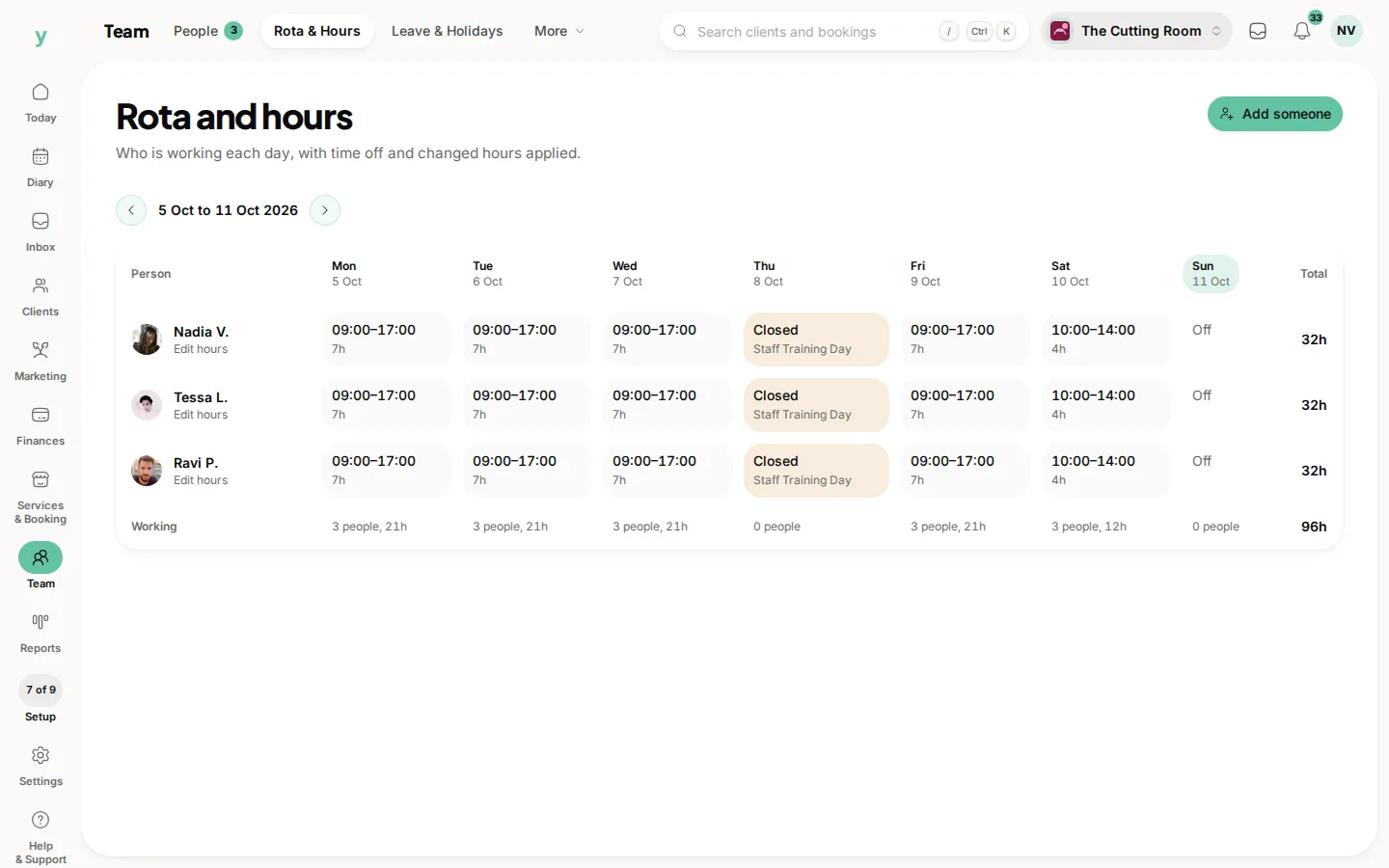
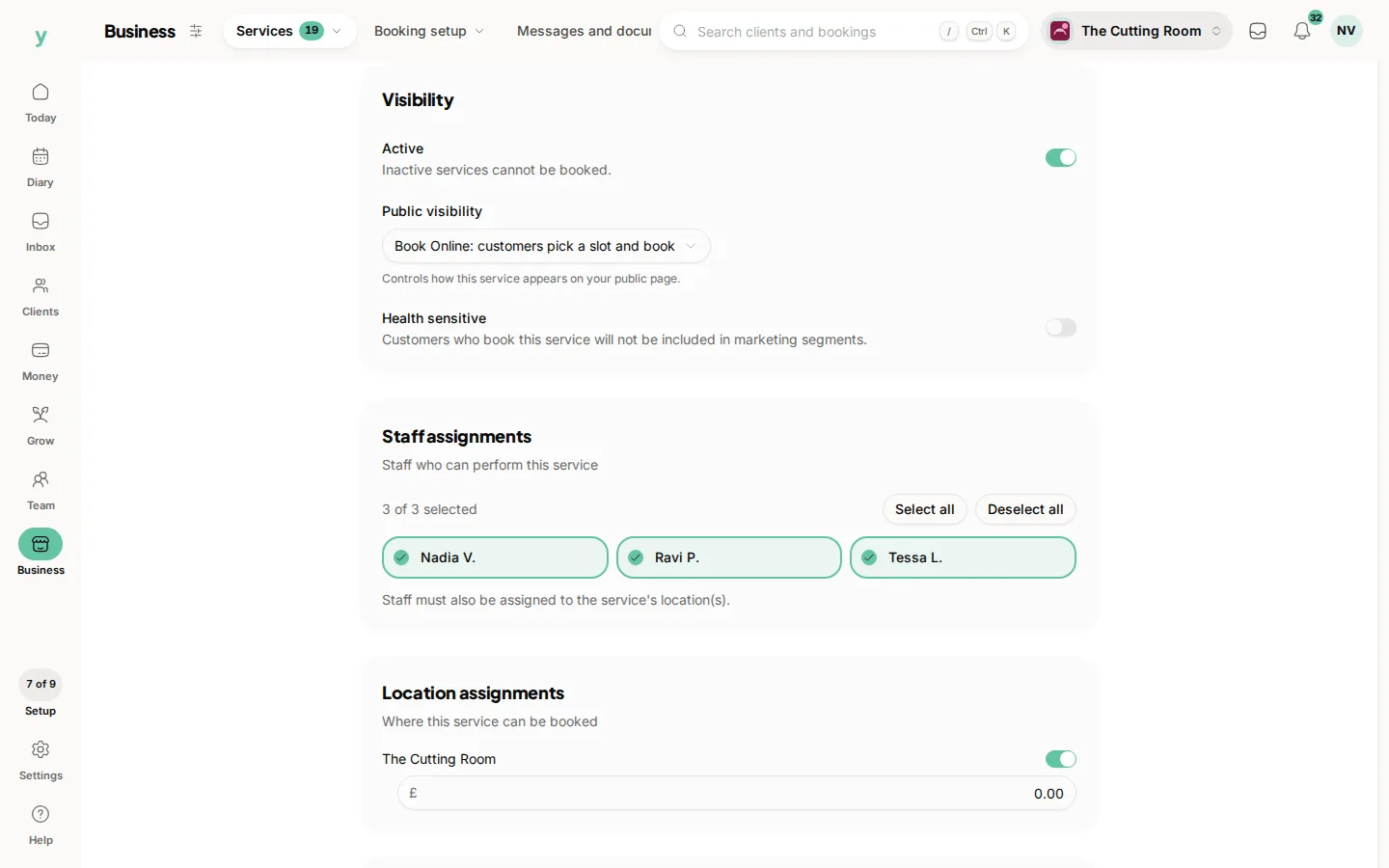
Go to Services & Booking, then Services and set who can do each one. A customer booking a service then sees only the people who actually perform it.
Why it matters
Without this, a customer can book a colour with somebody who does not colour. You find out on the day and the choice is between letting them down or doing work the person is not trained for.
It is not just about skill
Use it for anything that should limit who takes the work. Training levels, certifications, senior pricing or a treatment only one room is equipped for.
Different prices for different people
Where a senior member of staff charges more, that is usually a separate service assigned only to them. It keeps the booking page honest about what each person costs.
After importing
Which staff do which services is almost never in an export, so it is one of the first things to set up after a migration. Until you do, availability will look wrong.
Common questions
What if everyone does everything?
Assign every service to everyone. Small teams often work that way and that is fine.
Can a customer pick any staff member?
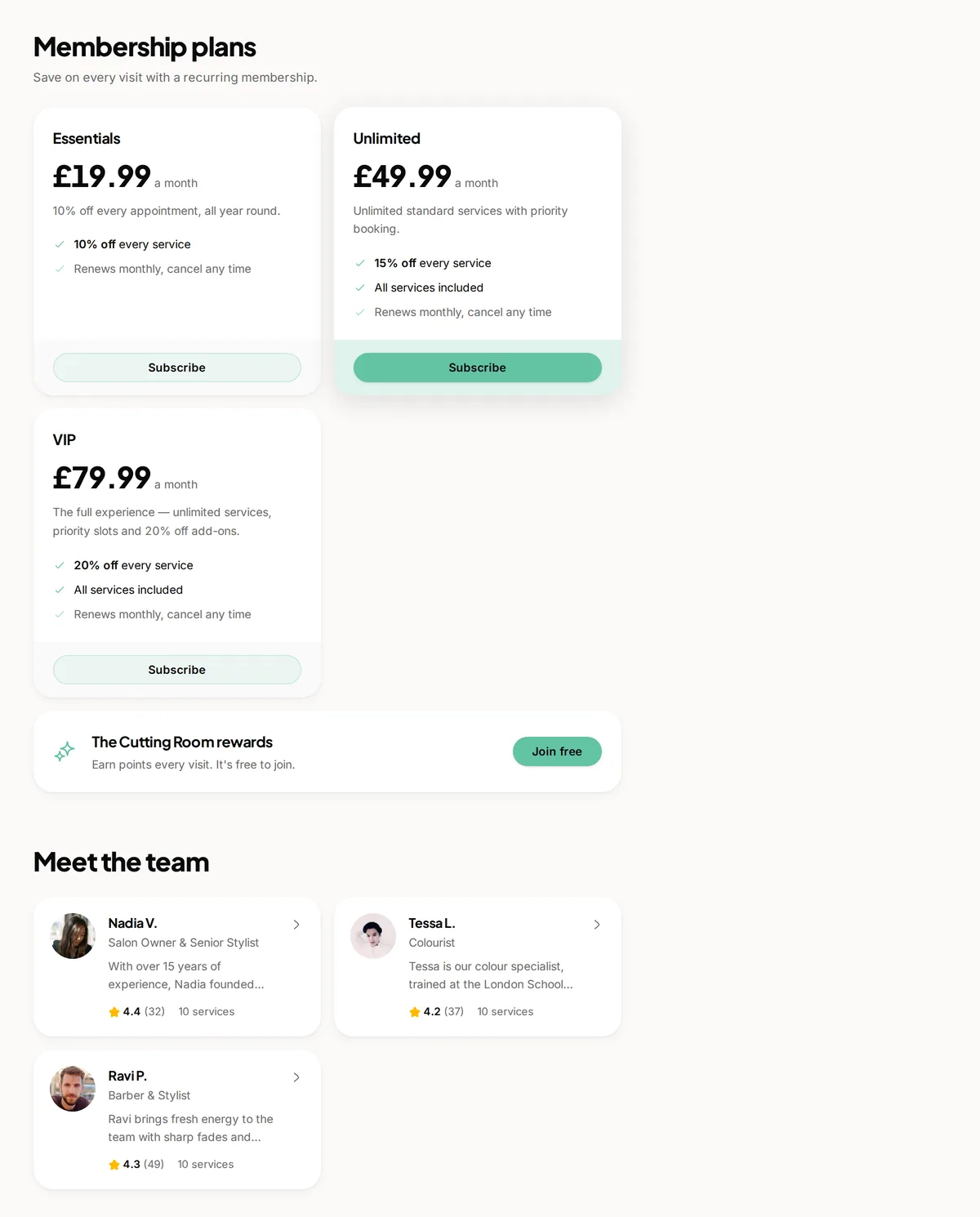
Only those assigned to the service they chose. An any-available option lets them not care, which fills your diary more evenly.
Someone is missing from a service. Why?
Either they are not assigned to it or they have no working hours. Check the assignment first.