
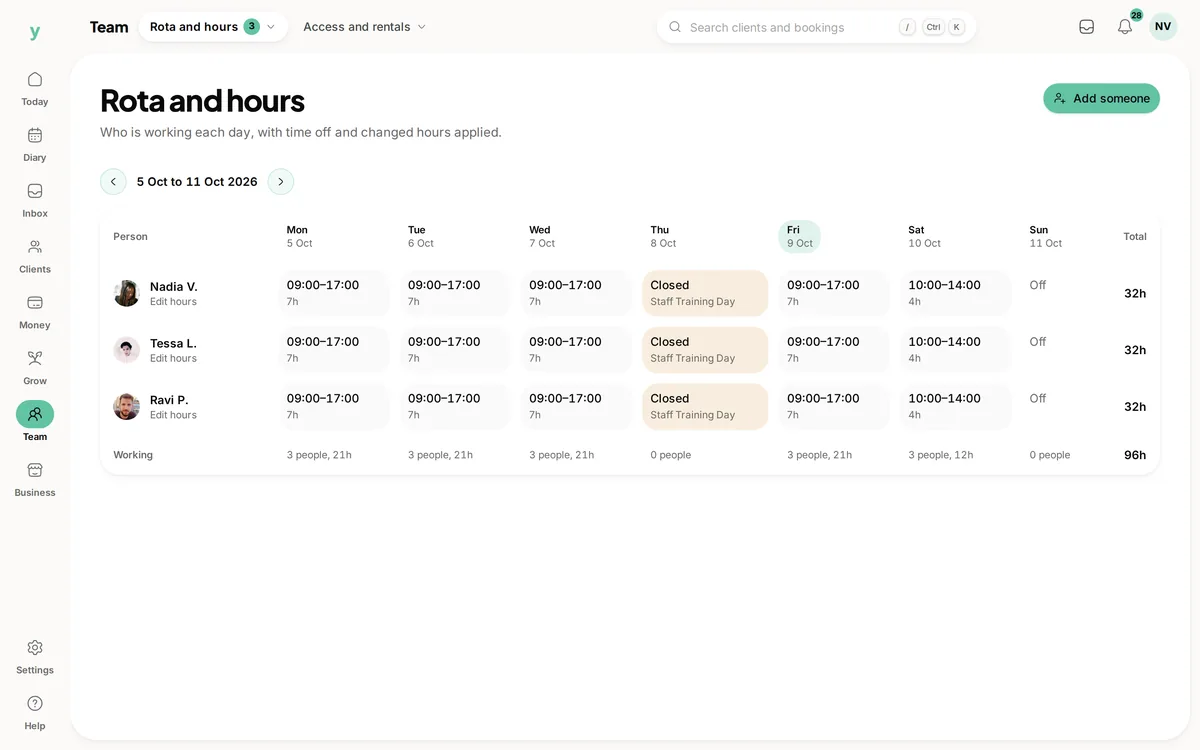
Go to Team, then Rota & Hours and set the person's working hours. Those hours are what generate the bookable slots customers see for them.
Business hours and staff hours
Your business hours say when you are open. Staff hours say when each person works. Somebody can only be booked when both allow it, which is how a part-timer works correctly inside a shop that opens six days.
Get these right first
Almost every complaint that no slots are showing comes back to working hours. Before looking at anything else, check the person actually has hours set for the day in question.
Breaks
Set lunch and regular breaks as part of the pattern so they are protected automatically. Relying on remembering to block them out is how people end up working through lunch.
Changing them later
Changing hours affects future availability. Bookings already taken stay where they are, so shortening a day does not silently cancel somebody's appointment. Move those yourself.
Common questions
Why can nobody book with a particular staff member?
Nine times out of ten they have no working hours set. Check that before anything else.
Can hours differ week to week?
Set the usual pattern, then use time off for the exceptions. That is easier to maintain than a pattern that changes constantly.
Do working hours stop me adding a booking myself?
No. You can always add a booking yourself. Working hours govern what customers can book online.