
Suppliers holds the factors and merchants you buy from. Purchase orders records what you have ordered from them, at what price and for which job.
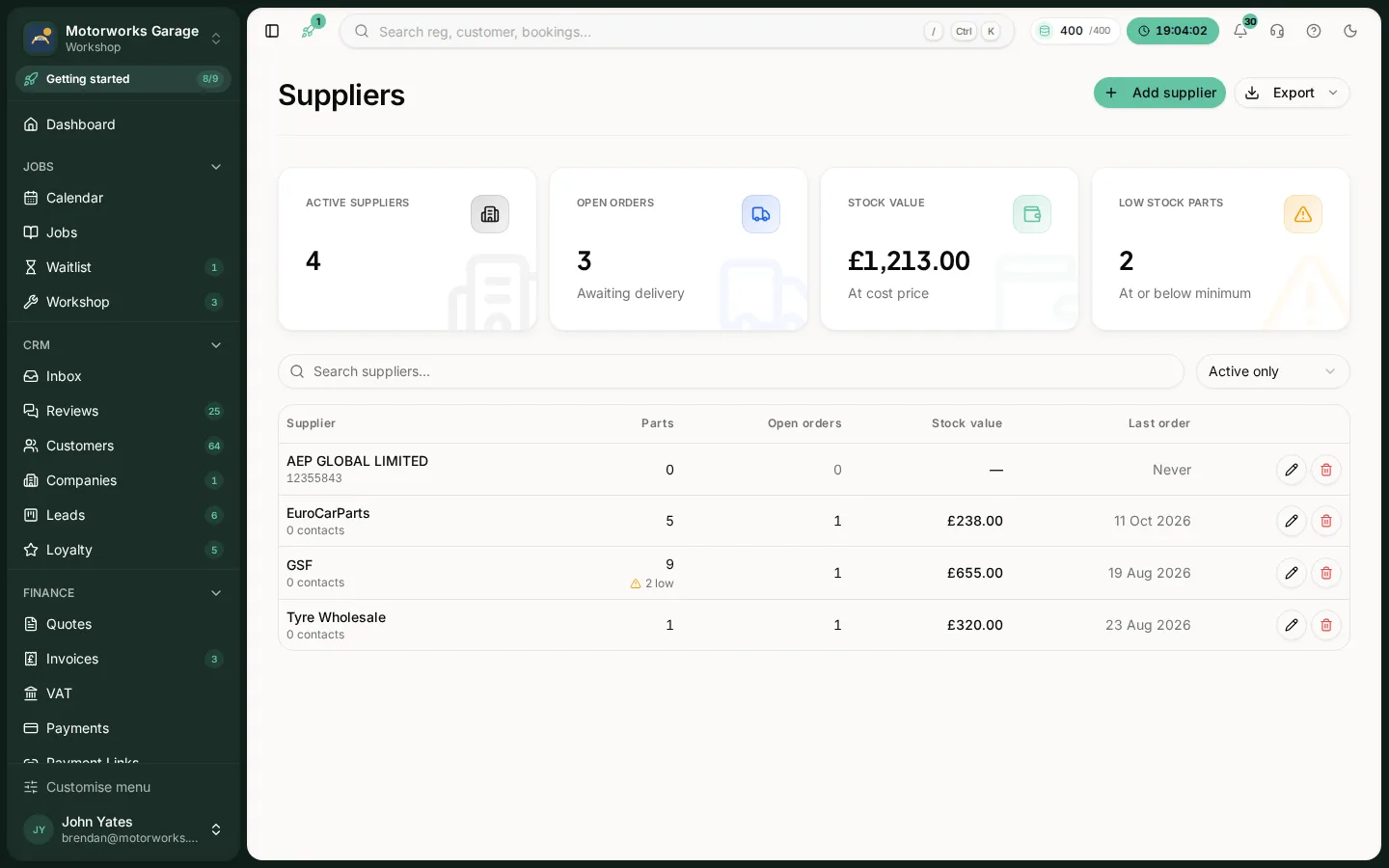
Go to Workshop, then Stock, then Purchase orders.
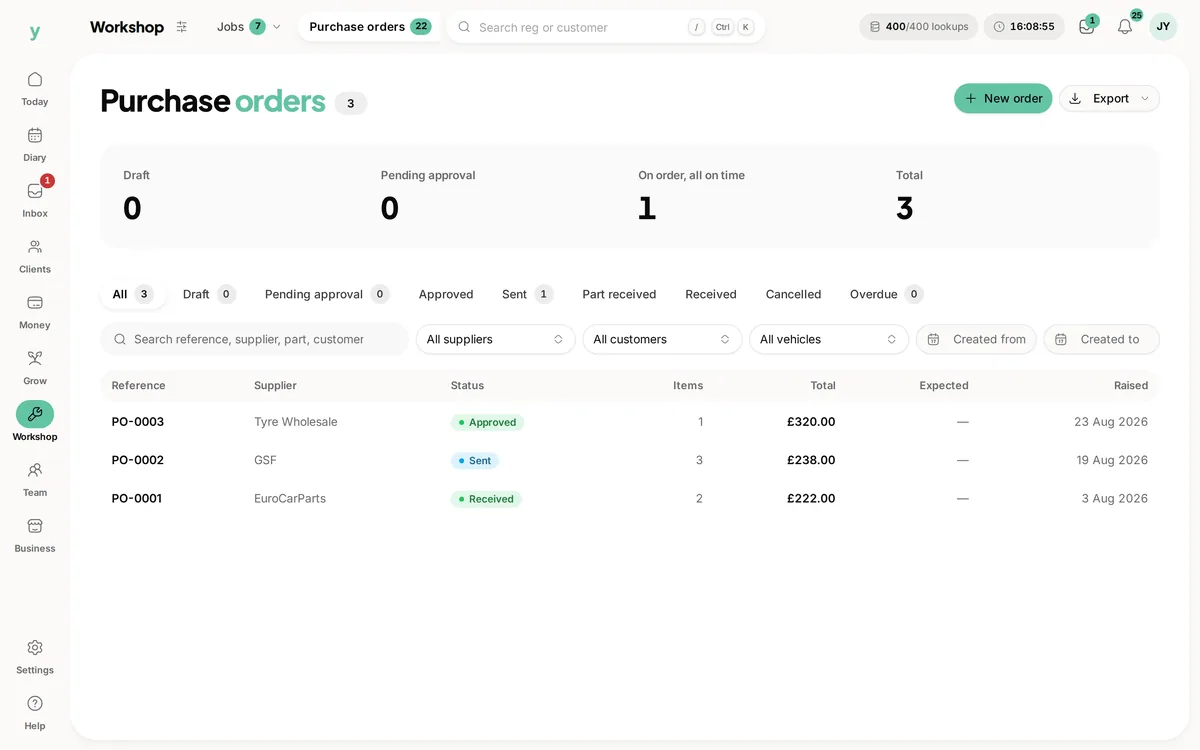
Why write purchase orders down
Because otherwise the answer to what a job cost you is a guess. A purchase order ties the part, the price and the job together, which is the only way to know whether the work made money.
The states an order moves through
It starts as a draft, can wait for approval, is sent to the supplier, then is marked Part received or Received as the parts arrive. Seeing what is still outstanding tells you which jobs are waiting on deliveries.
Receiving properly
Mark orders received when the parts actually turn up. An order left open looks like a part you are still waiting for. That is the thing that keeps a car in a bay for an extra day.
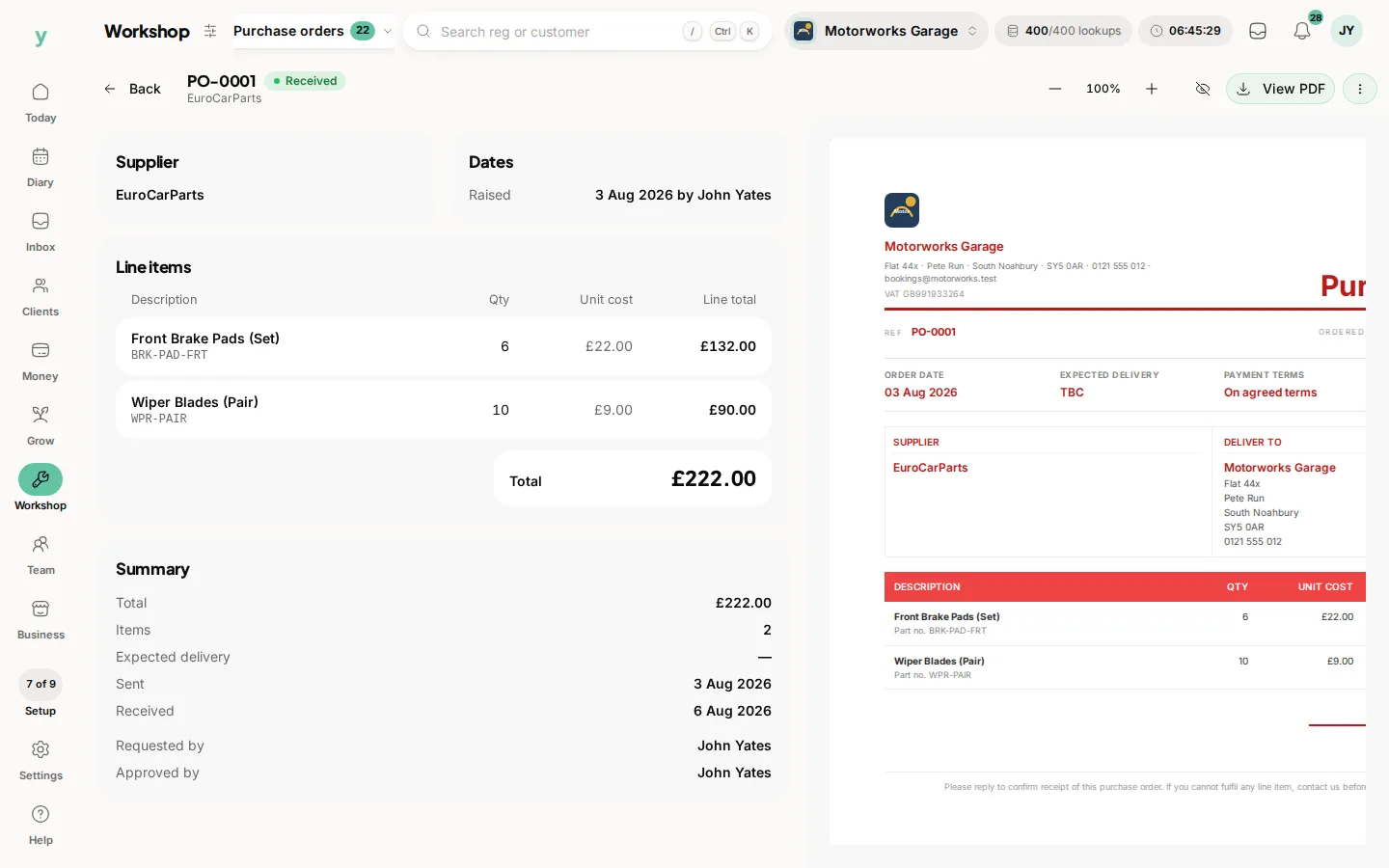
Supplier records
Keep the account number, contact and terms on the supplier. It is the information you want when a delivery is wrong and you need somebody on the phone quickly.
Importing suppliers
A supplier list from an accounting export can be imported as companies. Sage and QuickBooks exports carry the details you need.
Common questions
Can I send a purchase order to the supplier?
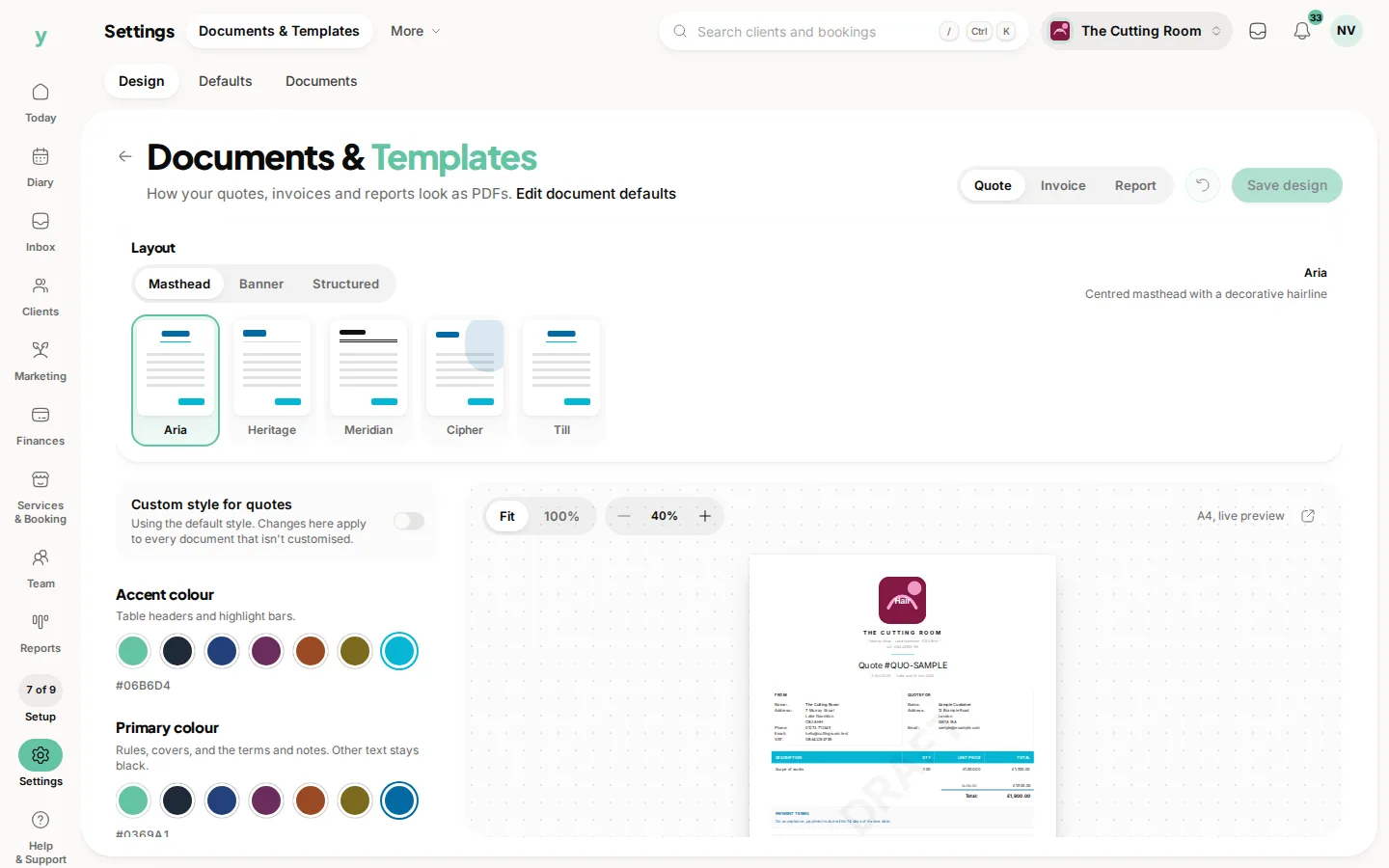
Purchase orders are produced as documents you can send, with your own branding from Settings, then Documents & Templates.
What happens when part of an order arrives?
Record what came in. The rest stays outstanding so it is still visible.
Do purchase orders affect my invoices?
They record what you spent. What you charge the customer is set on the job and the invoice.