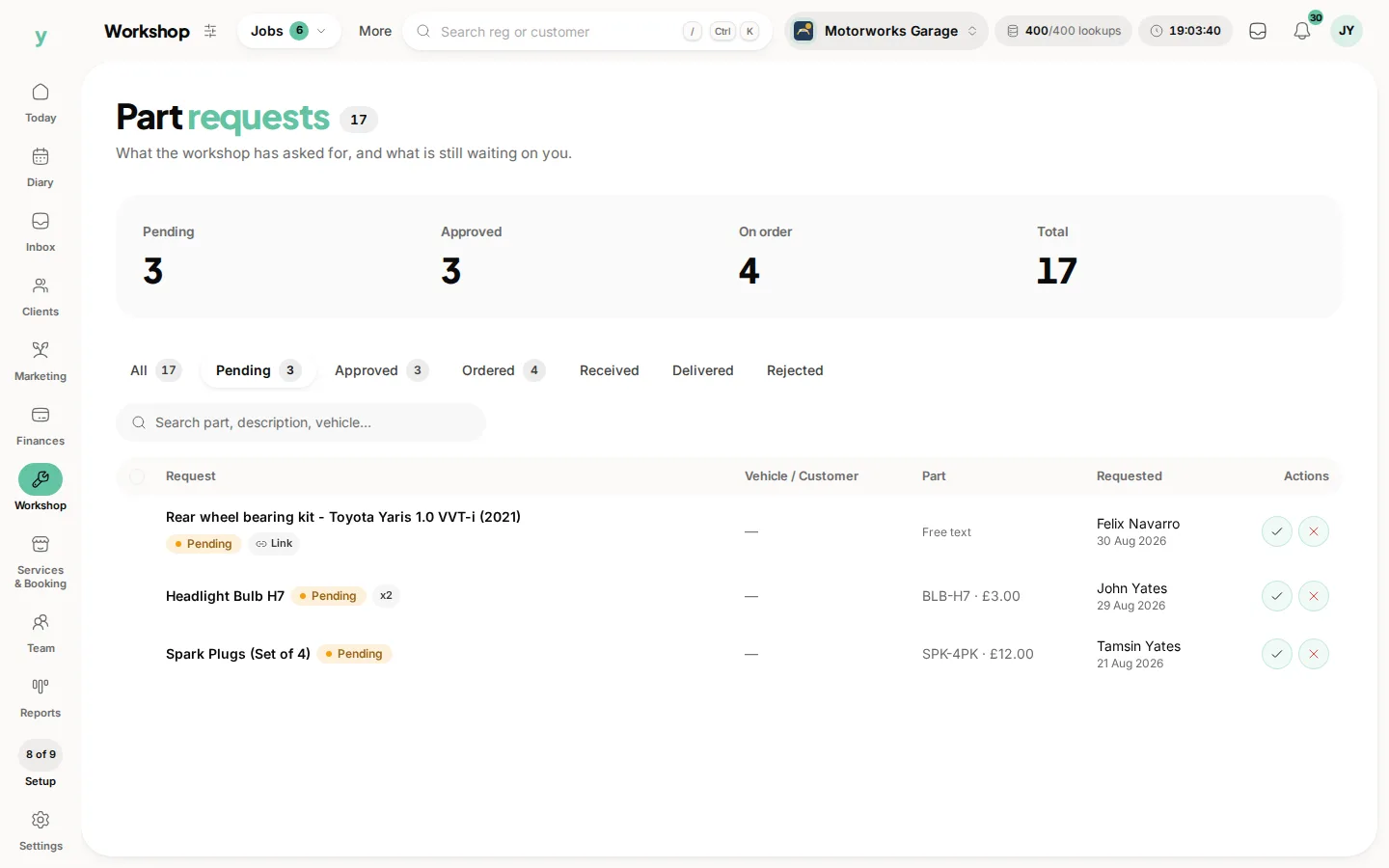
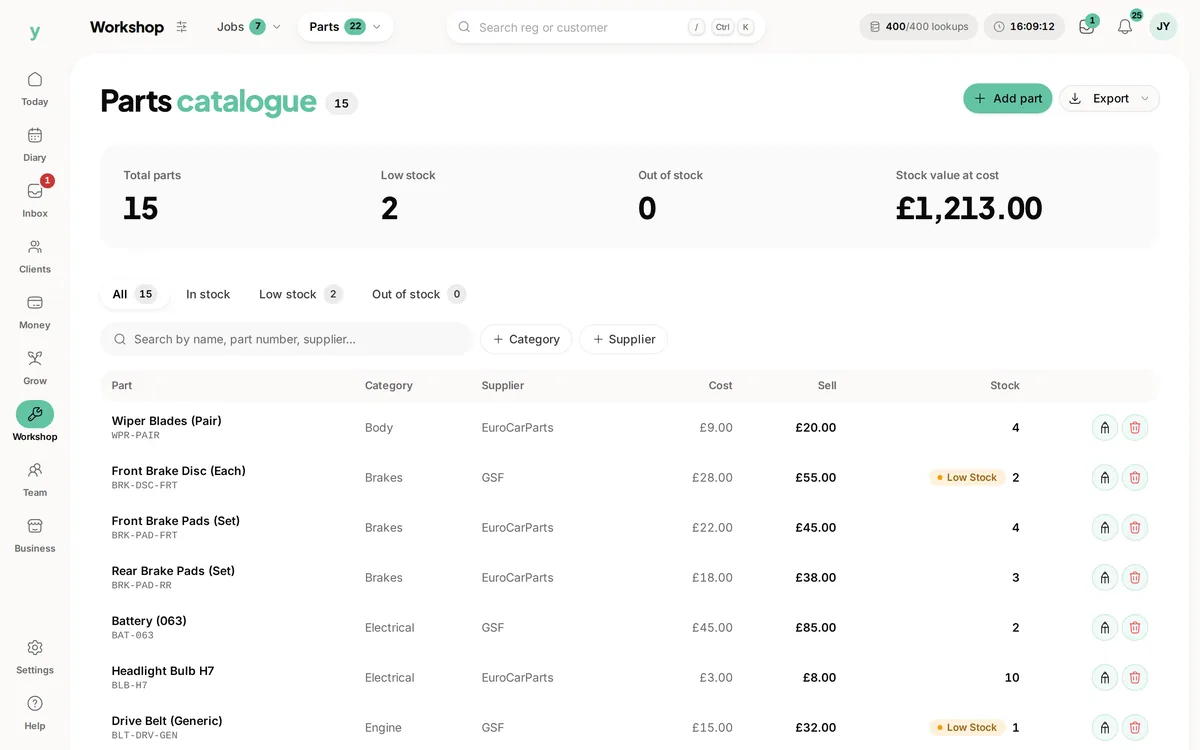
Go to Workshop, then Stock, then Parts. It is the catalogue of parts you fit, with the details and costs you need to price a job.
Why keep a catalogue
Because you fit the same parts repeatedly. Having them recorded means a job is priced from what you actually paid rather than from memory. The margin on a job becomes a number rather than a hope.
What to put in it
Start with what you fit most often. Filters, pads, discs, bulbs, wiper blades, oil. The long tail of parts you have fitted once is not worth typing in.
Costs and prices
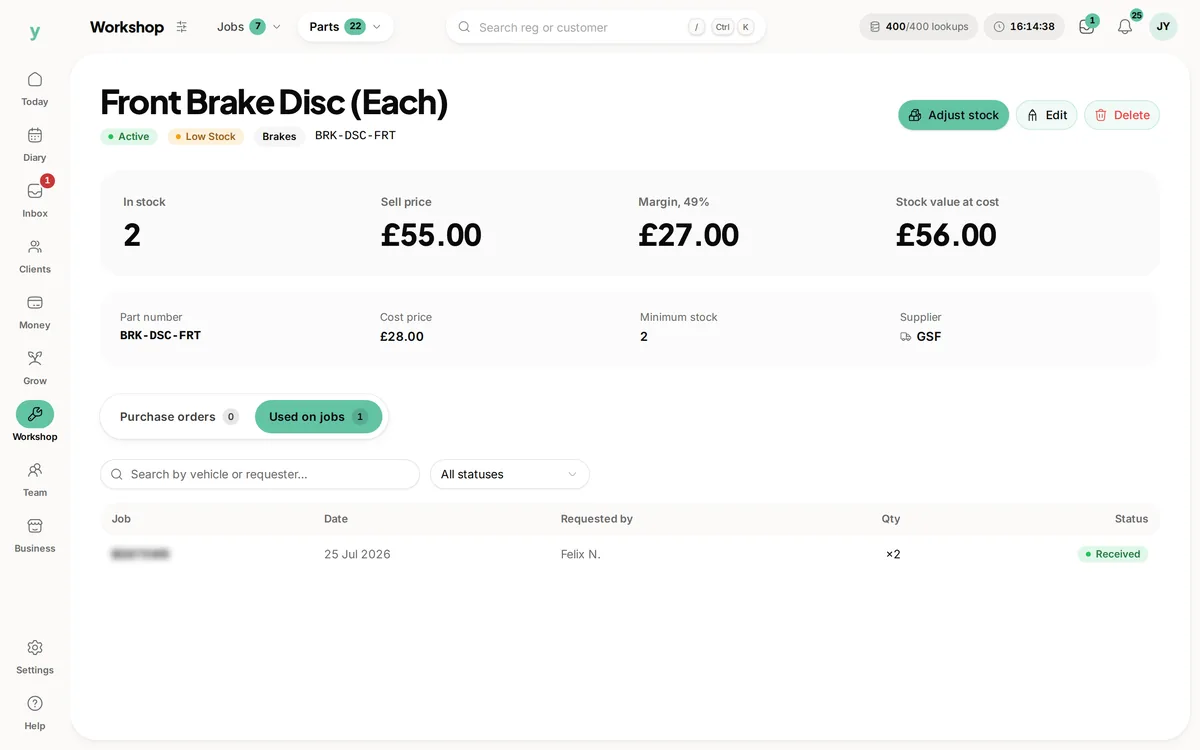
Record what you pay so you can see the margin. A part whose cost has crept up over two years while your price stayed the same is invisible until it is written down.
Parts on a job
Parts are added to a job as they are used, which is what puts them on the invoice and keeps the job costing honest.
Common questions
Do I have to add every part I fit?
No. Build up the ones you use often and add the rest as one-offs on the job.
Does this track stock levels?
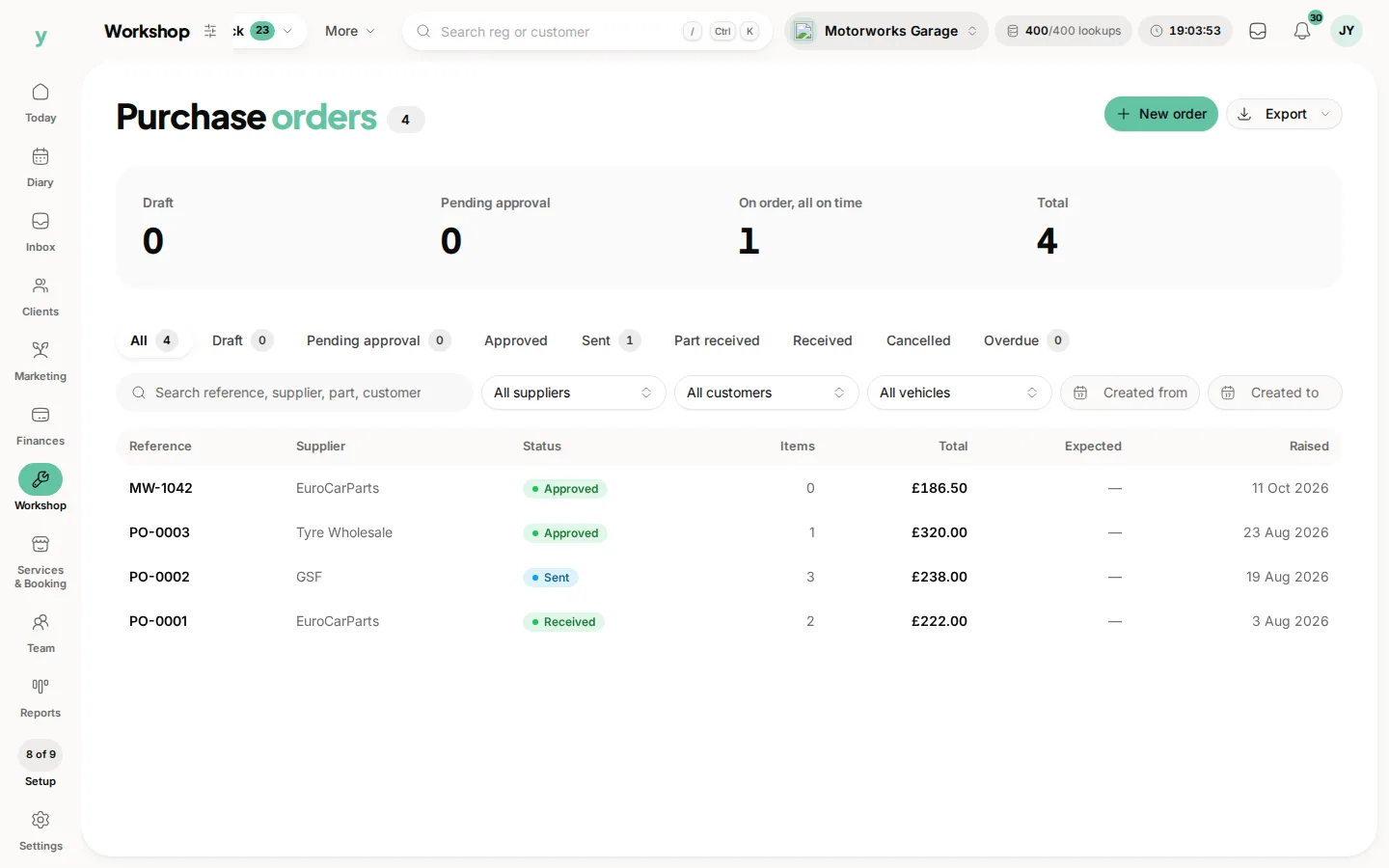
The catalogue holds your parts and their costs. Purchase orders records what you have ordered from suppliers.
Can a mechanic add a part themselves?
A mechanic on a live job raises a part request, which goes for approval rather than straight onto the job.