
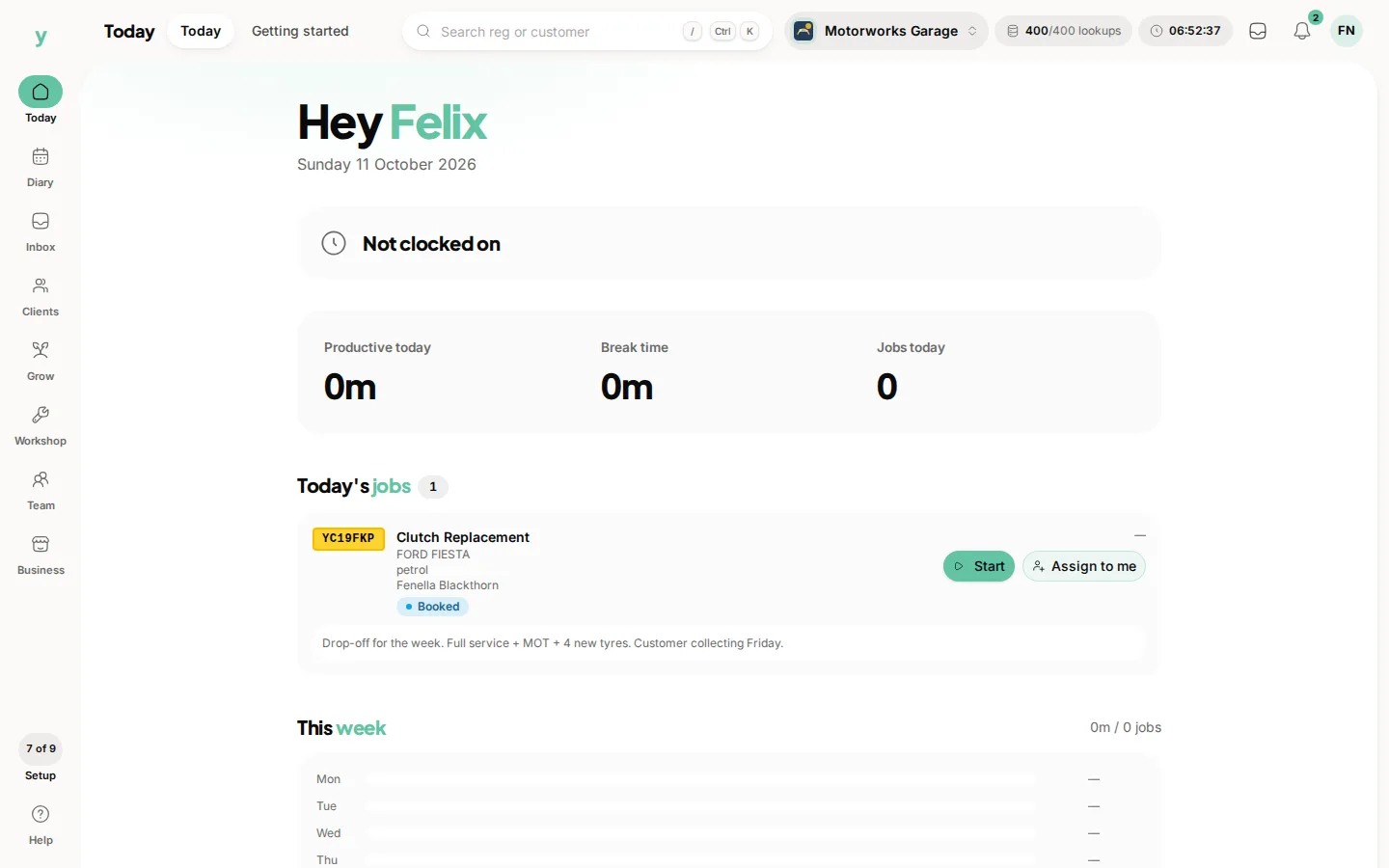
A mechanic in a garage opens Today and lands here. Owners and managers stay on the usual Today screen. My Workshop is the mechanic's own view. It shows the jobs assigned to them. Start begins a job, Done finishes it and Break pauses it.
Why a separate view
A mechanic with oily hands and a phone needs today's jobs and a way to record time. Giving them the full system is slower for them and grants access nobody needs.
Clocking on and off
Time on a job is recorded with Start and Done. The status shows Working, On break or Not clocked on, which is how you tell whether a job has actually been started.
Clock off at the end of the day
A session left running overnight produces a job that appears to have taken eighteen hours. Get into the habit of choosing Done and check at the end of the day for anything still showing Working.
Permissions
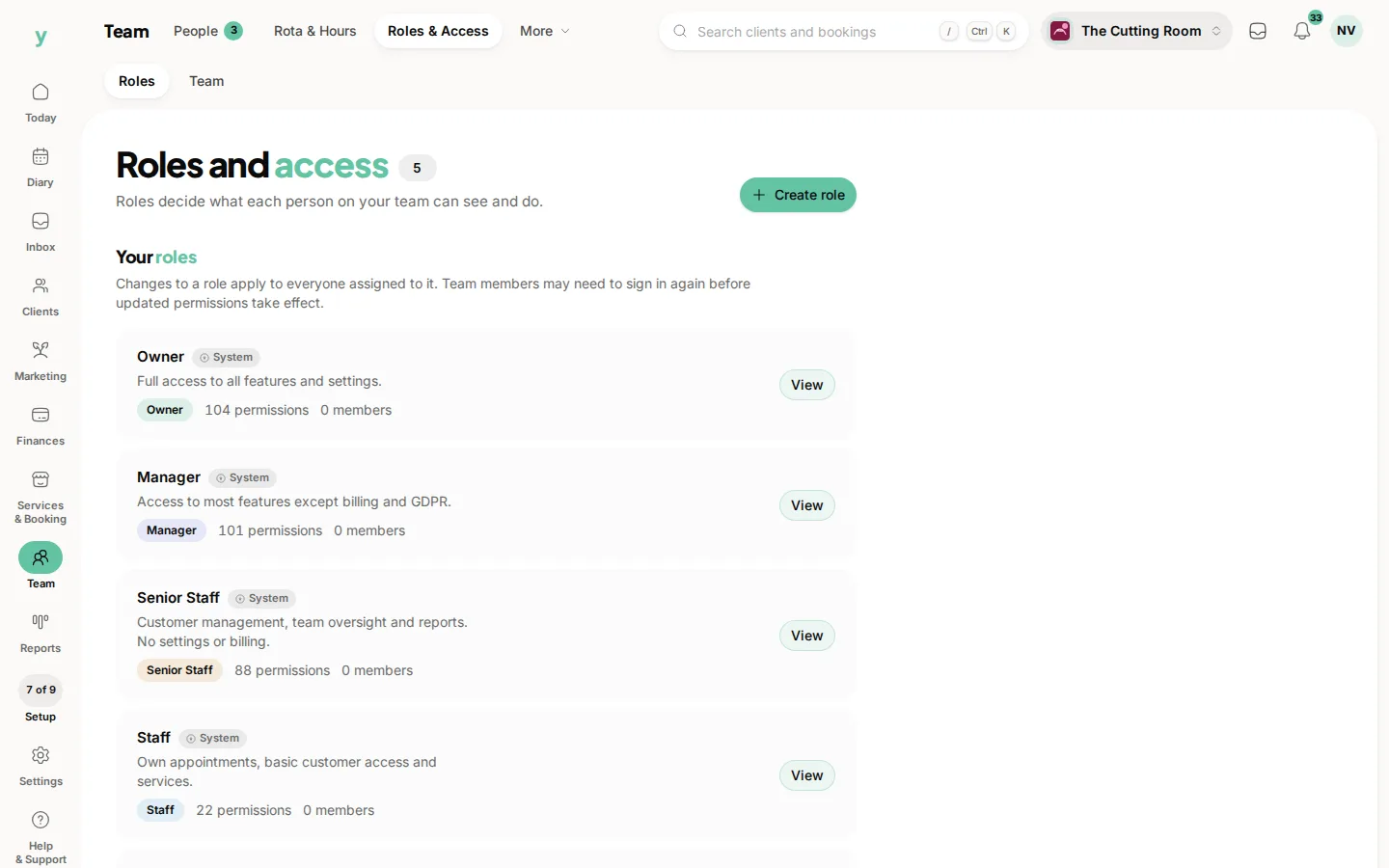
What a mechanic sees is controlled by their role. A role with the workshop and their own jobs but not settings, billing or reports is the usual shape.
Common questions
Can a mechanic see other people's jobs?
My Workshop shows their own. Whether they can reach the full board depends on their role.
What if somebody forgets to finish a job?
Look for anything still showing Working and choose Done. A forgotten session skews any time reporting you do.
Does clocking on start the job?
Start records that the mechanic is working on it, which is what tells the office the car has been started.