
Garage Pro is the version of Youzse built for garages and workshops. It adds a set of pages the standard product line does not have at all.
What appears on the rail
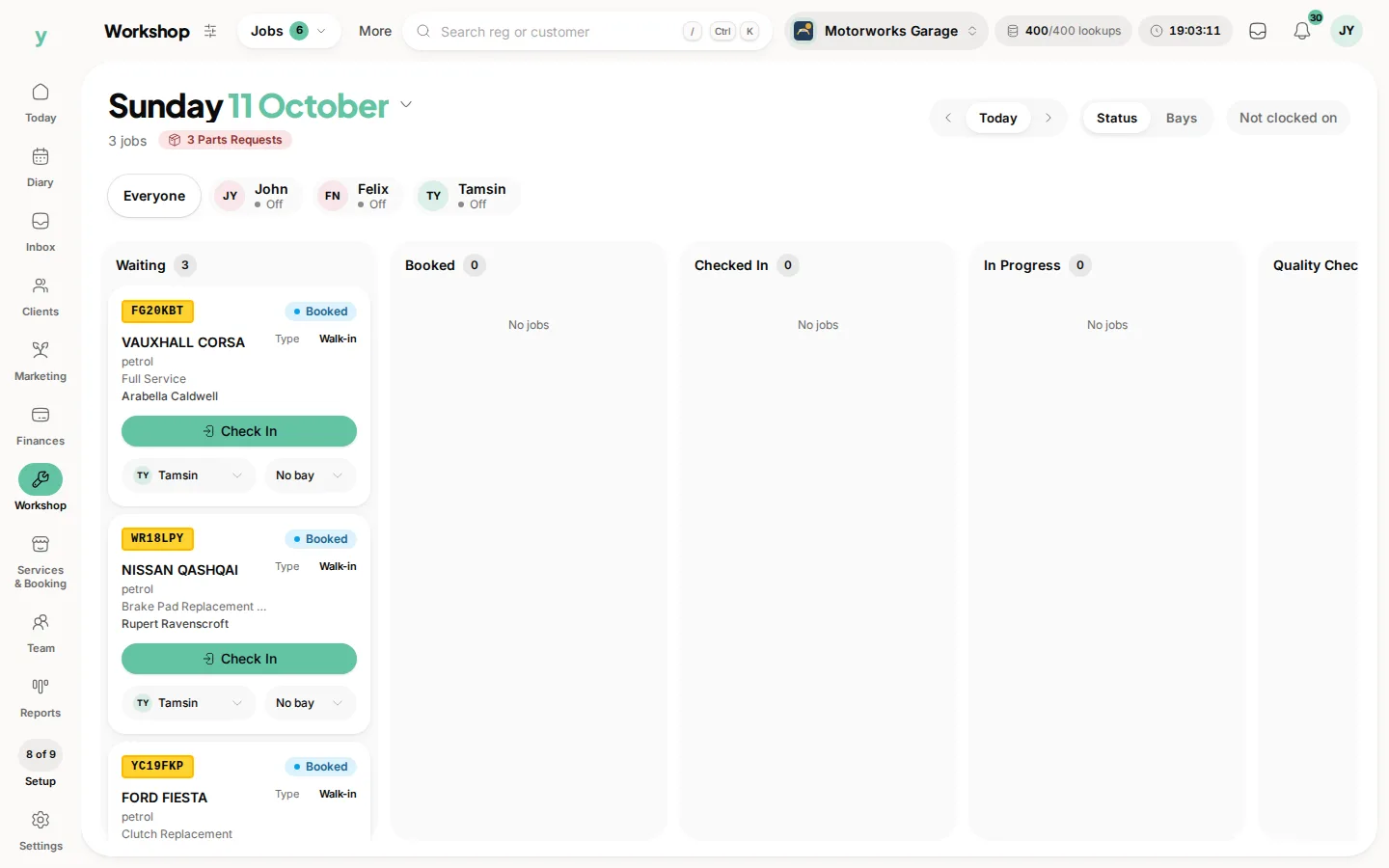
Workshop is a category on the rail. Jobs holds
- Job board, for running jobs through bays and mechanics
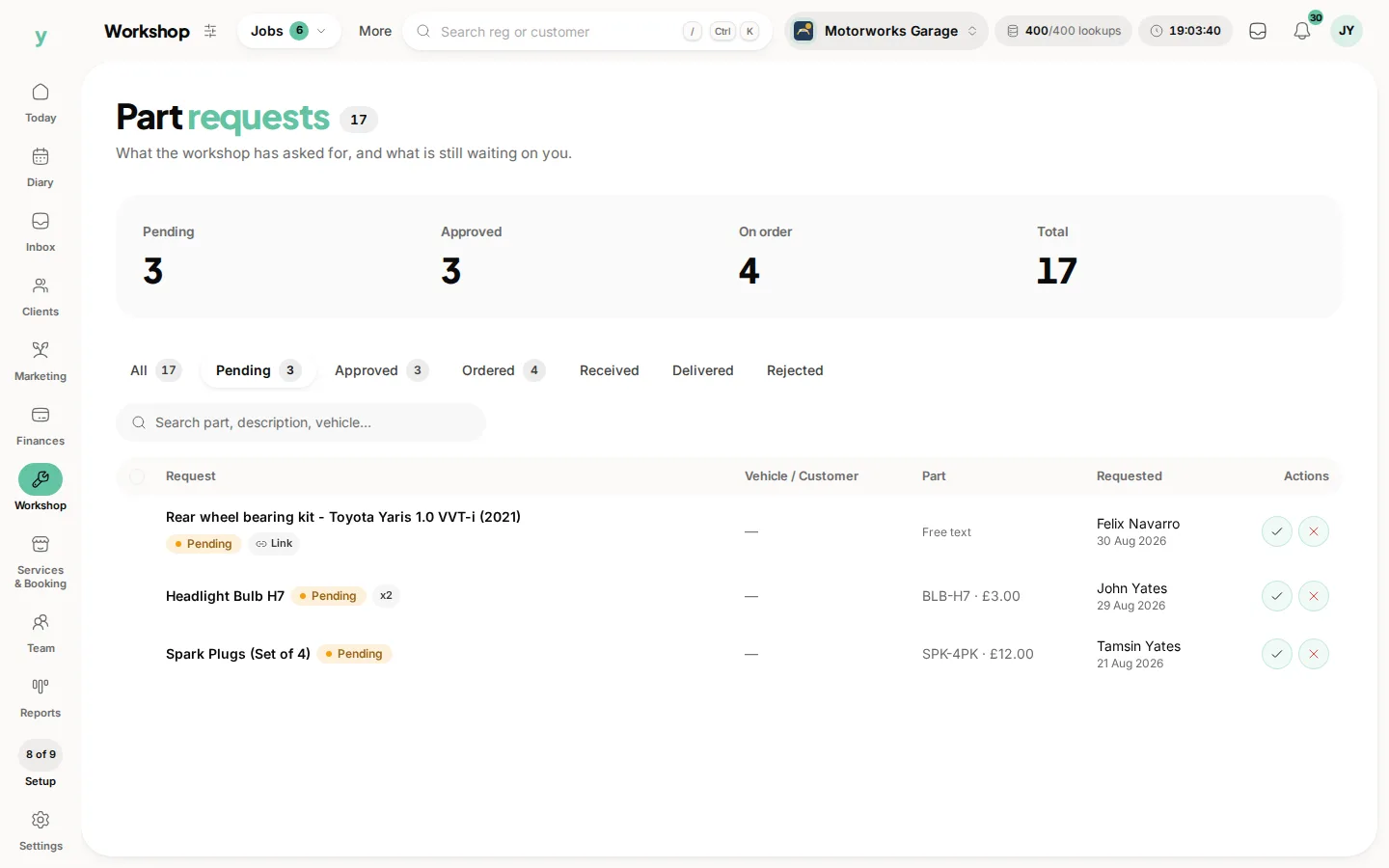
- Part requests, for parts a mechanic needs on a live job
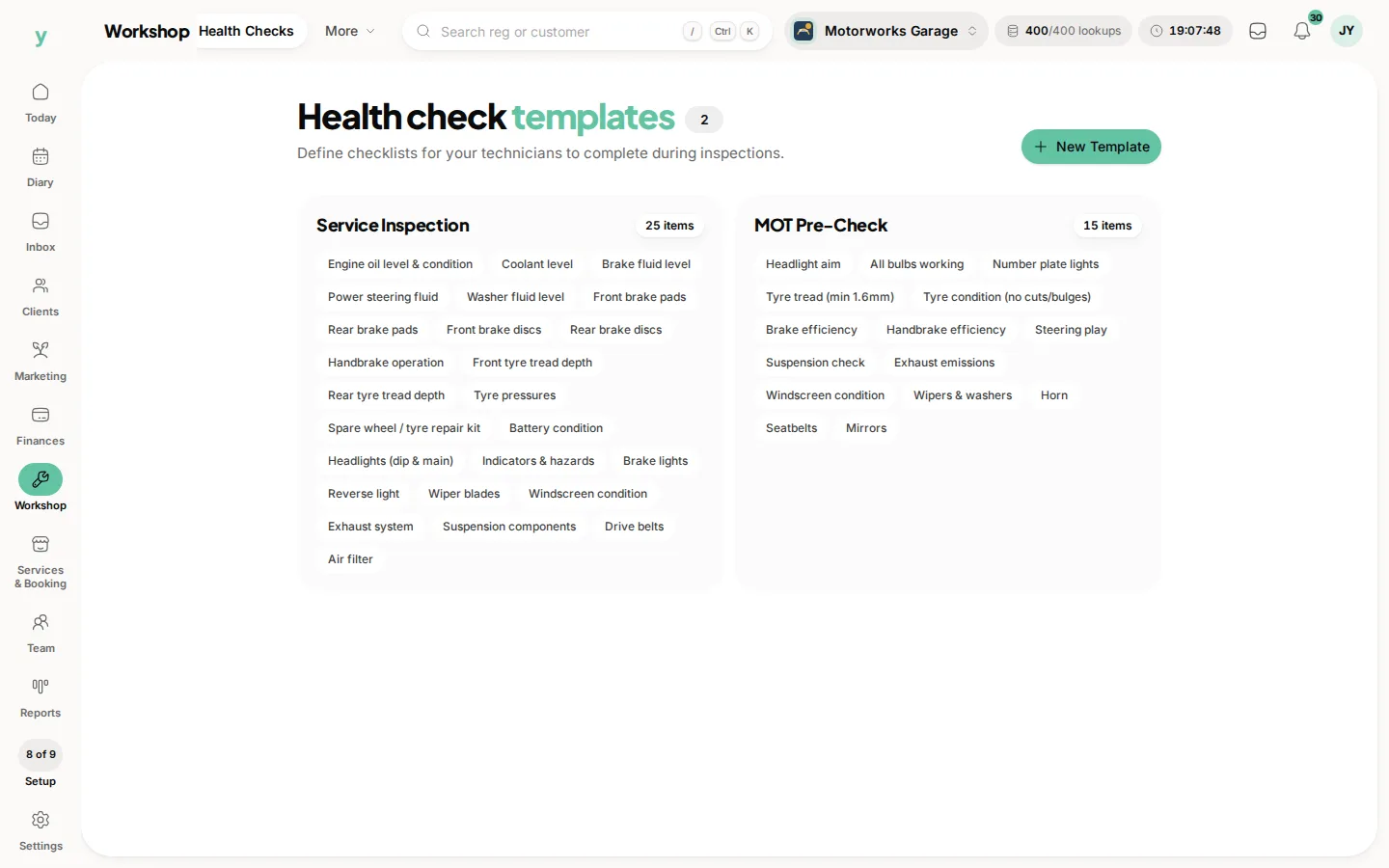
Health Checks is its own pill
- Health checks, for your health check templates
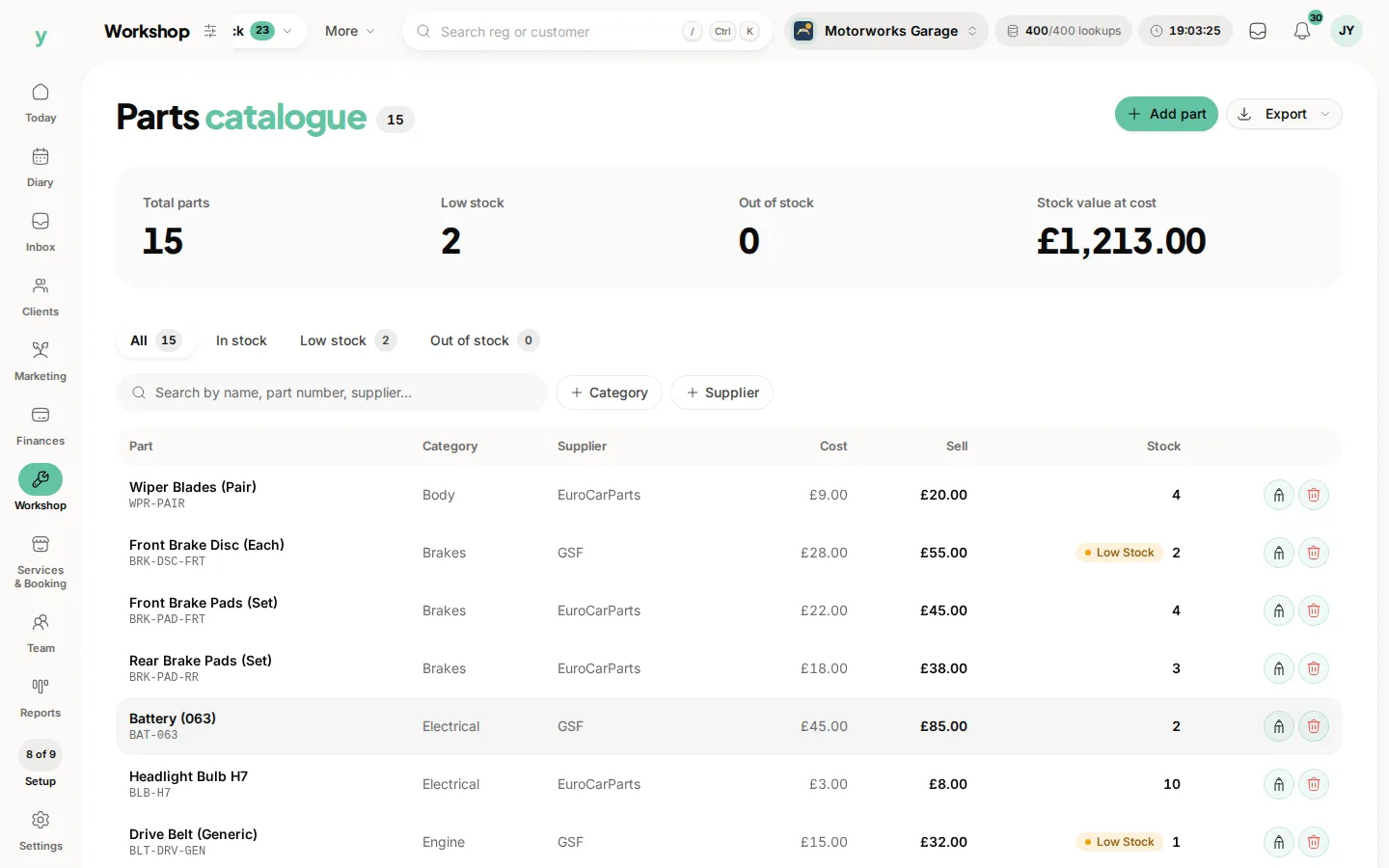
Stock holds
- Parts, for your parts catalogue
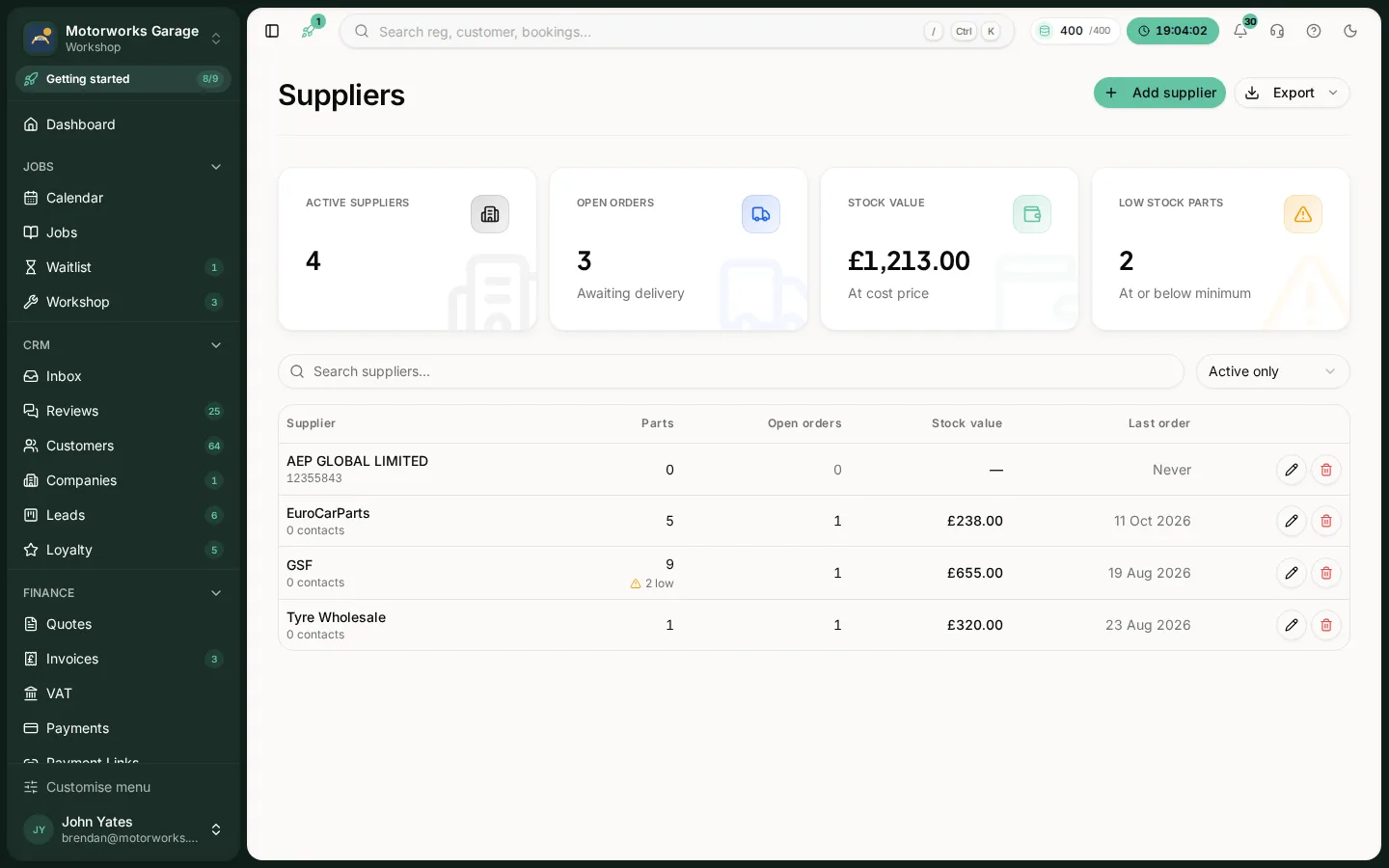
- Suppliers, for the factors you buy from
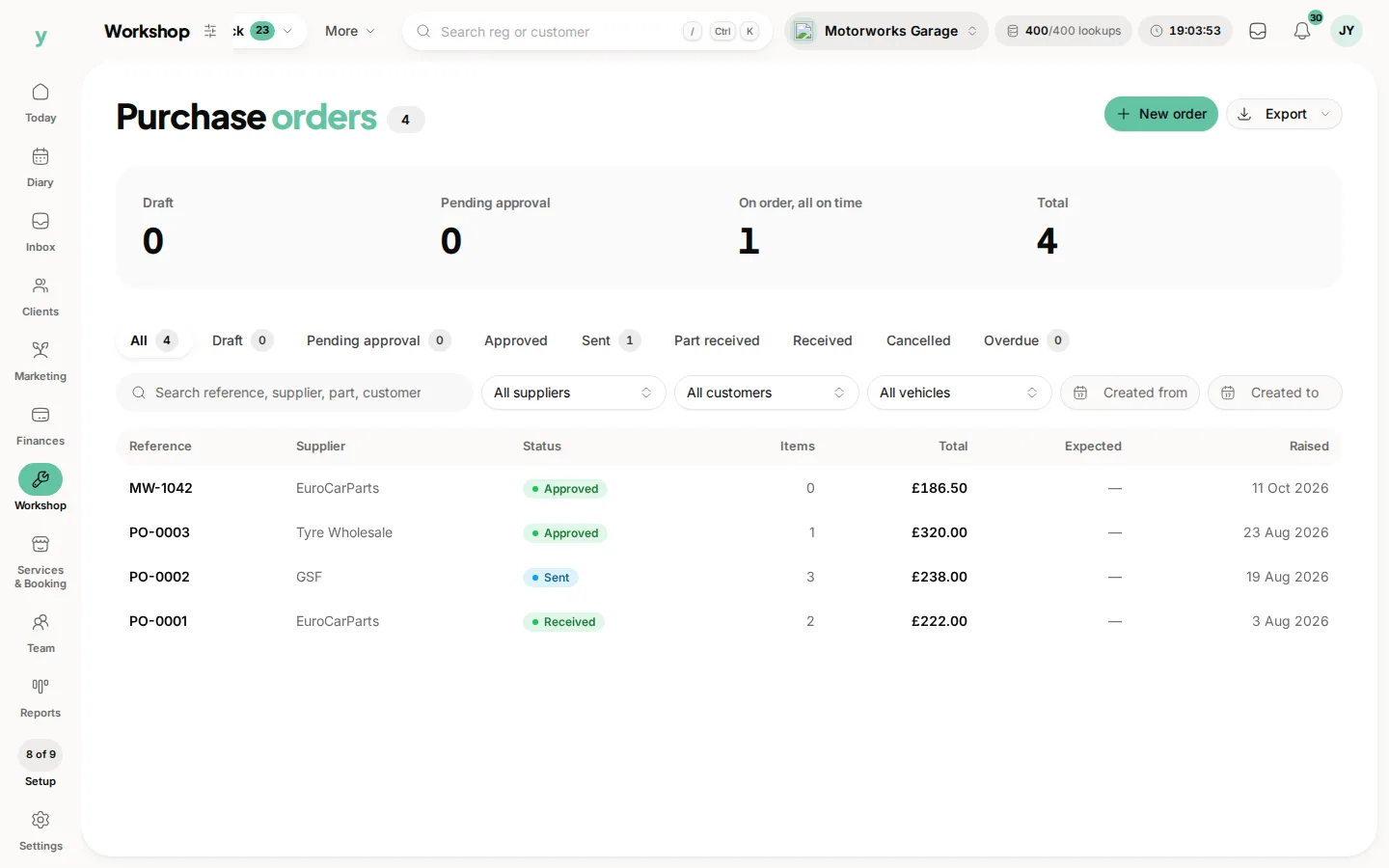
- Purchase orders, for what you have ordered
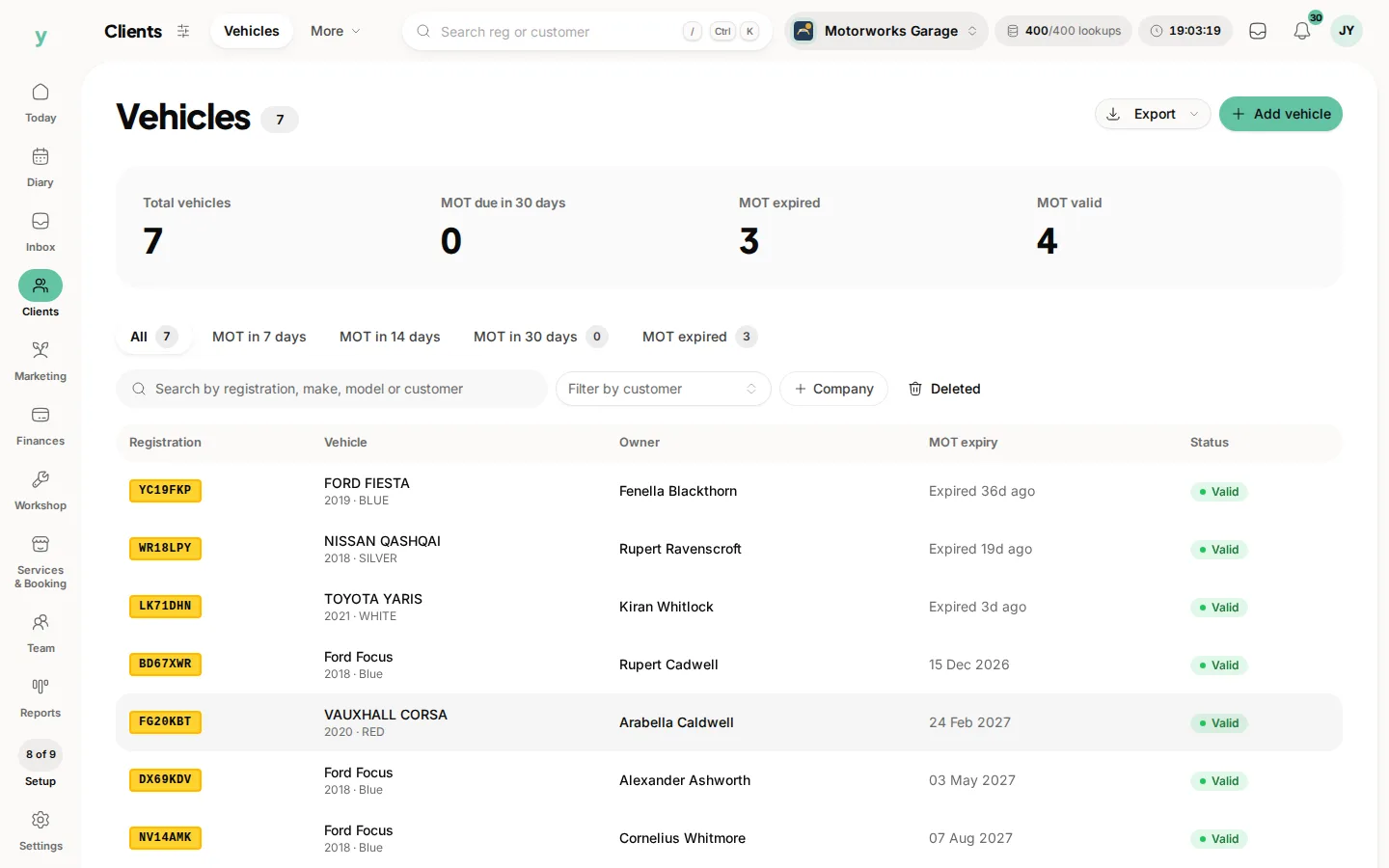
Vehicles, for vehicle records tied to their keeper, sits under Clients.
Plus registration lookups
Vehicle and MOT data is looked up from the registration, so you type seven characters instead of a make, model, engine size, fuel type and MOT date.
If you cannot see these
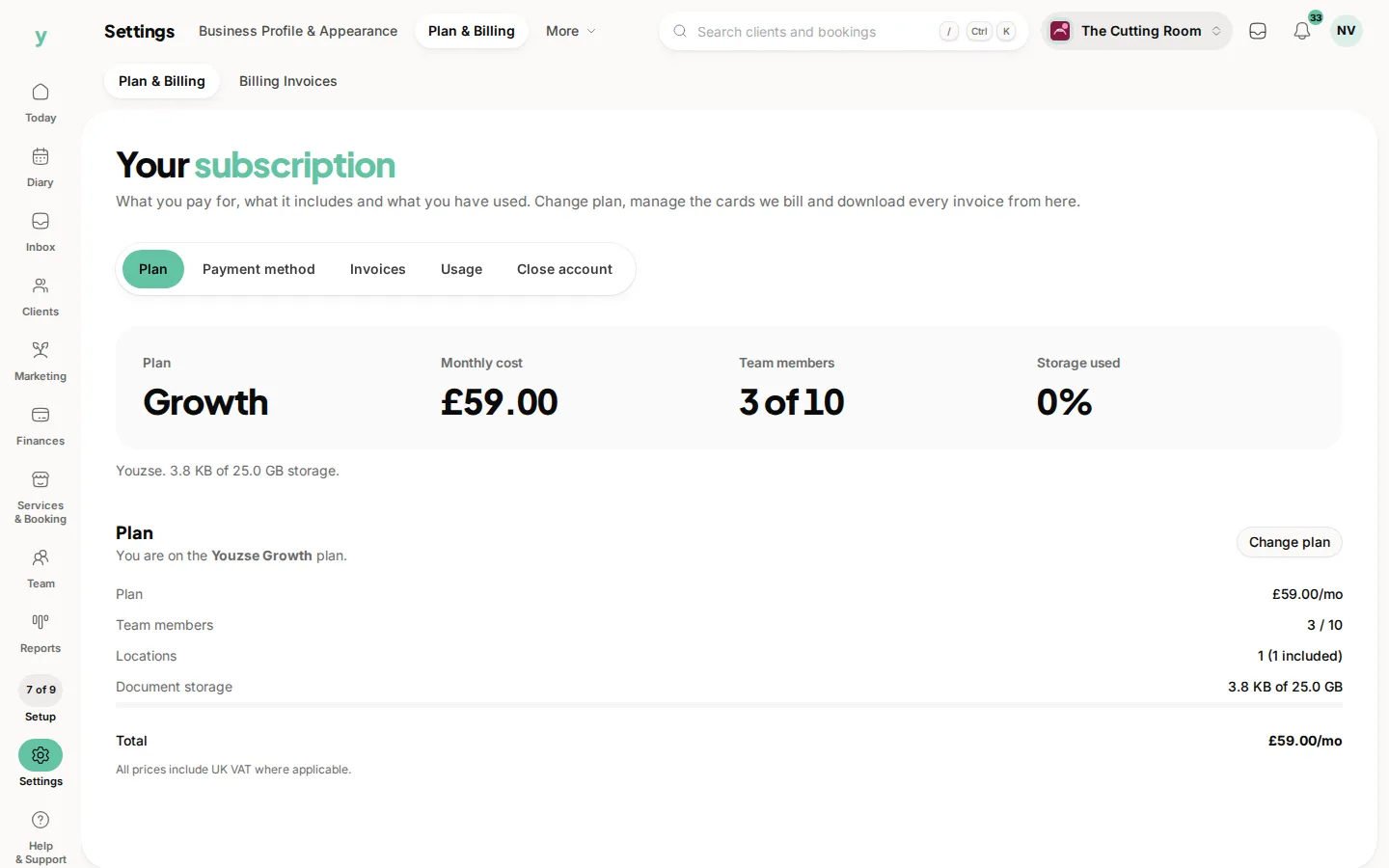
You are on the standard product line. These pages are not hidden by a permission, they are not part of that product at all. Check Settings, then Plan & Billing.
What stays the same
Everything else. Customers, bookings, invoices, payments, reminders and reports work the way they do everywhere else. Garage Pro adds to the platform rather than replacing it.
Common questions
Can I switch to Garage Pro later?
Yes. Your existing customers, bookings and invoices stay exactly as they are and the garage pages appear.
Do I need Garage Pro to book vehicle work?
No. You can take bookings and invoice for vehicle work on the standard product. Garage Pro adds the vehicle records, the workshop and the parts side.
Is it only for MOT centres?
No. It suits any workshop, including mobile mechanics, tyre fitters and valeters, wherever the vehicle matters as much as the customer.