
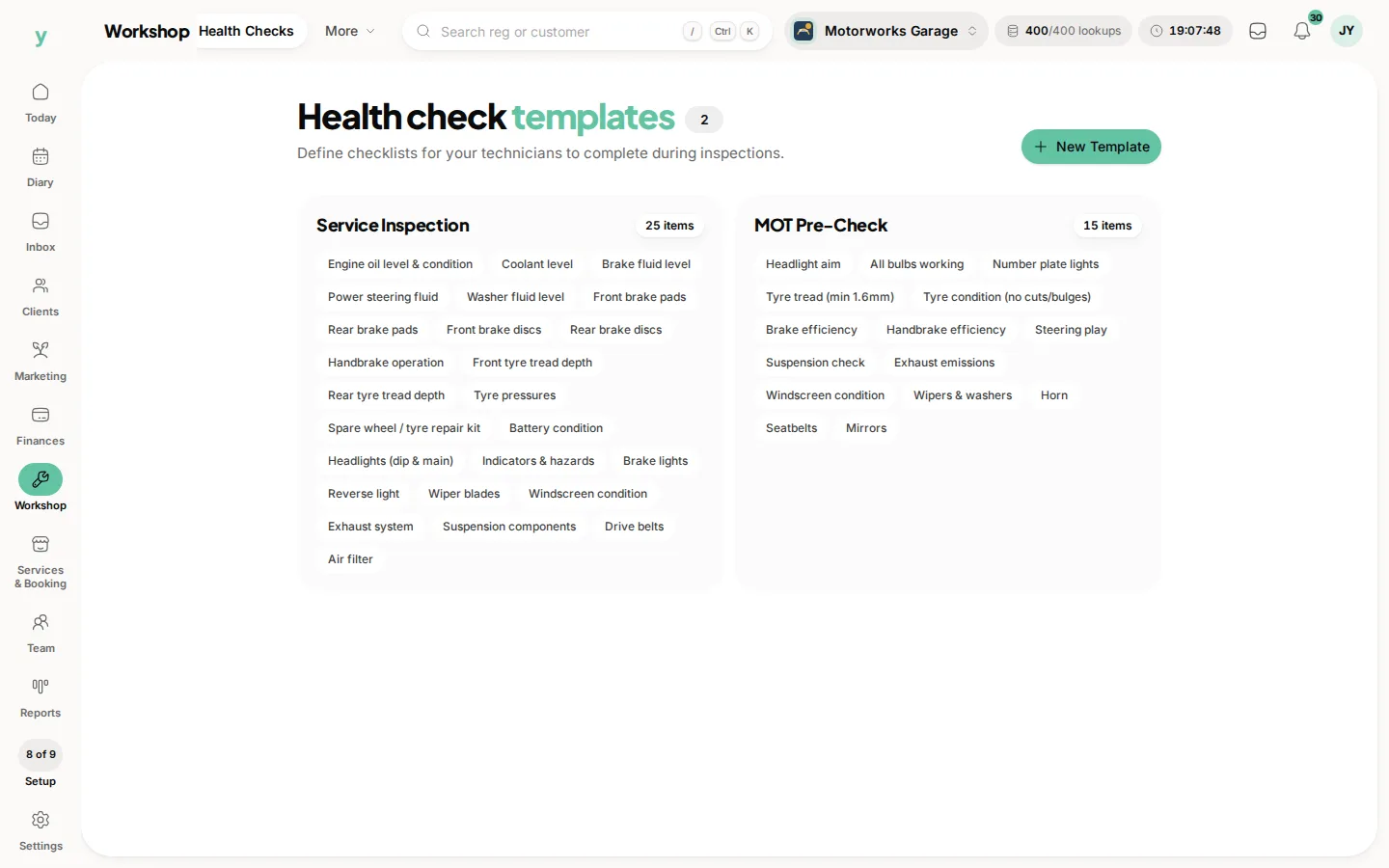
A template is the list of things a health check asks about. Build yours so every mechanic checks the same items in the same order on every vehicle.
Why templates rather than free text
Consistency. Two mechanics writing their own notes produce two different standards of check and neither can be compared with the last visit. A template makes the check repeatable and the history comparable.
What to include
The things you would actually look at on the ramp. Tyres and tread depths, brakes, lights, fluids, suspension, exhaust, wipers, battery. Anything you routinely find and routinely sell work on.
Keep it short enough to be done properly
A forty-item check that takes half an hour gets rushed and ticked. Twenty items done honestly are worth more than forty done at speed.
More than one template
Different templates suit different work. A quick check on an interim service is not the same as a full inspection before a long trip.
Common questions
Where do I build them?
Go to Workshop, then Health Checks. That is where your templates are managed.
Can I change a template later?
Yes. Checks already completed keep the questions they were completed against, so your history stays honest.
Should every job have a check?
Most workshops require one on any job where the vehicle is on a ramp. It takes minutes and consistently pays for itself.