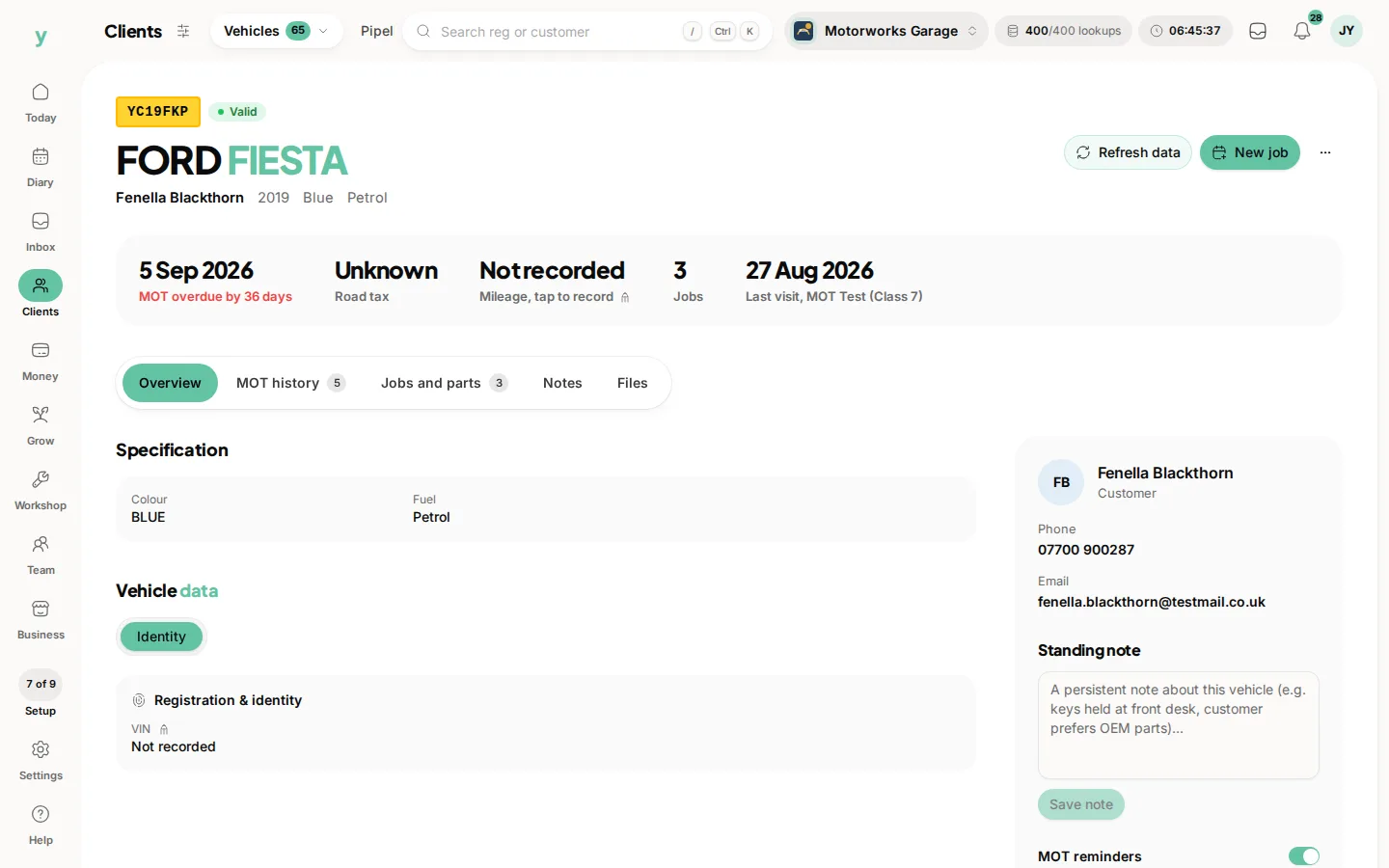
Go to Clients, then Vehicles. Each vehicle is its own record attached to the customer who keeps it, with the work you have done on it.
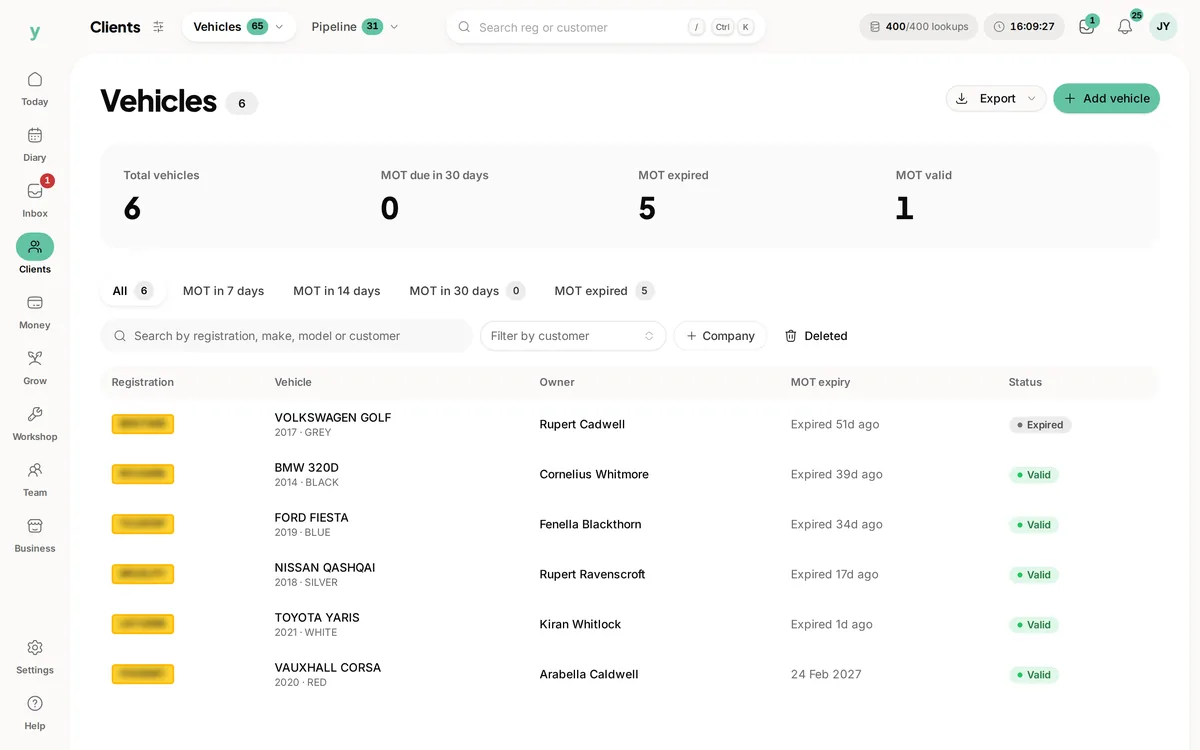
Why vehicles are separate from customers
A customer can have three vehicles and a vehicle can change hands. Keeping them as separate records linked together means history follows the vehicle where that is right and follows the person where that is right.
What a vehicle record holds
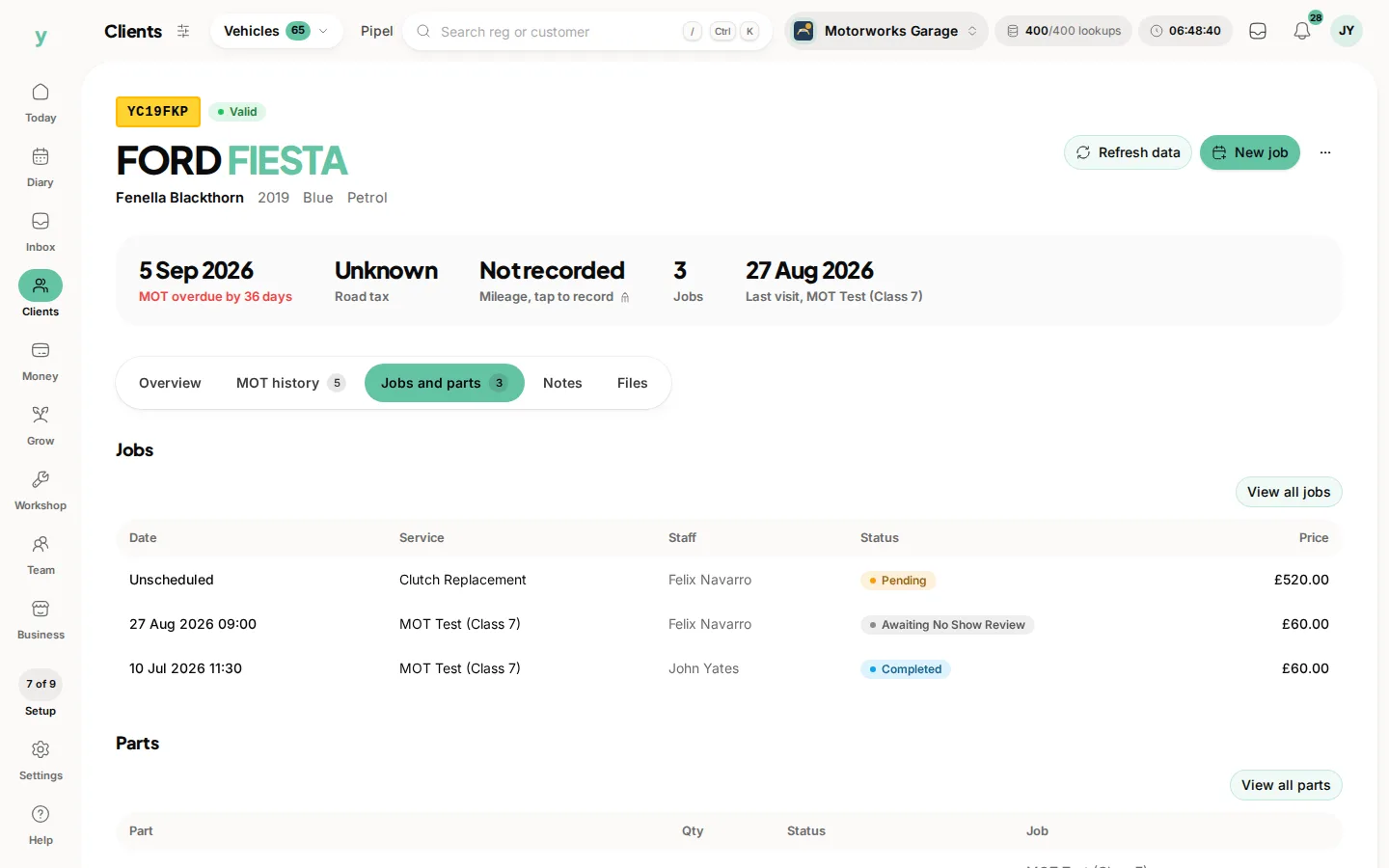
Registration, make, model, specification from the lookup, its keeper and the jobs you have done on it. Photos can be attached, which is worth doing for damage you want a record of before you start work.
Marking a vehicle sold
When a vehicle leaves your customer's ownership and you do not know where it went, mark it sold. It stops appearing in reminders while its history is kept.
Import order
Import customers before vehicles, so each vehicle attaches to the right keeper rather than arriving orphaned.
Common questions
Can one customer have several vehicles?
Yes, as many as they keep. Each has its own record and history.
What happens if a customer sells their car?
Transfer it to the new keeper if they are also your customer or mark it sold if not.
Does the service history follow the vehicle?
The work done stays on the vehicle record, which is what makes a full history useful when it comes back.