
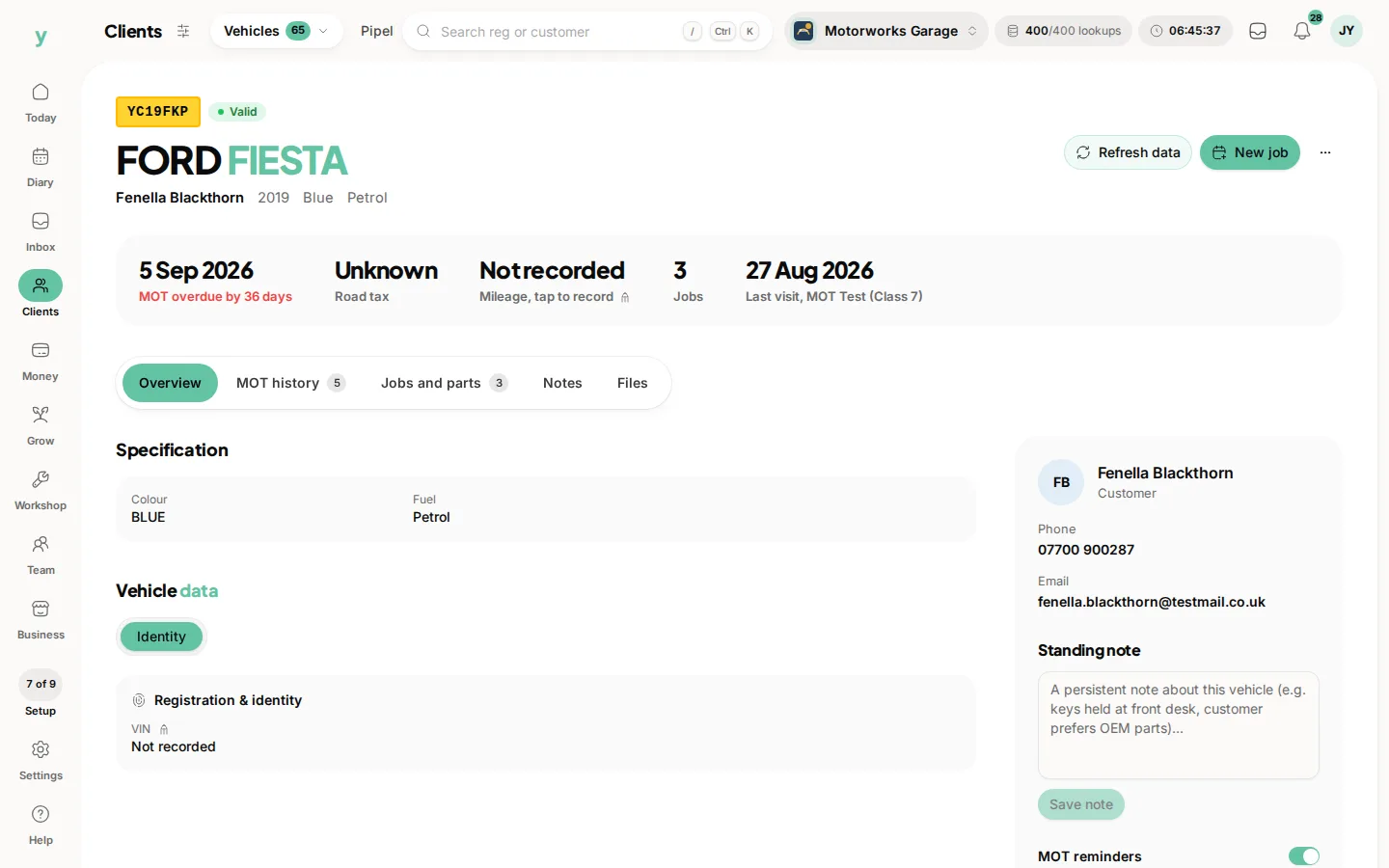
Enter the registration and the vehicle details come back automatically. Make, model, specification and MOT information are filled in for you.
Why it matters
Typing vehicle details by hand is slow and produces mistakes that surface later, usually when the wrong part has been ordered. A lookup takes seconds and is right.
Where you can do it
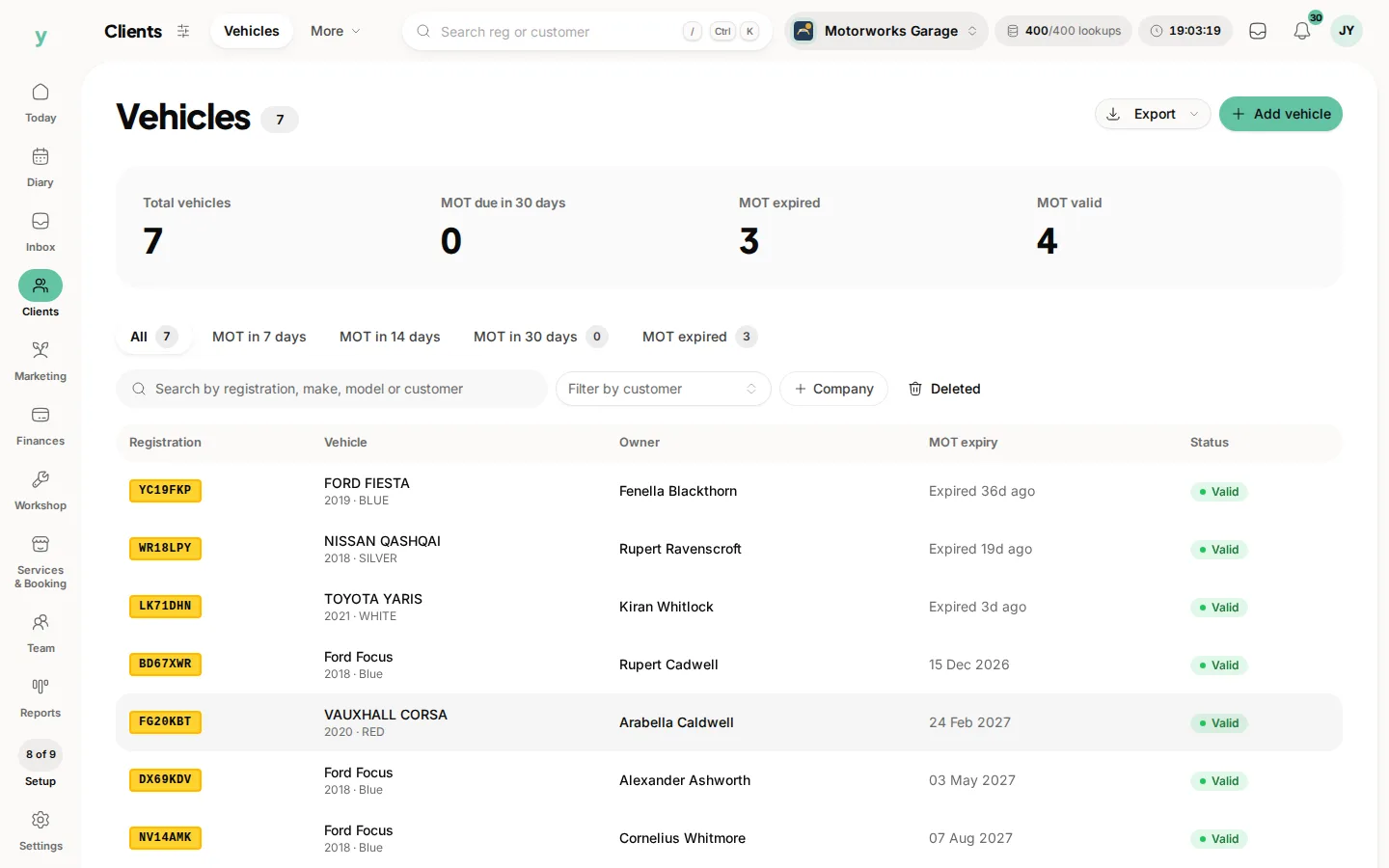
From Vehicles when adding a vehicle and while creating a booking for vehicle work, so the details are attached from the start.
Refreshing a record
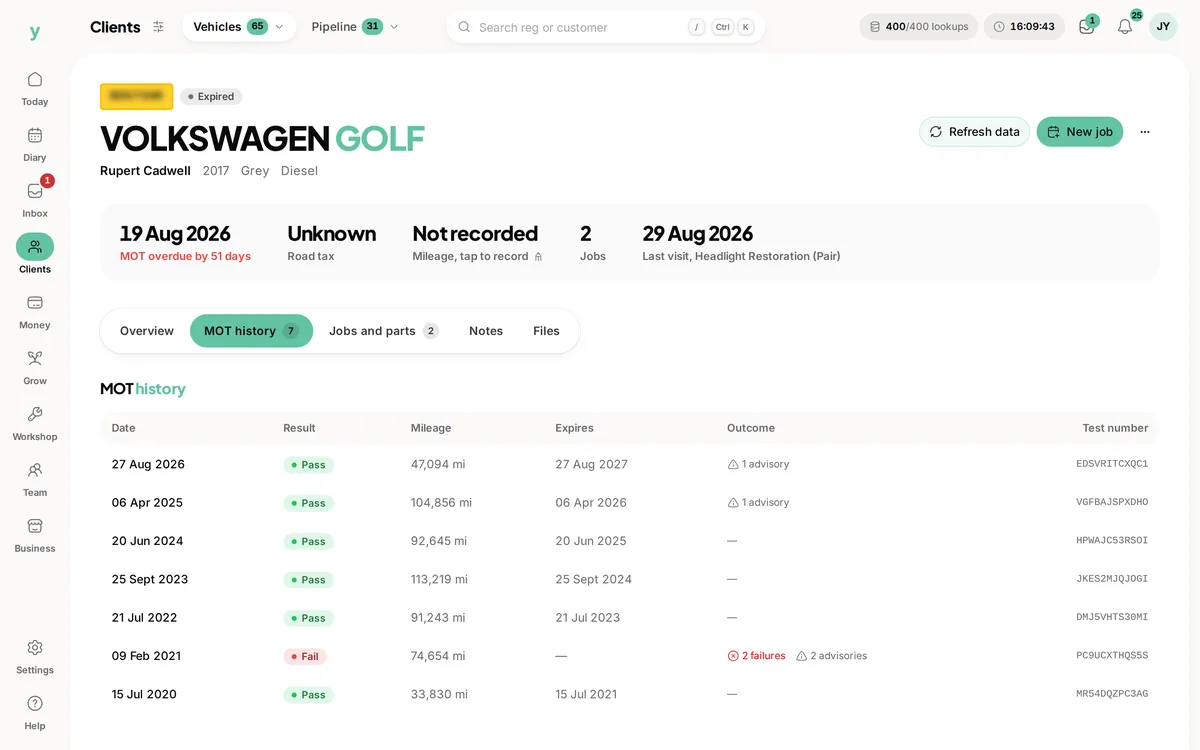
Vehicle data can be refreshed on an existing record, which is worth doing when a vehicle comes back after a year. MOT dates in particular move.
If a lookup fails
Check the registration for the usual confusions between a zero and the letter O or a one and the letter I. Very new, personally imported or recently re-plated vehicles are sometimes not found, in which case enter the details by hand.
Lookups are metered
Vehicle data comes from a paid data source, so lookups are a real cost. It is worth knowing that before running the whole car park through it out of curiosity.
Common questions
Do I need Garage Pro for lookups?
Yes. Registration lookups are part of Garage Pro.
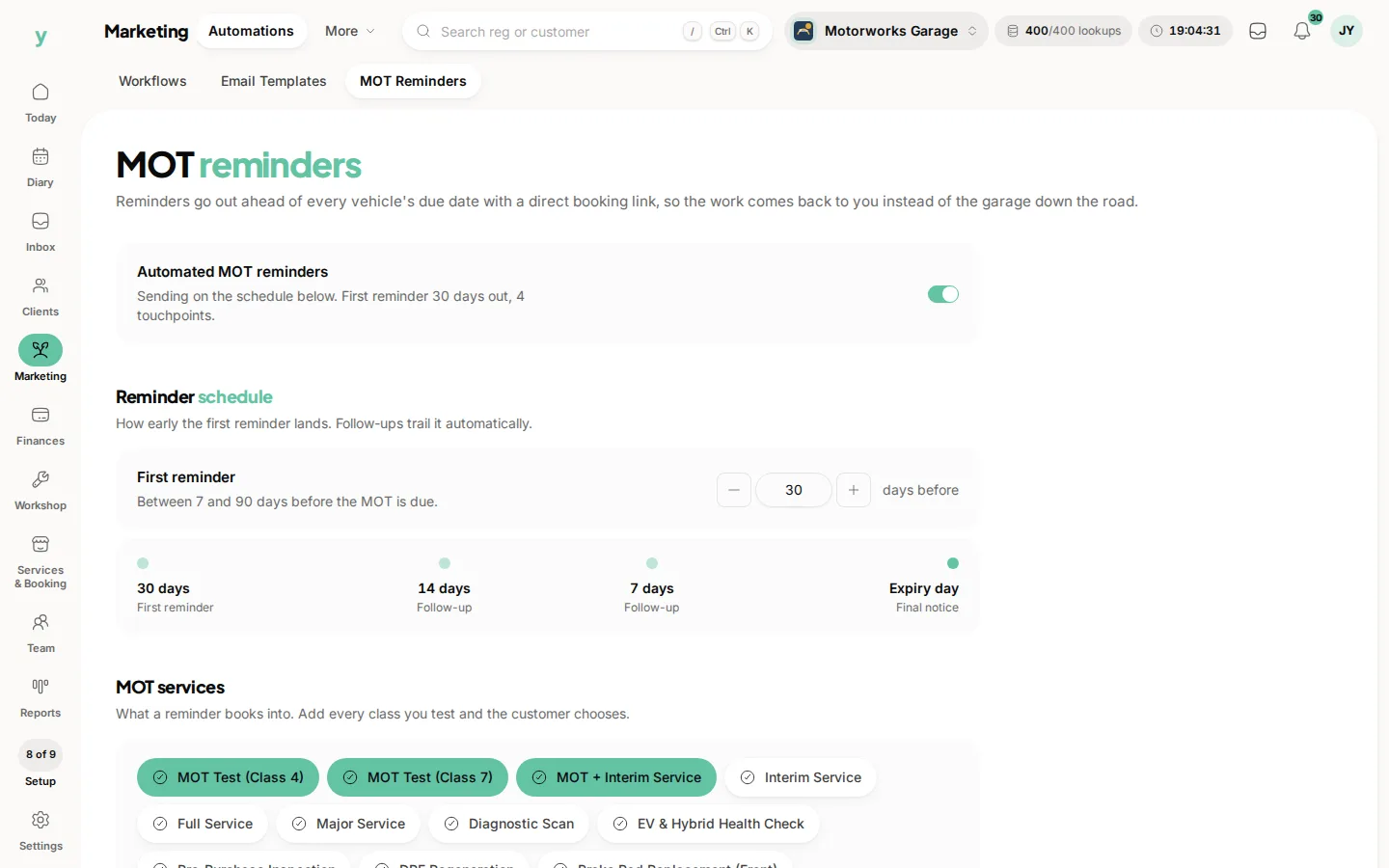
Is MOT information included?
Yes. It is what drives MOT reminders.
What if the details come back wrong?
Edit the record. The lookup fills the details in and does not lock them.