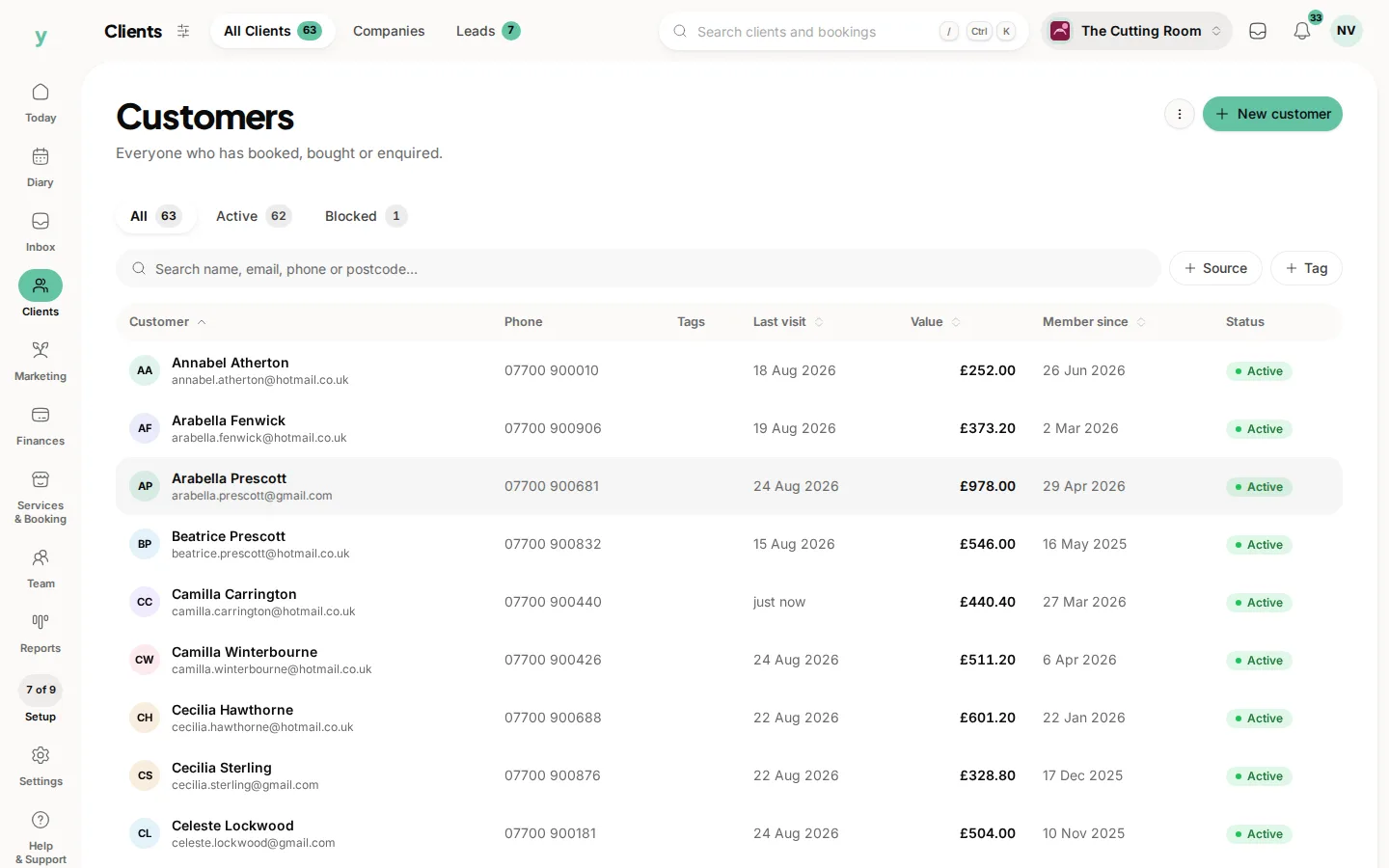
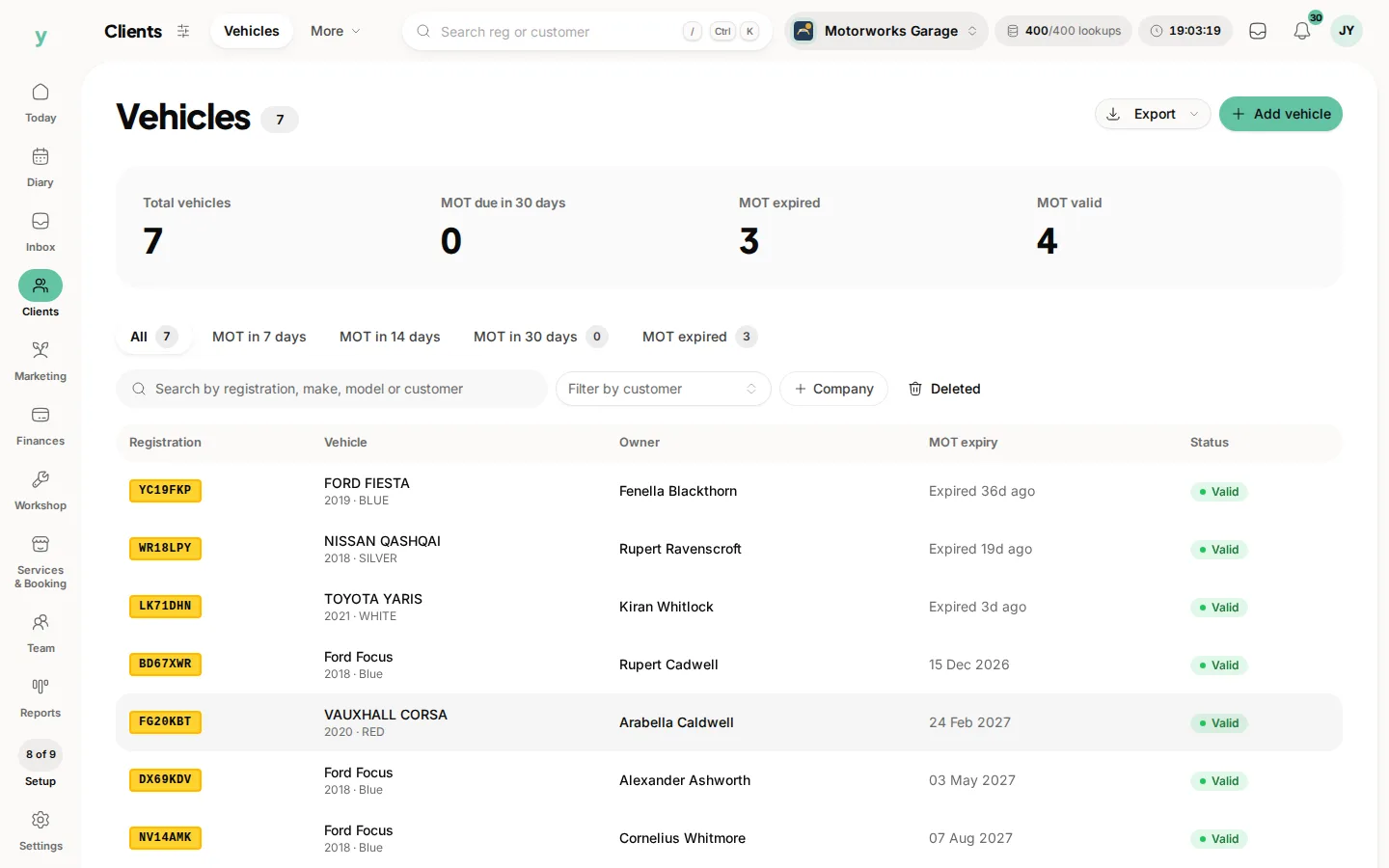
Open the vehicle and transfer it to the new customer. The vehicle keeps its service history and the keeper changes.
When you need it
A customer sells a car to a family member or a car you have serviced for years turns up with somebody new who says they bought it from your existing customer. Both are common and both are handled by transferring rather than creating a second record.
Why not just create a new record
Because you lose the history. A vehicle you have serviced for six years is worth more to you and to the new owner with that history attached.
What to check afterwards
- The new keeper's contact details are right, since reminders will go to them
- Any future bookings are against the right customer
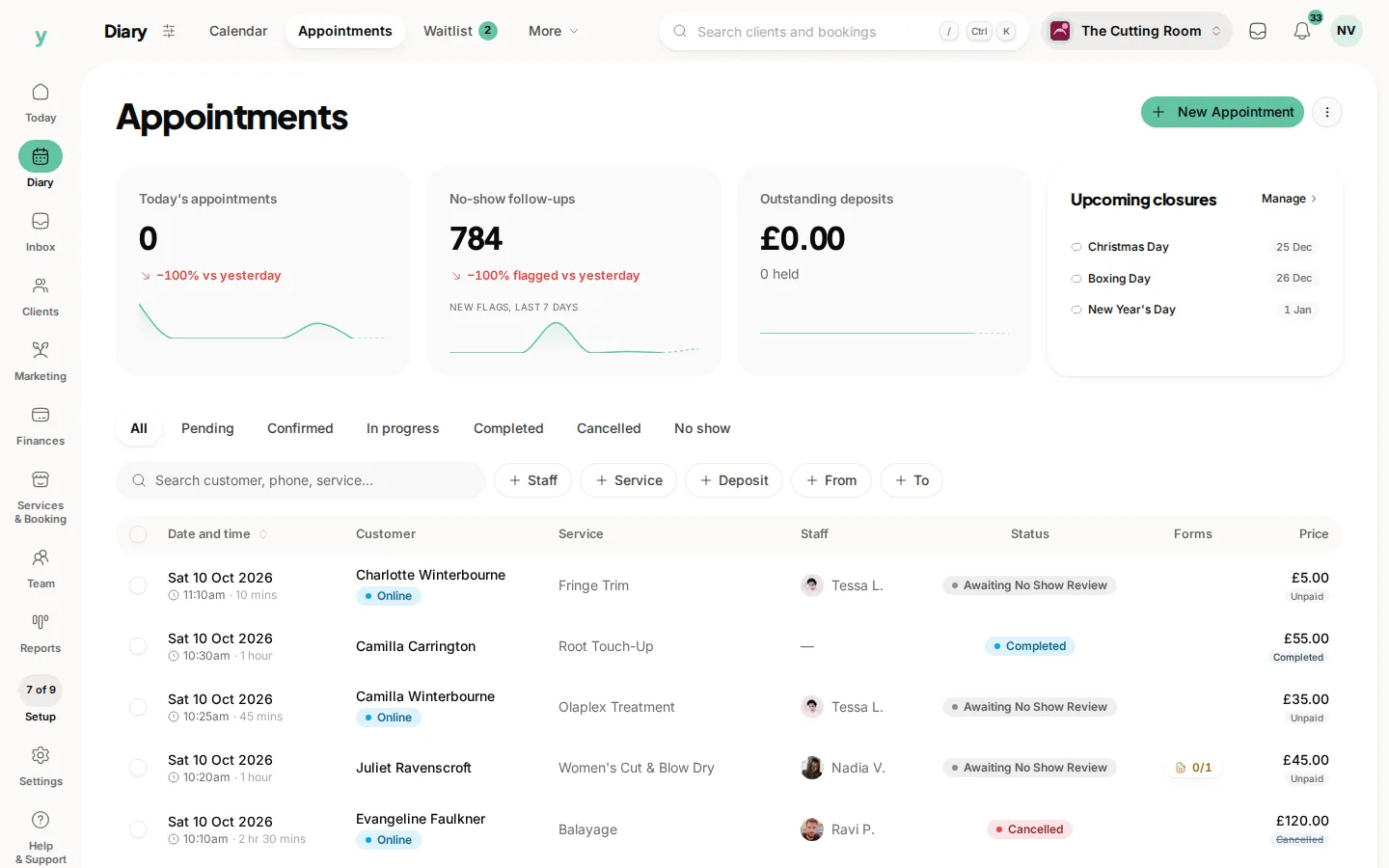
- MOT reminders now reach the new owner rather than the old one
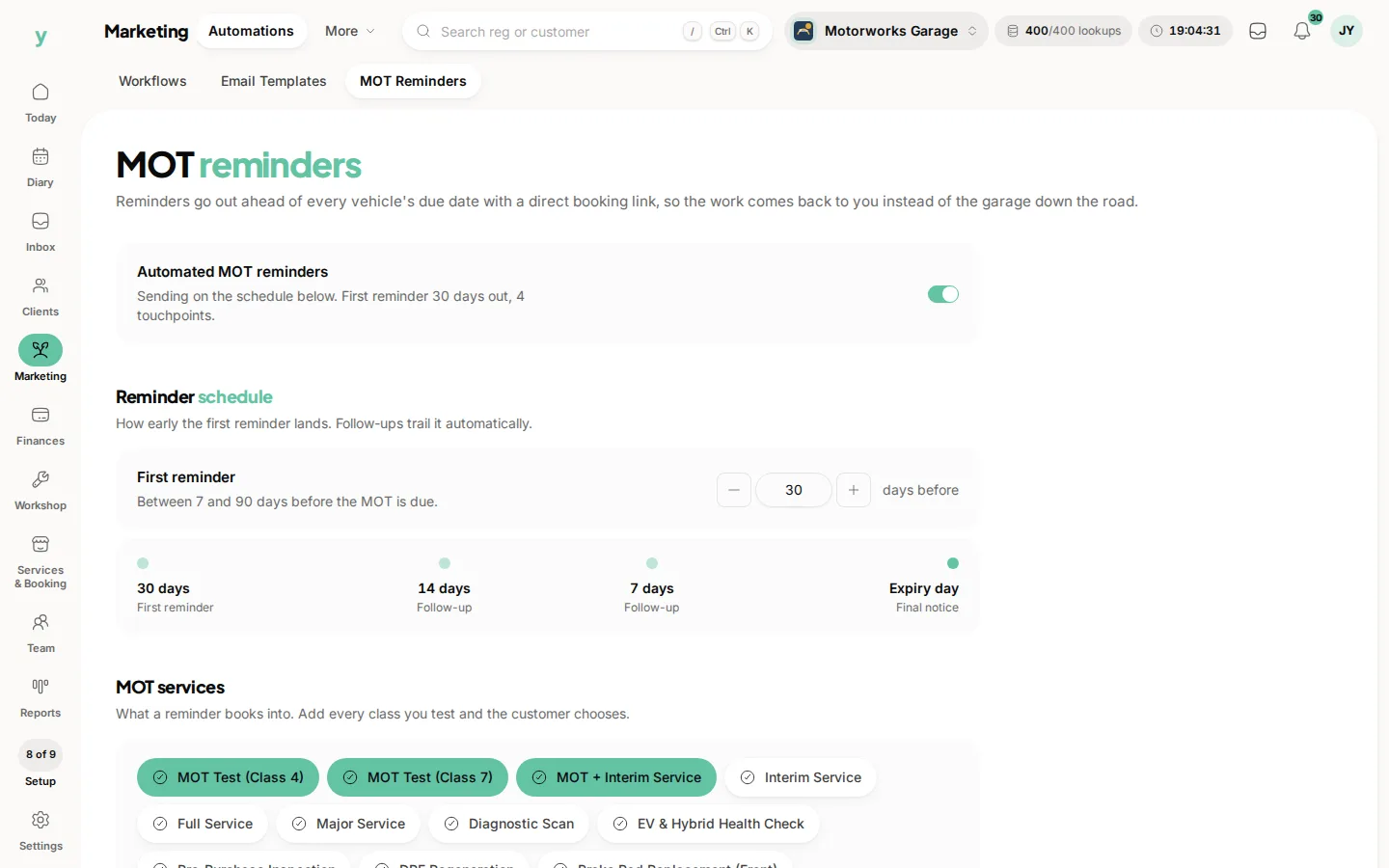
Where the vehicle has left your customers entirely
Mark it sold instead. That stops reminders without deleting anything.
Common questions
Does the old customer keep the history?
The history stays with the vehicle. The previous keeper keeps their own record and everything else they own.
What about invoices already raised?
Invoices stay with the customer they were raised against, which is correct for your accounts.
Can I transfer to somebody who is not a customer yet?
Create them as a customer first, then transfer.