
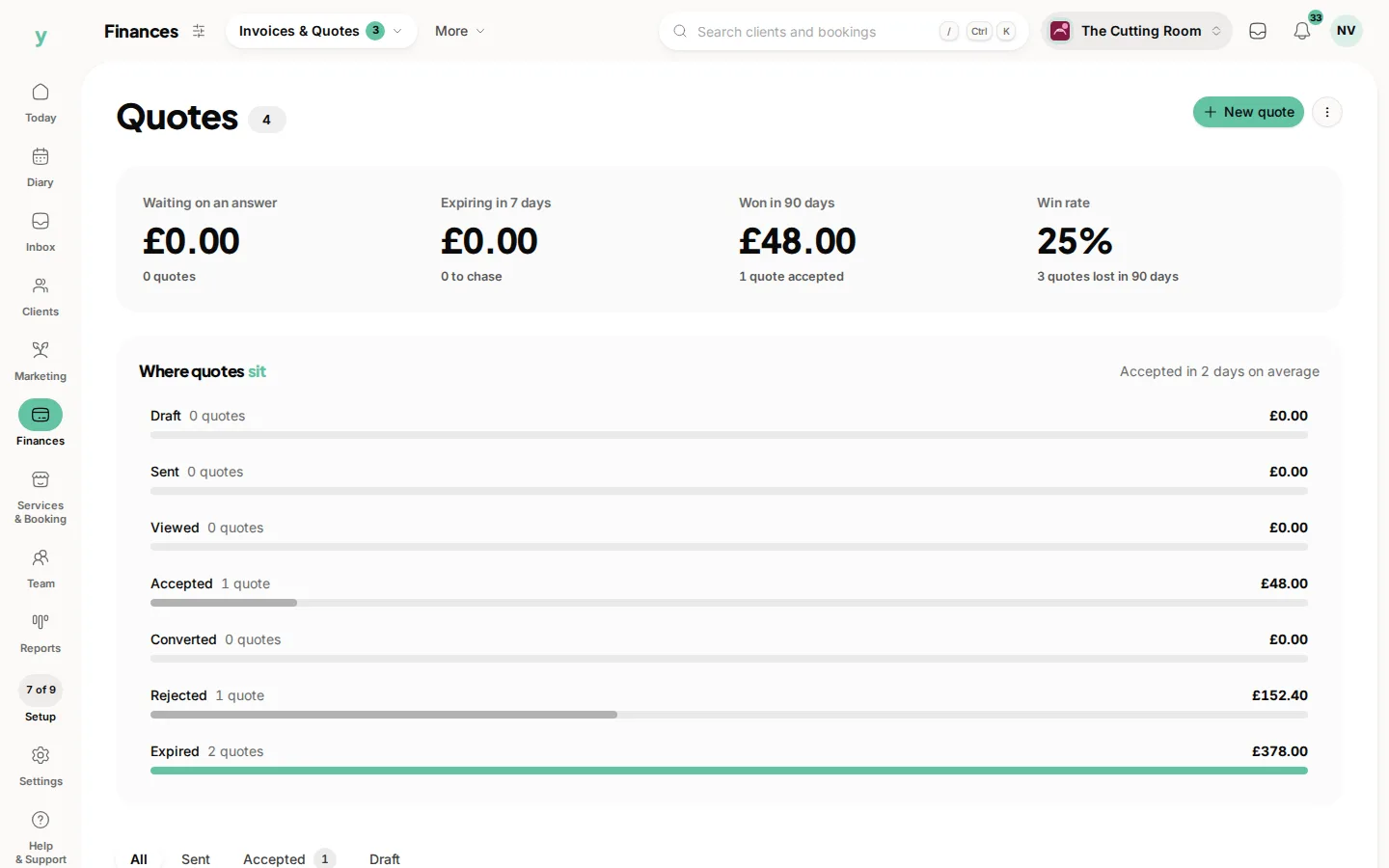
A quote has one of seven statuses and most of them change on their own as the customer acts.
The statuses
- Draft, which only you can see and nothing has been sent
- Sent, which means it has gone out by email
- Viewed, which means the customer has opened it
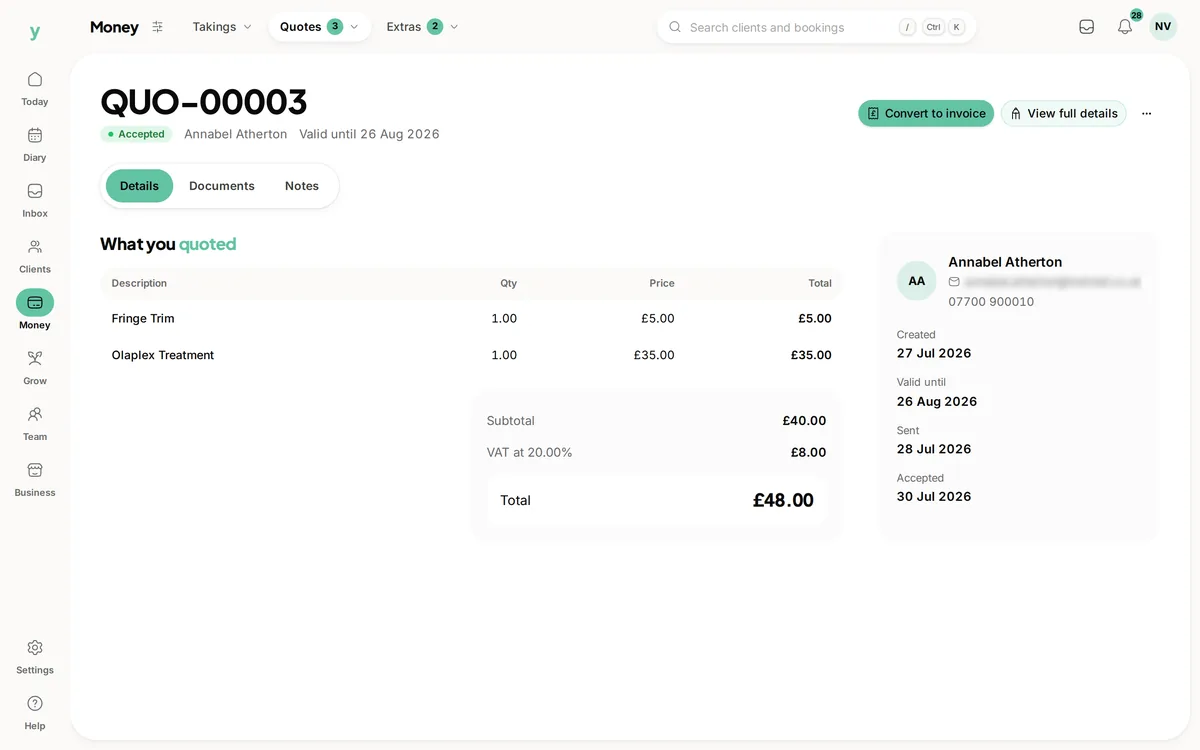
- Accepted, which means they said yes
- Rejected, which means they said no
- Converted, which means it has become an invoice or a booking
- Expired, which means it passed its valid-until date without an answer
Why Viewed is useful
It tells you the difference between a quote that has not landed and a quote that has landed but is being thought about. Chasing those two needs a different conversation. It saves you badgering someone whose email went to spam.
Rejected by mistake
If a customer declines and then changes their mind, you can un-reject the quote and put it back in play rather than rebuilding it. The button is Reopen quote.
Expired quotes
An expired quote is still in your list and can still be duplicated. Expiry is about the price you offered no longer standing, not about deleting the record.
Common questions
Does the status update automatically?
Yes. Sent, viewed, accepted and rejected all update themselves from what the customer does.
A customer says they accepted but it still says sent. Why?
They probably replied by email rather than using the link in the quote. Mark it accepted yourself.
Can I reopen a rejected quote?
Yes. Choose Reopen quote and it goes back into play, so you do not have to build it again.