
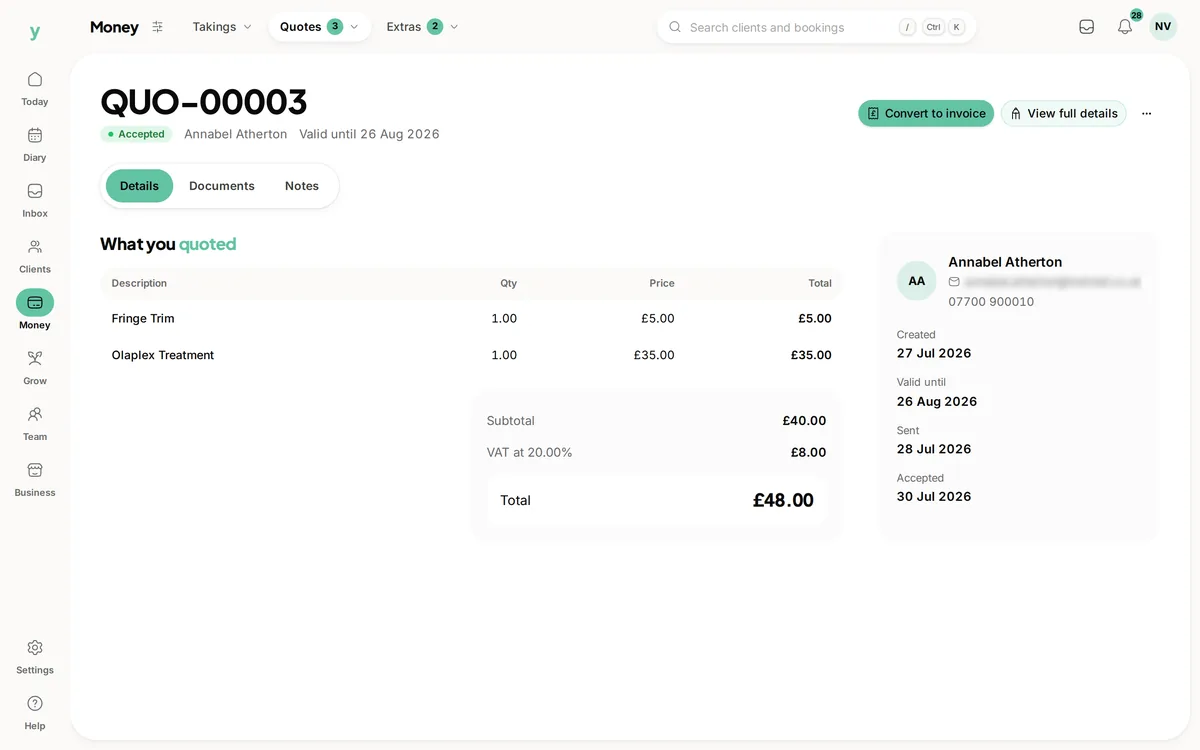
Once a quote is accepted you can convert it in one step, either into an invoice for the money or into an appointment for the work. Nothing is retyped.
Converting to an invoice
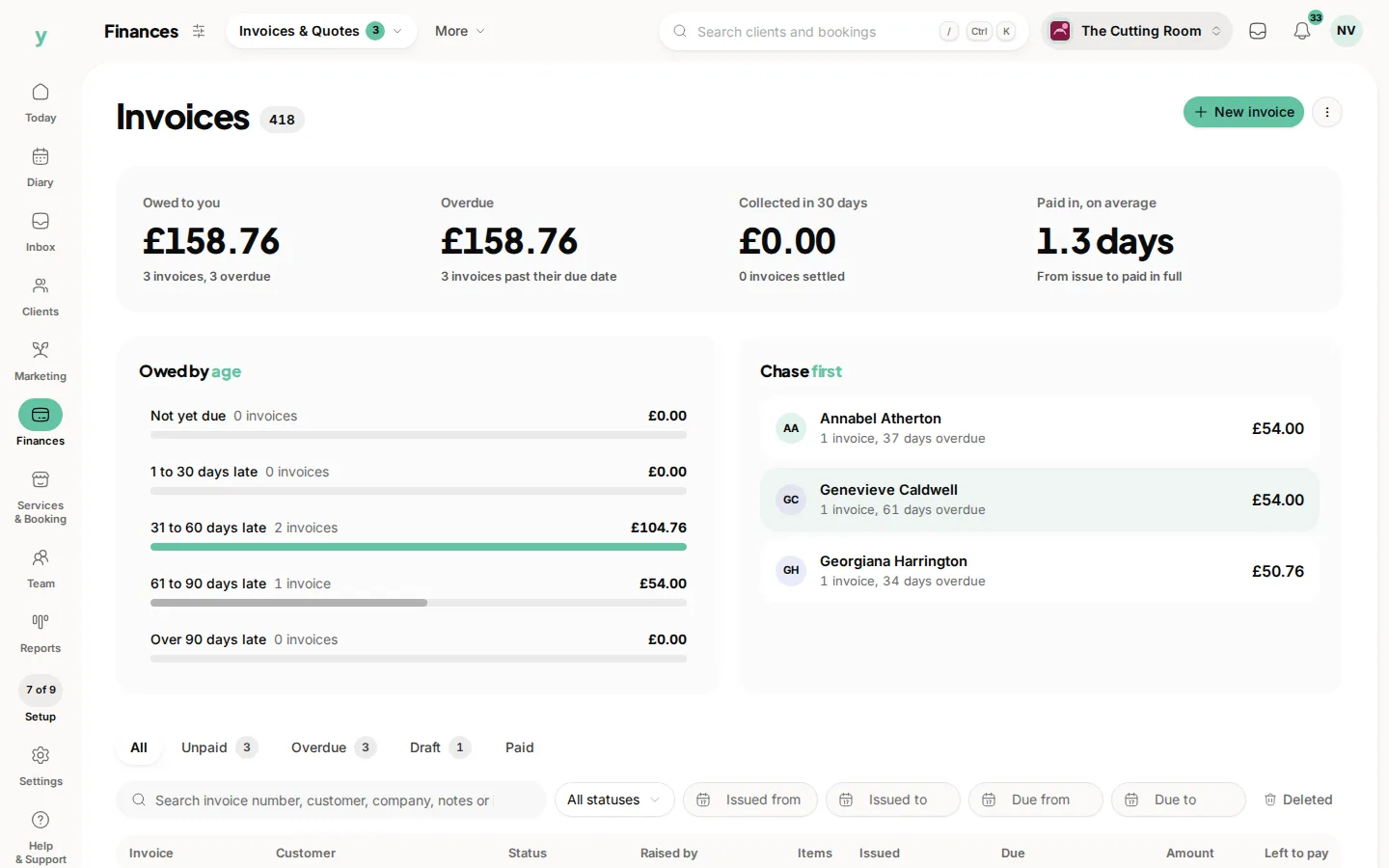
Open the quote and convert it. Choose Convert to invoice. The lines, quantities, prices and VAT all carry over. The quote is marked as converted so you can see at a glance which quotes turned into work.
Converting to an appointment
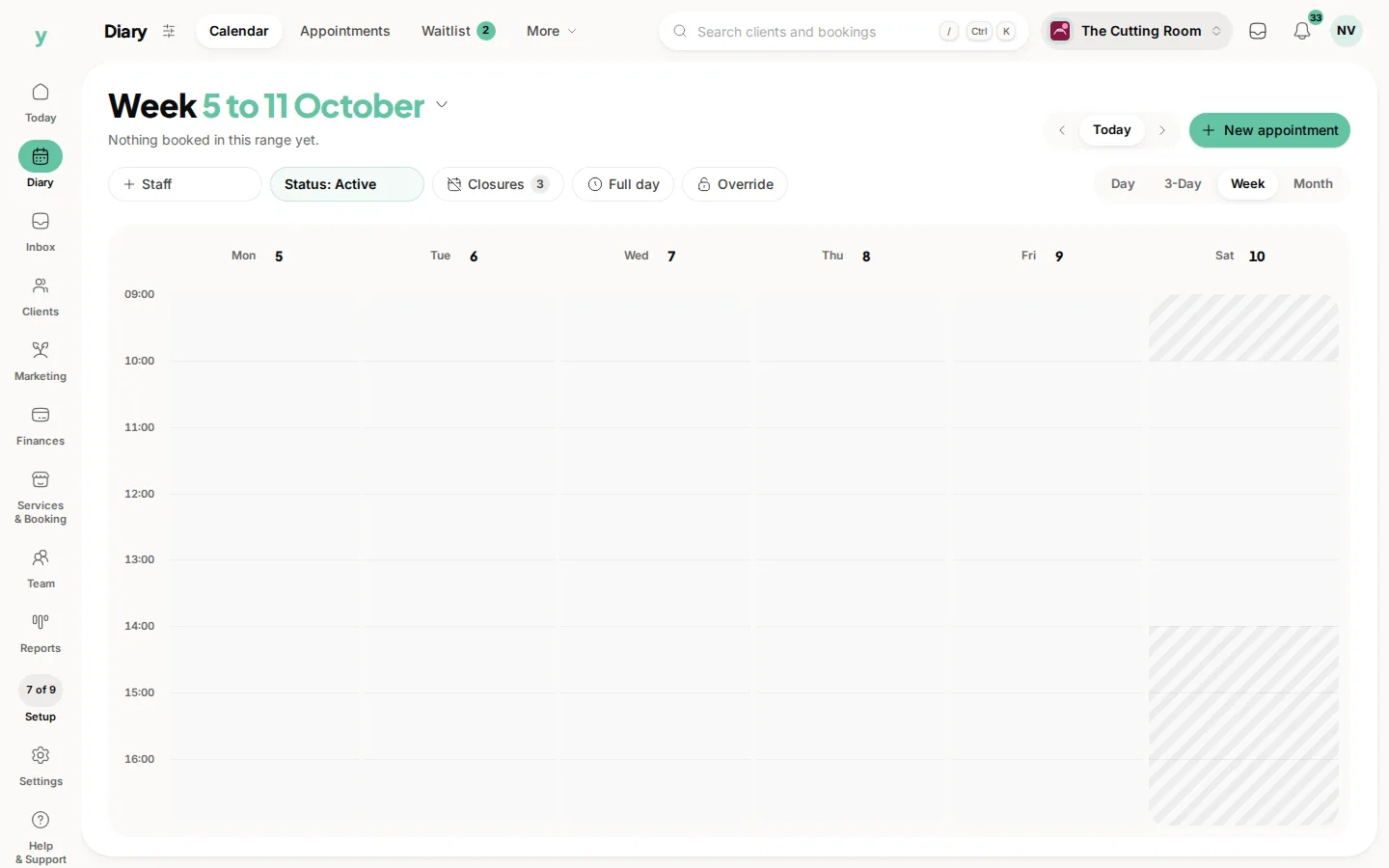
If the quote was for a job you need in the diary, choose Schedule as job. That puts it on the calendar attached to the same customer.
Doing both
Plenty of businesses convert to an appointment to get the work booked in, then invoice on completion. That order suits anyone whose final figure can move once the job is under way.
Keeping the paper trail
The original quote stays in your records with its converted status, so you can always see what you offered and what it became.
Common questions
Do I have to accept a quote before converting it?
Accepting first keeps your reporting honest, because it distinguishes work you won from work you simply invoiced. It is the tidier habit.
What if the final price changed?
Convert it, then edit the invoice. The quote keeps the figure you originally offered, which is what you want for your records.
Can one quote become several invoices?
Convert it once, then create further invoices for the customer as the work progresses. Staged billing is done invoice by invoice.