
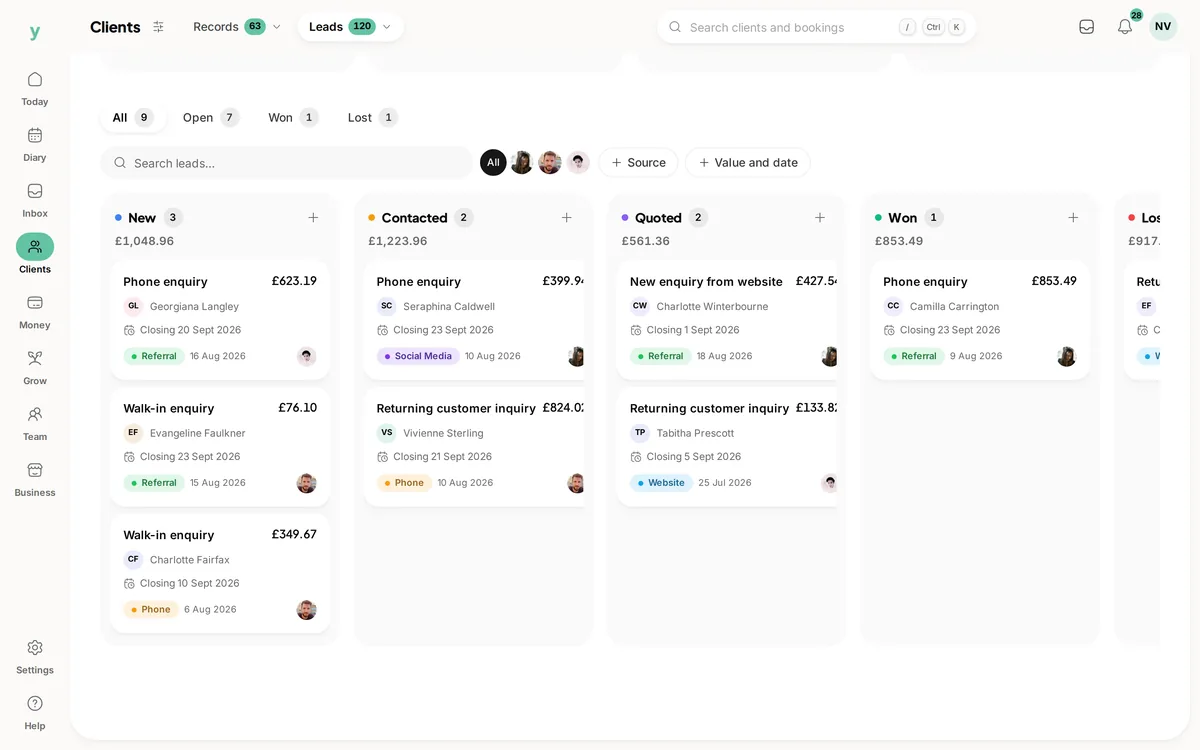
Go to Clients, then Leads. Each lead is a card on a board and the columns are the stages you have set up. Move a card along as the conversation progresses.
What a lead is
Somebody who has shown interest but is not a customer yet. An enquiry from your public page, a phone call you took, a name from a referral.
Using the board
- Move a lead into the next stage as things develop
- Open a lead to add notes on what was said and when
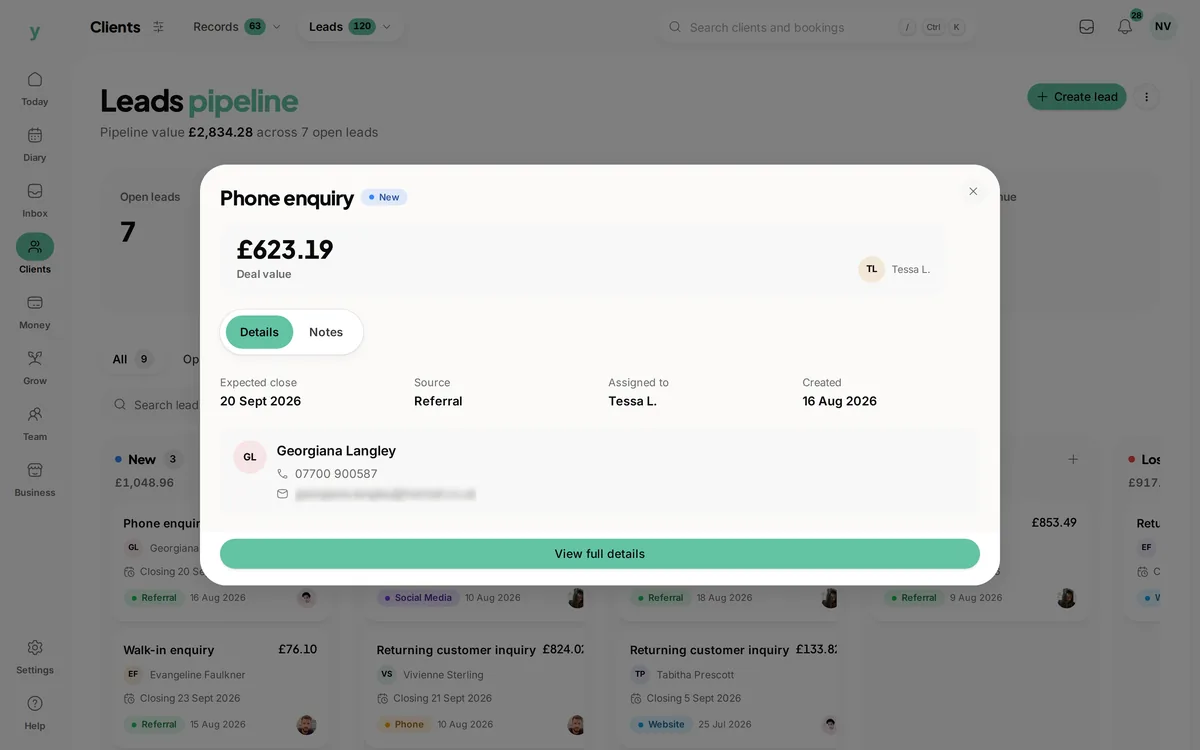
- Update the status when it is won or lost
Notes are the point
A lead without notes is just a name. Two lines about what they asked for and what you quoted turns a cold callback into a conversation that sounds like you remember them.
Losing leads well
Mark dead leads as lost rather than deleting them. A lost lead is useful information and people who were not ready in March are sometimes ready in September.
Where leads come from
Enquiries submitted on your public page arrive automatically. Anything else you add yourself as it comes in.
Common questions
Can I change the stages?
Yes, the pipeline stages are yours to define. Set them to match how you actually sell rather than working around someone else's process.
What is the difference between a lead and a customer?
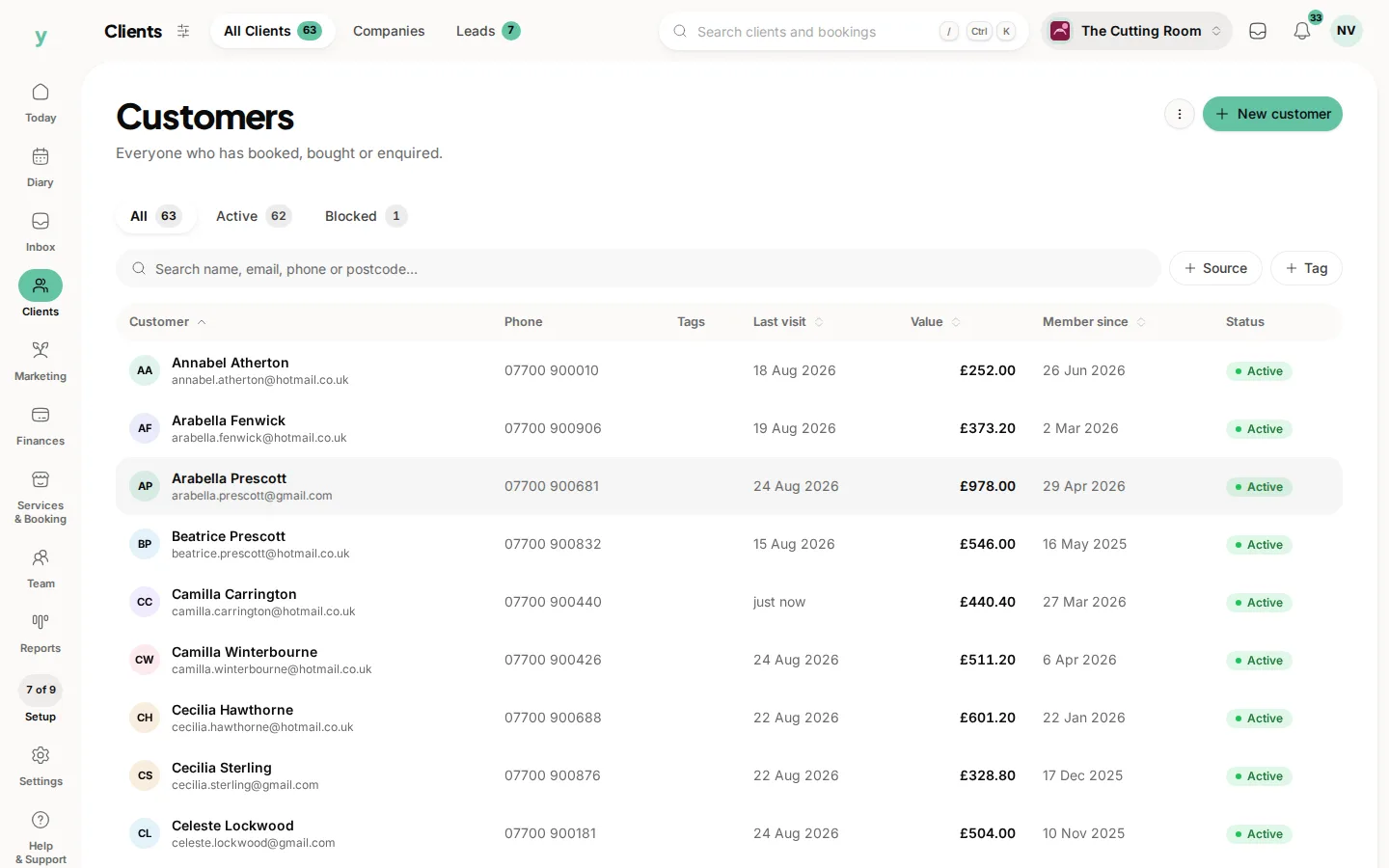
A lead has not booked or bought yet. Convert a lead to a customer when they do and the record carries across.
Do leads show on my calendar?
No. Leads are a pipeline rather than a diary. Book an appointment once the lead becomes real work.