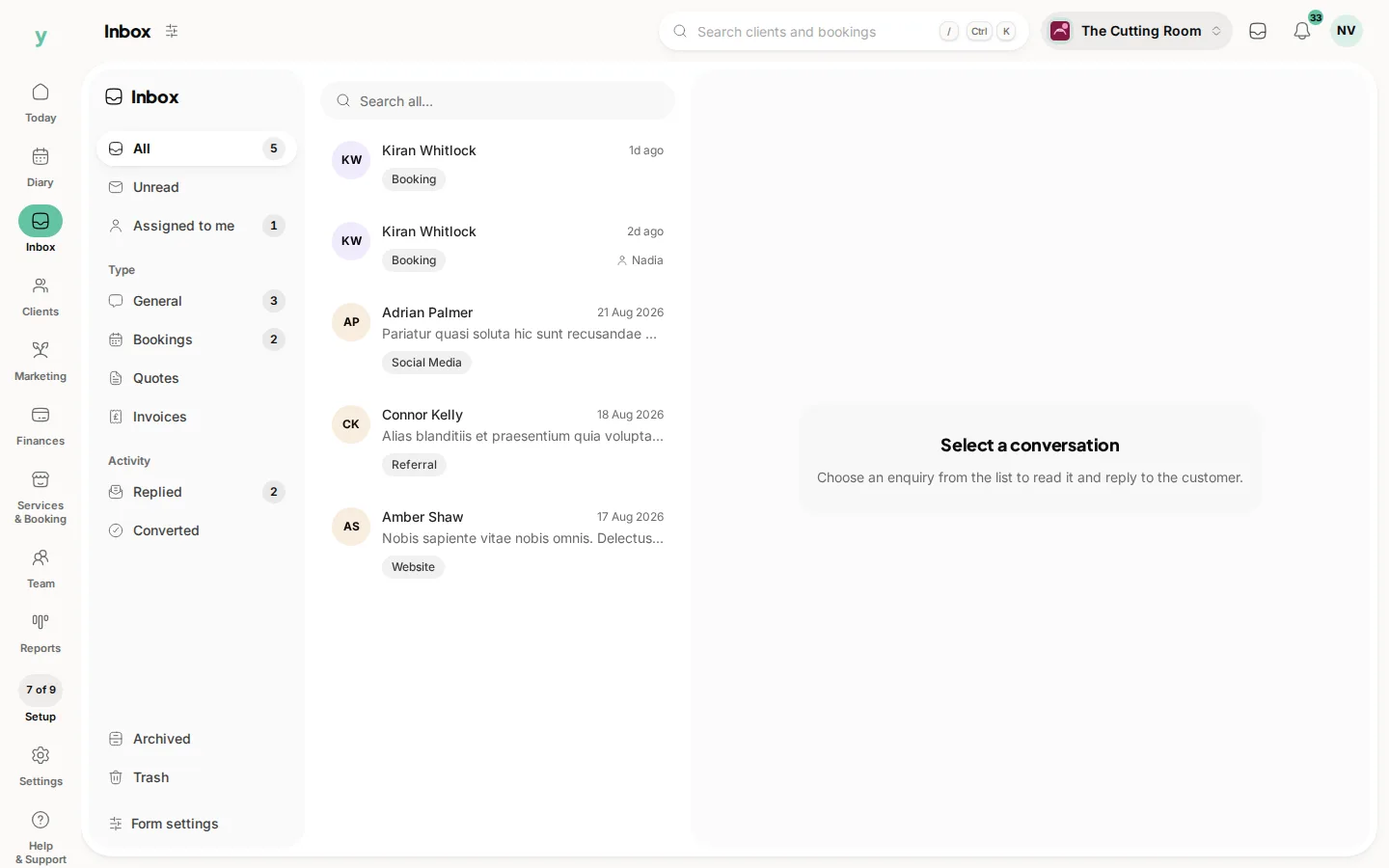
Inbox in the rail collects the enquiries that come in from your public page. It exists so customer messages live with the customer record rather than in somebody's personal email.
Why it matters
An enquiry sitting in a personal inbox is invisible to everyone else, gets buried by lunchtime and is lost entirely when that person is on holiday. In Inbox it is visible to whoever has permission to see it.
Working through it
- Open an enquiry to read it in full
- Reply or turn it into a lead if it needs following up over time
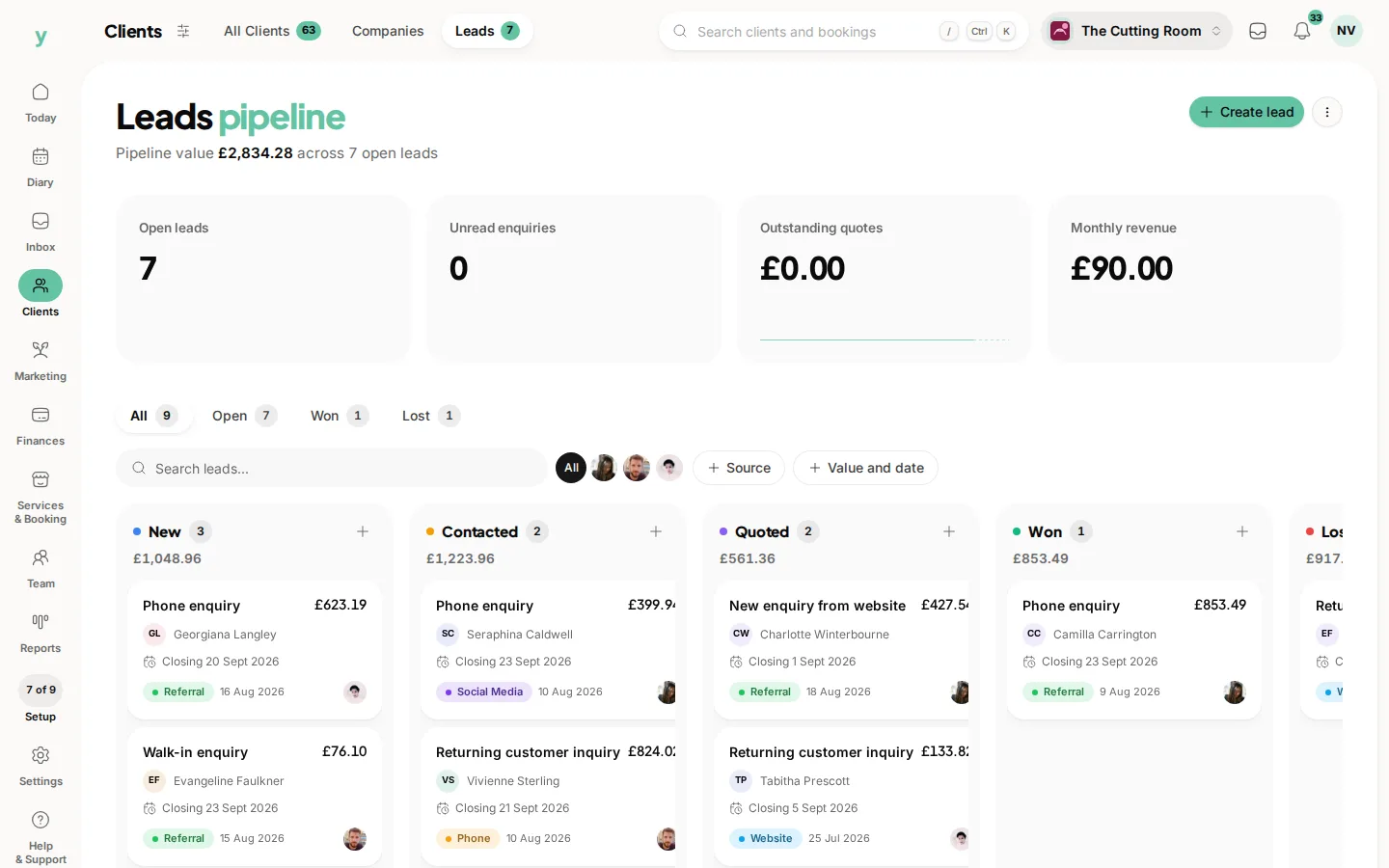
- Convert it to a customer once they book or buy
Who can see it
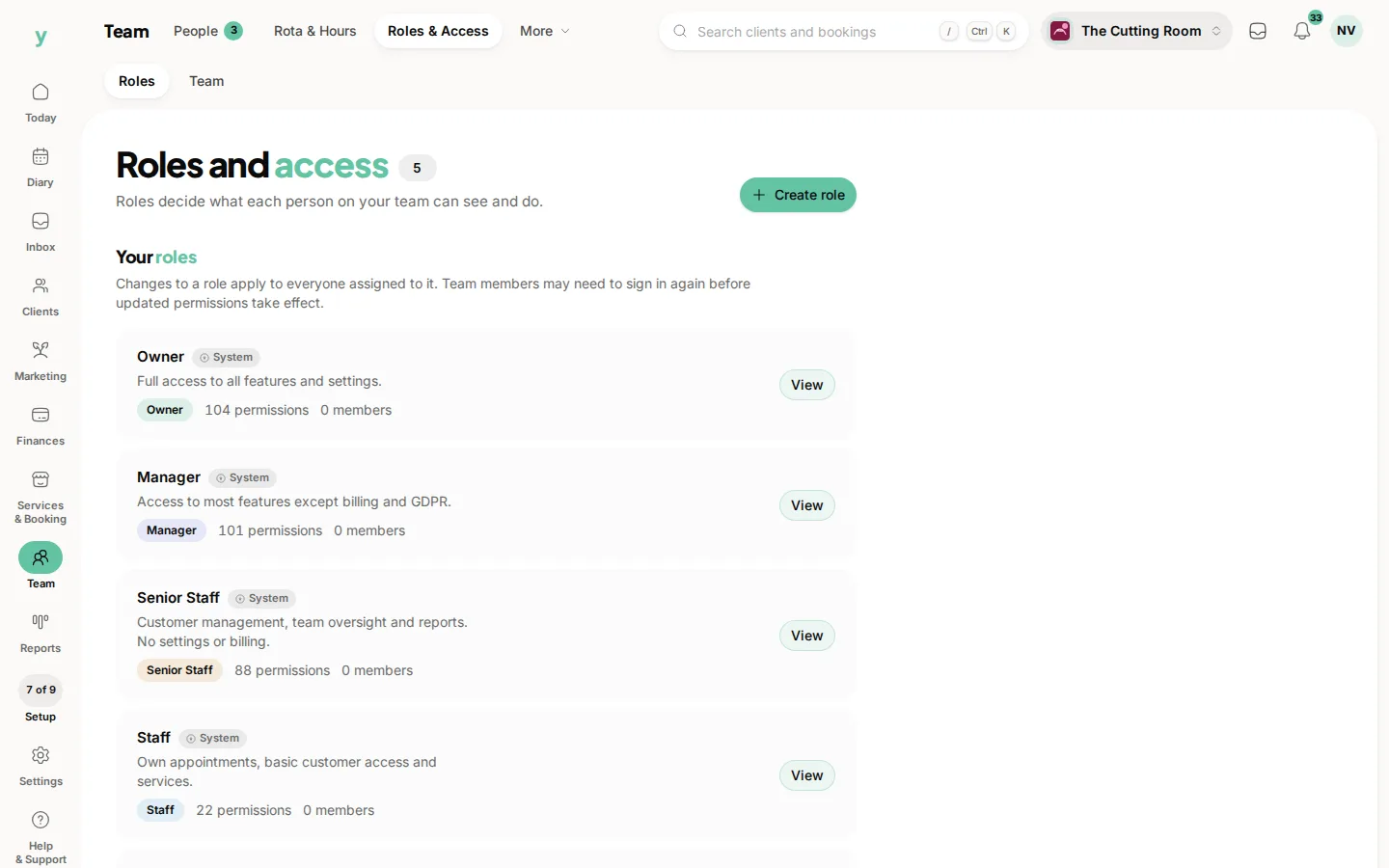
Access is controlled by permission, so you decide which roles can read enquiries. Check Team, then Roles & Access.
Response time is the whole game
Most enquiries go to more than one business. Replying quickly wins work that a better price two days later will not.
Common questions
Do enquiries also get emailed to me?
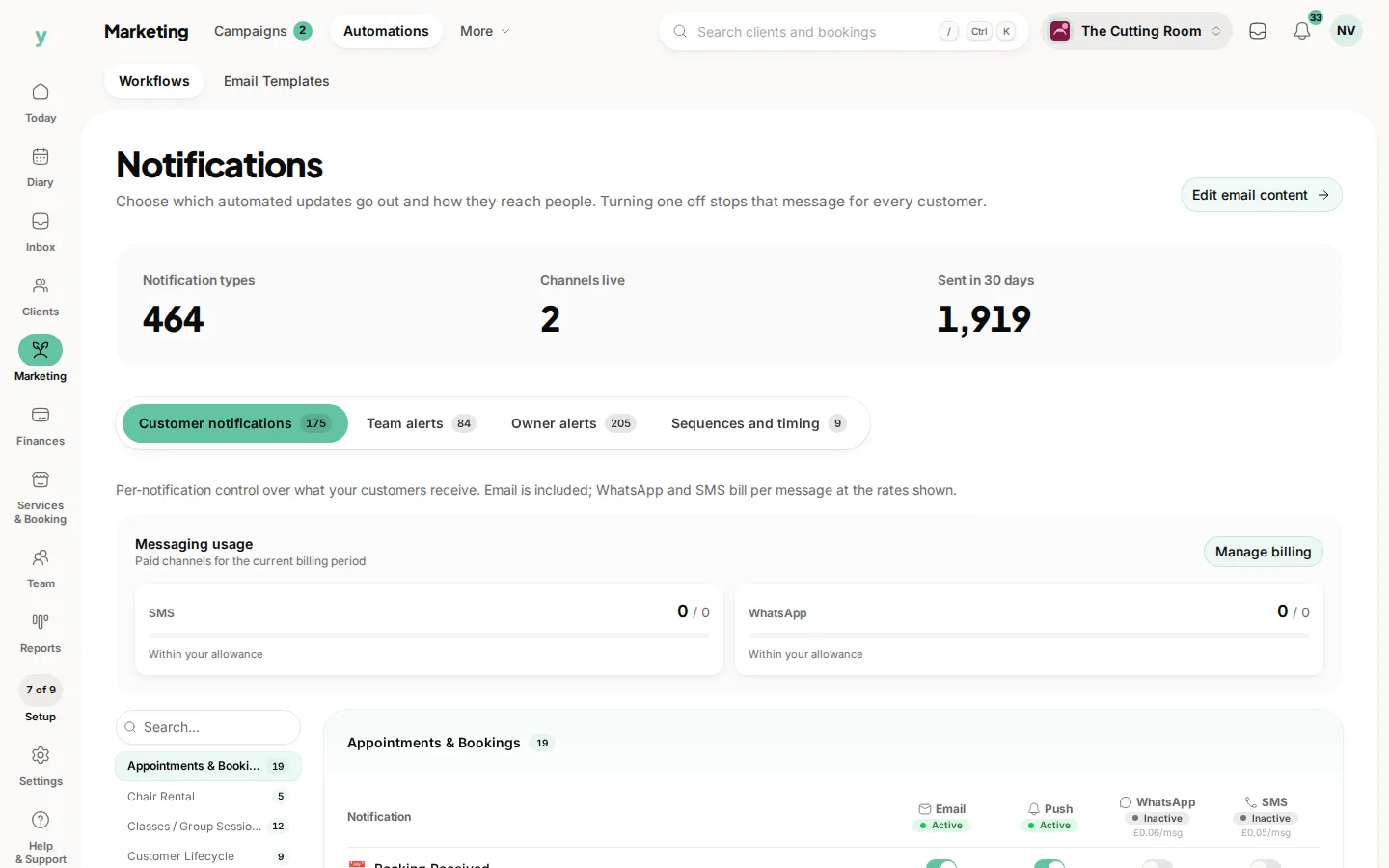
Your notification settings decide. Set them under Marketing, then Automations, so the right people are told.
Can I reply from Inbox?
Yes and replying there keeps the conversation attached to the record rather than scattered across mailboxes.
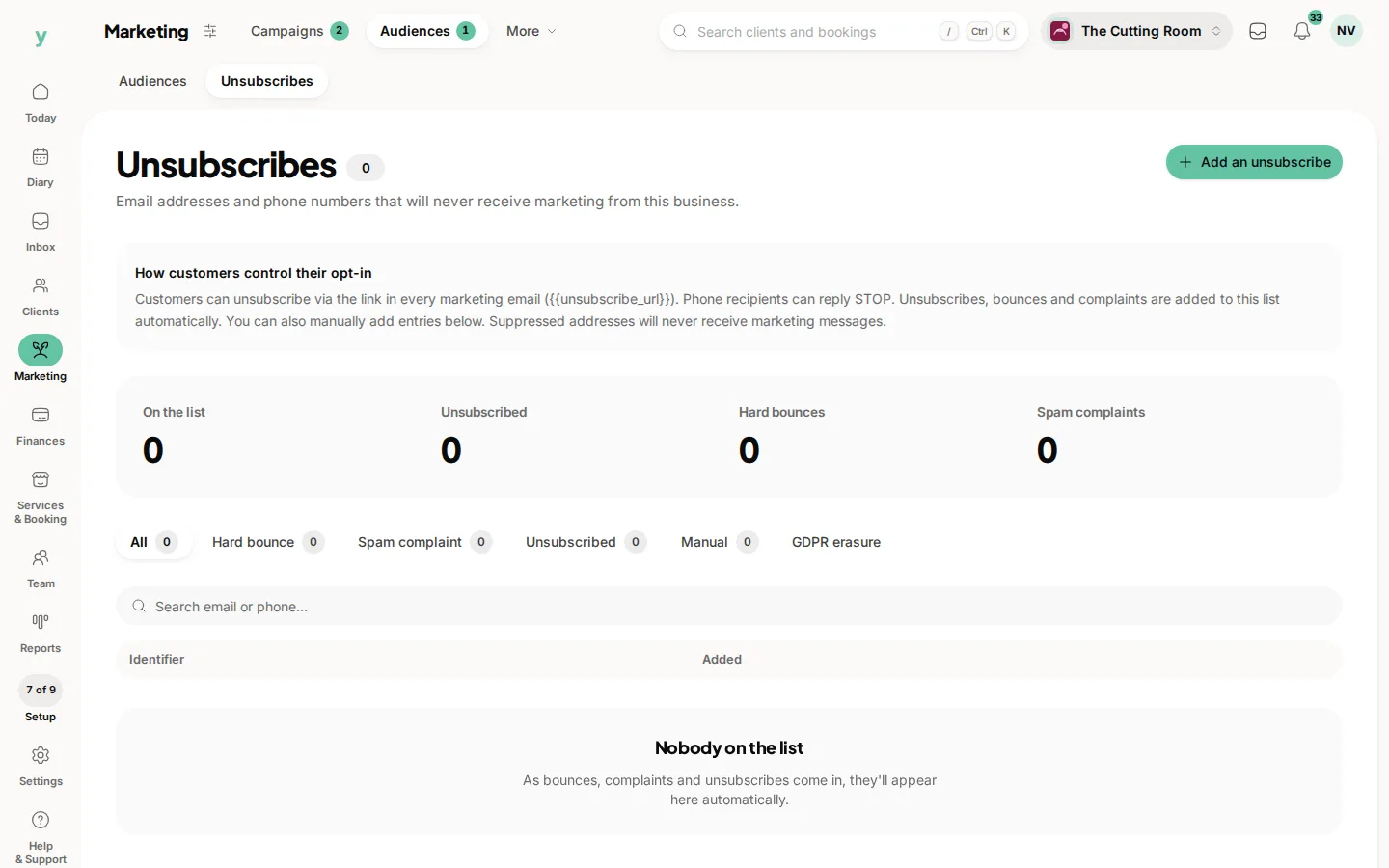
What happens to spam?
Choose Move to trash. It goes to the Trash folder. Persistent nuisance addresses can be blocked under Marketing, then Audiences, then Unsubscribes.