
A company can hold several addresses
its office, a shop or the properties you look after for it, such as a block of flats or a house on a contract. They live on the company's own page, so everything about that business stays together.
Where to find them
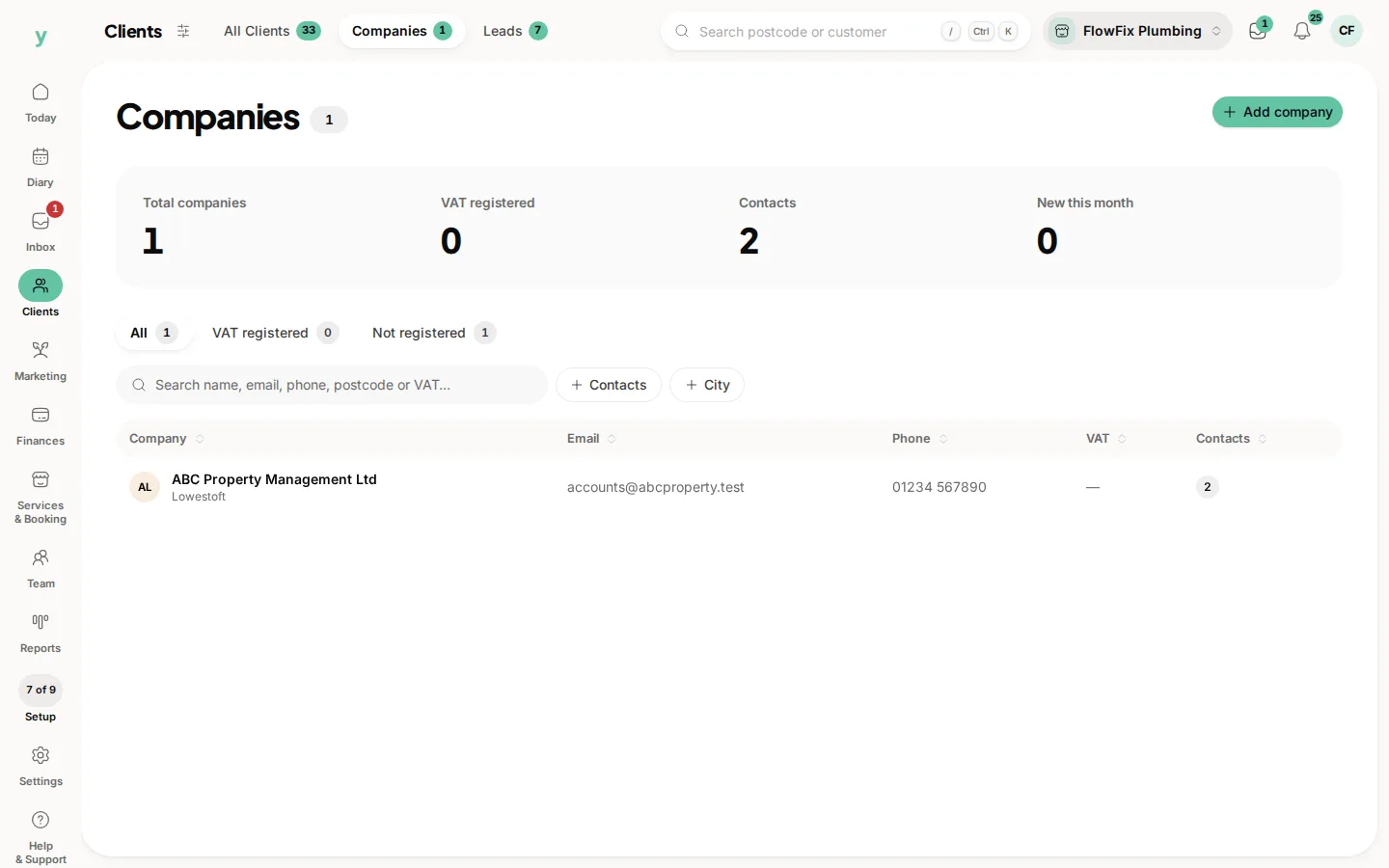
Go to Clients, then Companies, and open the company. Addresses sits on the company page with the primary address first.
Adding one
Choose Add next to Addresses. Enter the address, town and postcode. A second address line and a note are there when the property needs them, such as a gate code or which block.
Changing or removing one
Use the edit button on an address to correct it. Removing one takes it off the company. It does not change quotes, invoices or jobs that already name an address.
On quotes and invoices
When you raise a quote or an invoice for the company, pick which of its addresses the work is for.
Common questions
Is an address the same as a location?
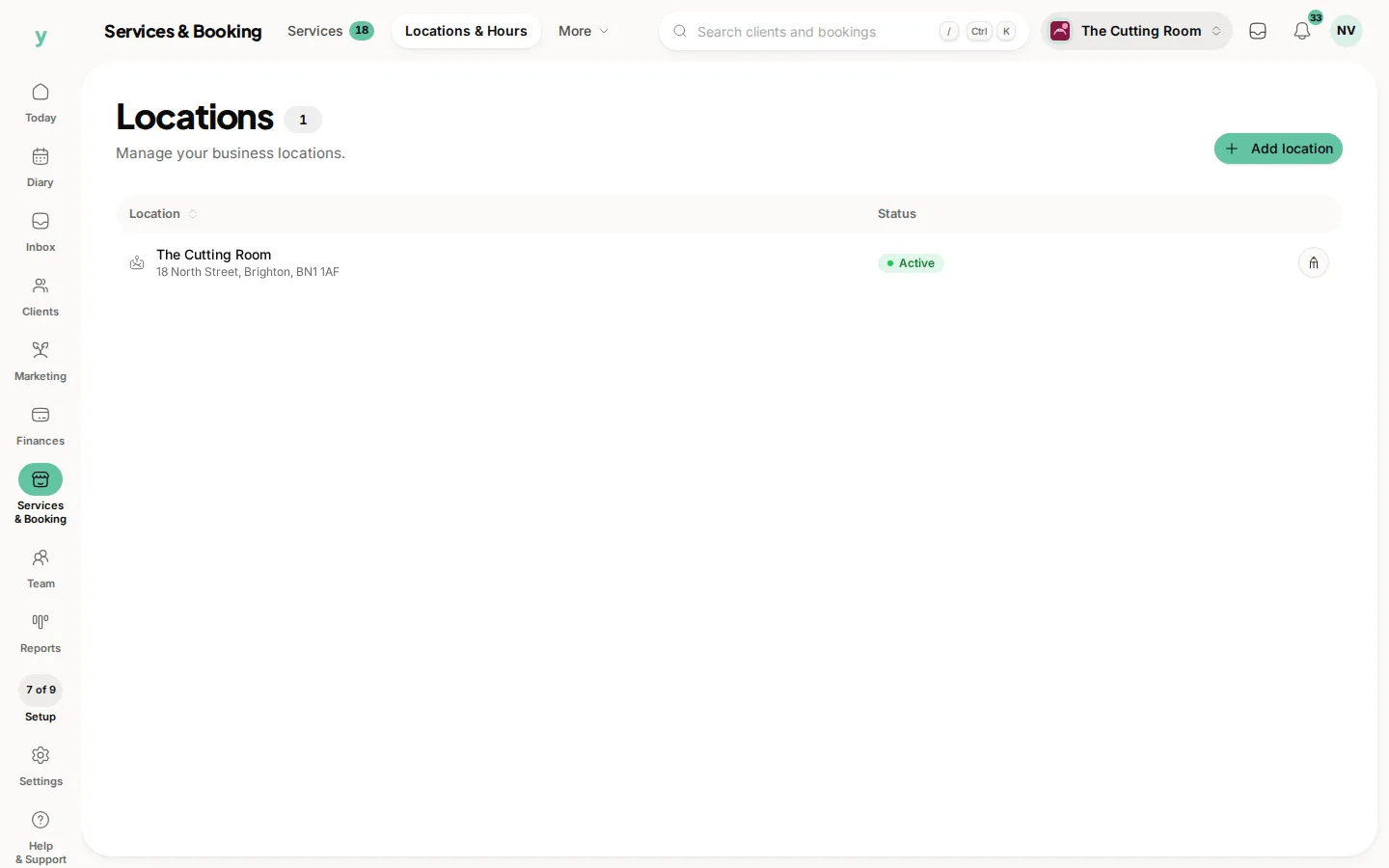
No. A location is one of your own premises, under Services & Booking, then Locations & Hours. A company address belongs to your customer.
Is there a list of every address?
No. Each address belongs to a company, so open that company to find it.