
Deleting a quote does not destroy it. Open Quotes, choose Deleted, find the quote and choose Restore.
Why it works this way
Quotes are a record of what you offered someone. Losing one to a mis-tap would mean losing evidence of a price you gave, so deleting moves it out of your way rather than removing it.
Restoring
- 1Go to Quotes
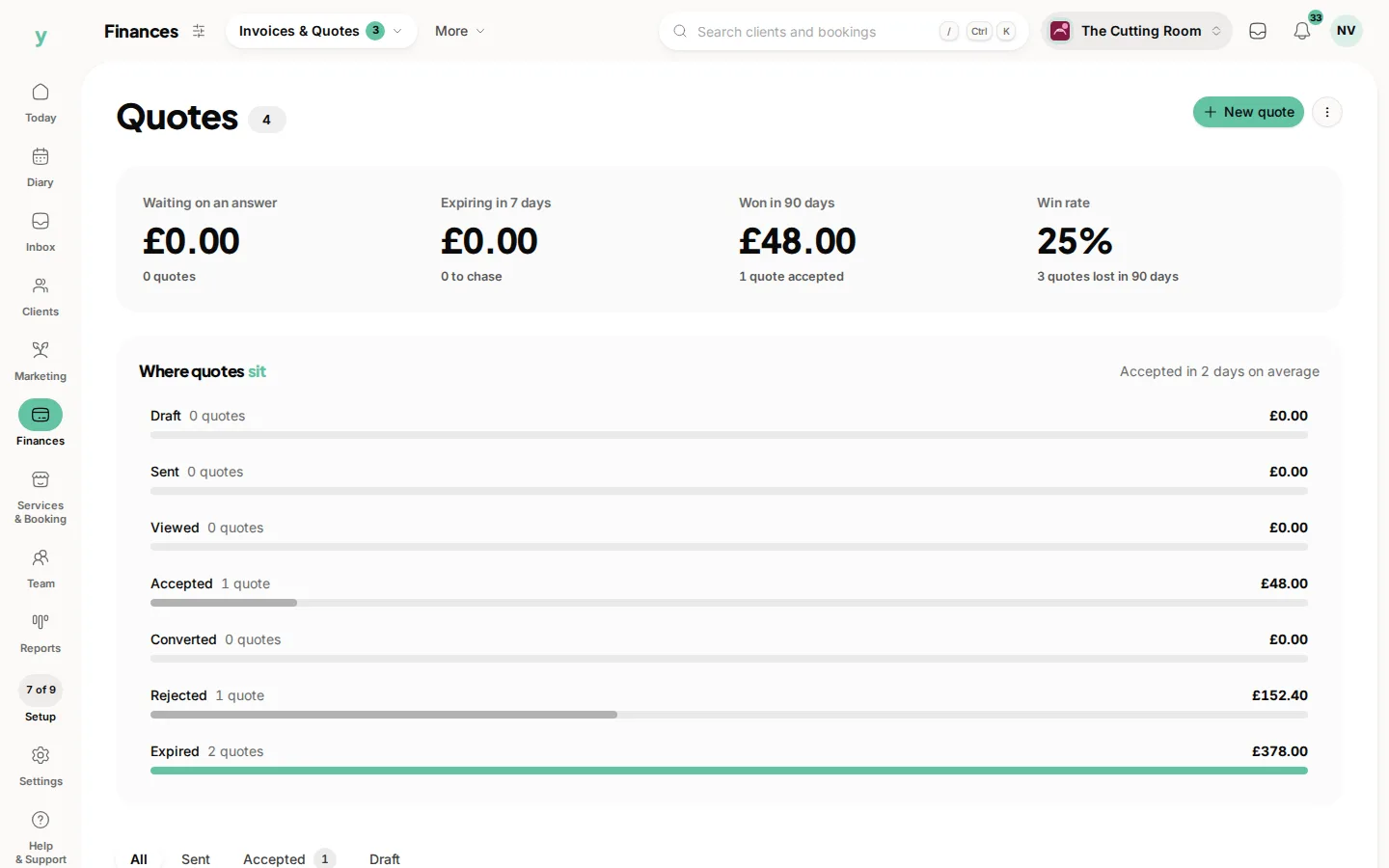
- 2Choose Deleted
- 3Find the quote and choose Restore
It returns with its lines, totals and status intact.
When to delete rather than expire
Delete genuine mistakes, like a quote raised against the wrong customer. Let real quotes that came to nothing expire instead, because the fact you quoted someone is worth knowing later.
Common questions
How long do deleted quotes stay recoverable?
They sit under Deleted rather than being cleared on a timer, so a quote deleted months ago can still be brought back.
Does restoring notify the customer?
No. Restoring is silent. Nothing is emailed unless you send it again.
Can I restore a converted quote?
A converted quote is attached to an invoice or a booking, so deleting one is rarely what you want. Restore it and check the invoice it created is still right.