Go to Marketing, then Automations. It controls which notifications your customers receive and when they are sent.
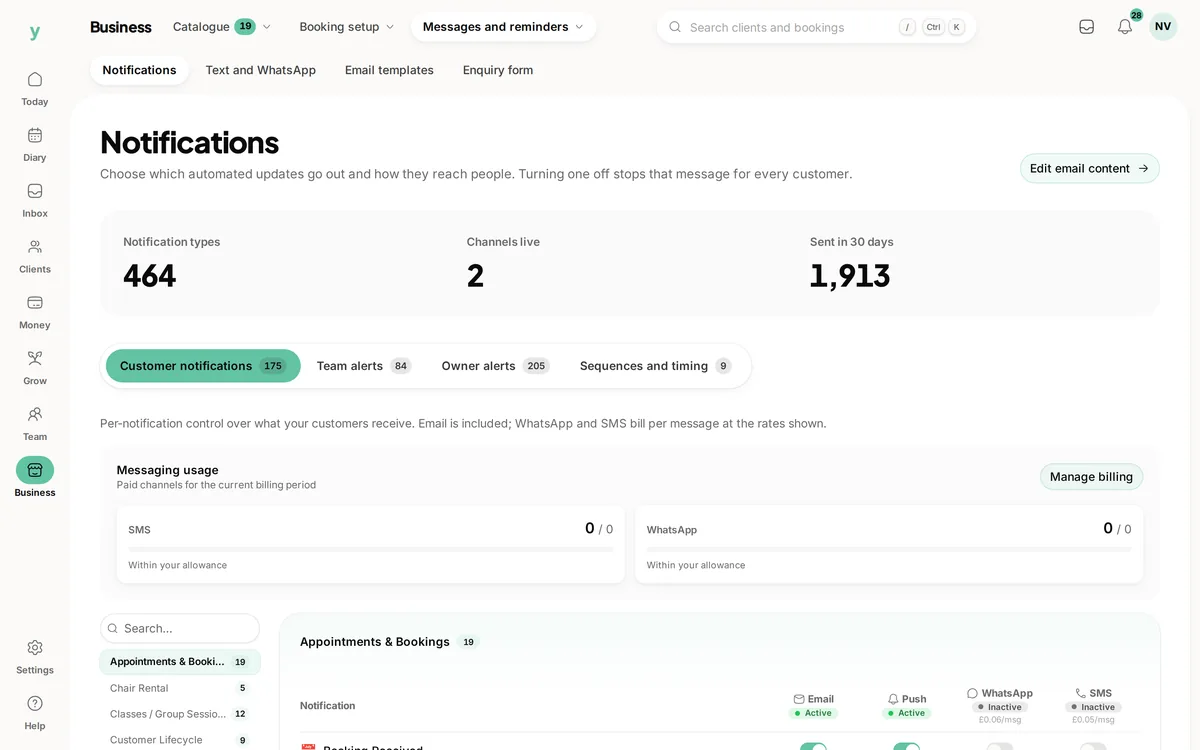
What gets sent as standard
- A confirmation when a booking is made
- A reminder before the appointment
- A note when something is changed or cancelled
- Receipts and invoices when money moves
Turning things off
You can. You should think hard before you do. Reminders are the cheapest no-show protection there is and a confirmation is what stops somebody ringing to check you wrote it down.
Timing matters more than volume
A reminder twenty-four hours ahead gives somebody time to rearrange their day. A reminder an hour ahead gives them time to feel guilty. If you only send one, send it the day before.
Service messages are not marketing
Confirmations, reminders and receipts are part of delivering what was booked. They do not depend on marketing consent and they should never carry an offer, because that turns them into marketing.
Common questions
Can I change the wording?
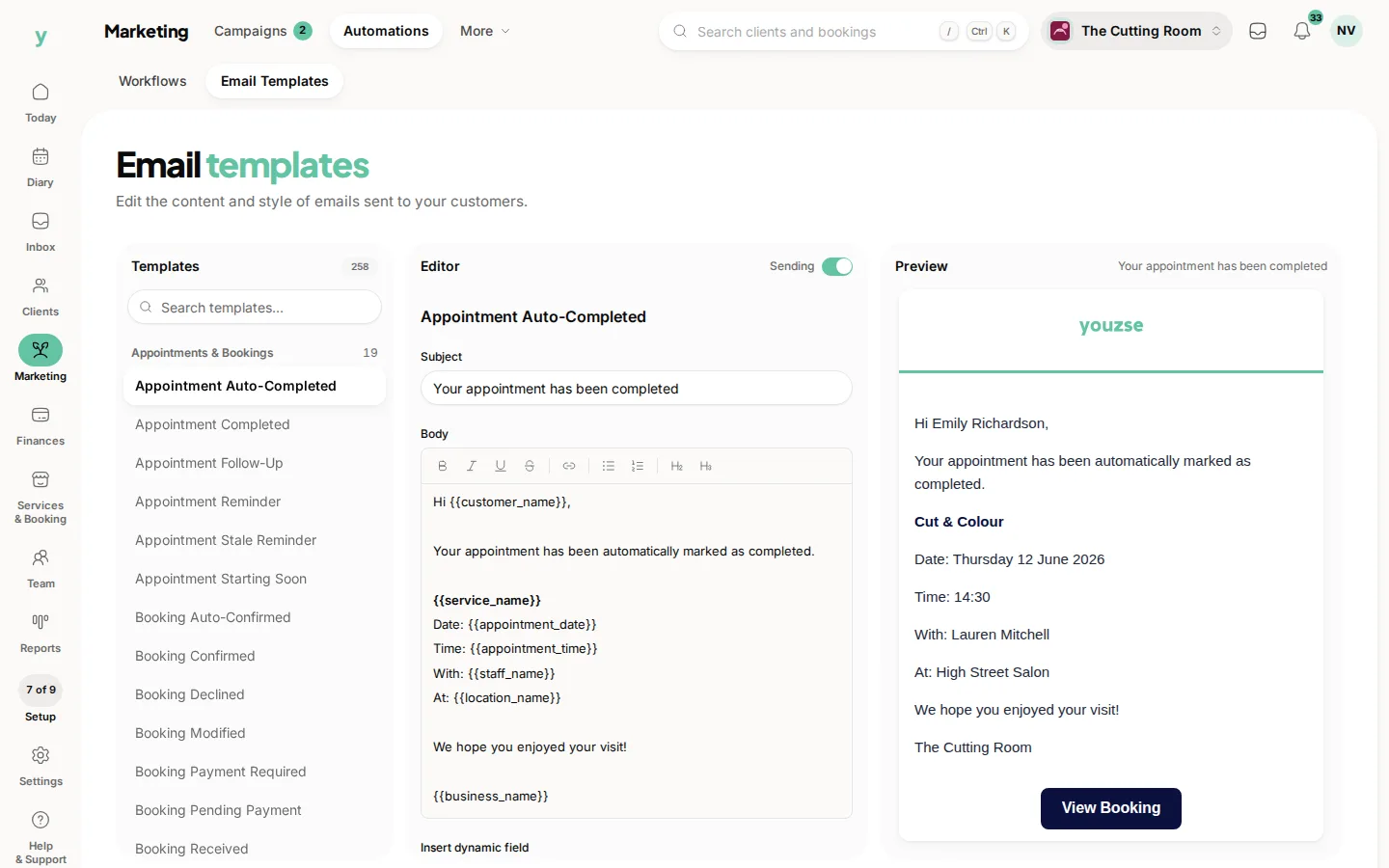
Yes. Marketing, then Automations, then Email Templates, is where the wording lives.
Do reminders cost anything?
Email is included. Text and WhatsApp messages have a per-message cost.
My customer says they got nothing. What now?
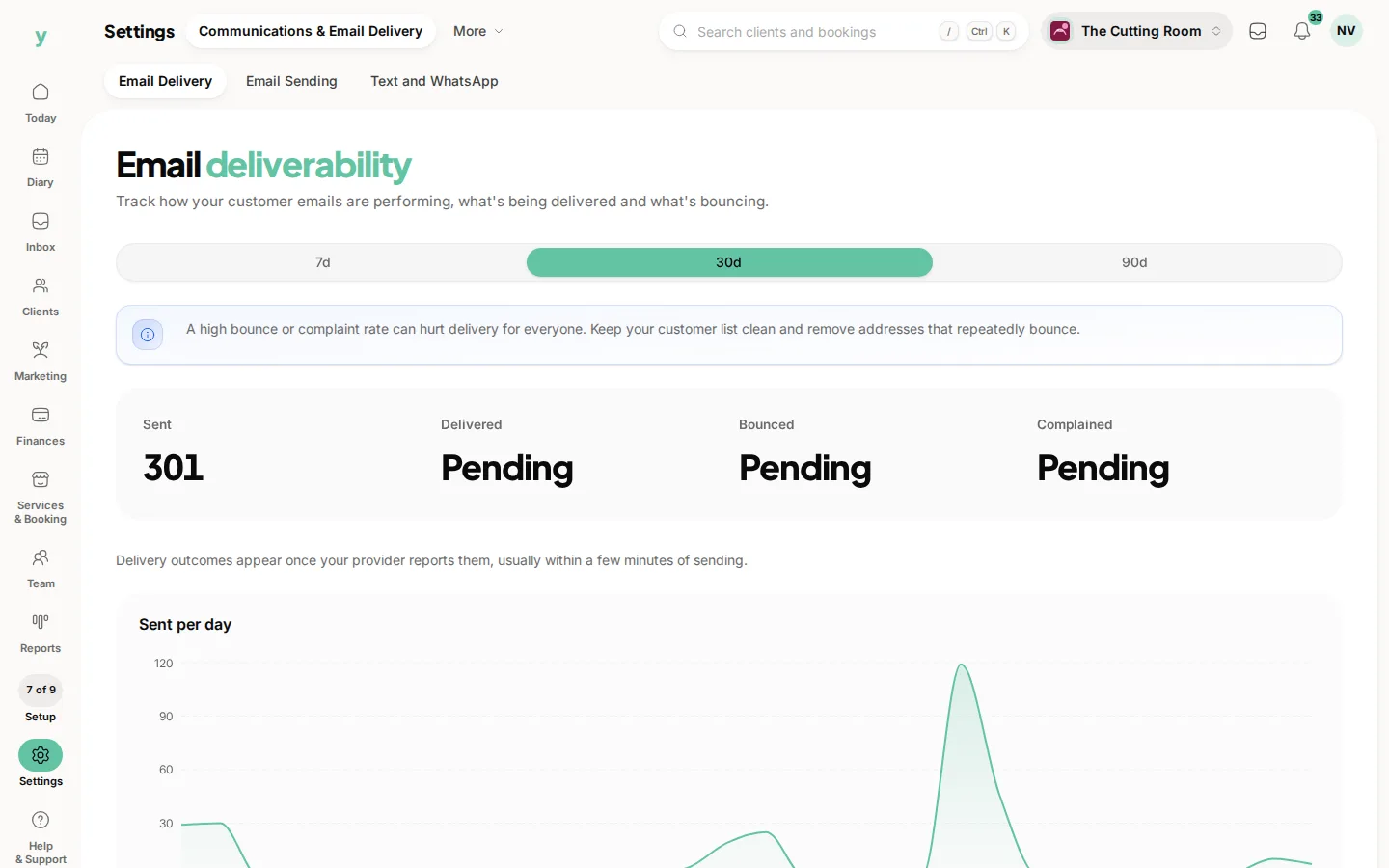
Check the email address, then look at Settings, then Communications & Email Delivery, then Email Delivery, to see whether it was delivered or bounced.