Work through it in order. The address, then the delivery record, then the customer's spam folder. That sequence finds nearly every case.
Step by step
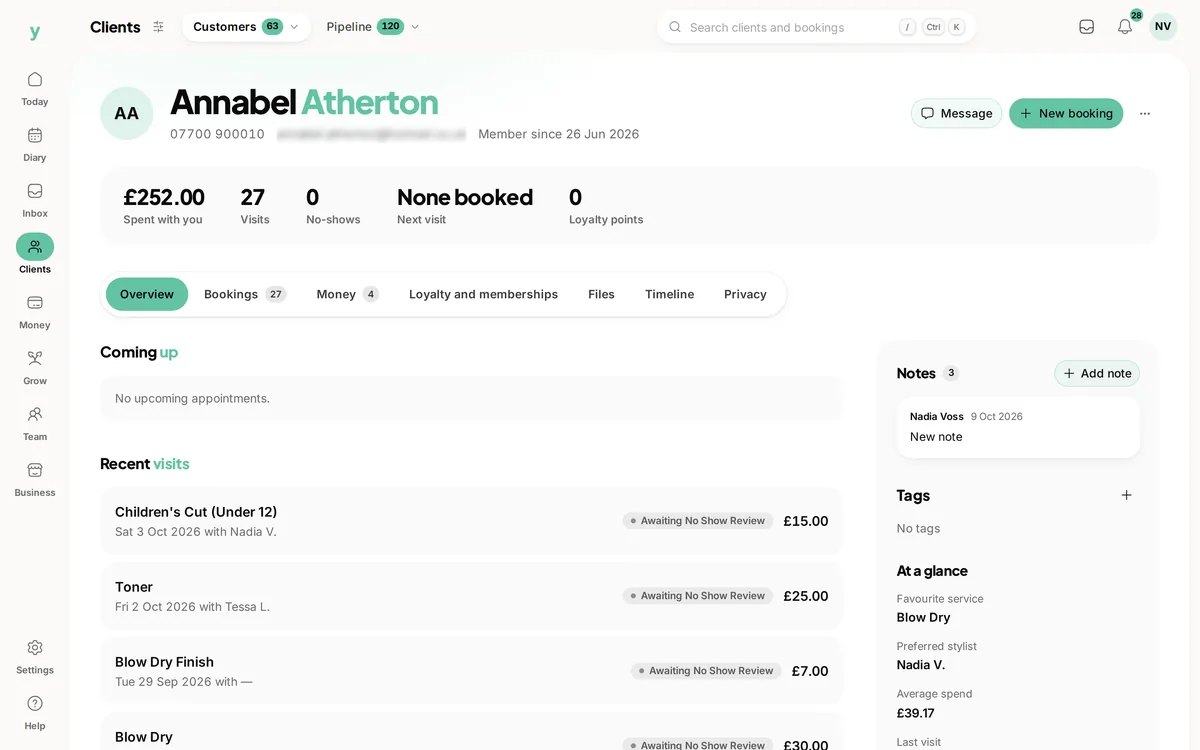
- 1Open the customer record and check the email address character by character
- 2Open Settings, then Communications & Email Delivery, then Email Delivery and look for the message
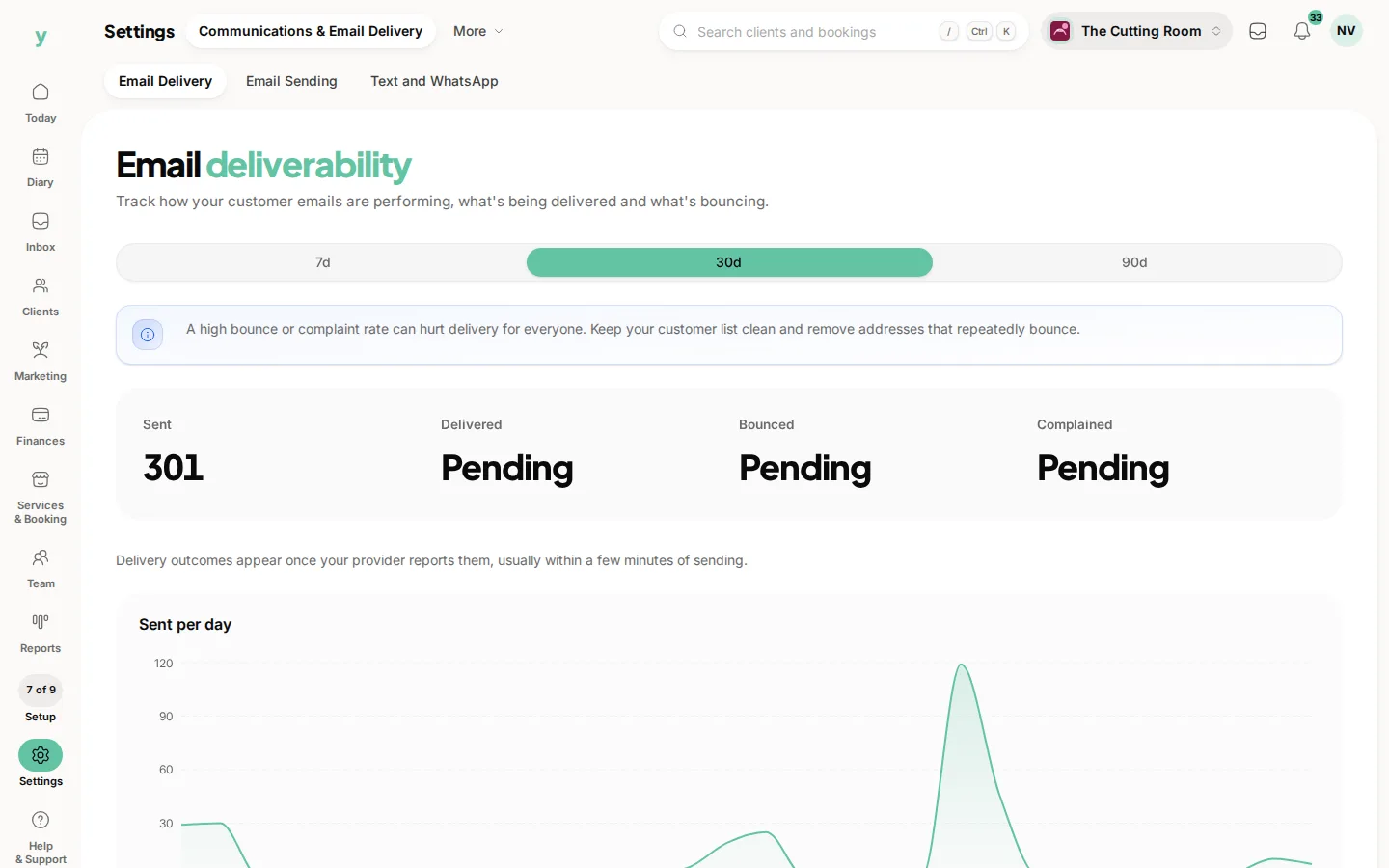
- 3If it bounced, the address is wrong or no longer exists
- 4If it was delivered, ask the customer to check spam and junk
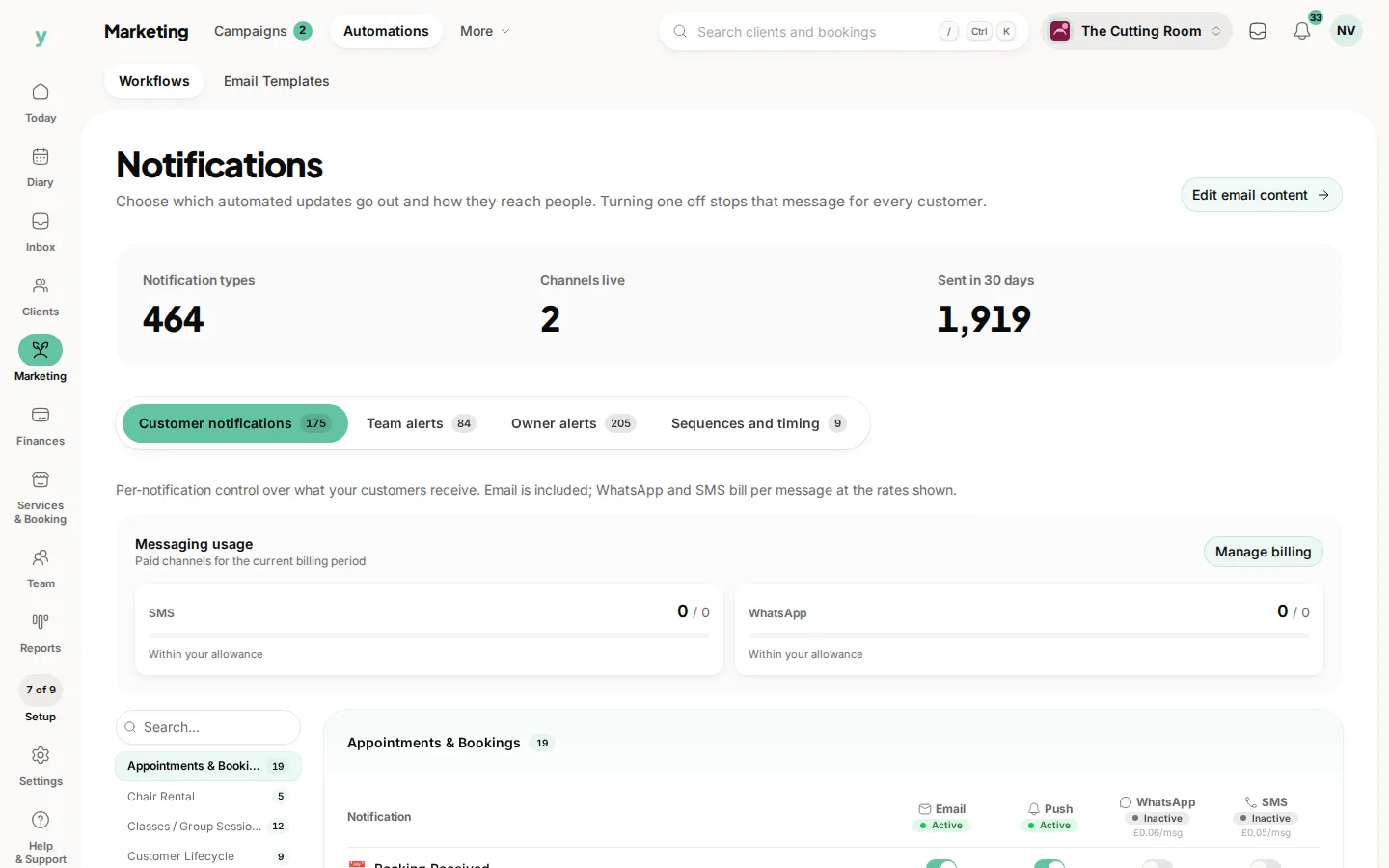
- 5Check the notification is actually switched on under Marketing, then Automations
The most common cause by far
A typo. Gmail spelled gmial, a missing letter in a domain, a stray space at the end. It looks right at a glance and fails every time.
The second most common
The notification is switched off. Somebody turned it off months ago and nobody remembered.
Suppressed addresses
An address that has hard bounced is suppressed and will not be tried again. Correcting the address on the record is what fixes it.
Common questions
Everything is going to spam. What can I do?
Check the deliverability figures for bounces, keep your customer list clean and avoid subject lines that read like advertising.
Only one customer is affected. What does that mean?
Almost certainly their address or their mail provider. Ring them and confirm the address.
Nobody is receiving anything. What now?
Check the notification settings first, then the deliverability figures. If both look right, contact support.