
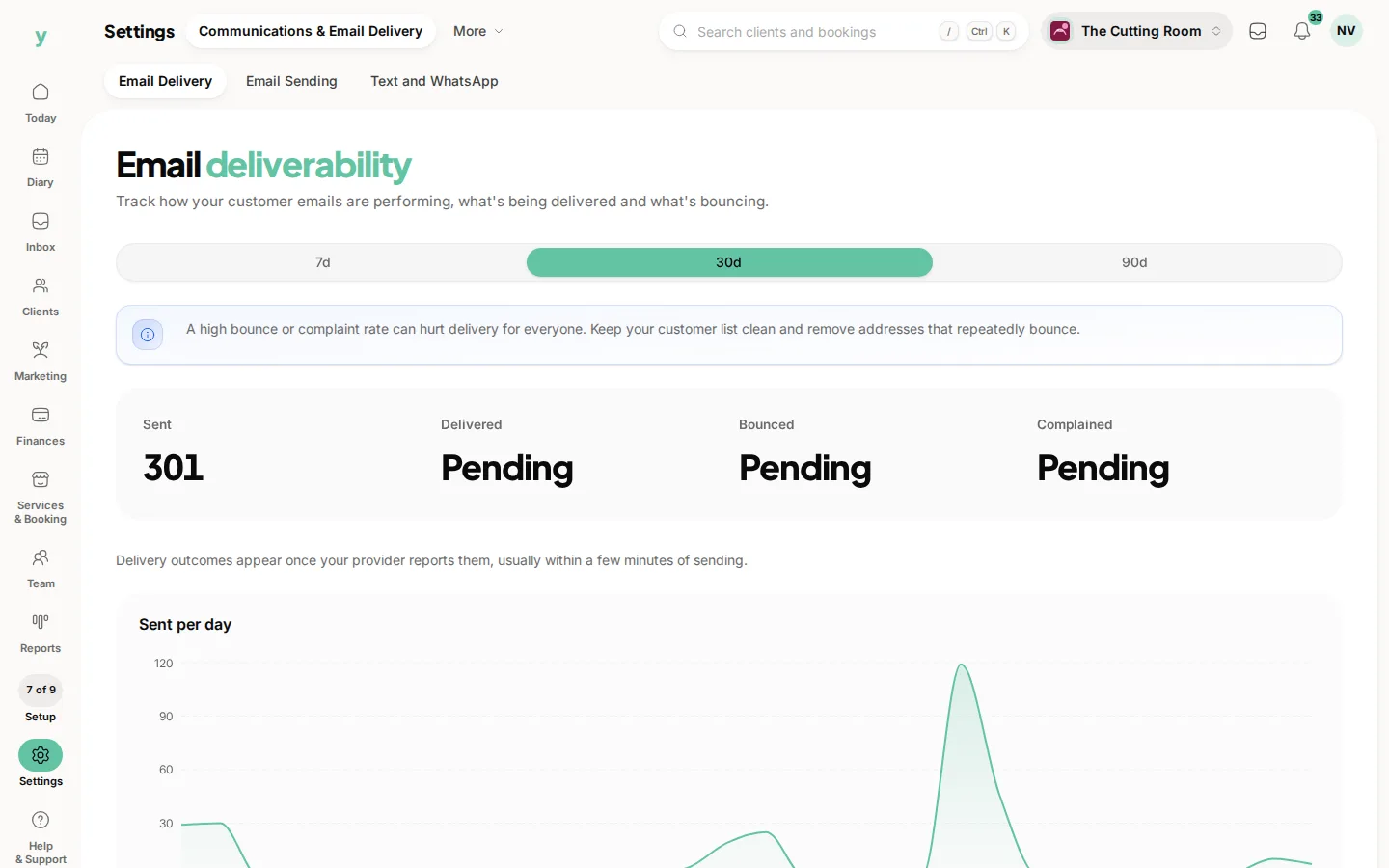
Go to Settings, then Communications & Email Delivery, then Email Delivery. It tracks how your customer emails are performing, what is being delivered and what is bouncing.
Why look at it
Because a confirmation that never arrived is worse than one you never sent. The customer thinks they are not booked. The first you hear about it is an empty slot or an angry phone call.
What the numbers mean
- Delivered means it reached the mail server, which does not prove anyone read it
- Bounced means it was rejected. A hard bounce means the address does not exist
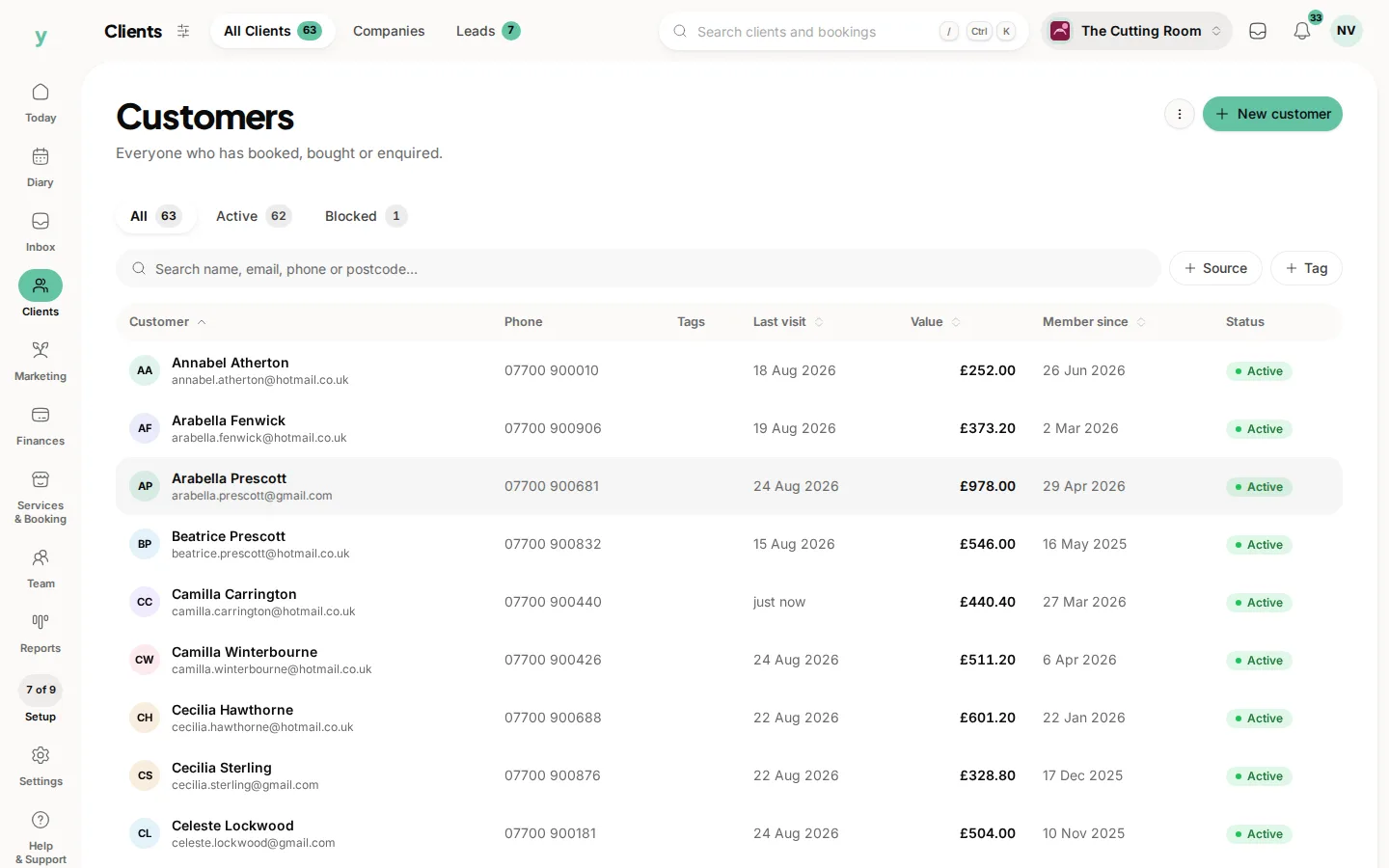
- Repeated bounces to the same address are a sign of a typo in a customer record
Fixing bounces
Correct the address on the customer record. If it cannot be corrected, ring them. An address that bounces will bounce every time until somebody changes it.
Protecting your reputation
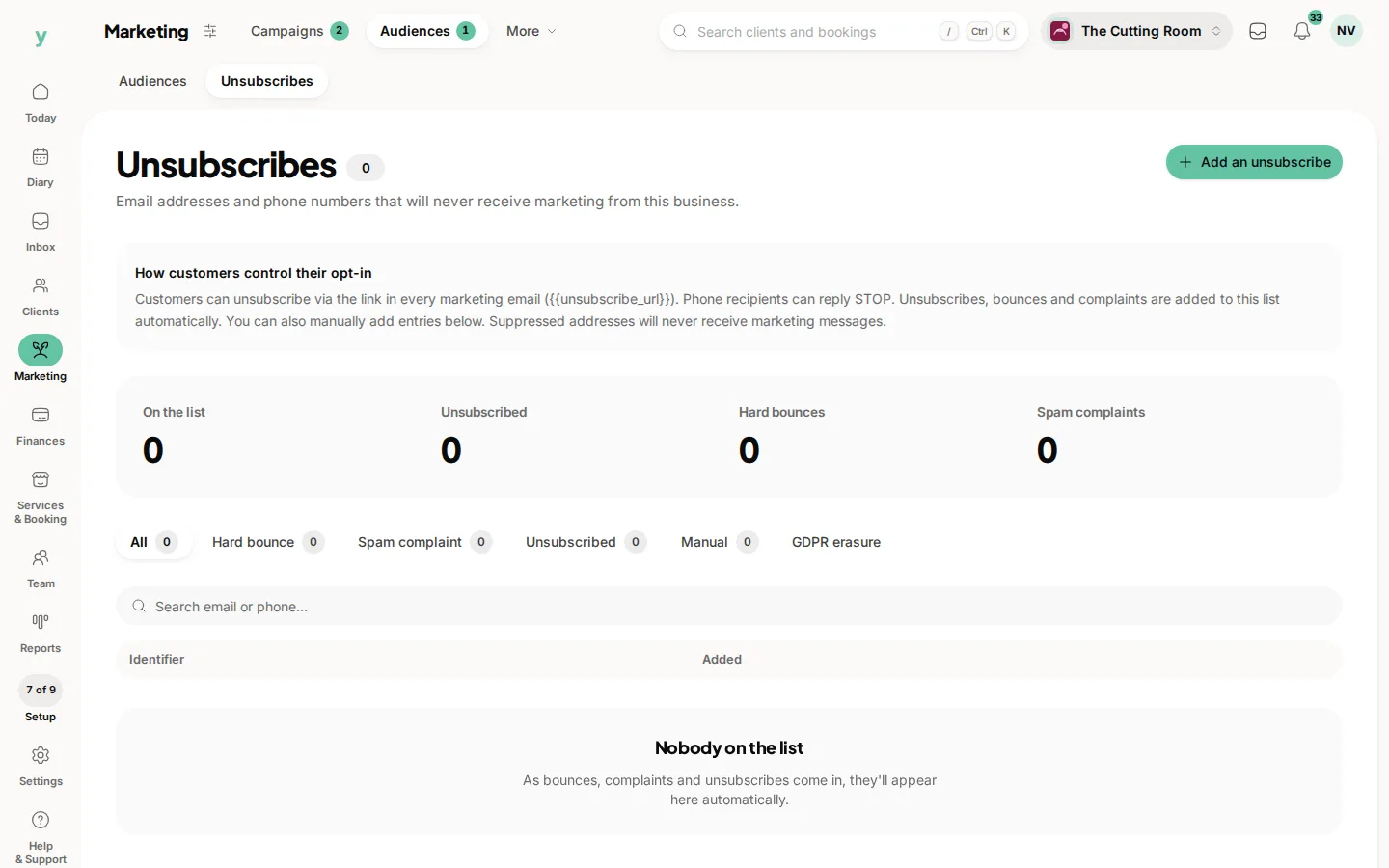
Repeatedly emailing addresses that do not exist damages how mail providers treat everything you send. Addresses that hard bounce are suppressed for exactly that reason.
Common questions
A customer says they never got the confirmation. What do I check?
Look here first to see whether it was delivered, then check the address, then ask them to check spam.
Why do some customers never seem to receive anything?
A hard bounce suppresses the address. Correct it on the record.
Does a delivered email mean they read it?
No. It means it reached their mail server. Anything after that is out of your hands.