
When a reply would change something in the business, Youzse puts a card on the screen and waits. Nothing changes until you press Confirm.
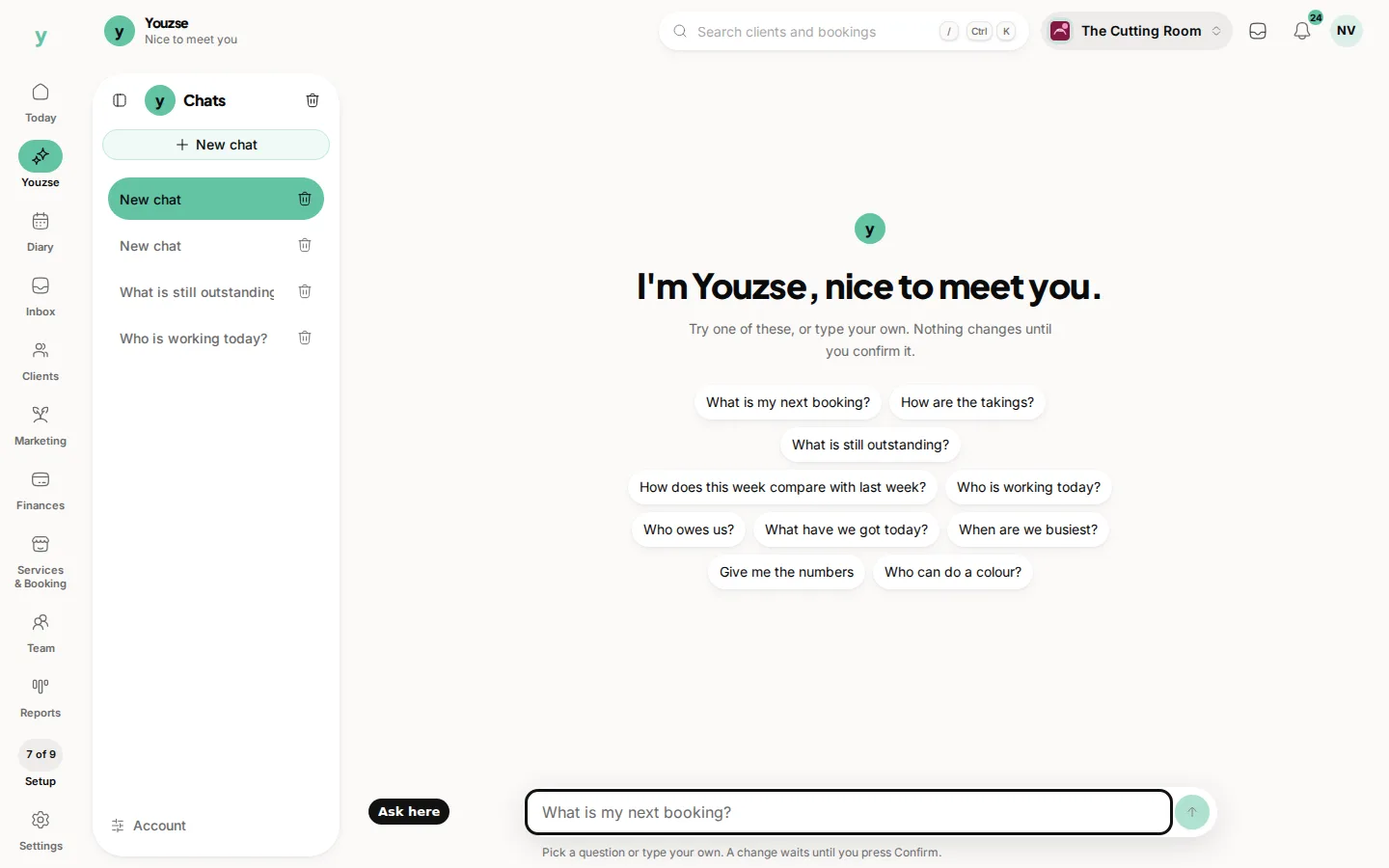
The card tells you what is waiting. Read it before you press anything. The lines on the card name what will change. Any consequences sit underneath.
What the buttons do
- Confirm: the change goes through
- Deny: you dismiss the card, and the business stays as it was
The card lasts 10 minutes. After that it expires. An expired card cannot be confirmed, and it cannot be dismissed, because the wait is over. If you still want the change, ask again and confirm the new card.
Leaving the chat, or asking a different question, does not confirm the card. The change waits for Confirm, or it expires.
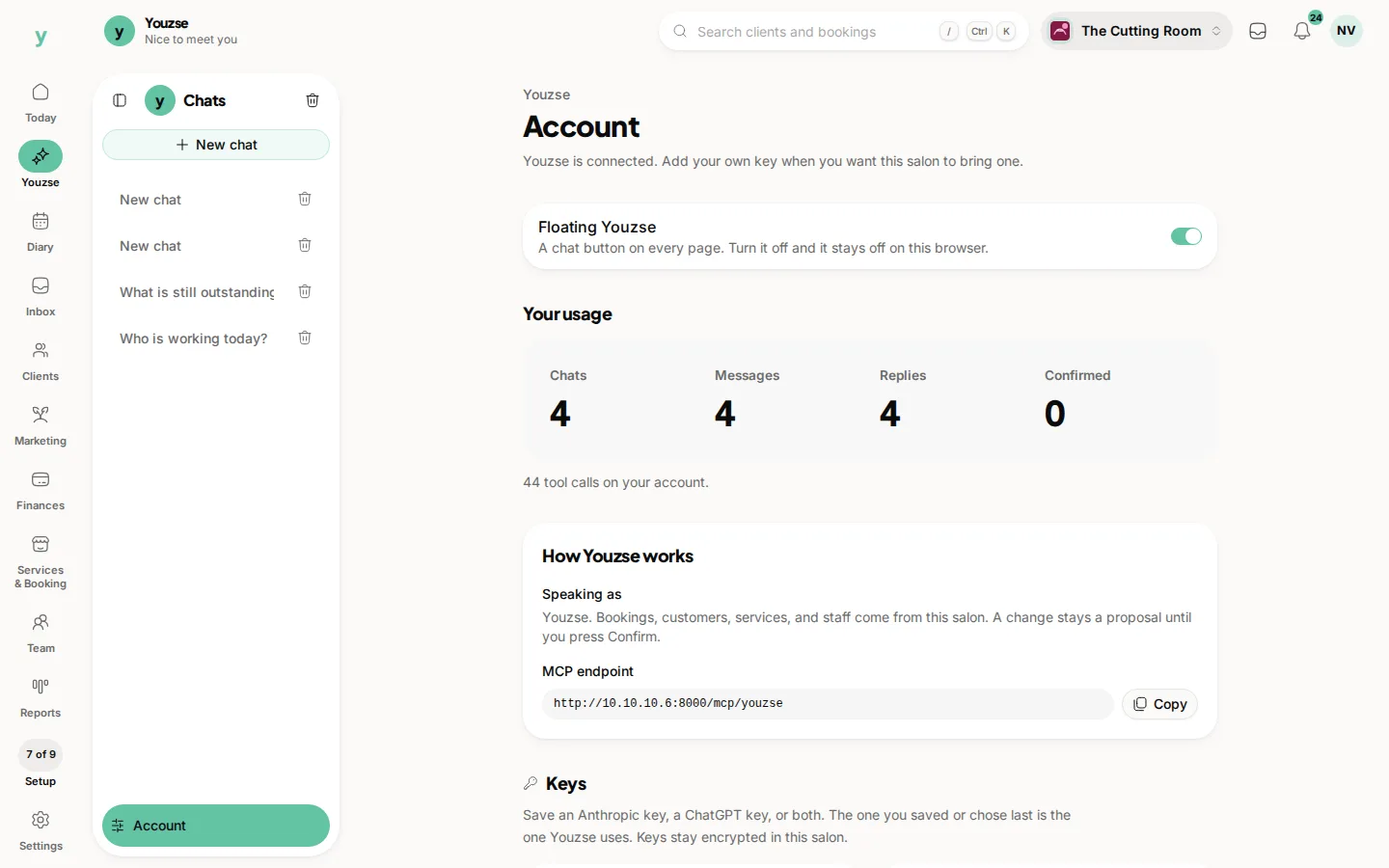
The same wait applies when Claude, ChatGPT or Cursor proposes a change. The card is still in Youzse, and it still waits for Confirm there. Your usage on Account shows how many changes you have confirmed.
Common questions
Has the change already happened?
No. It happens when you press Confirm.
How do I dismiss a card I do not want?
Press Deny. That dismisses it, and nothing changes.
What if I come back later?
The card expires after 10 minutes. Ask again if you still want the change.