
The Youzse assistant is for staff who are signed in. Customers do not get it. You open it, ask about this business, and Youzse answers from the records of the business you are in.
It speaks as Youzse. The reply is Youzse talking about this business, in ordinary sentences.
It works on one business at a time. The bookings, the customers, the diary and the money all come from the business you are signed into. If you look after more than one, switch to the right one before you ask. Youzse does not mix them together.
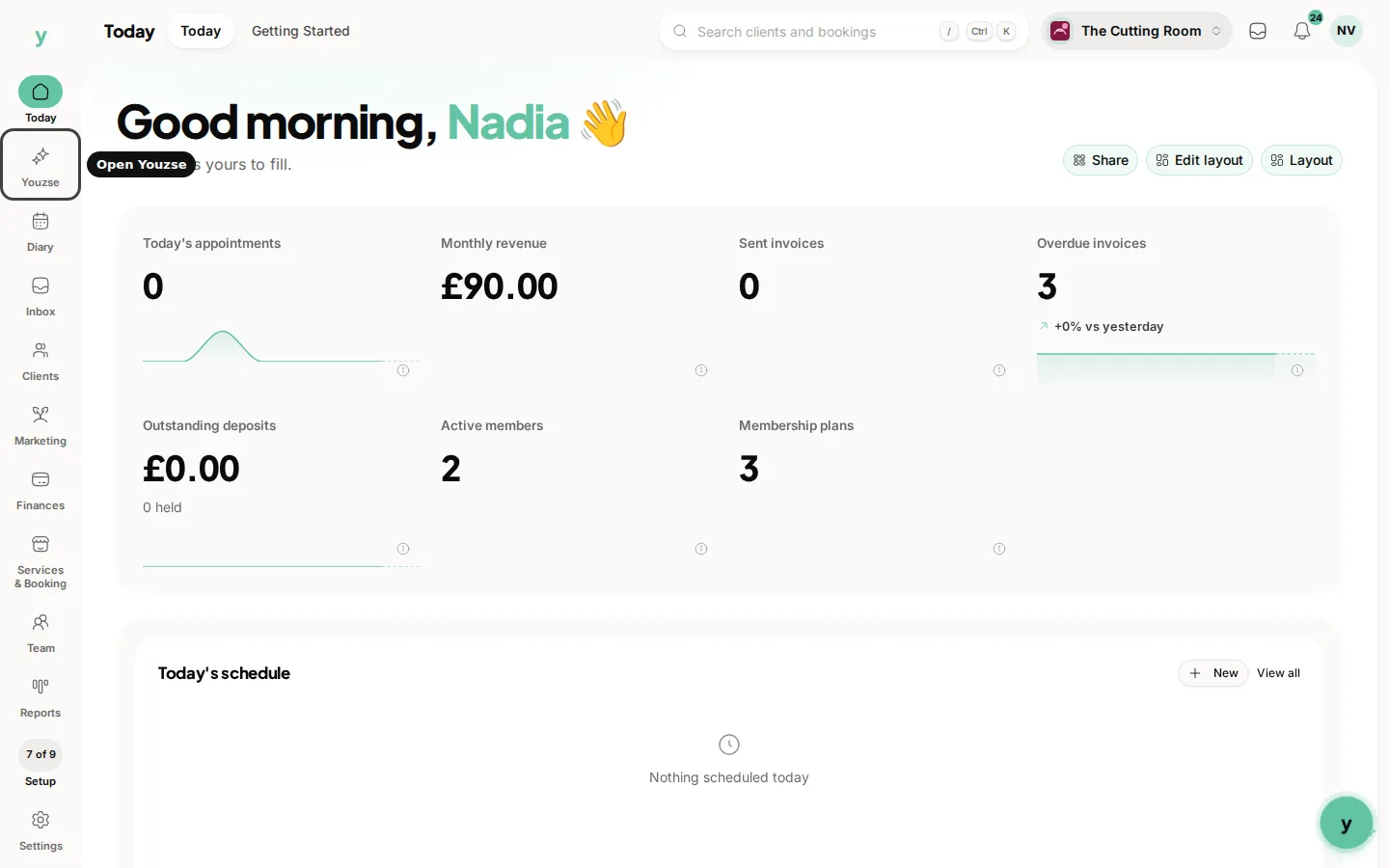
Where to find it
On a large screen, Youzse is on the left rail. On a phone, Youzse is on the bar along the bottom. Open it and type in the message box.
Who can use it
Staff who can sign in can ask questions and can confirm a change. Connecting a model key, and connecting Claude, ChatGPT or Cursor, is for the owner. Those steps have their own articles.
Common questions
Can a customer open the assistant?
No. It lives on the staff side, for people signed in to the business.
Which business is it talking about?
The one you are signed into. Switch first if you have more than one.
Does it call itself something else?
It speaks as Youzse.