
Every question sits in a chat. A new chat starts empty. An earlier chat keeps the thread so you can read back or ask a follow-up.
Where to find them
On a large screen, the chat list sits beside the left rail when Youzse is open. New chat starts a fresh thread. Each row opens that conversation. Account sits at the foot of the list.
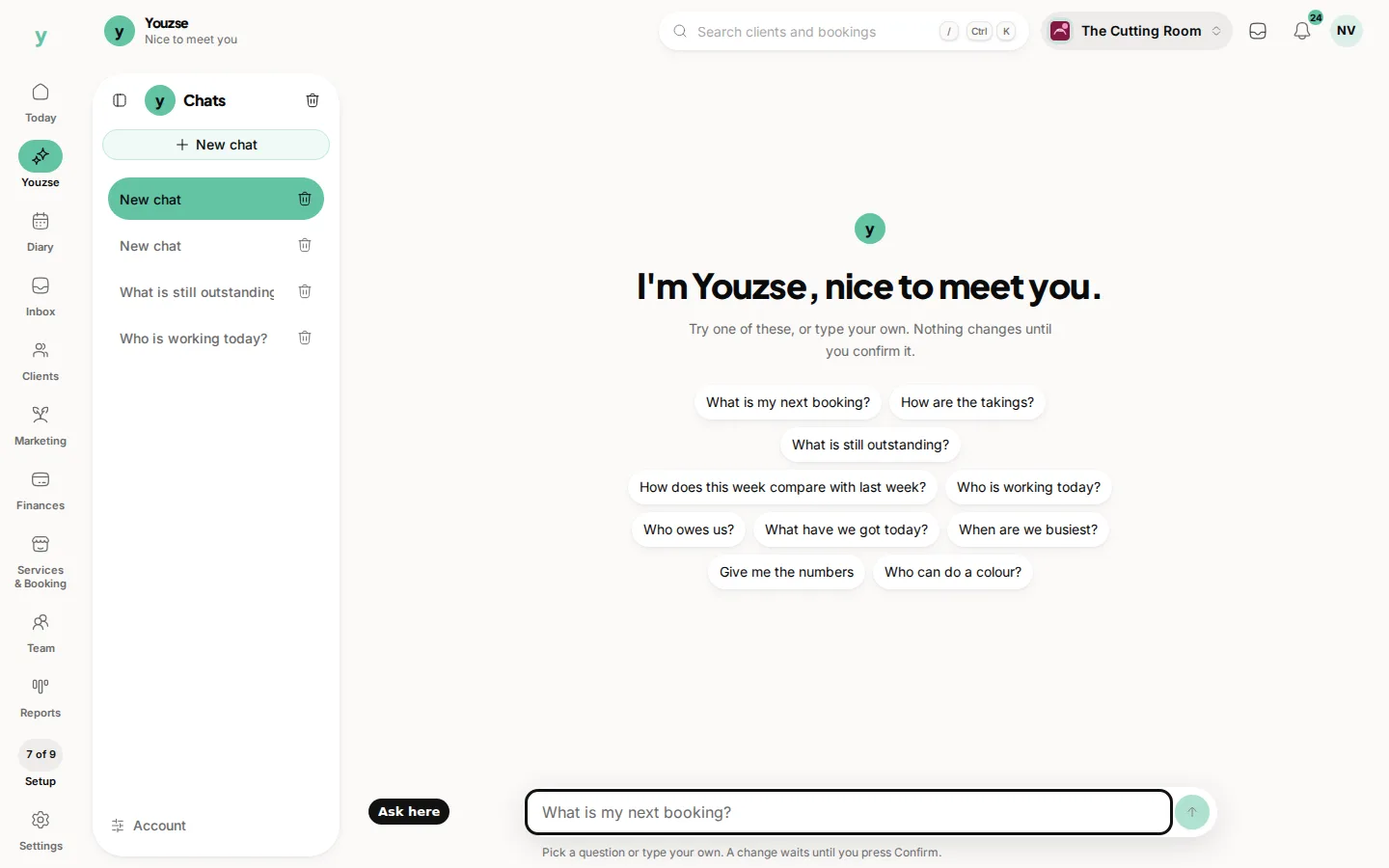
On a phone, press Show chats. The same list opens over the conversation. New chat, earlier chats and Account are all there.
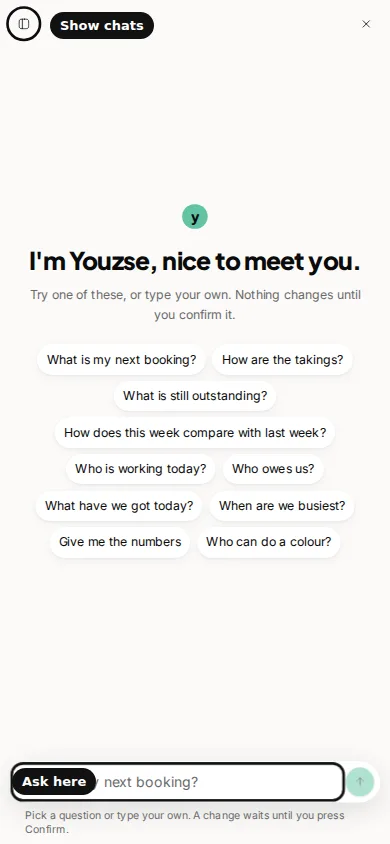
You can delete one chat, or clear them all, from that list. Clearing chats does not undo a change you already confirmed. It only removes the conversation history from the list.
Starting a new chat does not confirm a waiting card in another chat. Open the chat that holds the card if you still want to Confirm or Deny it before it expires.
Common questions
Do chats sync across devices?
Yes, for staff signed into the same business. Open Youzse on another device and the list is there.
What does Account do in the chat list?
It opens the Youzse account page for keys, the connector, usage and the floating button.
If I delete a chat, is a confirmed booking undone?
No. Confirmed changes stay on the business. Only the conversation is removed.