
You open Youzse the same way you open any other staff screen. It sits with Today, Diary and Inbox, so it is never buried in Settings.
On a large screen
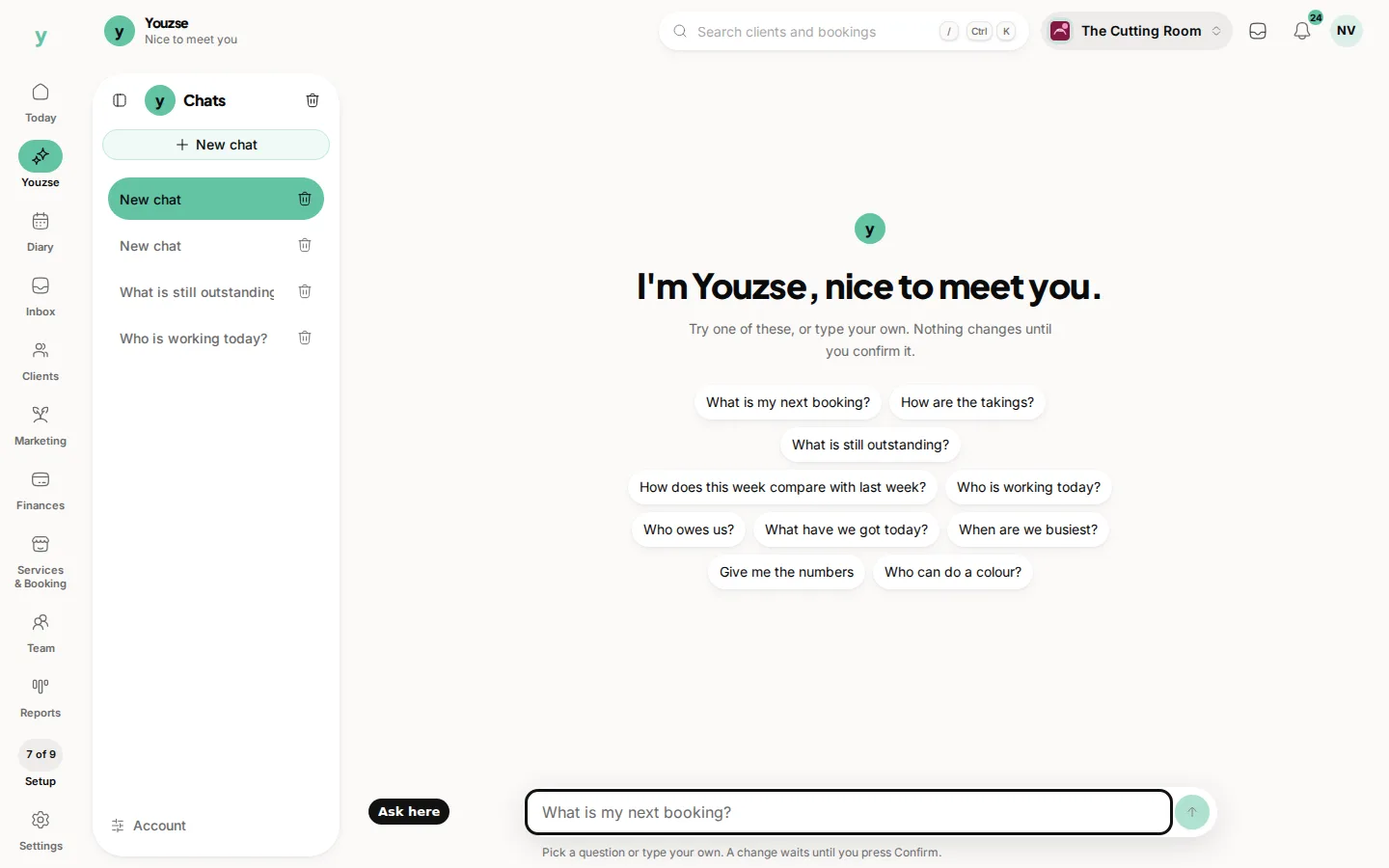
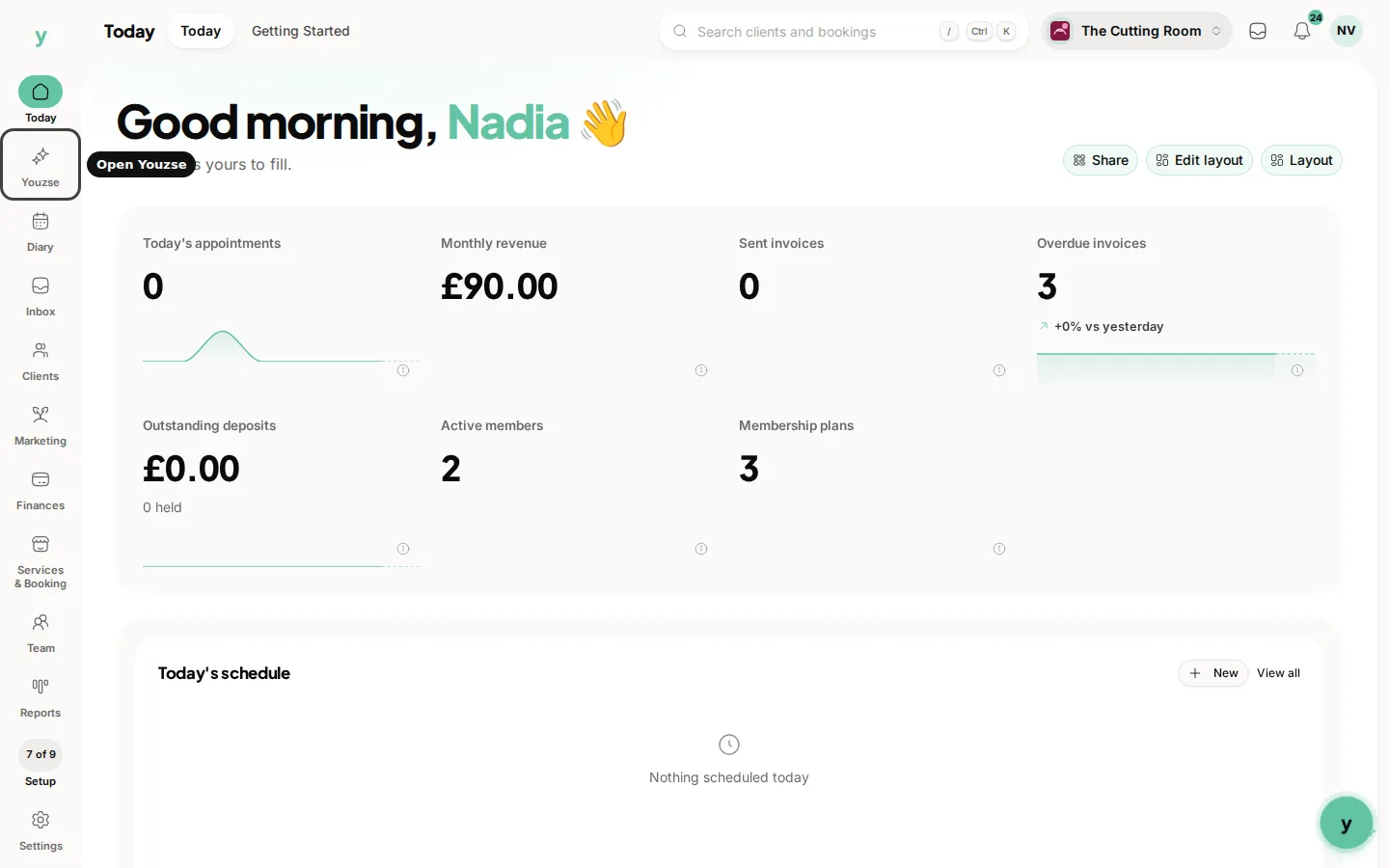
Look down the left rail. Youzse is the item with the spark mark, under Today. Open it and the chat fills the middle of the screen. Your earlier chats sit in the narrow list beside the rail.
On a phone
Youzse is on the bar along the bottom. Tap it and you are in the conversation. The message box stays at the bottom so you can type with the keyboard open.
From any staff page you can also use the floating Youzse button, if it is switched on for this browser. That opens the same assistant without leaving the page you are on. Turning the floating button on or off is covered in its own article.
Once you are in, pick a suggested question or type your own. Nothing in the business changes until you press Confirm on a change card.
Common questions
I cannot see Youzse on the rail.
You need to be signed in as staff. Customers do not get the assistant. On a phone, look on the bottom bar instead of the left rail.
Does opening Youzse leave the page I was on?
Opening it from the rail takes you into the assistant screen. The floating button keeps you on the page you were already looking at.
Is the phone version a different place?
No. It is the same Youzse, for the same business.