
When you open a fresh chat, Youzse shows a short greeting and a cluster of suggested questions. Each one is a real question you can ask about this business.
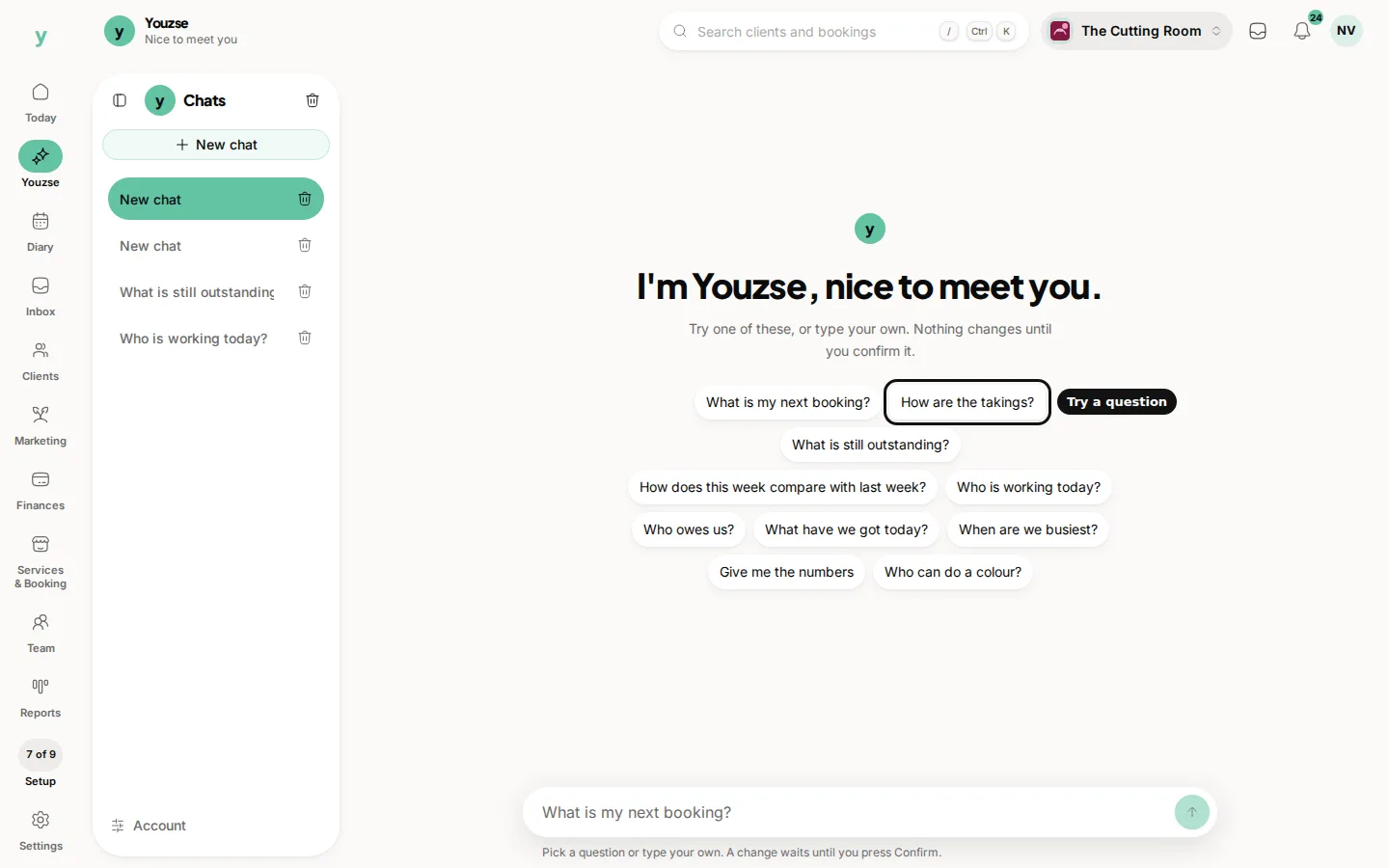
How to use them
Tap a suggestion and Youzse sends it for you. You do not need to retype it. The suggestions change with your trade, so a salon sees different prompts from a garage.
The message box also cycles through example questions while it is empty. Start typing and the example clears. You can always ignore the suggestions and ask in your own words.
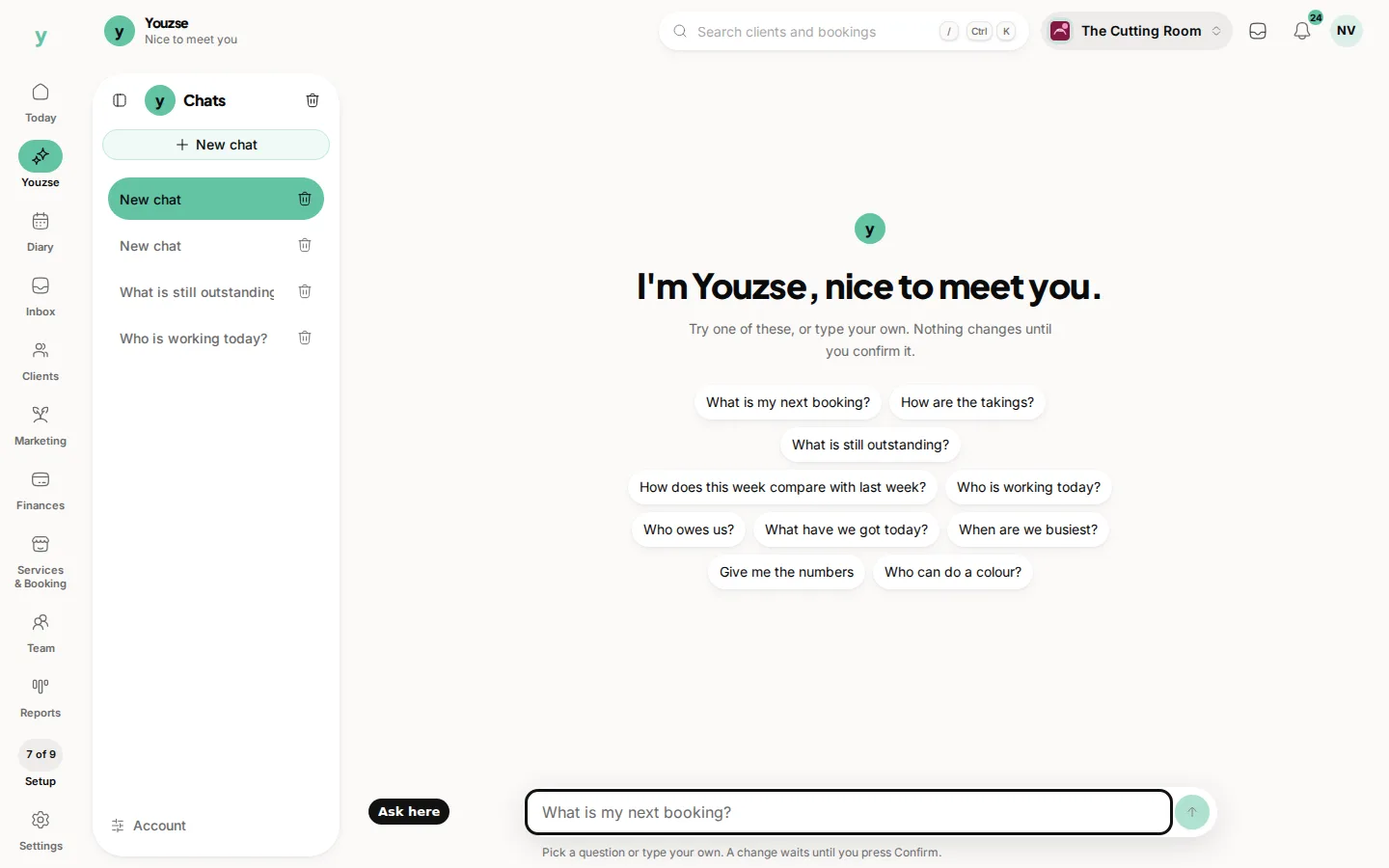
After you have a thread going, the same kind of short prompts sit above the message box so you can ask a follow-up without starting again.
Suggestions never change the business on their own. If a reply would write something, the change card still waits for Confirm.
Common questions
Do the suggestions cost anything extra?
No. They are the same questions you could type yourself.
Why do I see colour and booking questions in a salon?
Youzse names your trade. The suggestions follow the business you are signed into.
Can I turn suggestions off?
There is no separate switch. Start typing, or open an earlier chat, and the greeting cluster is out of the way.