
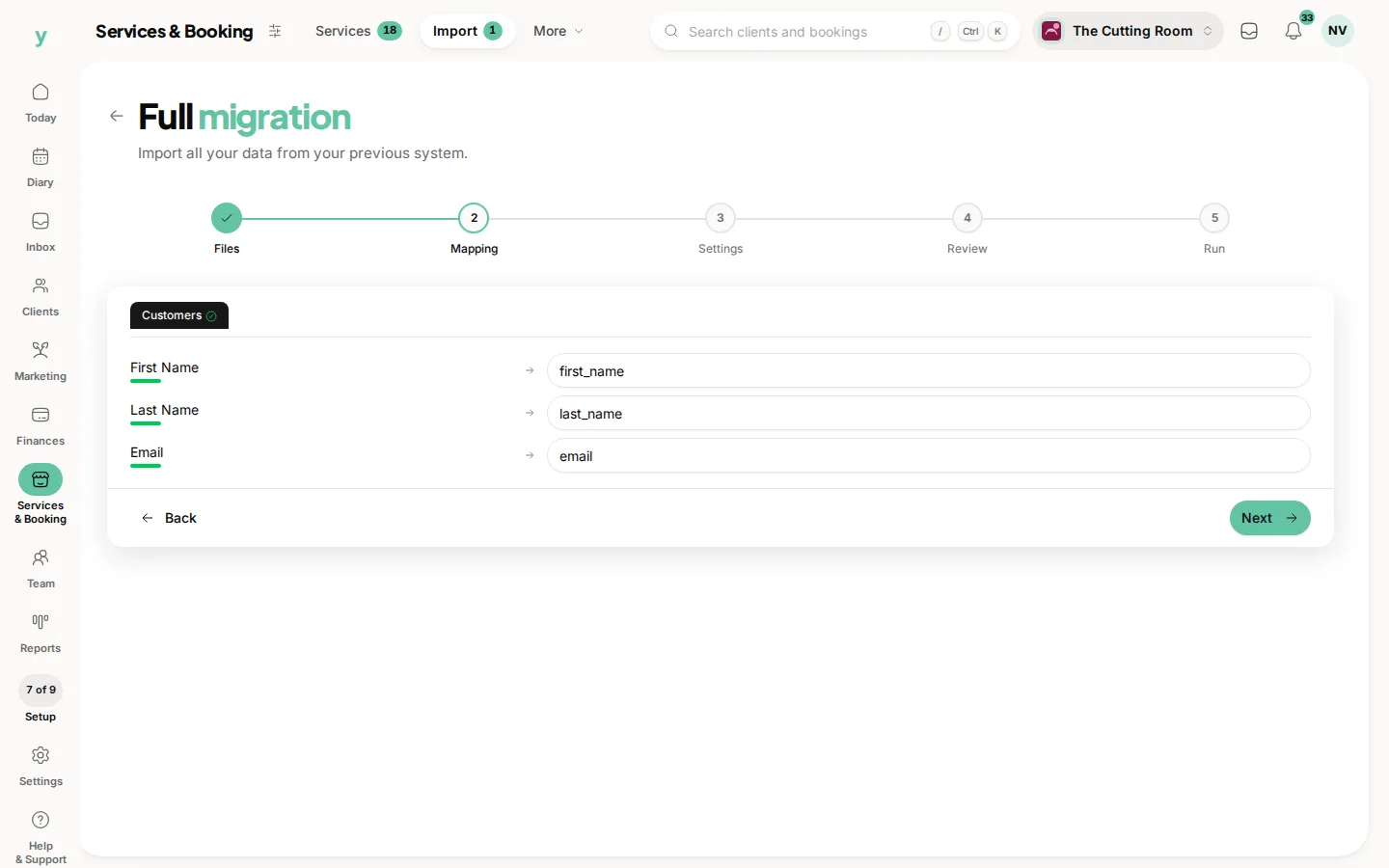
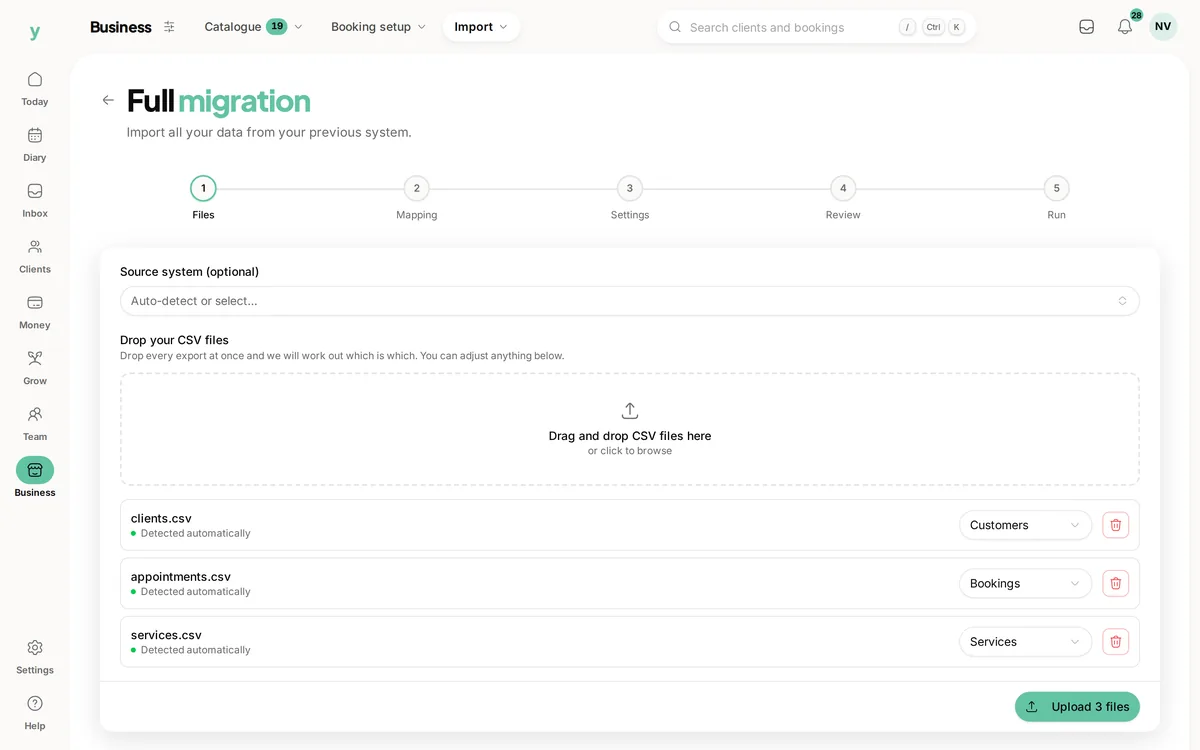
If your customer list lives in a spreadsheet, save it as CSV with a single header row and one kind of record per file, then map the columns yourself at the Mapping step. Plenty of businesses arrive this way and it works well.
Getting the file right
- 1Put your column names in the first row and nothing above them
- 2Delete any title rows, merged cells, totals rows and colour-coded legends
- 3Keep one kind of record per file, so customers in one file and appointments in another
- 4Save as CSV. In Excel that is File, then Save as, then CSV UTF-8
Merged cells and totals rows are the usual culprits when an import looks strange, because a CSV has no idea what a merged cell is.
A minimal customer file
You need less than people expect. A file with First Name, Last Name, Email and Phone is a perfectly good import. Add date of birth, address and notes if you have them.
Names in one column
Keep them in one column and map it to the full name field. Youzse splits it and splitting by hand goes wrong on double-barrelled surnames and middle names.
Dates
Pick one format and use it throughout. Mixed formats in one column are where partial imports come from and spreadsheets are prone to silently reformatting dates, so check the column before saving.
Phone numbers
Format the column as text before typing numbers or the leading zero on a UK mobile disappears. If yours already look like 7700900123, add the zero back before you export.
Prices
Plain numbers, so 42.50 rather than a currency-formatted cell. Remove currency symbols and thousands separators.
Common questions
My spreadsheet has one row per appointment with the client repeated. Is that a problem?
No, that is normal and how most platforms export. Youzse builds one customer record from the repeated details.
Can I import a Google Sheet directly?
Not directly. Use File, then Download, then Comma-separated values and upload that file.
What if I only have names and phone numbers?
That is enough. Import them and fill in emails as customers book.