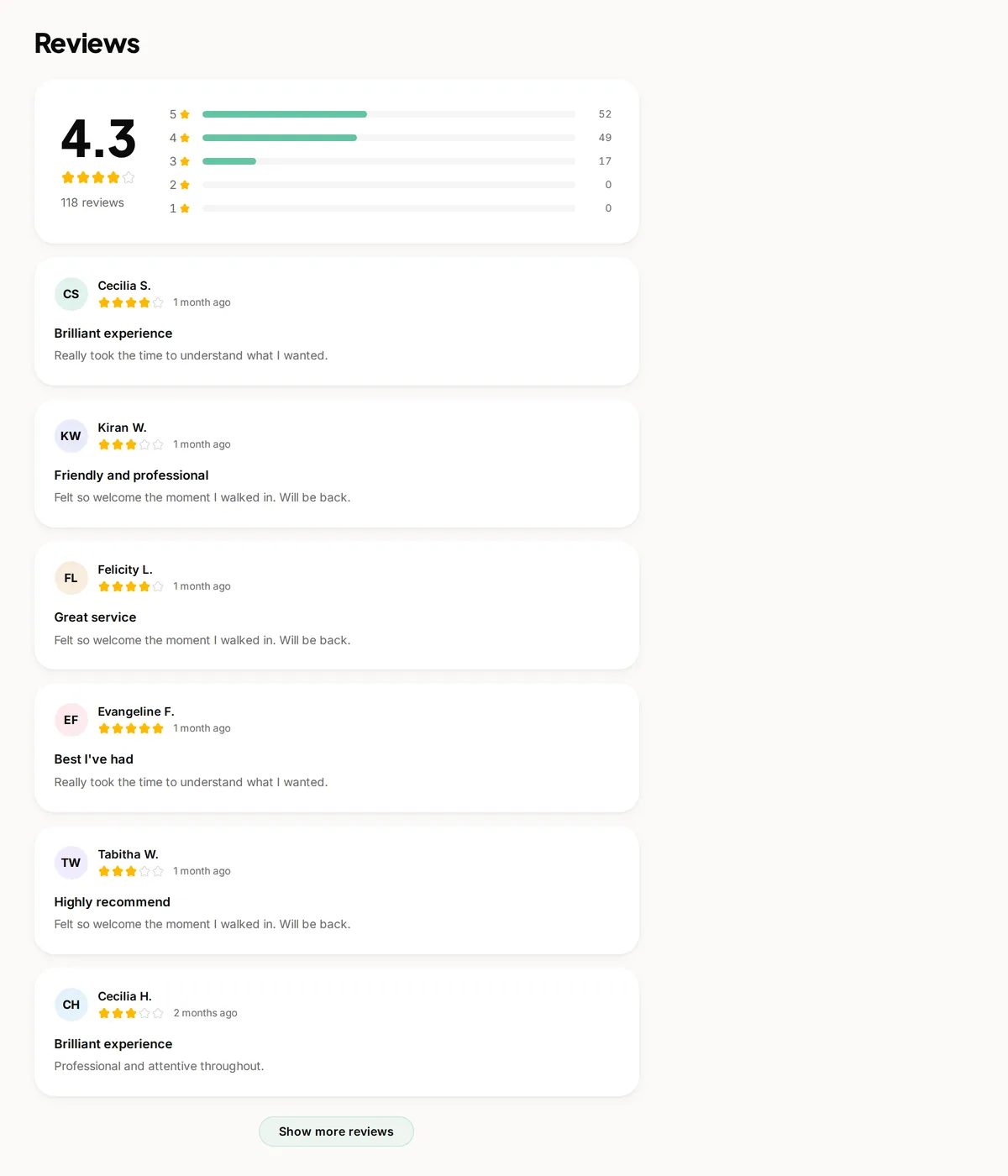
Reviews do not come across in a CSV. They have their own tool, where you choose the platform they came from and then either upload a PDF of your reviews page or paste the reviews in as text.
Why they are different
Almost no booking platform offers a review export, because reviews are the thing that keeps you there. What you can always do is see them on your own public profile, so that is what this works from.
Where to start
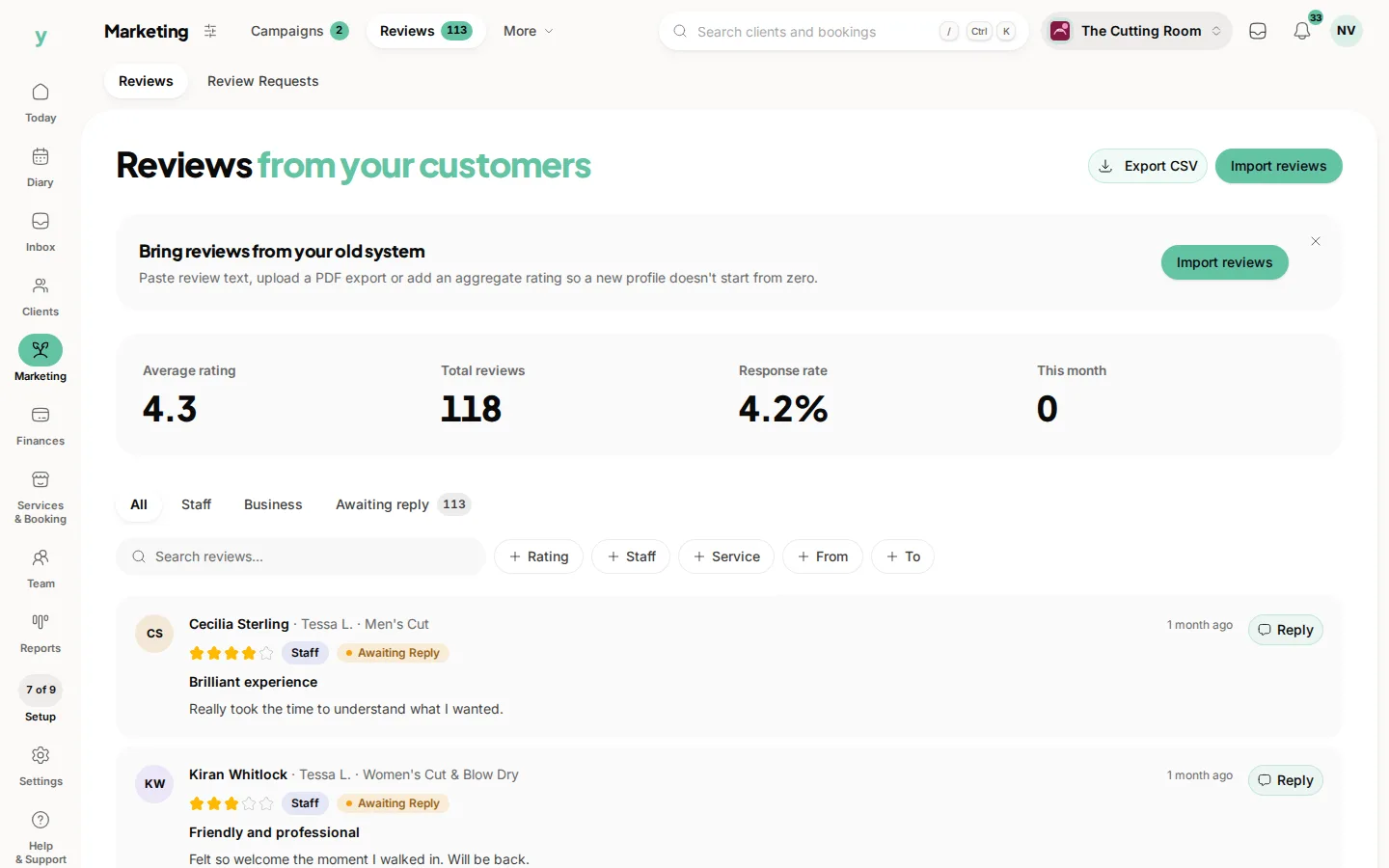
Go to Services & Booking, then Import and choose Import reviews only, which is the reliable way in. The reviews themselves live under Marketing, then Reviews.
How it works
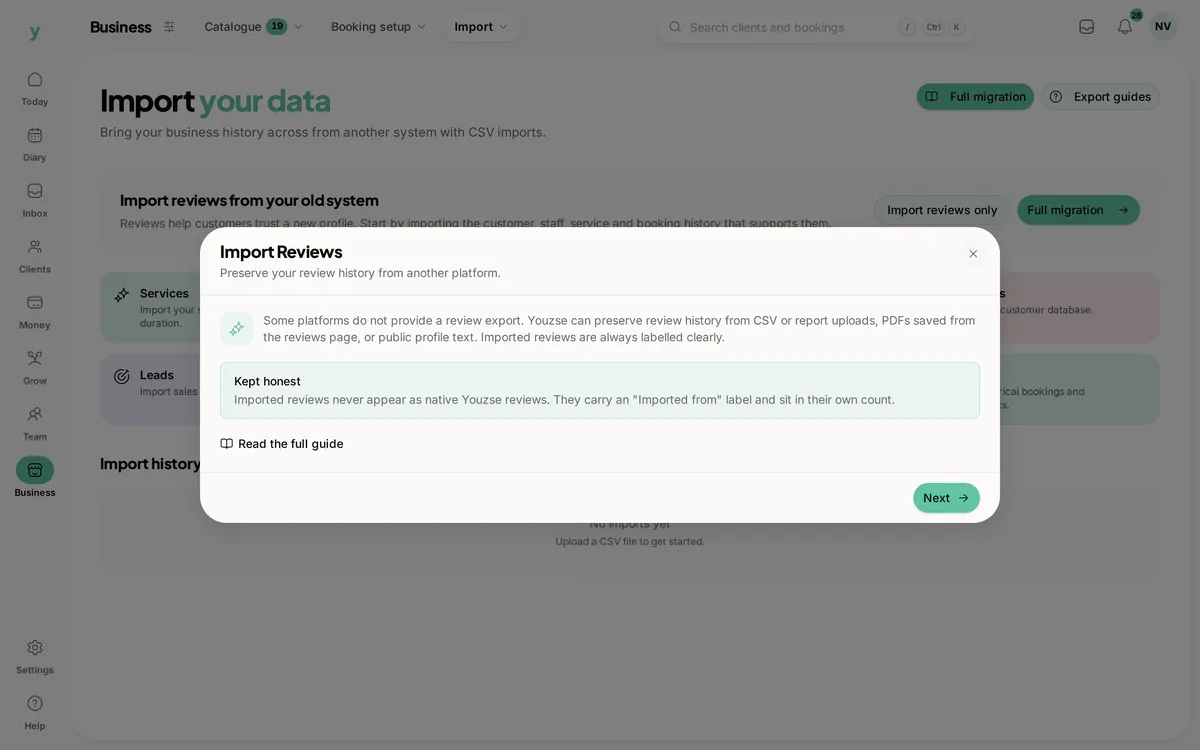
- 1Choose the platform the reviews came from, such as Google, Fresha, Booksy, Vagaro, Setmore, Mindbody, Square, Timely or GlossGenius
- 2Follow the instructions shown for that platform, which differ because their pages differ
- 3Either upload a PDF saved from your reviews page or paste the text from your public profile
- 4Check and tidy each row before you save it
Platform quirks worth knowing
Fresha ratings come across as text, so they are read for you. Booksy shows ratings as pictures rather than text, so you set the star rating on each row yourself. Acuity does not usually hold native reviews at all, so Google or a fresh campaign is the better route there.
Check every row
This is a read of a page rather than a clean export, so rows need a look before you keep them. Correct the name, the date and the rating where they have not come through cleanly.
Earning fresh ones instead
A rebuild campaign invites past customers to leave a new review with you. Before one can be launched you have to attest that the reviews are genuine, which is deliberate: your review history is only worth anything if it is true.
Common questions
Can I import Google reviews?
You can bring the history across from your Google Business profile. Your reviews stay on Google as well, which is where they do the most for you in search.
Why do I have to check each row?
Because it is read from a page rather than a structured export. A minute of tidying is the price of not losing years of reviews.
Is it against the rules to copy my own reviews?
These are reviews of your business, shown publicly. Presenting them as reviews left on Youzse would not be honest, which is why they carry the platform they came from.