Youzse looks for an existing match on email address first, then phone number, then a close match on name. Whatever it finds, your duplicate rule decides what happens next.
Why duplicates happen at all
Most client lists have the same person twice already. Someone books once with a work email and once with a personal one or a mobile is stored with spaces in one record and without in another. Moving platforms is when this finally becomes visible.
What counts as a match
- The same email address is the strongest signal and is checked first
- The same phone number is checked next, ignoring spaces and formatting
- A close name match is the weakest, which is why Flag for review exists
Cleaning up before you export
If your old system can merge duplicates, do it there. You will be doing it once instead of twice and the export that follows is cleaner for it.
Cleaning up afterwards
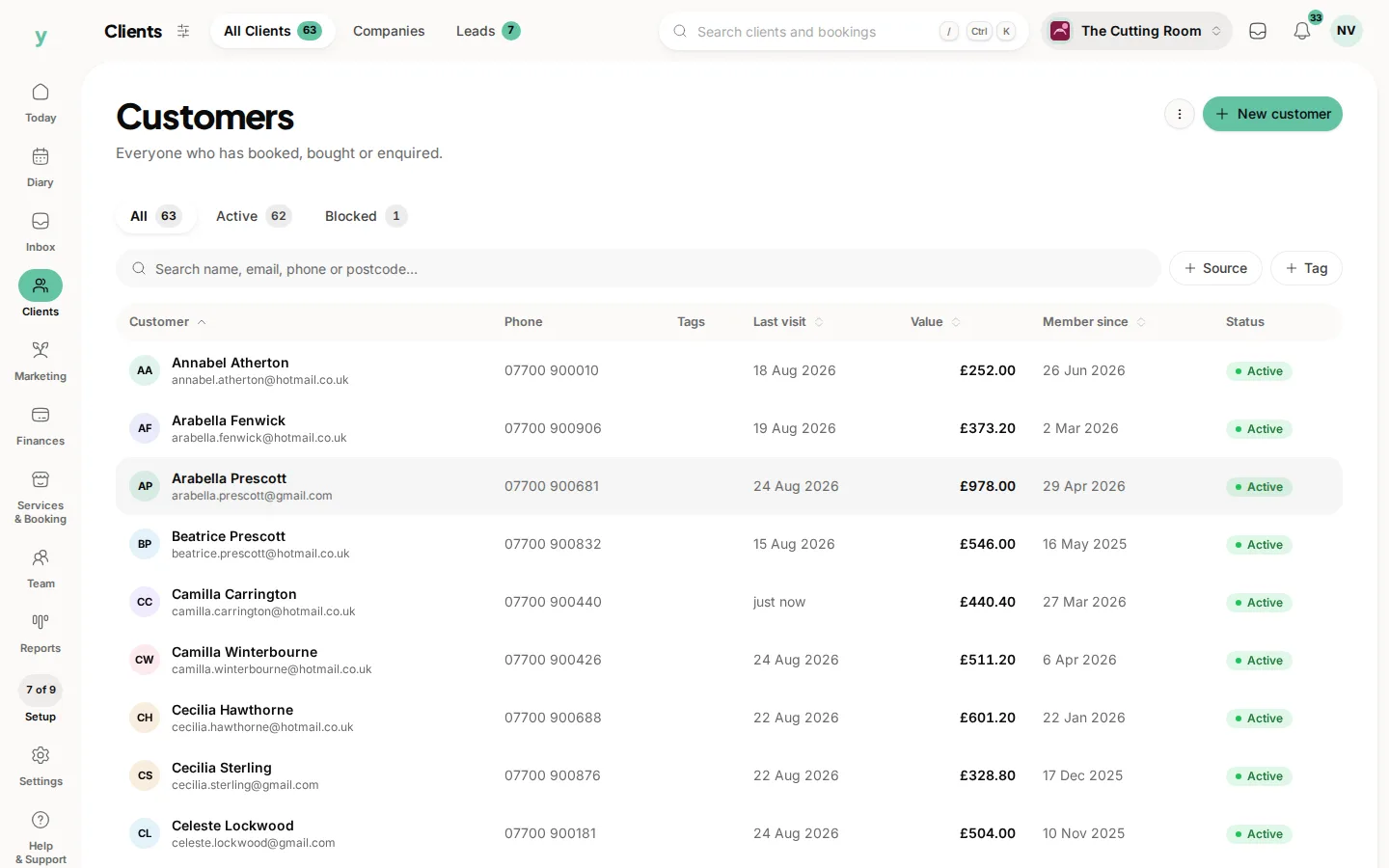
Go to Clients, then All Clients and search for the name. Where you find two records for one person, keep the one with the fuller history and move anything useful across before removing the other.
Phone numbers
Numbers are tidied on the way in, so 07700 900123 and +447700900123 match each other. Landlines and mobiles held in separate columns in your export are both accepted, but only one can be mapped to the phone field, so pick the one you actually ring.
Common questions
Does Youzse merge duplicates automatically?
No. It matches and applies the rule you chose. Merging two existing customer records is something you do yourself, deliberately.
Two people in my family share an email address. Will they merge?
With Update or Replace they would be treated as one person. Use Flag for review for a list you know has shared addresses or give one of them a different email before exporting.
Are appointments deduplicated too?
Appointments are matched on the customer, service and start time together, so importing the same history twice does not double your diary.