
Import in this order
staff, then services, then customers, then appointments. Each step gives the next one something to link to.
Why the order matters
An appointment row names a service, a customer and a staff member. If those already exist in Youzse the appointment attaches to the right records. If they do not, the link is weaker and you end up tidying afterwards.
The order
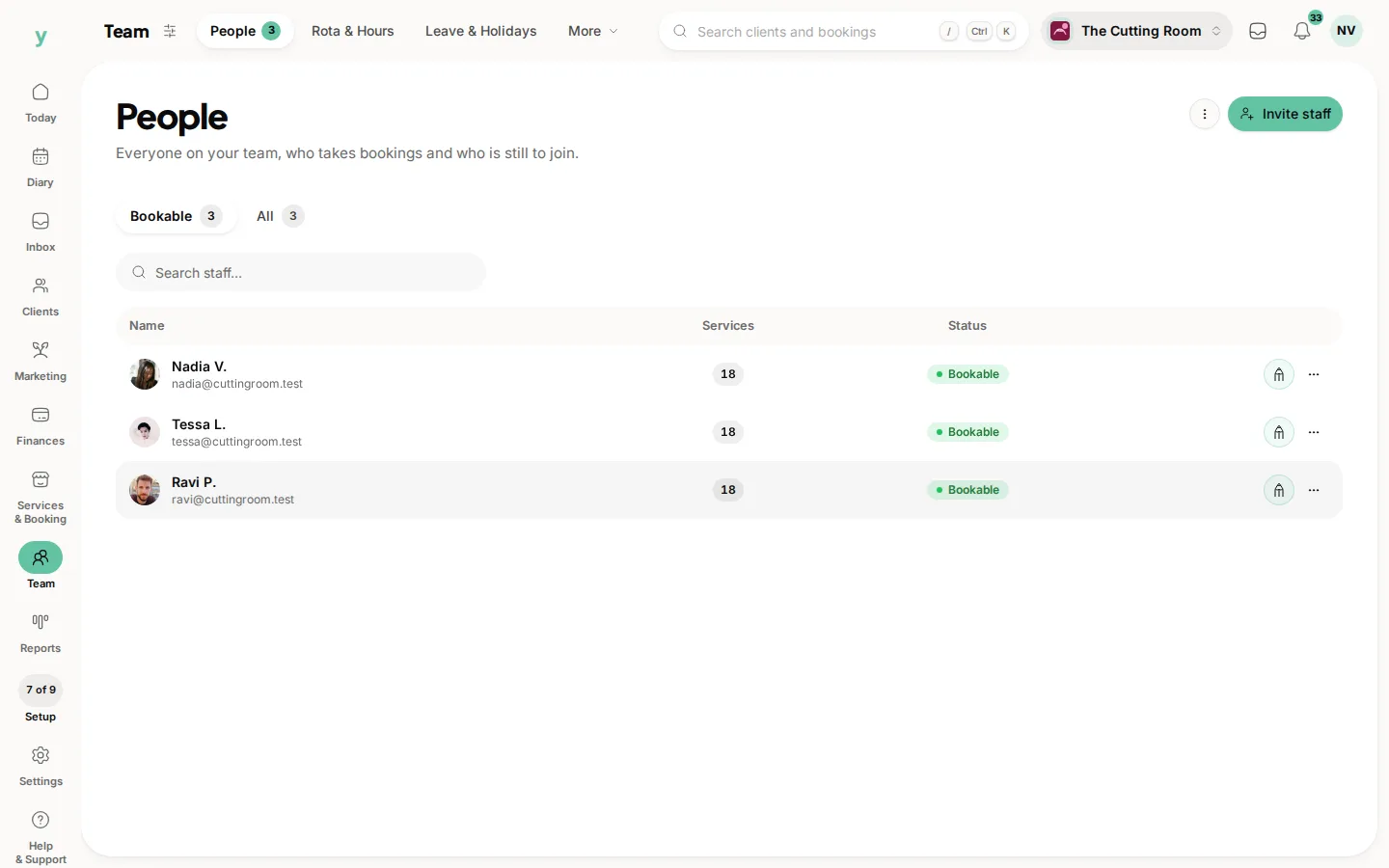
- 1Staff, so appointments can be assigned to the right person and working hours make sense
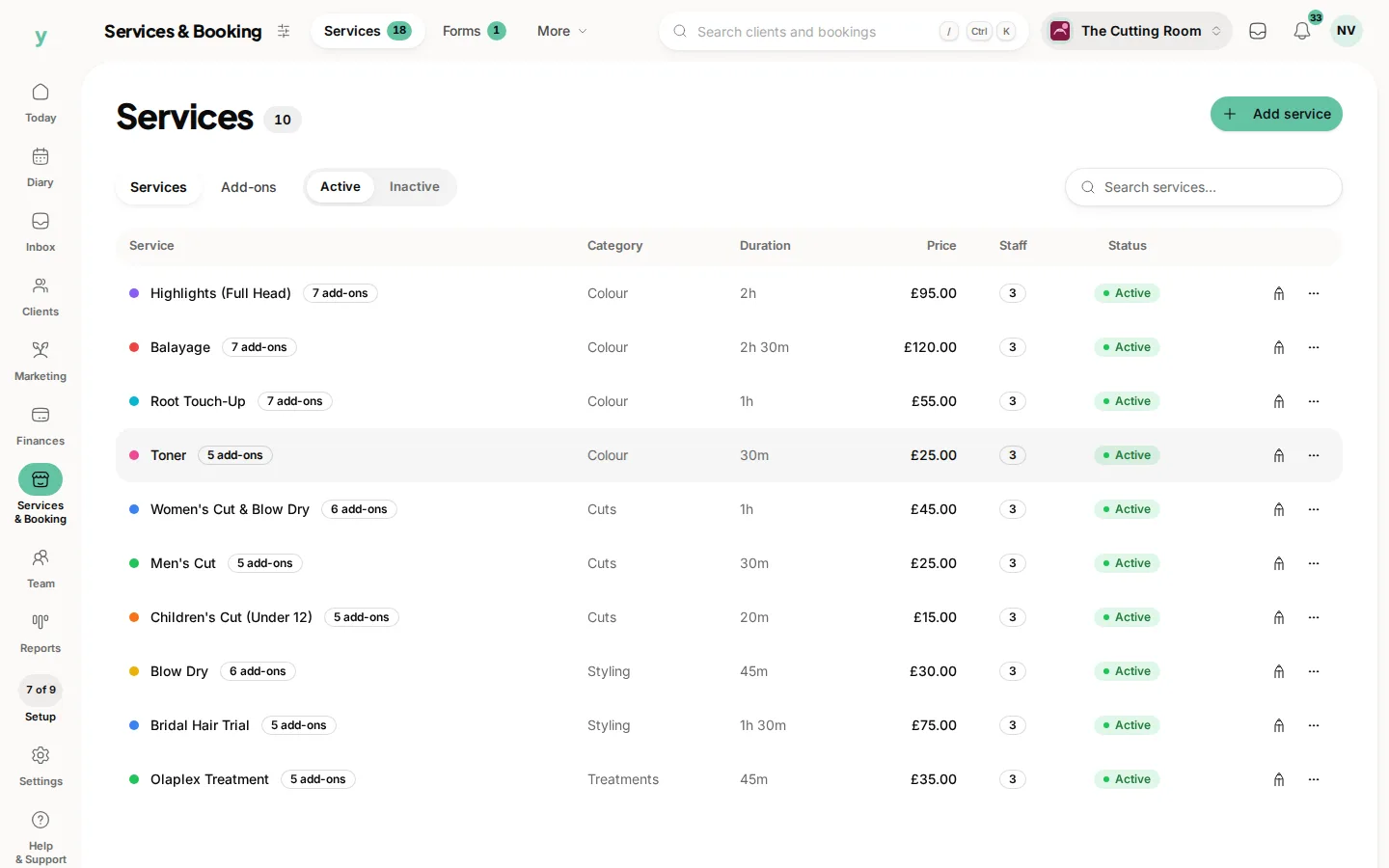
- 2Services, so appointments attach to a real service with a real price and duration
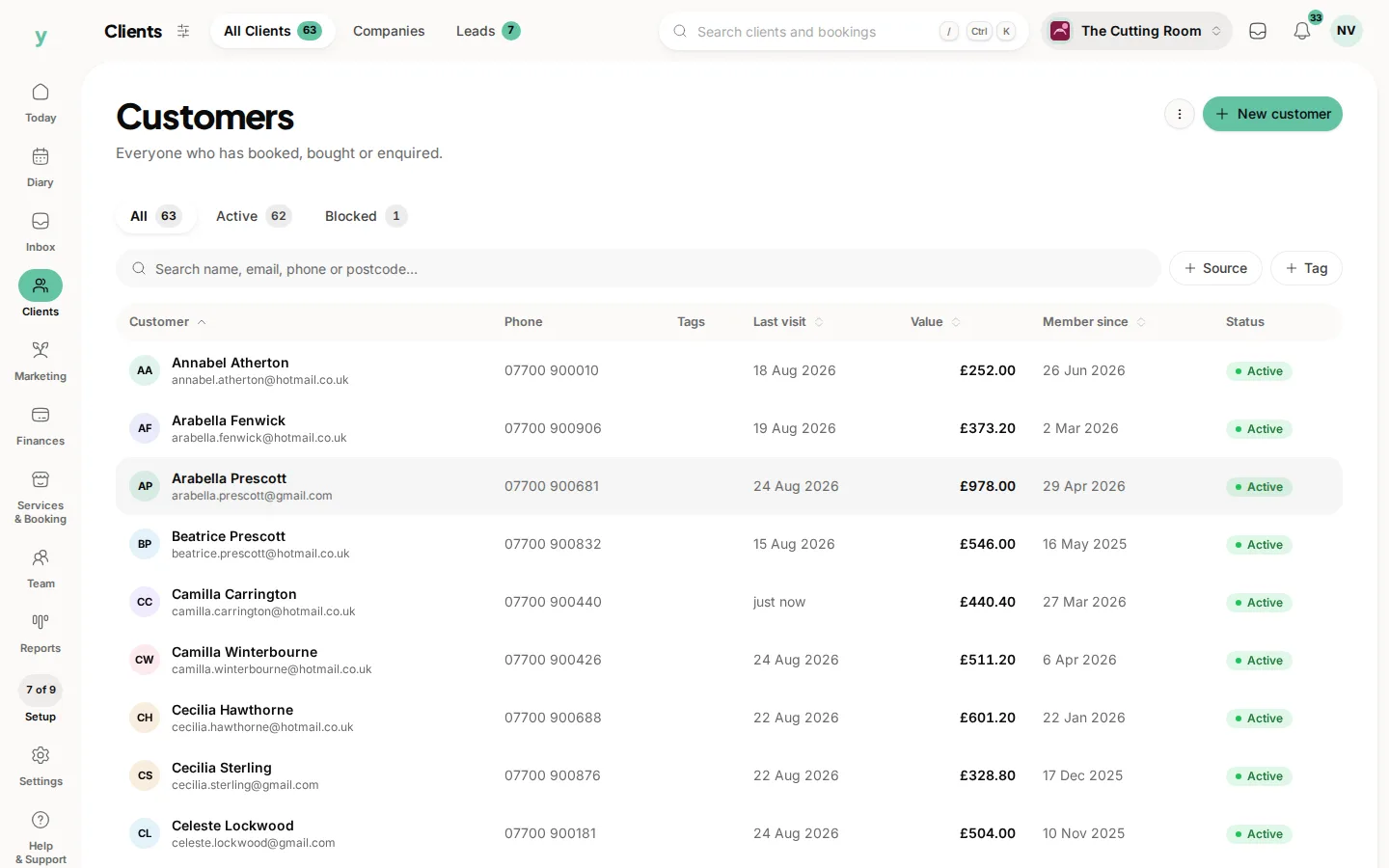
- 3Customers, the big one and the one most businesses care about most
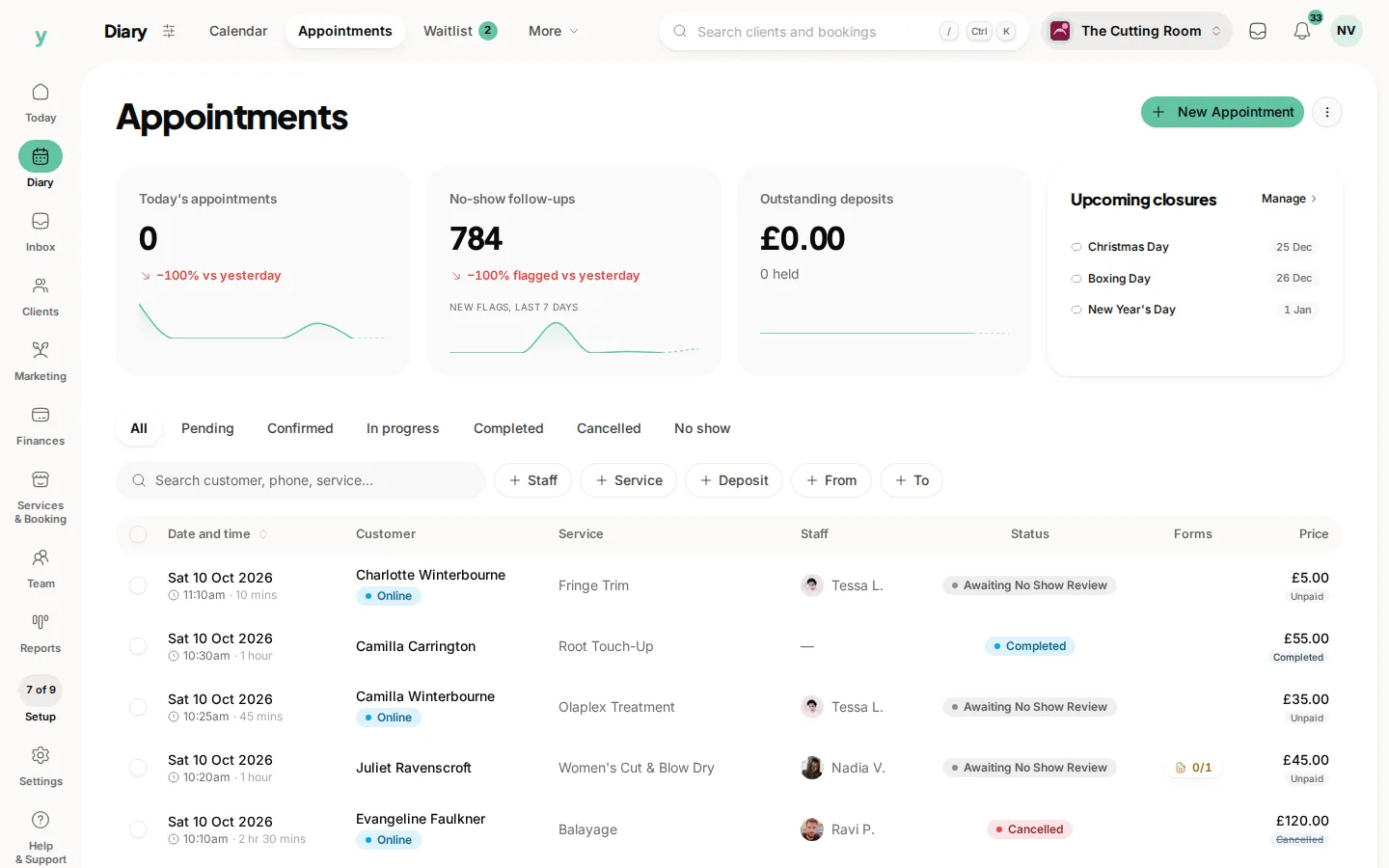
- 4Appointments, last, so every row has something to point at
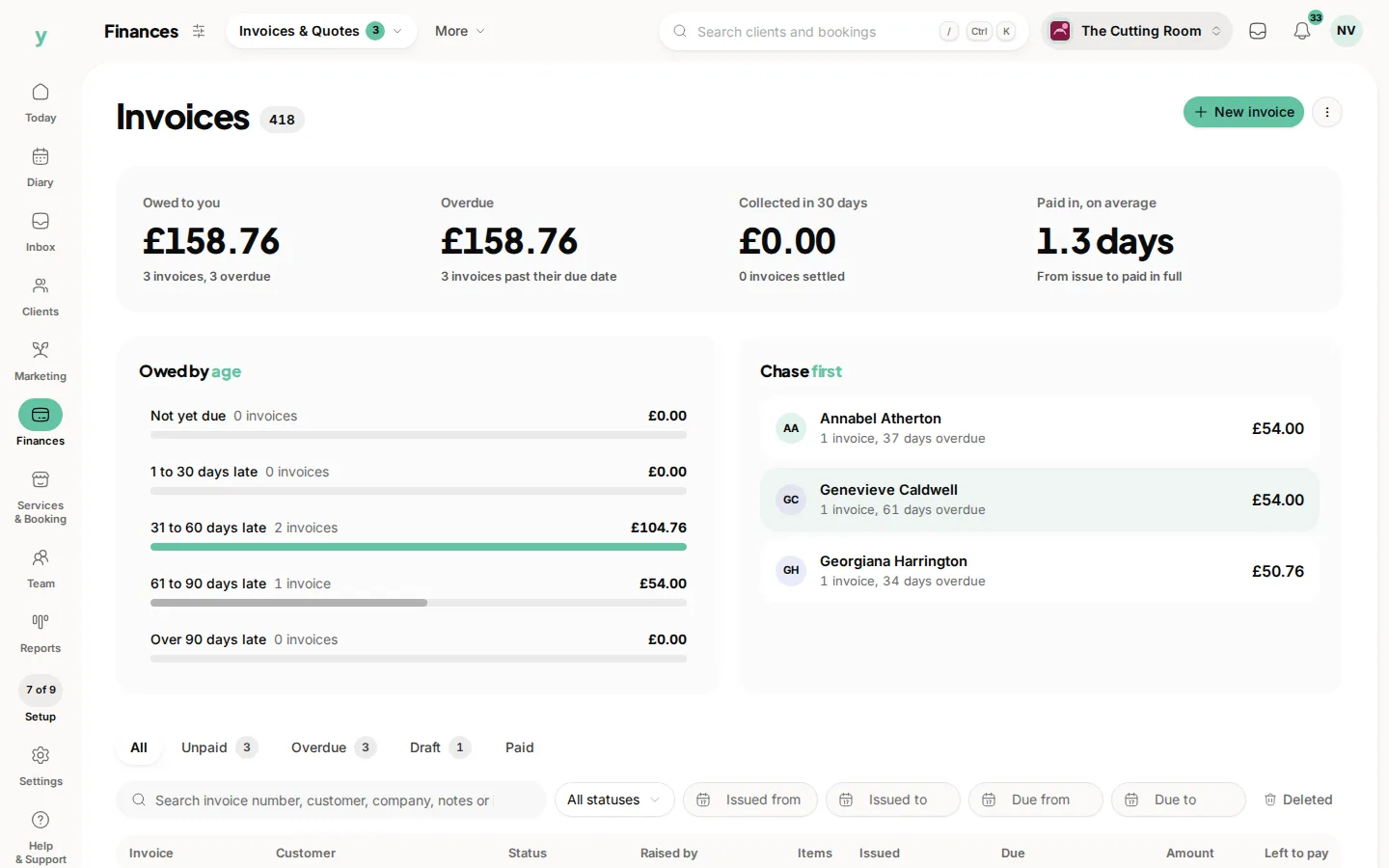
- 5Invoices, quotes and leads, any time after customers are in
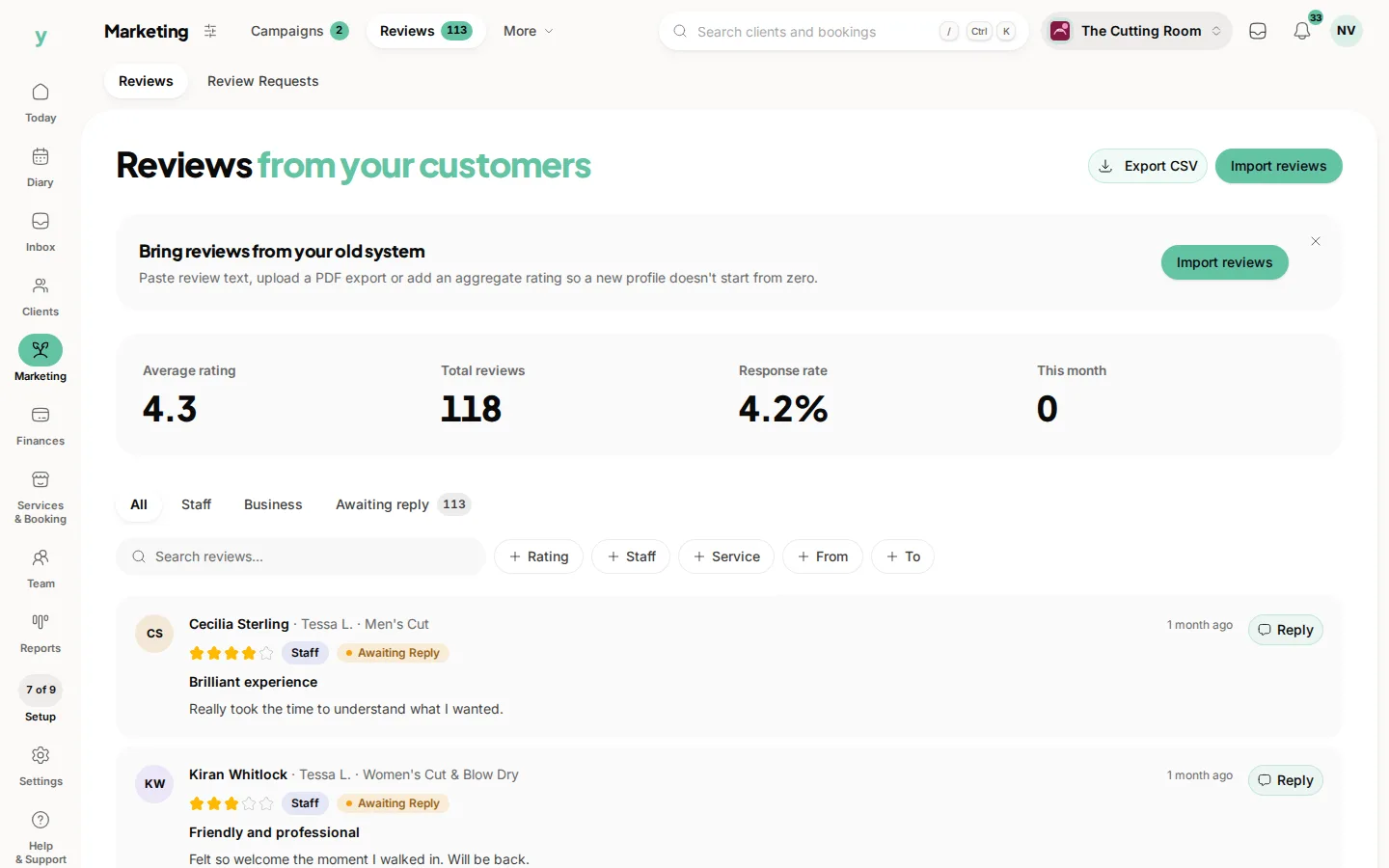
- 6Reviews, any time, because they use their own tool and depend on nothing else
If you have already imported out of order
Nothing is broken. Import the missing records, then check the appointments that were affected. You can also roll an import back and run it again once the records it depends on exist.
On Garage Pro
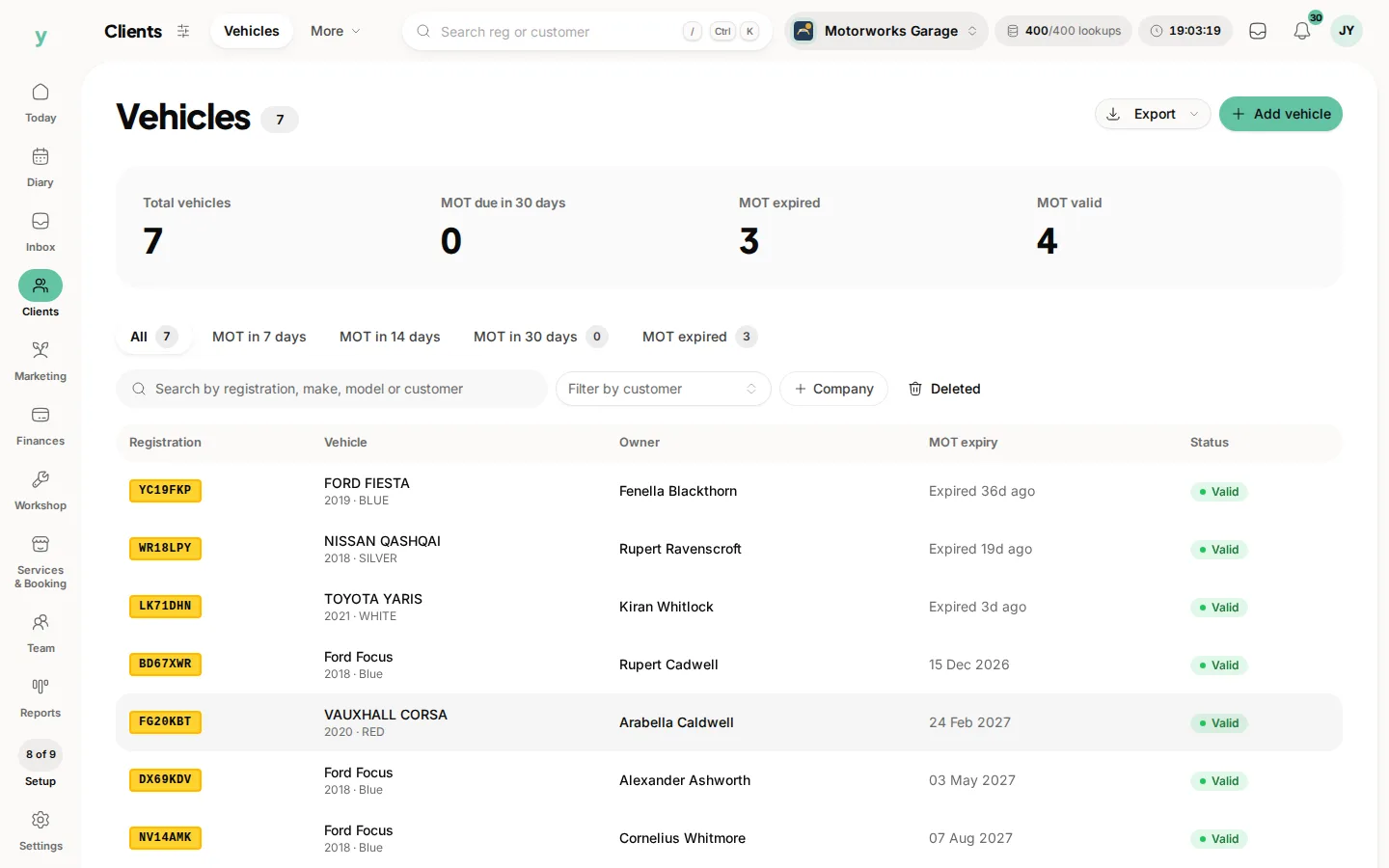
Import companies before customers if you invoice businesses and vehicles after customers so each vehicle attaches to its keeper.
Common questions
What happens if I import appointments first?
They still import. Services and staff named in the file are matched by name where they already exist and where they do not you will have tidying to do afterwards.
Do I have to import staff if I work alone?
No. Solo businesses can skip straight to services and customers.
Can I run two imports at the same time?
Let one finish before starting the next. The progress screen tells you when it is done and running them in sequence keeps the matching predictable.