
Youzse imports nine kinds of record
customers, companies, services, staff, appointments, leads, quotes, invoices and reviews. Saved card details are the one thing that can never come across.
What comes across
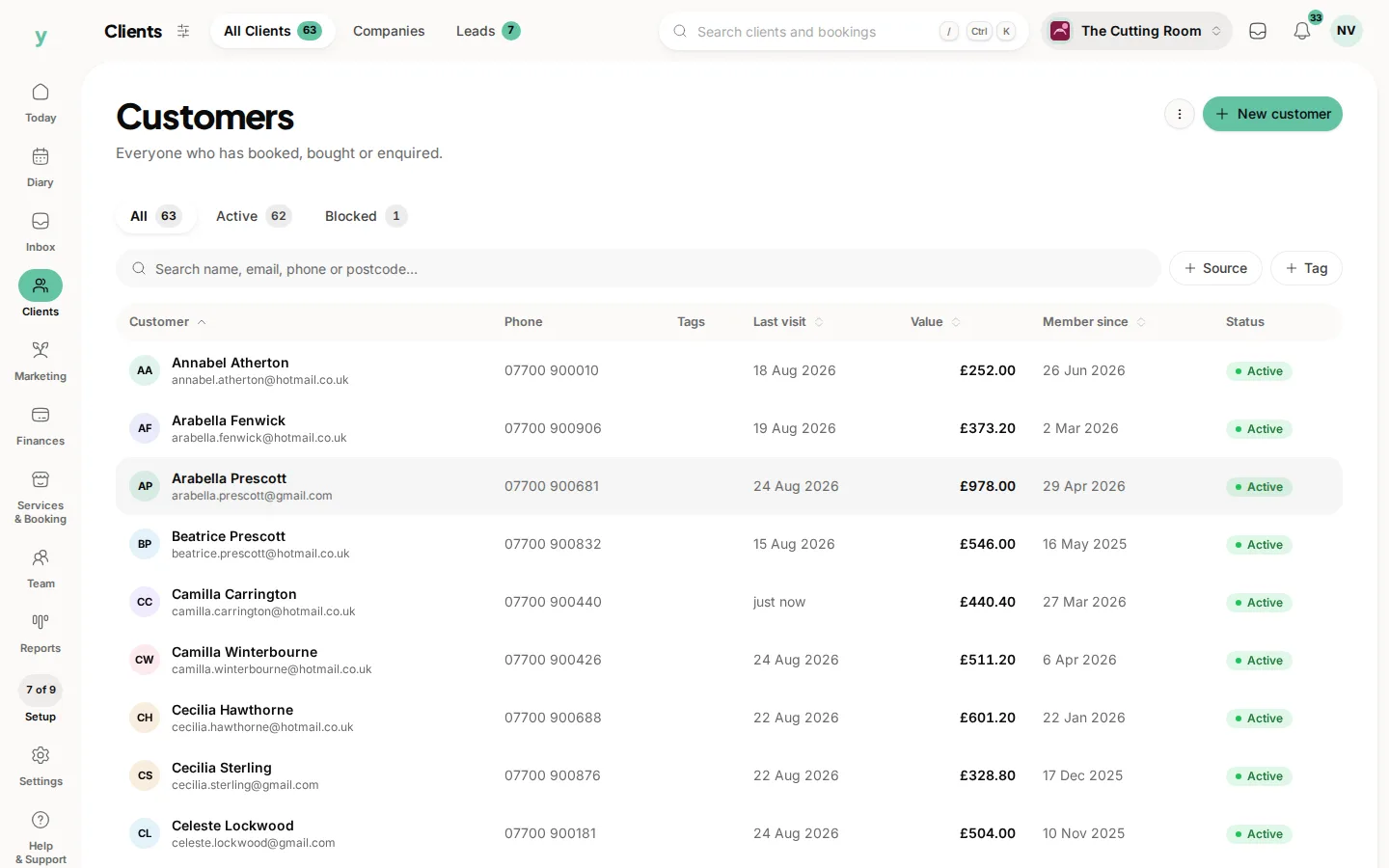
- Customers, with names, emails, phone numbers, addresses, dates of birth, notes and marketing consent where your export includes it
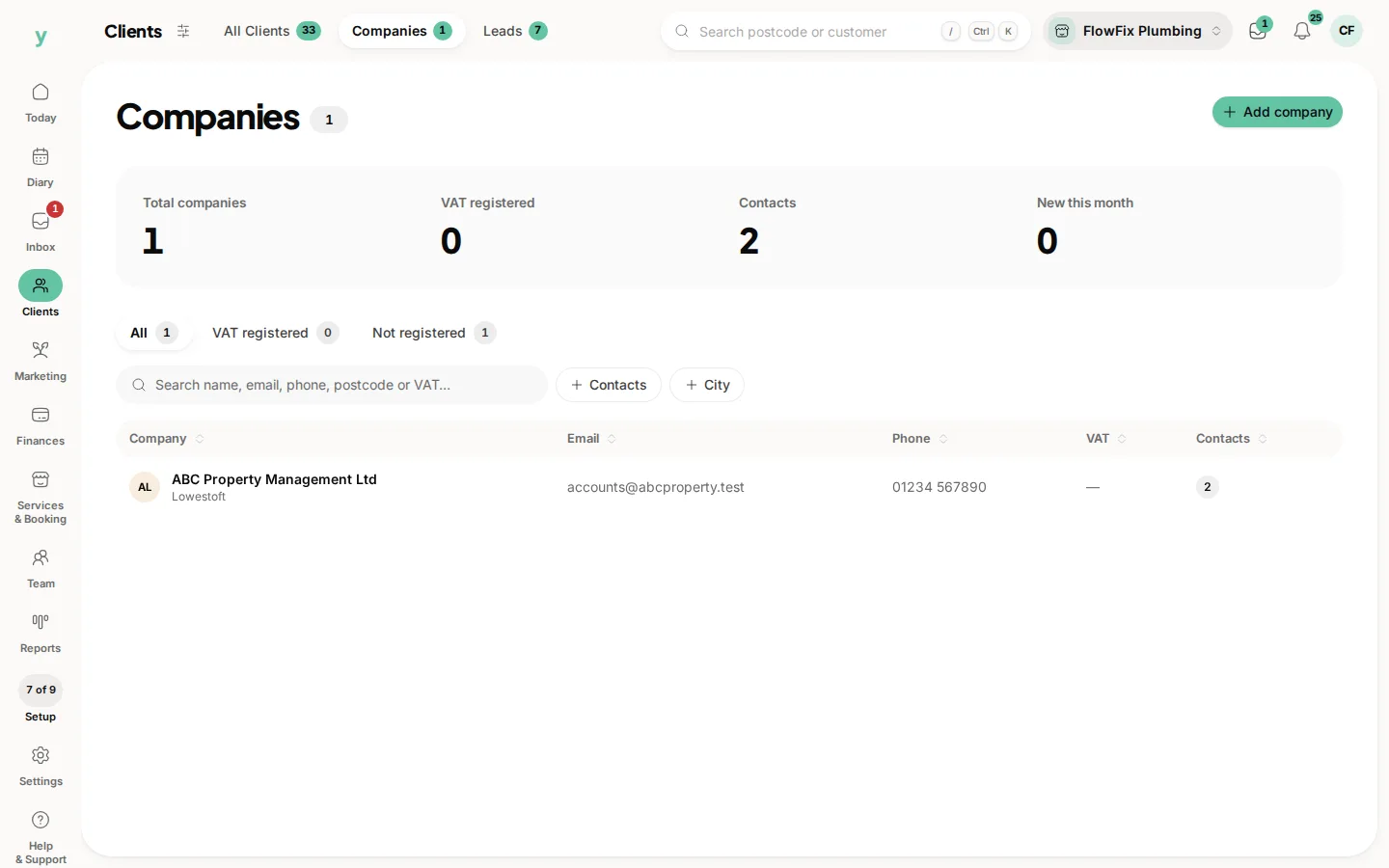
- Companies, for businesses you invoice rather than individuals, including VAT numbers
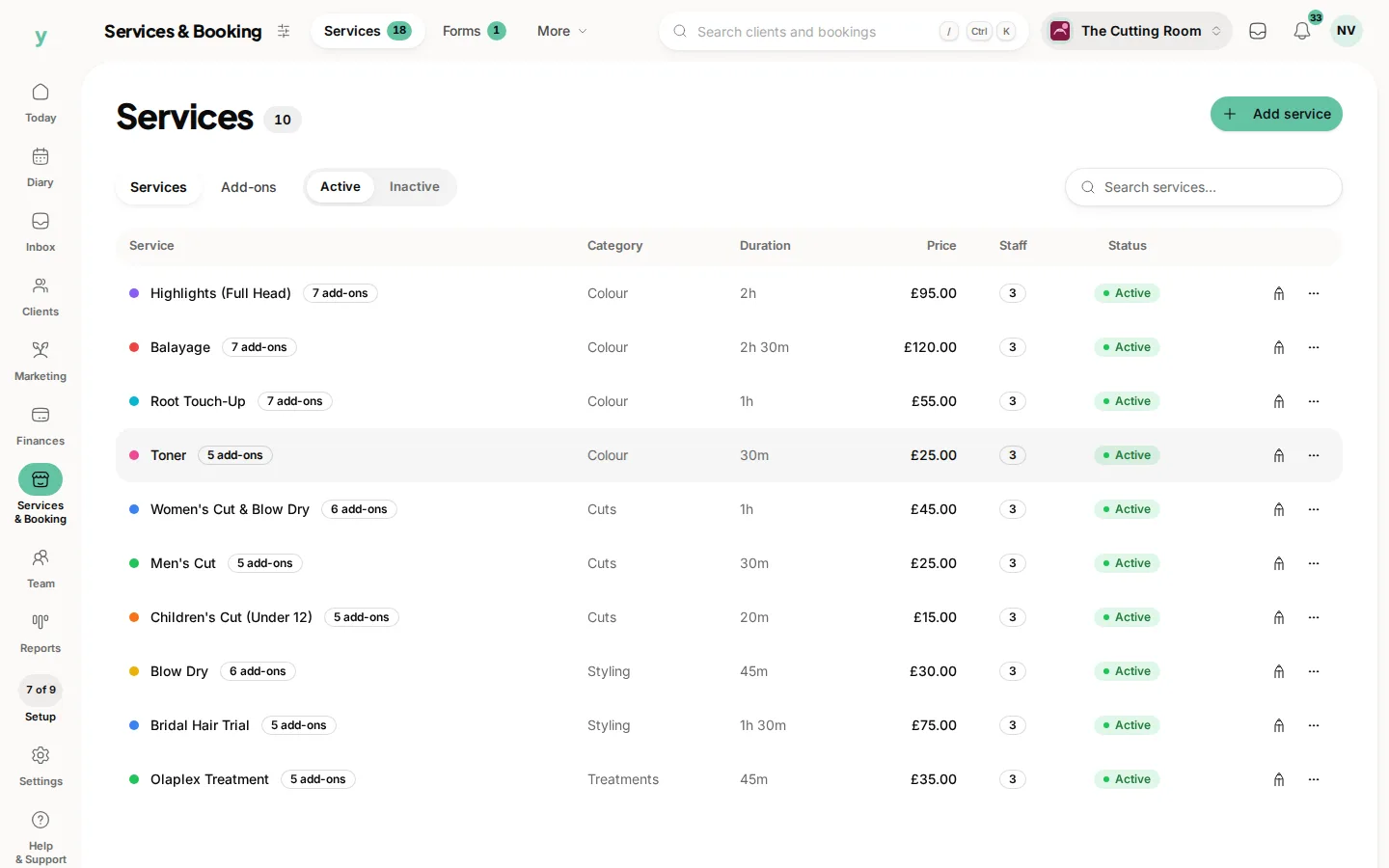
- Services, with name, category, duration, price and description
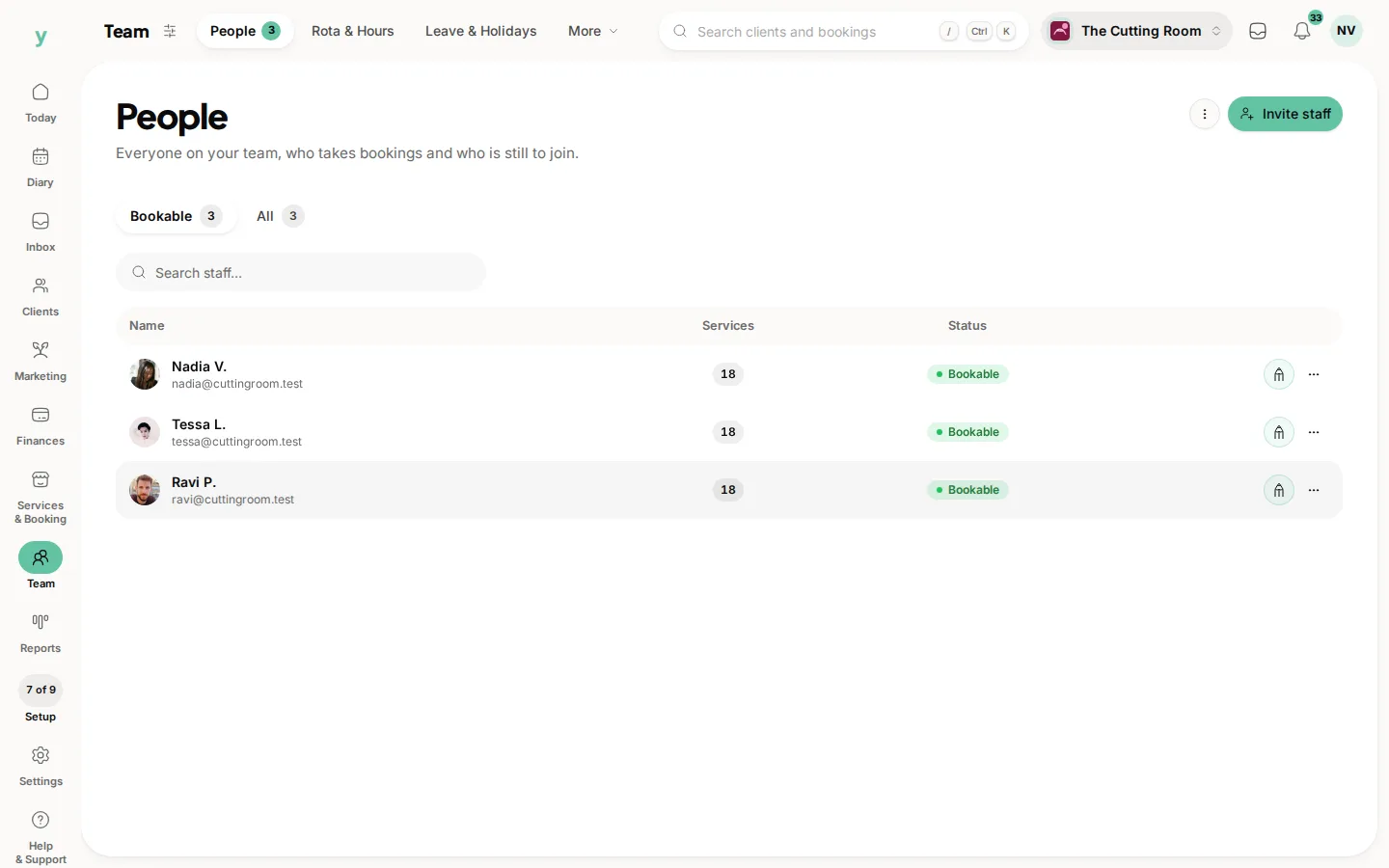
- Staff, with names, emails, phone numbers and job titles
- Appointments, with date and time, service, customer, staff member, duration, price, status and notes
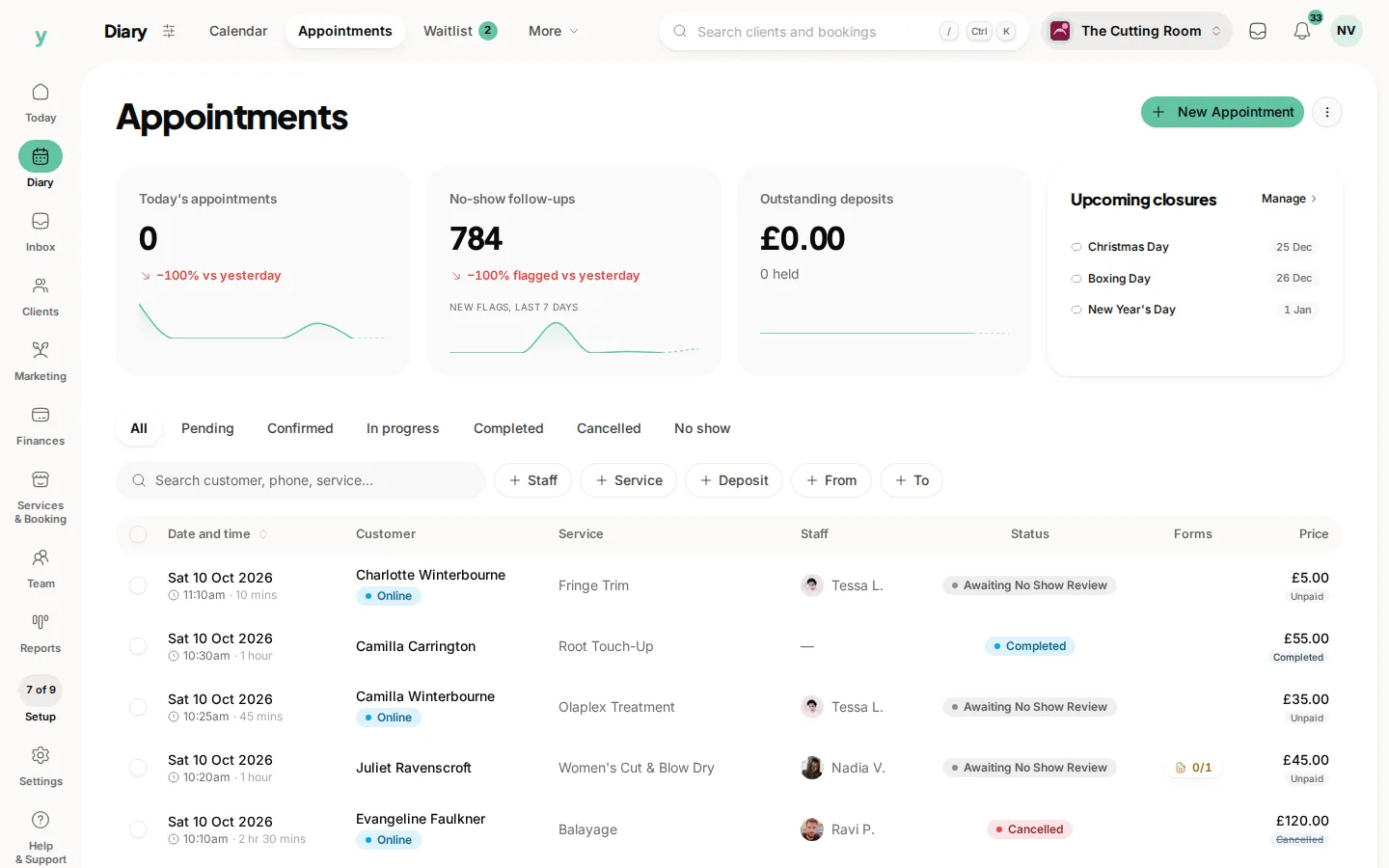
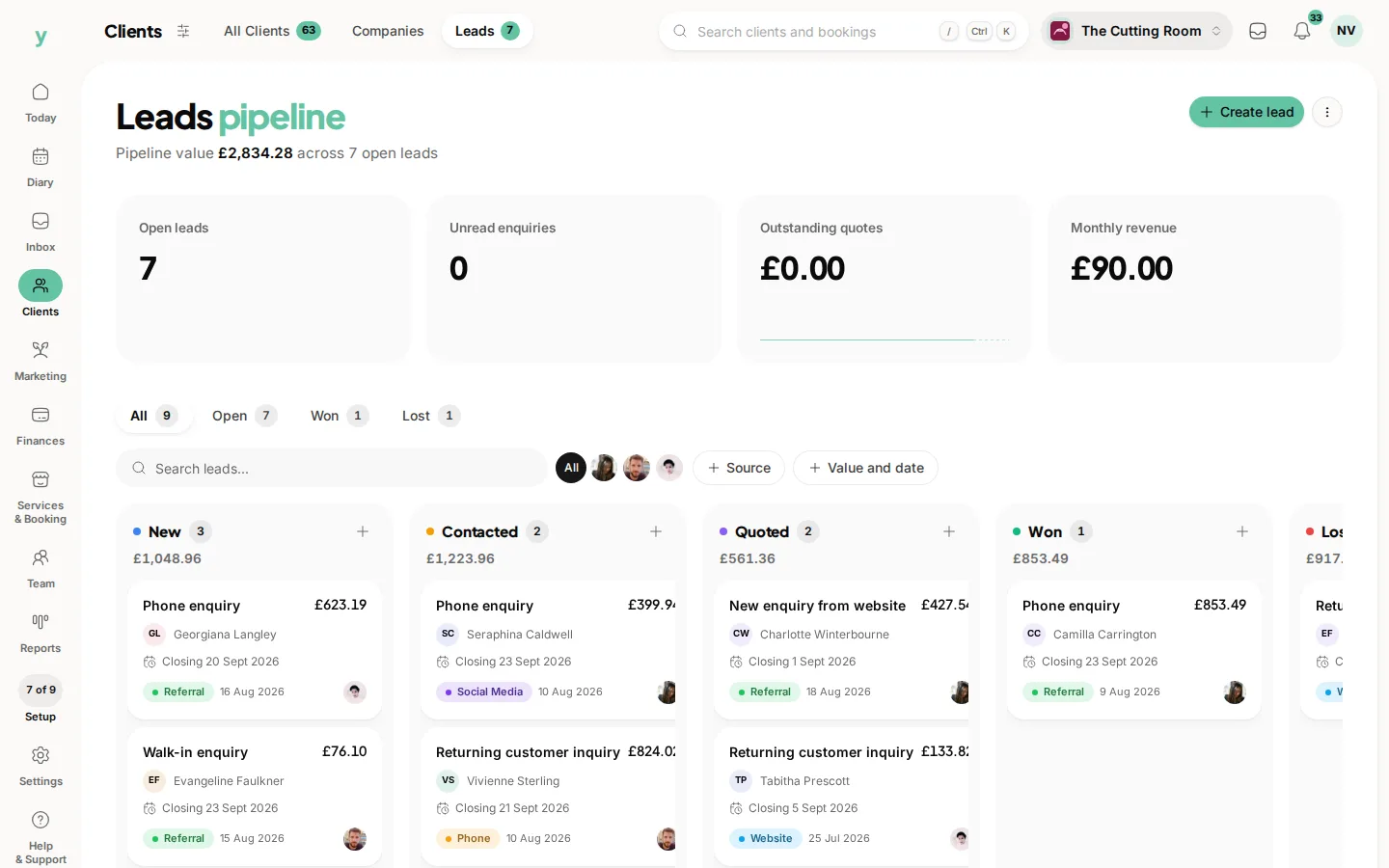
- Leads and quotes
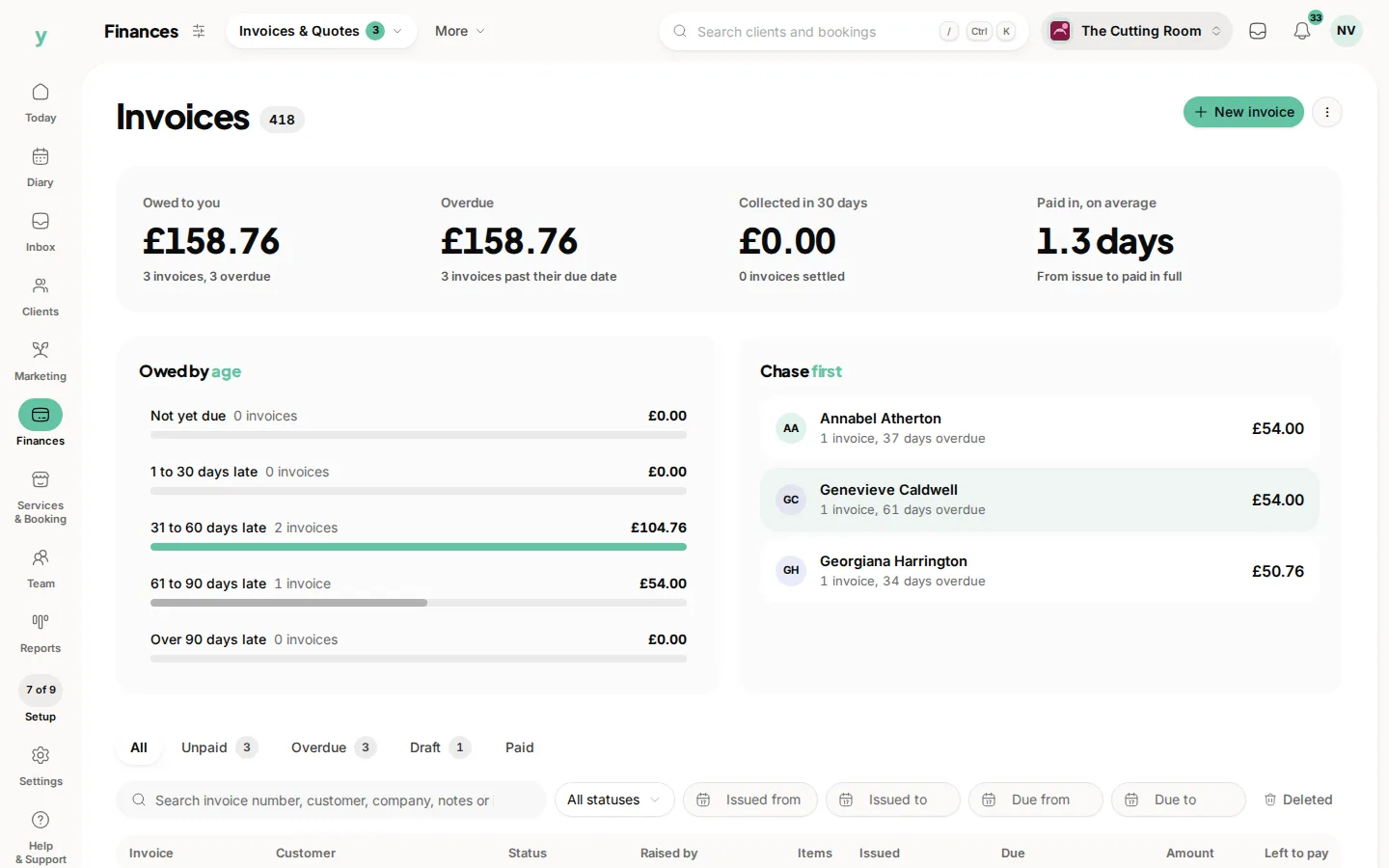
- Invoices, with numbers, dates, totals, VAT and payment status
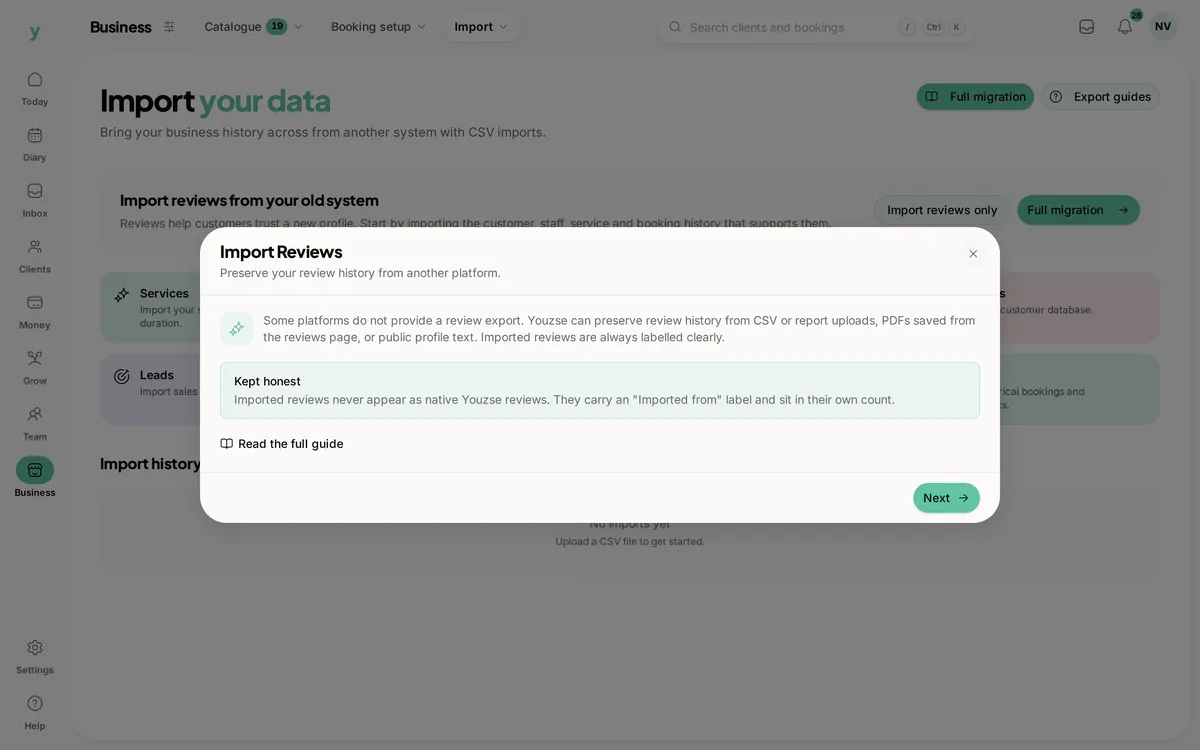
- Reviews, through a separate paste-based tool
What does not come across
- Saved card details, because cards live with the payment provider rather than the booking system
- Photos and file attachments
- Your old system's internal record IDs
- Staff logins and passwords, because staff are invited to set their own
A word on card details
This is not a Youzse limitation, it is how card storage works everywhere. If a provider offers to migrate saved cards, that is a conversation between two payment processors and not something a CSV can carry. Your customers add a card again the first time they pay, which takes seconds.
Product line matters
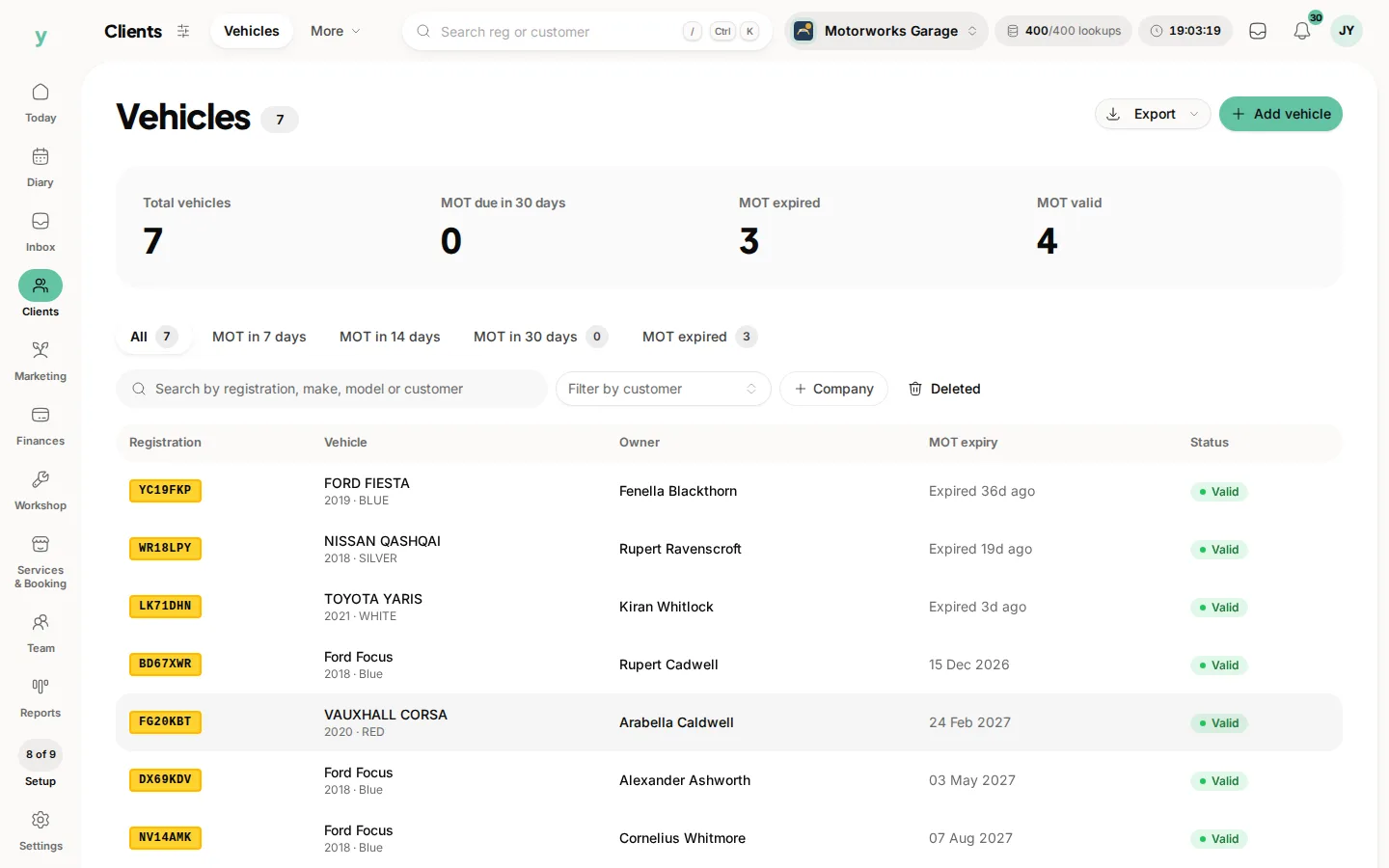
Vehicles, parts, suppliers and purchase orders are Garage Pro features. On Garage Pro those import routes are open to you. On the standard product line they are not shown at all.
Common questions
Will my appointment history come across?
Yes, as far back as your export goes. Export the widest date range your old system allows, because most default to the last few months.
Can I import my customers' saved cards?
No. No booking platform can transfer stored card details. Customers add a card the next time they pay.
What happens to marketing consent?
Where your export has a consent column it is imported and respected. Where it does not, customers arrive without consent and stay out of campaigns until they opt in.