
Export one CSV per type of record, keep the header row exactly as your old system wrote it and make sure each file is under 50 MB. That is almost all of the preparation there is.
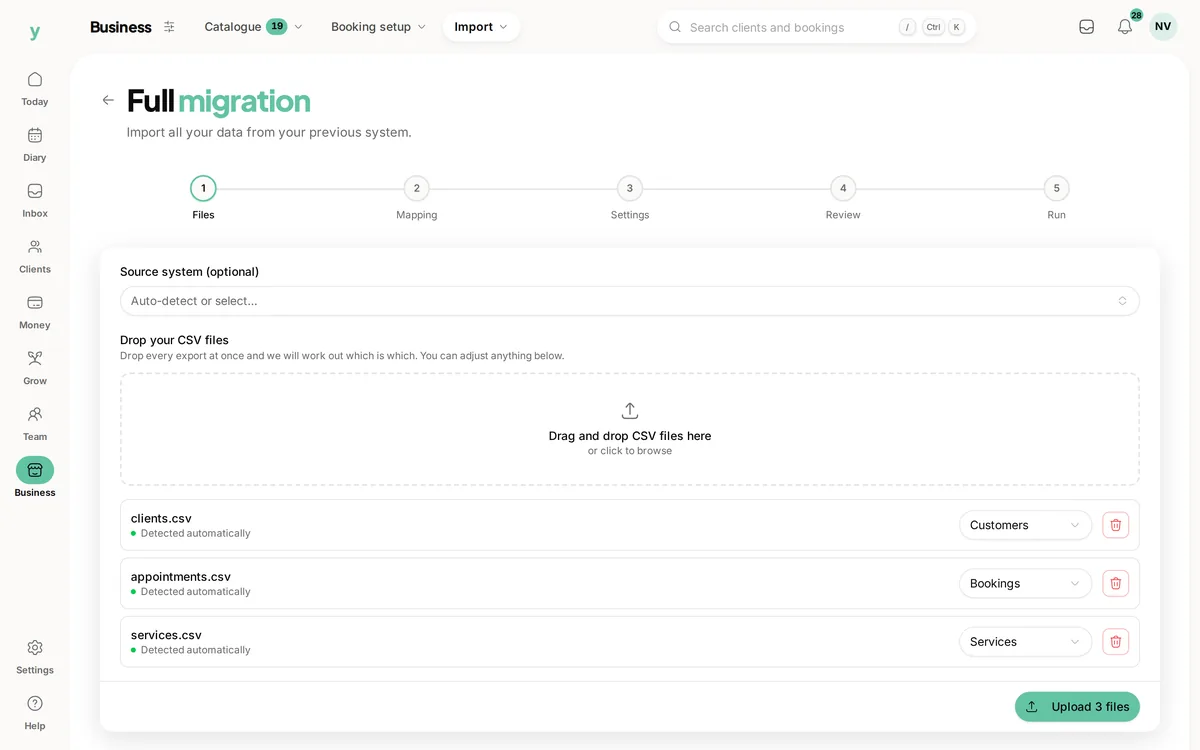
What the importer accepts
- CSV files only. Spreadsheets need saving as CSV first, from File then Save as in Excel, Numbers or Google Sheets
- Up to 50 MB per file
- One kind of record per file, so clients in one and appointments in another
Leave the headers alone
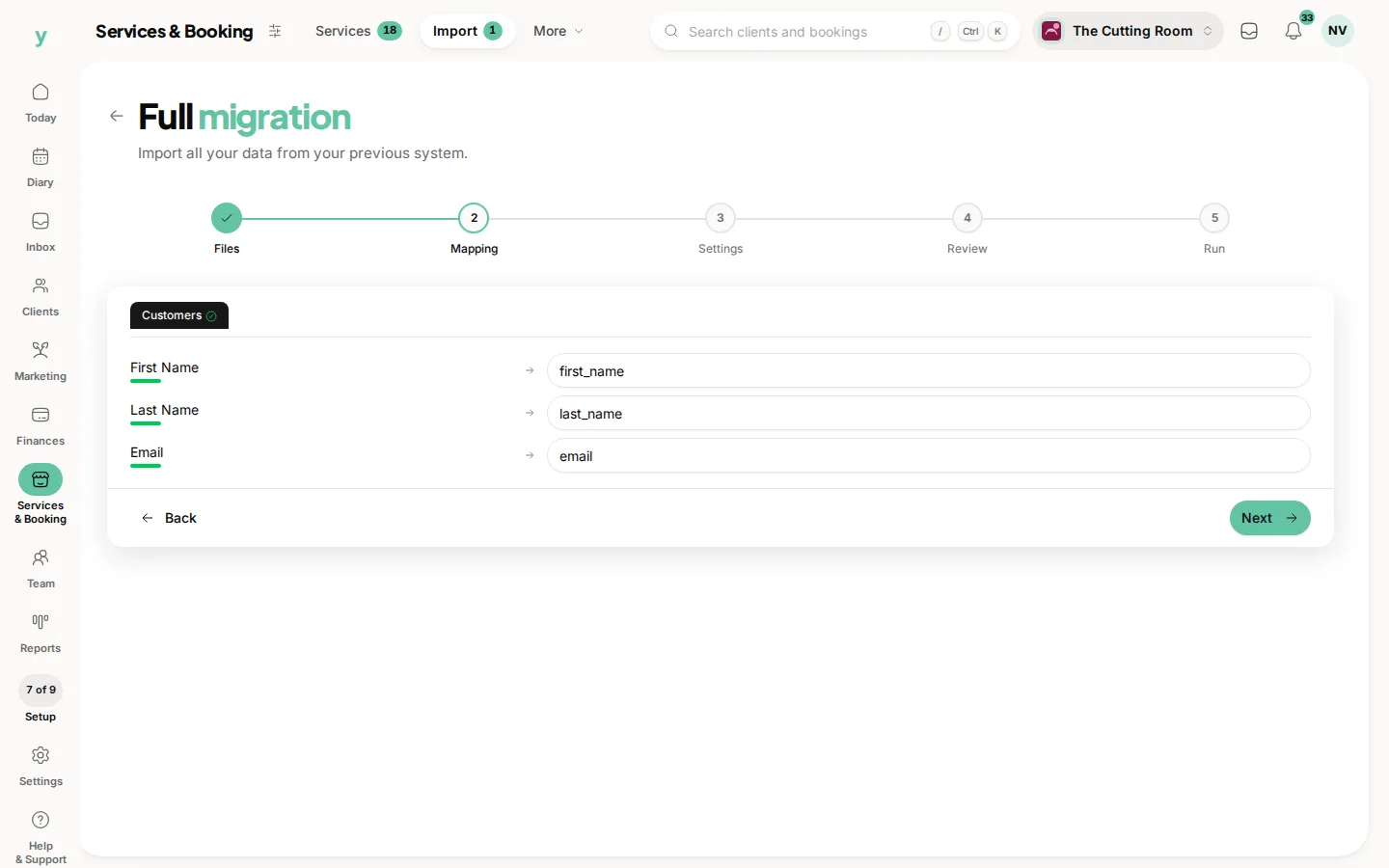
Youzse reads your header row to work out what each column holds. If your export says Client First Name, leave it as Client First Name. Renaming columns to something you think is tidier makes the match worse, not better, because the recognised names come from the platforms themselves.
Worth doing before you export
- Merge obvious duplicate clients in your old system where it lets you, because cleaning up there is quicker than cleaning up twice
- Delete test records and staff who left years ago
- Check dates look consistent, since a file mixing 03/04/2026 and 2026-04-03 will import but is worth spot-checking
What you do not need to do
You do not need to rename columns, reorder them, split full names into two columns or convert prices into pence. Youzse handles all of that and splitting a name by hand is more likely to break than to help.
A note on file names
Name the file after what is in it. A file called clients.csv or appointments-2026.csv is recognised straight away, because the importer reads the filename for words like client, booking, invoice, quote, staff and service.
Common questions
Can I import an Excel file directly?
No. Save it as CSV first. In Excel choose File, then Save as, then CSV UTF-8. The importer accepts .csv and .txt only.
What if my file is bigger than 50 MB?
Split it by date range and import each piece separately. Appointment history is usually the only file that gets near the limit and importing it in yearly chunks works fine.
Do I have to import everything at once?
No. Most businesses import customers first, get going and bring appointment history across later. Nothing has to happen on day one.