
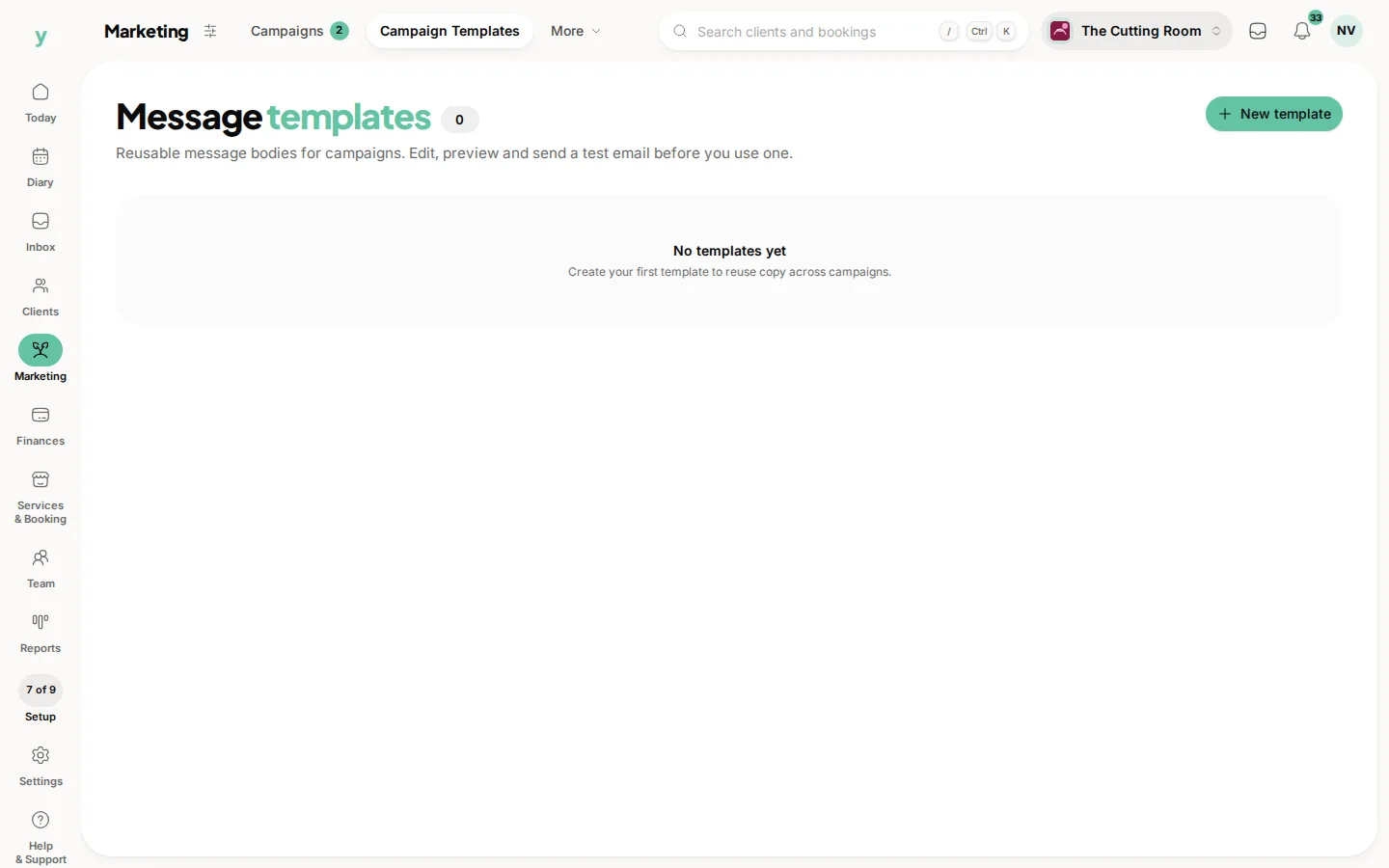
Go to Marketing, then Campaign Templates. A template is a message body you save once and reuse, so the campaign you run every year is not rewritten from nothing every year.
What to keep as a template
- Your seasonal offers, because next December will look a lot like this one
- A lapsed-customer message, since wording that works keeps working
- A birthday or anniversary message
- Anything you have sent twice already
Preview and test
Templates can be previewed and you can send yourself a test email before one is used in a real send. Do it. Reading your own message in a real inbox catches things that look fine in an editor.
Keeping them current
A template with last year's prices in it will go out with last year's prices. Review them before the season they belong to rather than the morning you send.
Common questions
Do templates work for SMS as well as email?
Templates are reusable message bodies. Keep SMS versions short, because a text has far less room than an email and costs per message.
Can I duplicate a template?
Save a variation as its own template. Two clearly named templates beat one edited so many times nobody knows what it says.
Does editing a template change campaigns already sent?
No. A campaign that has gone out is a record of what was sent.