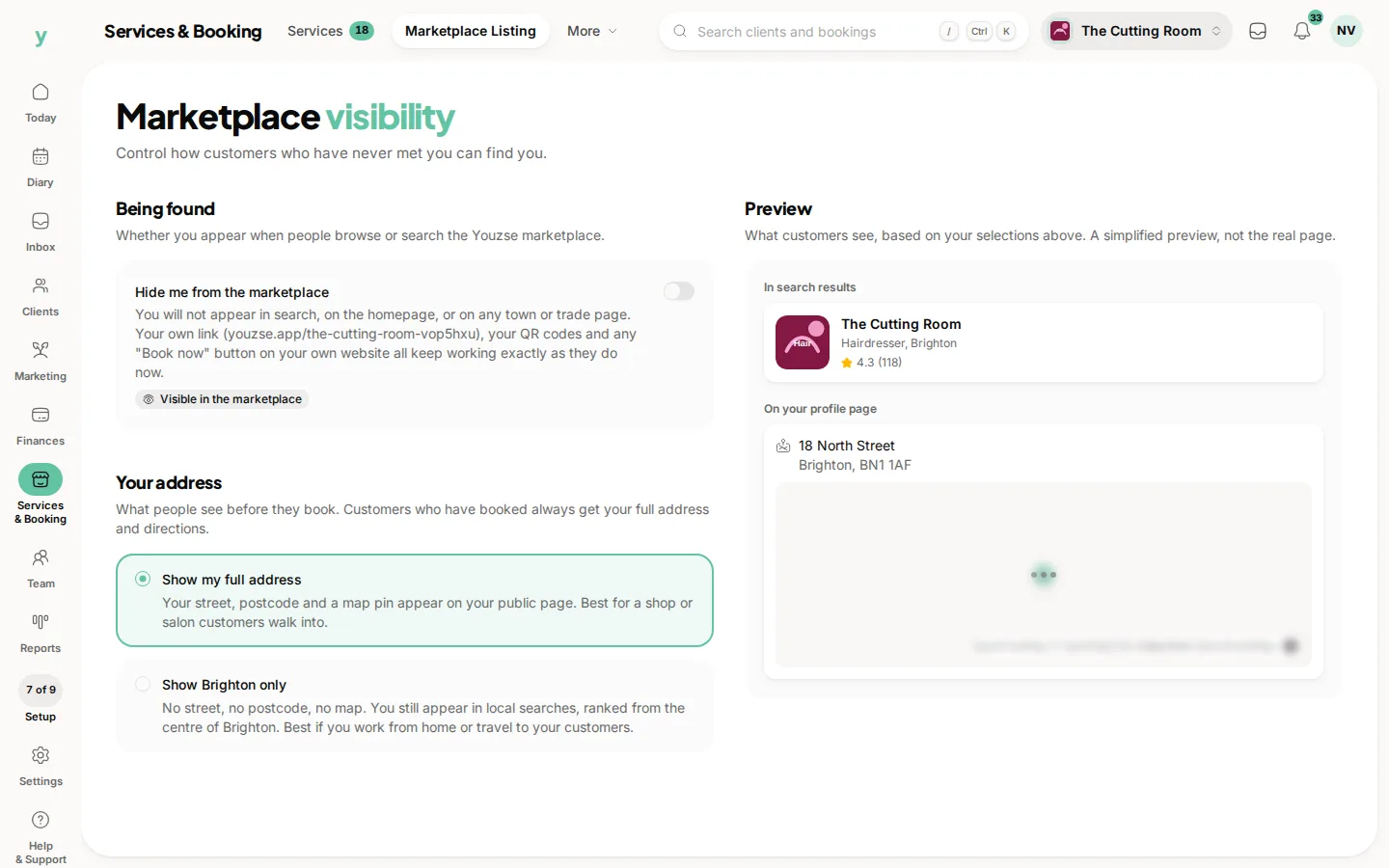
Being listed on the Youzse marketplace is optional. You can take yourself off it entirely or stay listed and publish only your town rather than your address. Both are switches you control, both apply straight away and both can be reversed whenever you like.
Where to find it
On the web, Services & Booking, then Marketplace Listing. On the app, Business Settings, then Marketplace Visibility. You need permission to edit settings, so owners and managers can change it and other staff cannot.
What hiding does
Switch on "Hide me from the marketplace" and you stop appearing anywhere customers browse. That means marketplace search, the Youzse homepage, every town page, every trade and industry page, the same browsing and search inside the customer app and the sitemap Youzse gives to search engines.
What hiding does not touch
Your own page keeps working exactly as it does now. Your link, your QR codes, the "Book now" button on your own website and any link you have shared or printed all still open your page and still take bookings. Nothing changes for the people you already deal with either. Existing bookings stand, customers who have favourited you keep you in their list, your reviews and rating stay on your page, review links keep working and gift card links keep working.
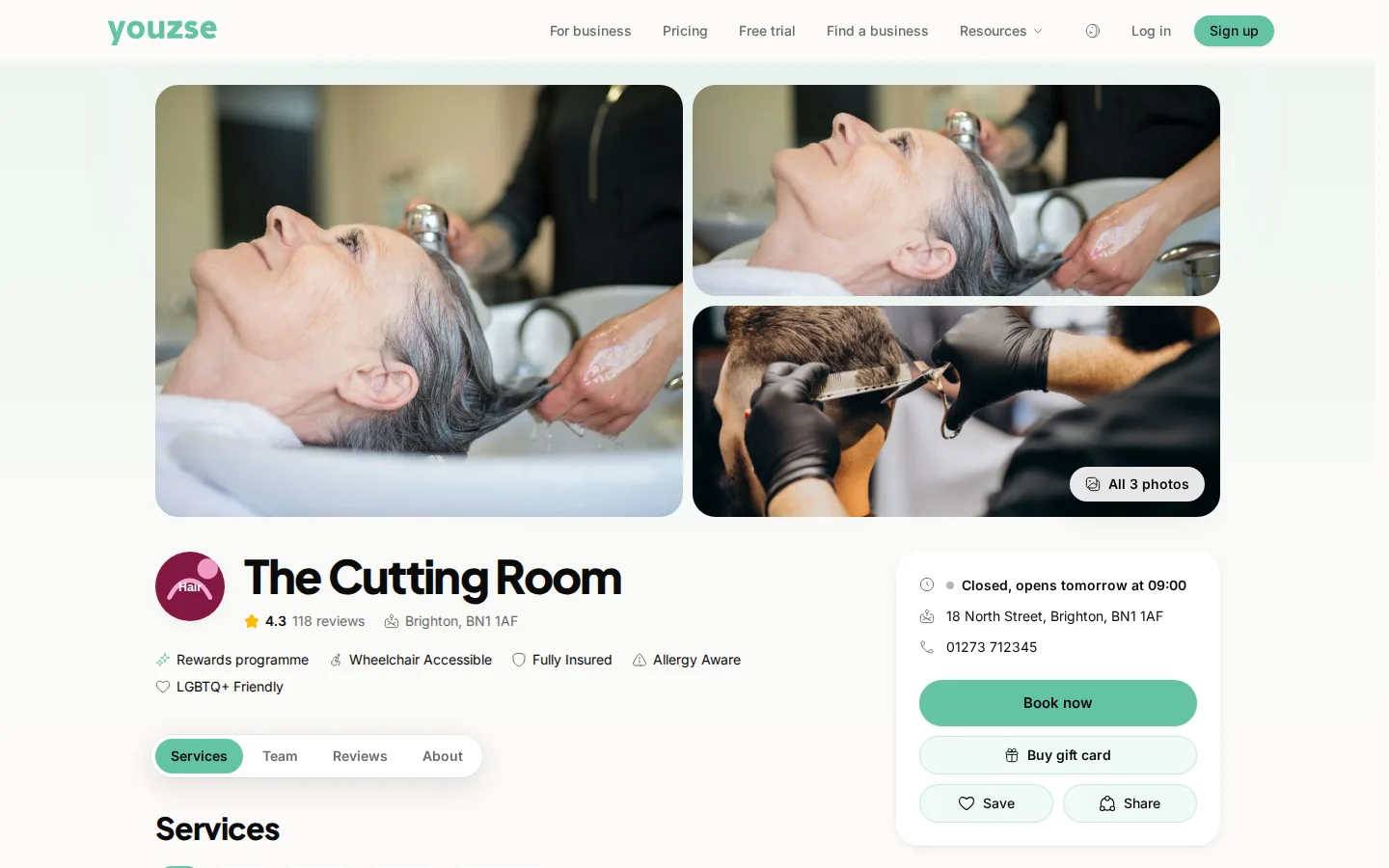
The point is the difference between being advertised and being reachable. Hiding stops Youzse putting you in front of people who have never heard of you. It never stops the people you send to your page.
Who tends to use it
Mobile and home-based businesses who do not want strangers browsing to them. Businesses that are full and taking no new customers for now. Private or members-only operations that run entirely on referral. Franchisees whose head office handles all the marketing. Anyone winding down who still needs the diary running for existing customers.
Your address is a separate choice
The second setting decides how much of your address goes on the public page. It works whether you are listed or hidden.
Show my full address publishes your street, your postcode and a map pin. It suits a shop or salon that people walk into.
Show my town only publishes the town and nothing else. No street line, no postcode, no map pin and no exact position anywhere public. You still turn up in local searches, but Youzse ranks you from the centre of your town rather than from where you actually are, so nobody can work backwards from a distance to a home address. It suits anyone working from home or travelling to customers.
Customers who have booked always see the full address and directions, whichever option you pick. The setting governs what strangers see, not what your own customers get.
Search engines take longer
Hiding removes you from the sitemap immediately, so Youzse stops telling Google and the AI search tools about your page. Your page stays live, because your own link has to keep working, so a search engine that already found it may keep showing it for a few weeks until it recrawls. If you need something gone from Google faster than that, Google's own removal tool is the only thing that will do it.
Turning it back on
Switch it off and you reappear straight away, with your services, photographs, reviews and rating exactly as they were. Nothing is deleted while you are hidden and there is nothing to rebuild.
Common questions
How quickly does it take effect?
As soon as you save. Youzse clears the public listings for you at that moment rather than waiting for a cache to expire. Every listing is checked against your setting as the page is built.
Will it cancel my bookings?
No. Hiding changes nothing about your diary, your customers or any booking already in it.
Does it change what I pay?
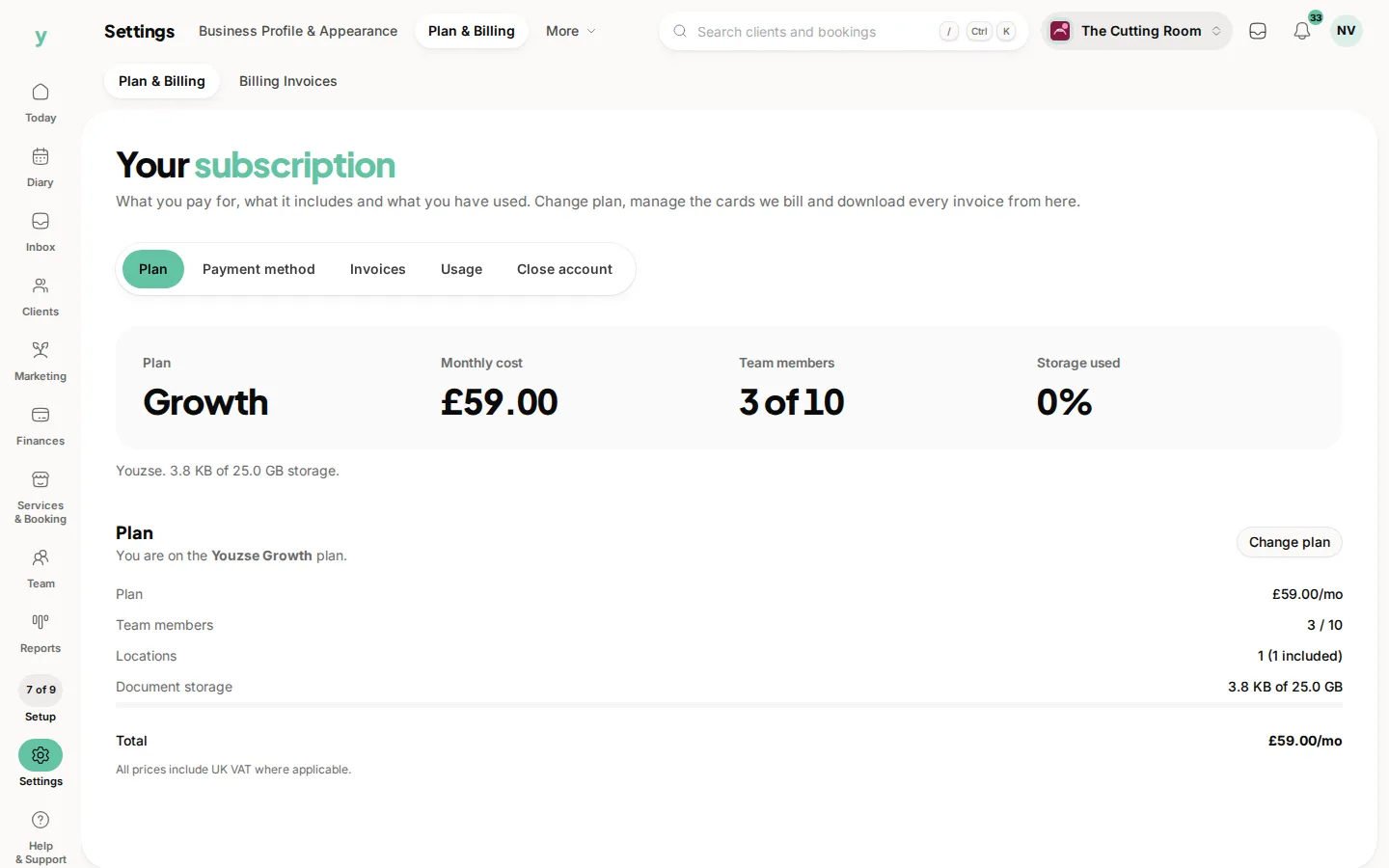
No. Your subscription and your card rates are exactly the same either way. There is no commission on new marketplace clients when you are listed and no discount for hiding.
Will customers who favourited me lose me?
No. Favourites open your page directly, so they keep working while you are hidden.
Can I be listed but keep my address private?
Yes. That is what the town only option is for. The two settings are independent, so any combination of them is fine.
Do I lose my reviews?
No. Your reviews and your rating stay on your page and come straight back into the marketplace if you list yourself again.
Can my staff change this?
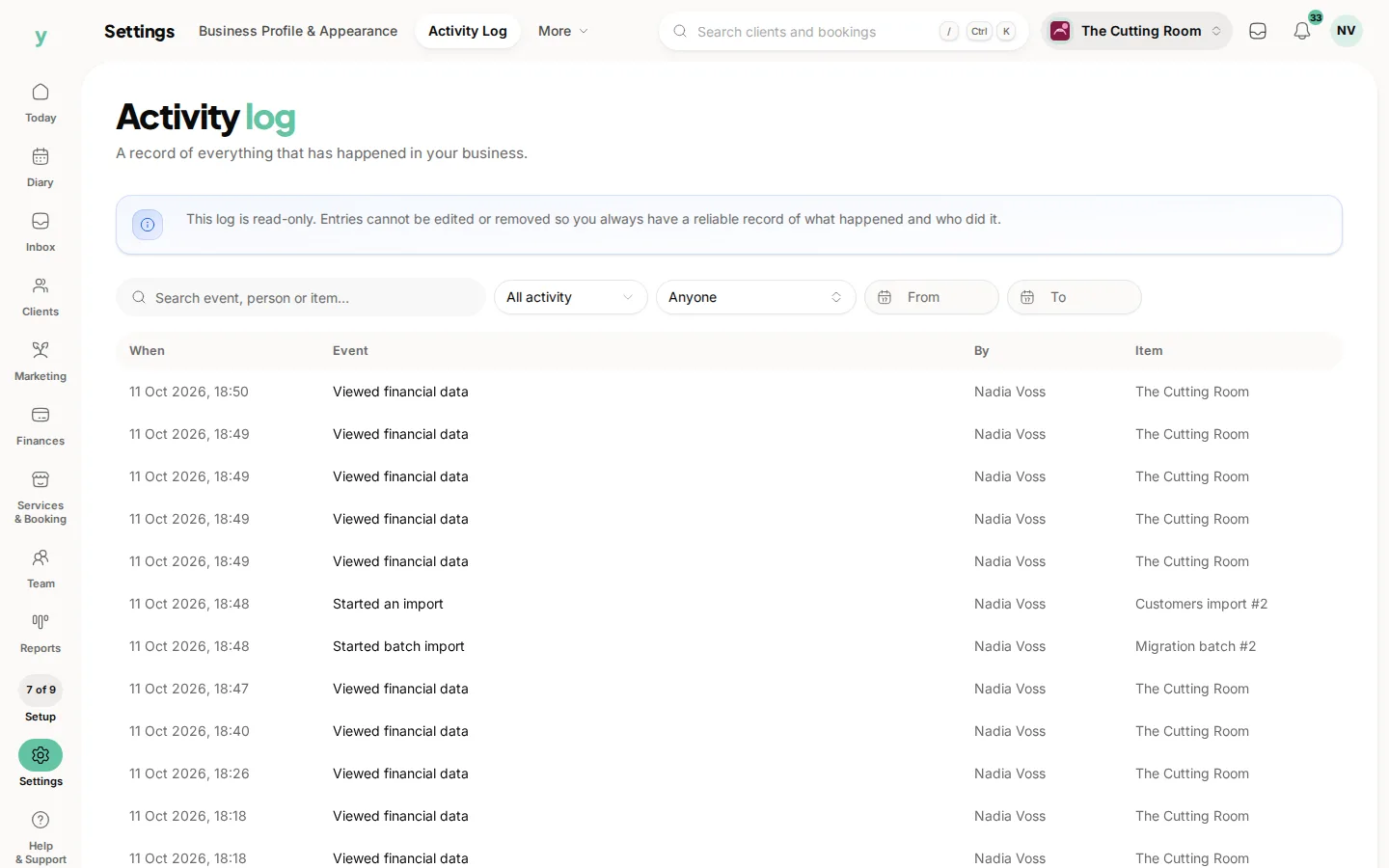
Only staff who can edit settings, which normally means owners and managers. Every change is written to your audit log with who made it and when.