
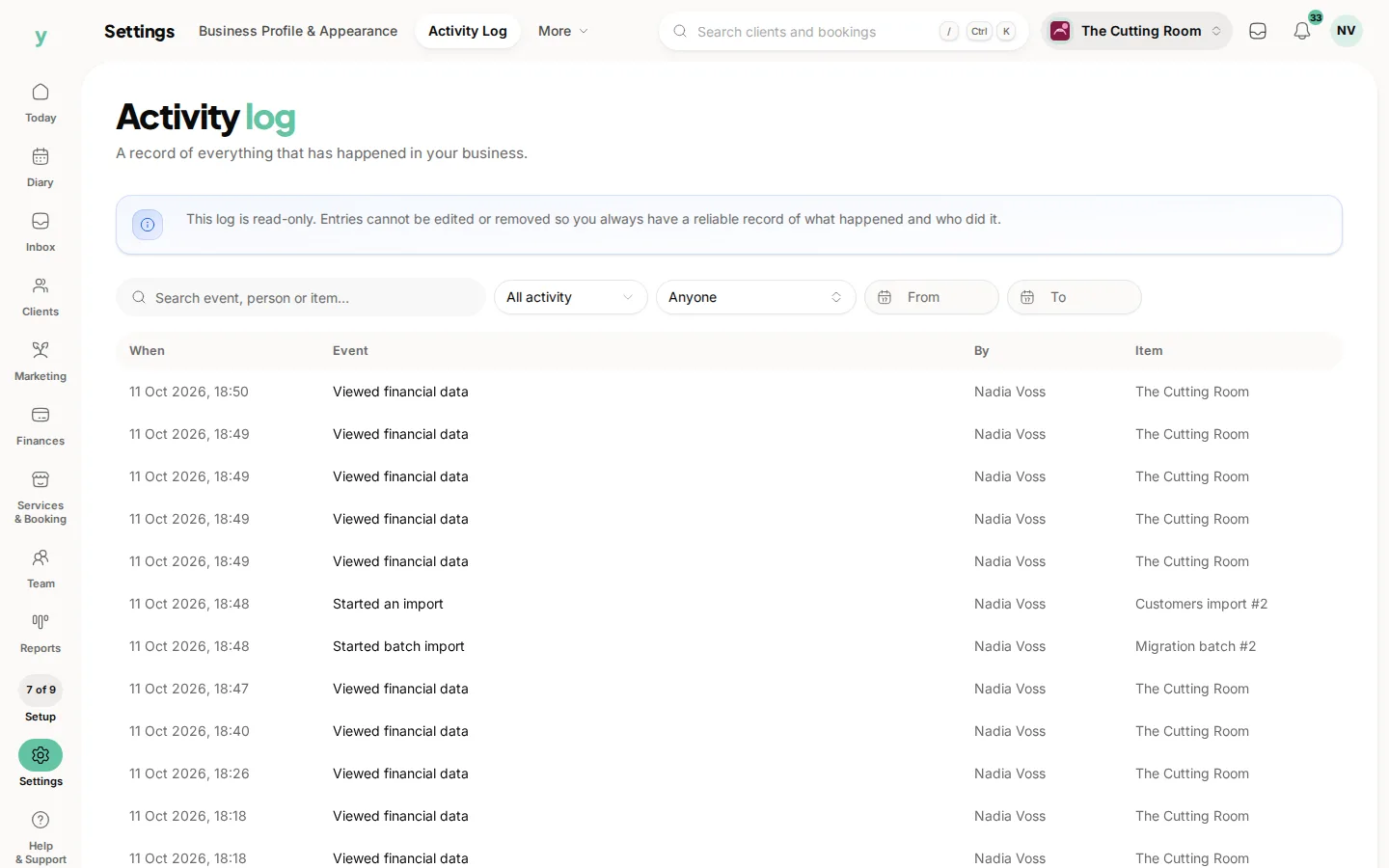
Go to Settings, then Activity Log. It records what was done in your account, who did it and when.
What it is for
Answering questions you cannot answer from memory. Who cancelled that booking. Who changed that price. Who removed somebody from the suppression list. Whether a former employee did anything on their last day.
Why it matters beyond curiosity
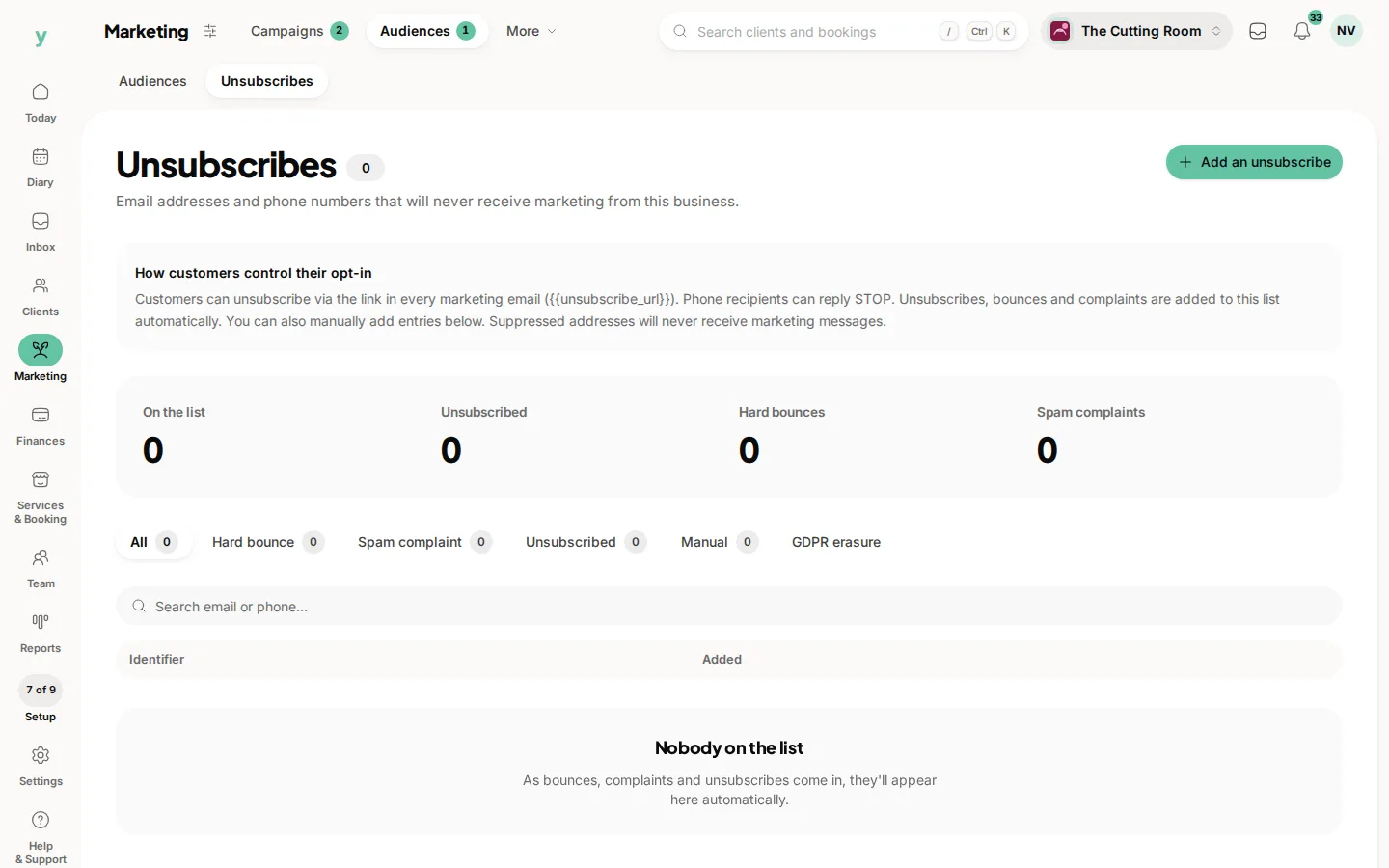
If a customer asks who accessed their record or you have to report a data breach, a log of who did what is the difference between an answer and a guess. Data protection expects you to be able to say.
Some actions are logged deliberately
Taking somebody off the suppression list is recorded with who did it and when, because it undoes a person's stated wish. Actions with consequences leave a trail on purpose.
Reading it
Look for the record and the time rather than scrolling. You are usually confirming a specific suspicion rather than browsing.
Common questions
Can I edit or delete log entries?
No. That is the point. A log you can edit proves nothing.
Who can see the activity log?
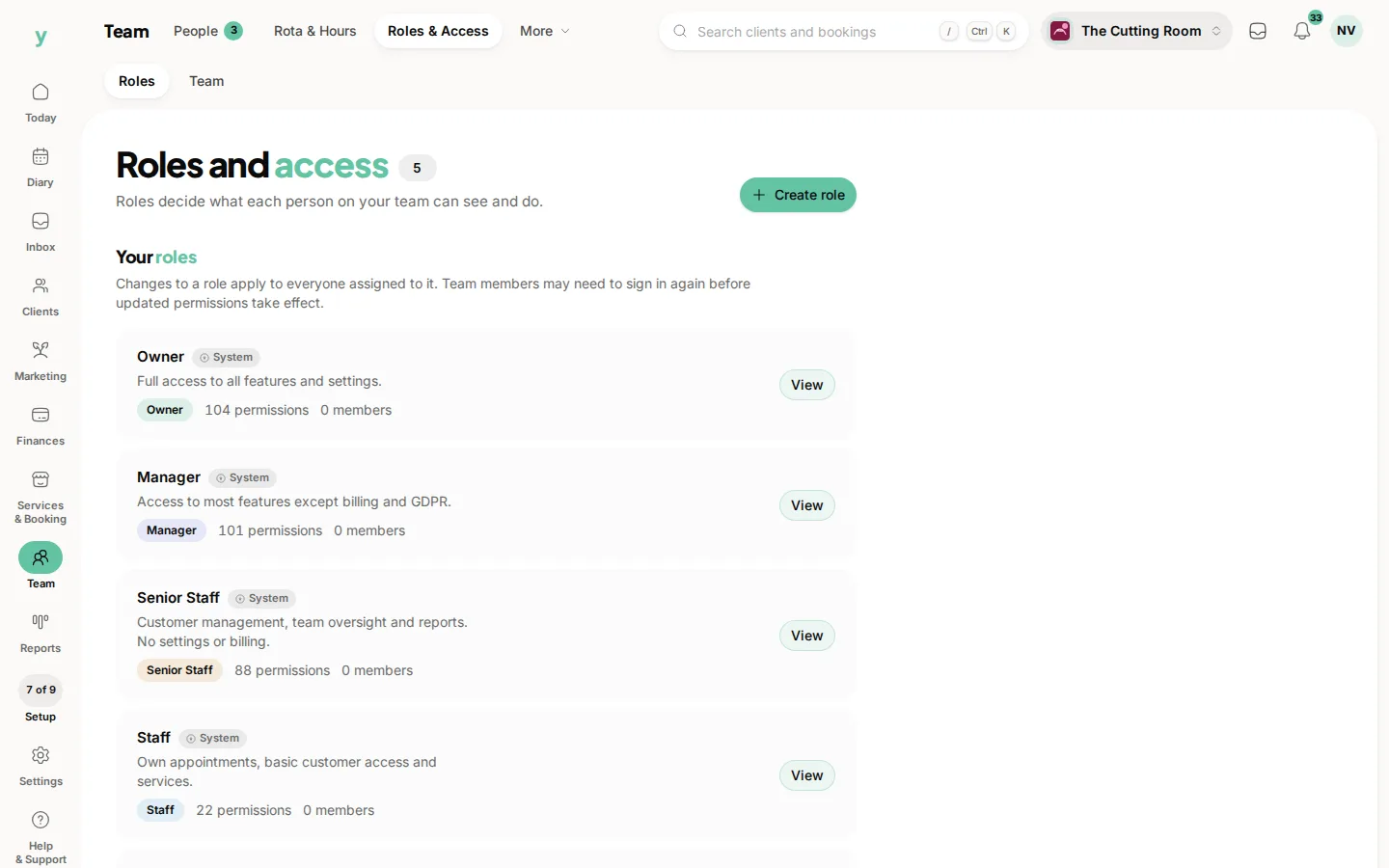
It is behind a settings permission, so only people whose role allows it.
Does it record what customers do?
It records activity in your business account. Customer actions on their own bookings show on those bookings.