Good communication is what makes customers turn up and come back. Youzse keeps them informed at every stage, automatically.
Confirmations
When a booking is made, the customer is told. Online bookings arrive as pending and the customer gets their confirmation the moment you accept it. Bookings you take yourself while signed in are confirmed straight away. If anything changes, reschedules and cancellations send their own notices too.
Reminders
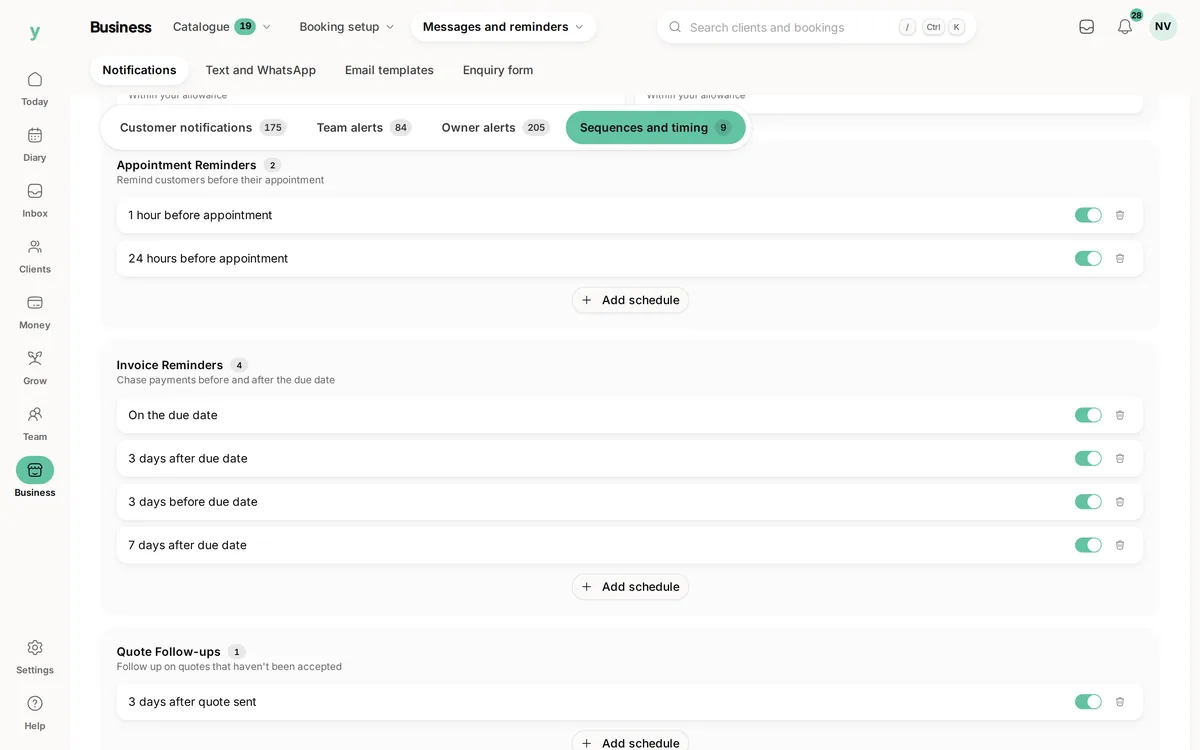
Reminders nudge customers before their appointment so fewer slots are wasted. You decide the timing in your reminder schedule, for example a set number of hours or days before the booking. You can run more than one reminder, such as a gentle note a few days ahead and a final one the day before.
Which channels are used
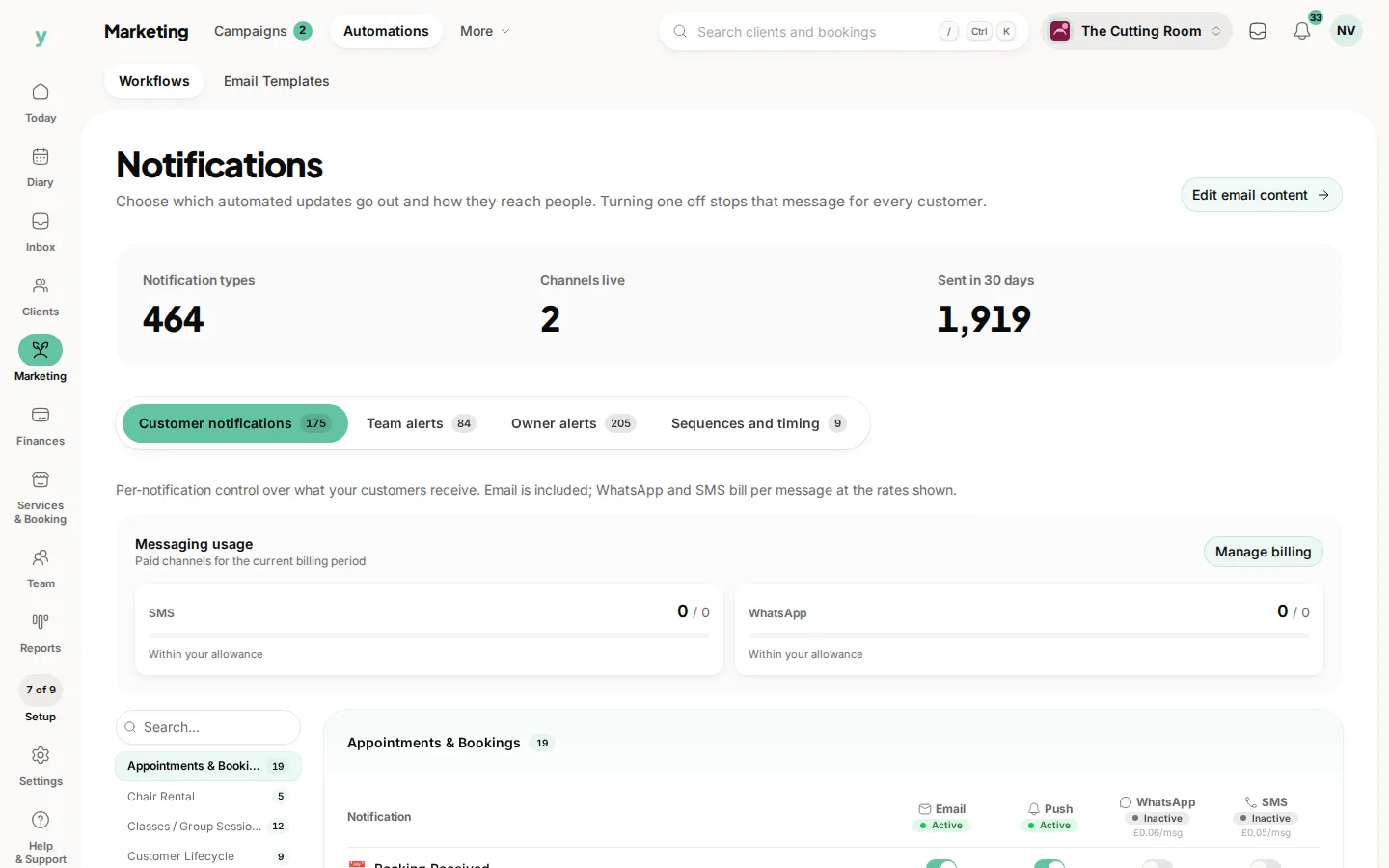
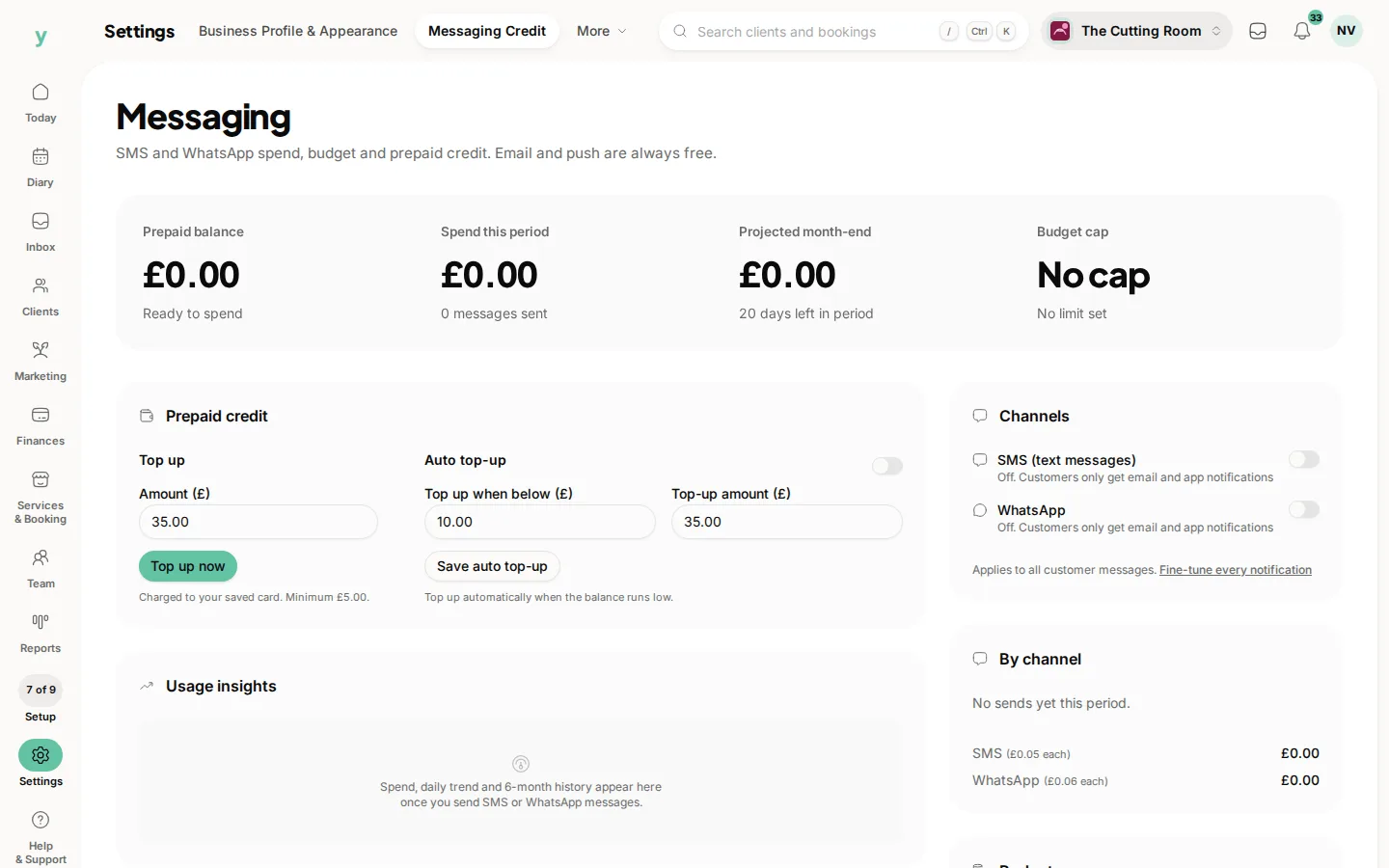
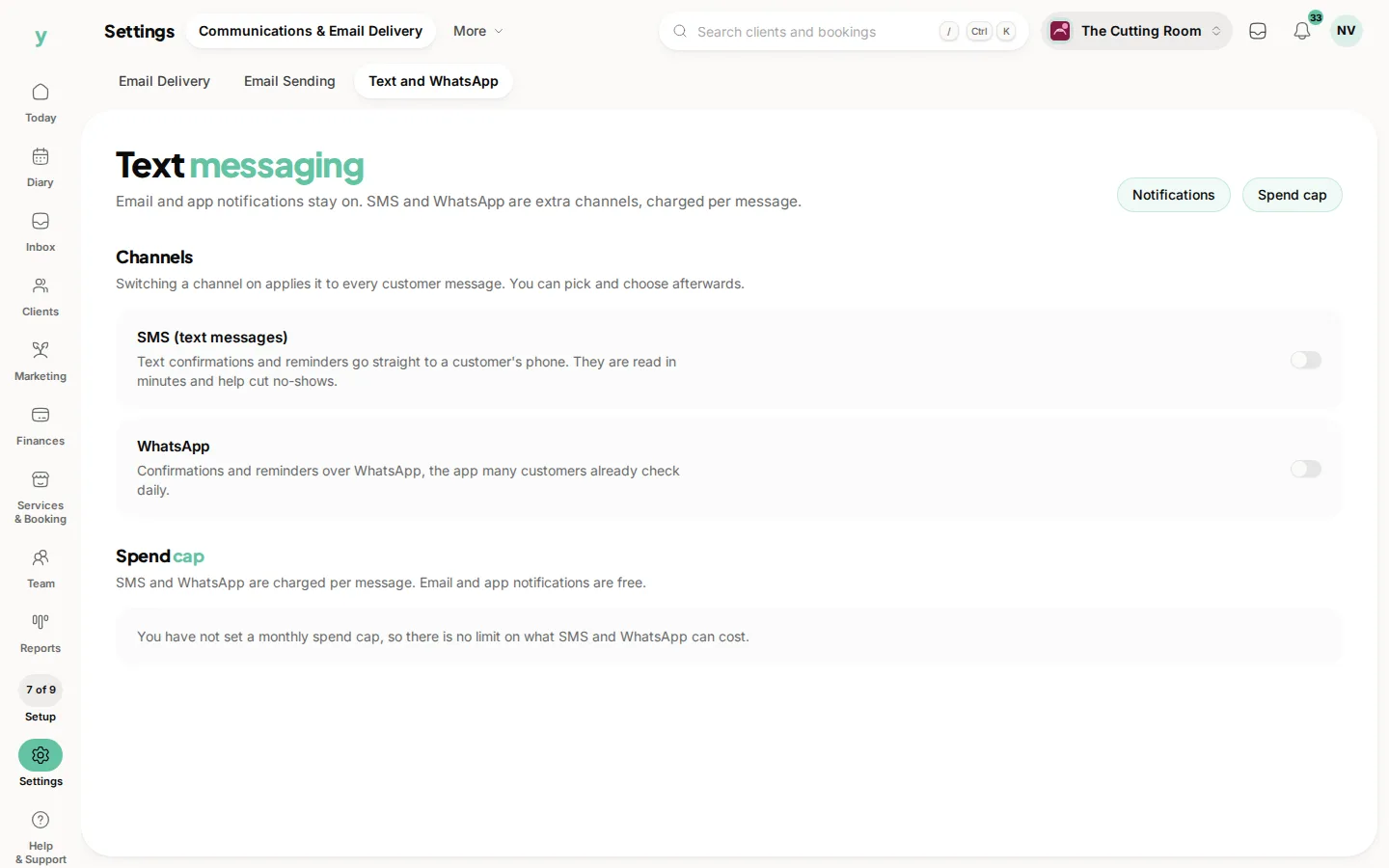
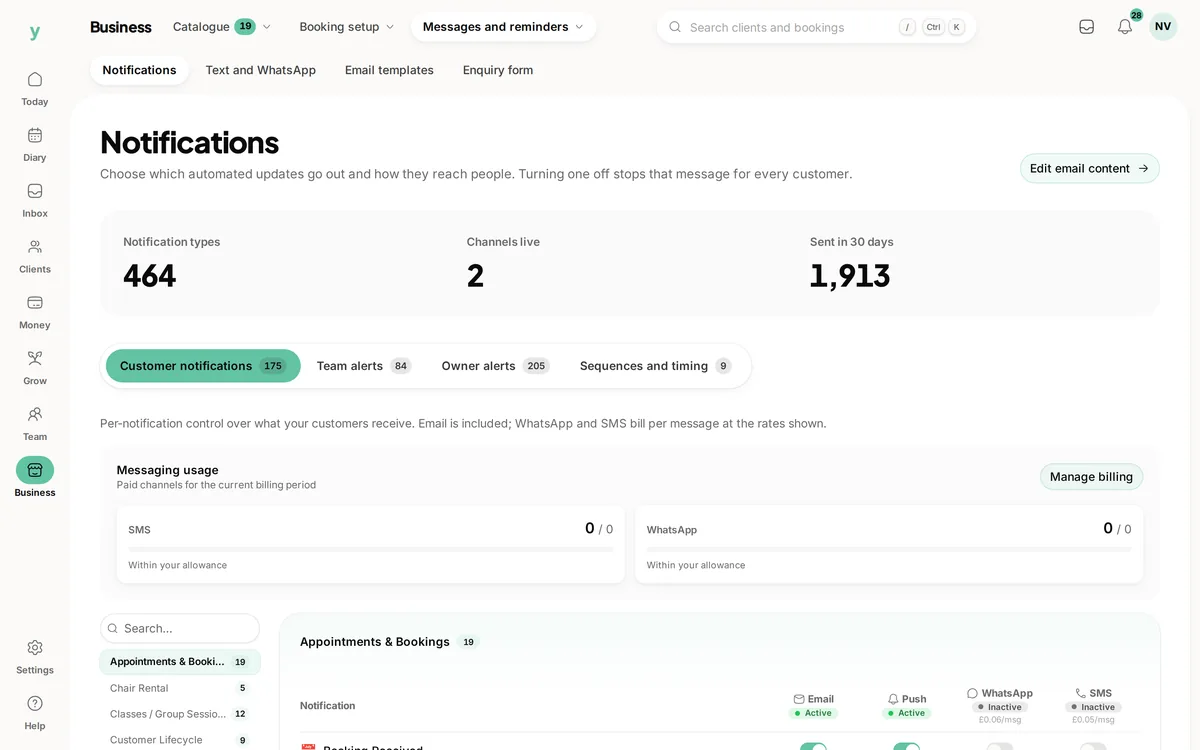
Youzse can reach customers by email, push notification, SMS and WhatsApp. To keep things simple and avoid surprise costs, email and push are on by default. SMS and WhatsApp stay switched off until you turn them on, so you choose when to use them.
Setting it up
- 1Go to Marketing, then Automations.
- 2Set the timing for appointment reminders, adding more than one if you like.
- 3Tick SMS or WhatsApp for the reminders if you want those channels as well. They need switching on first under Settings, then Communications & Email Delivery, then Text and WhatsApp and some prepaid credit under Settings, then Messaging Credit.
- 4Save. Your reminders apply to upcoming bookings.
A timely reminder is one of the simplest ways to cut no-shows and show customers you are on top of things.
Common questions
When should a reminder go out?
Twenty-four hours ahead suits most businesses, because it gives somebody time to rearrange their day.
Do reminders cost anything?
Email and push are free. Text and WhatsApp messages carry a per-message cost.
Can I change the wording?
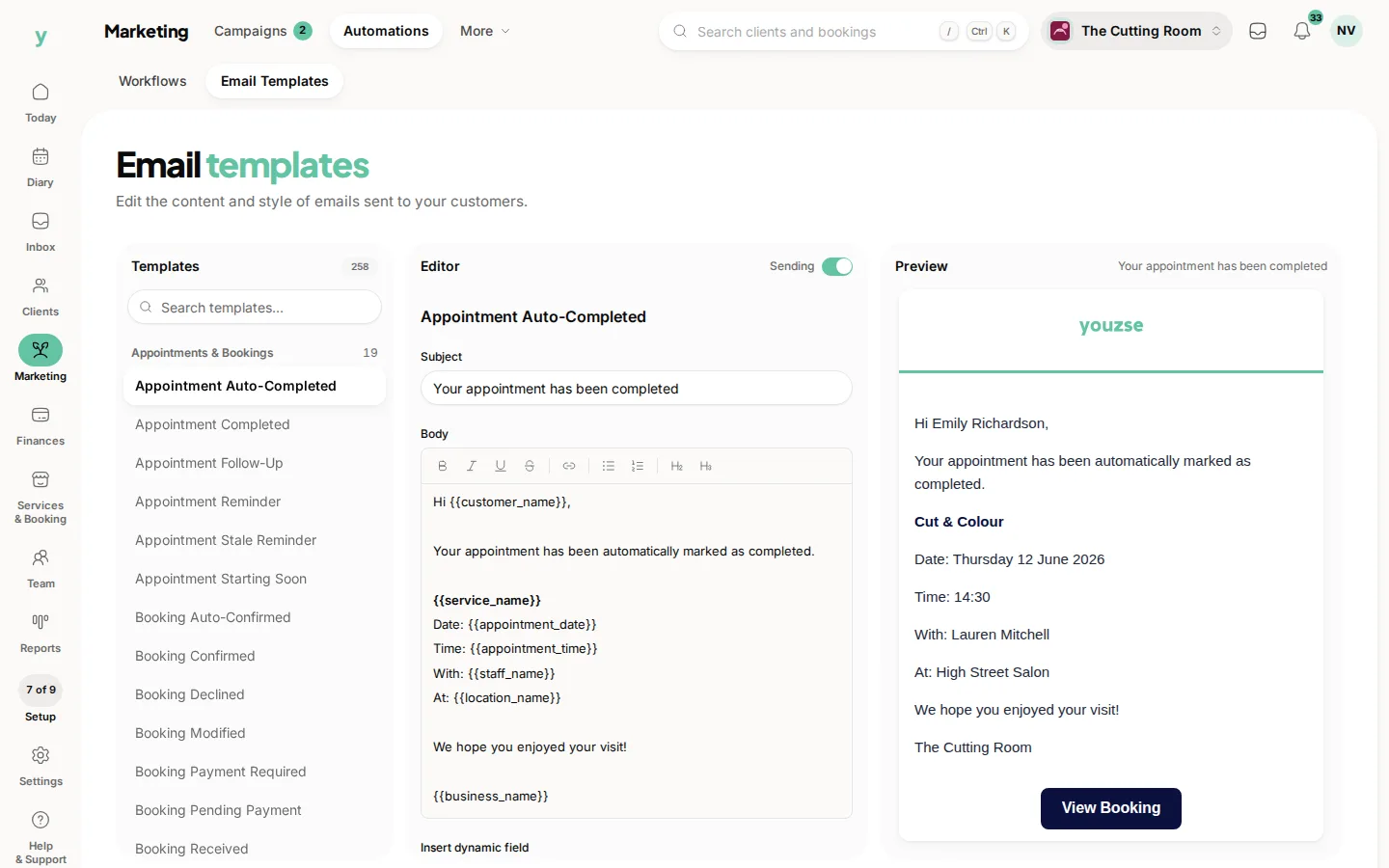
Yes, under Marketing, then Automations, then Email Templates.