
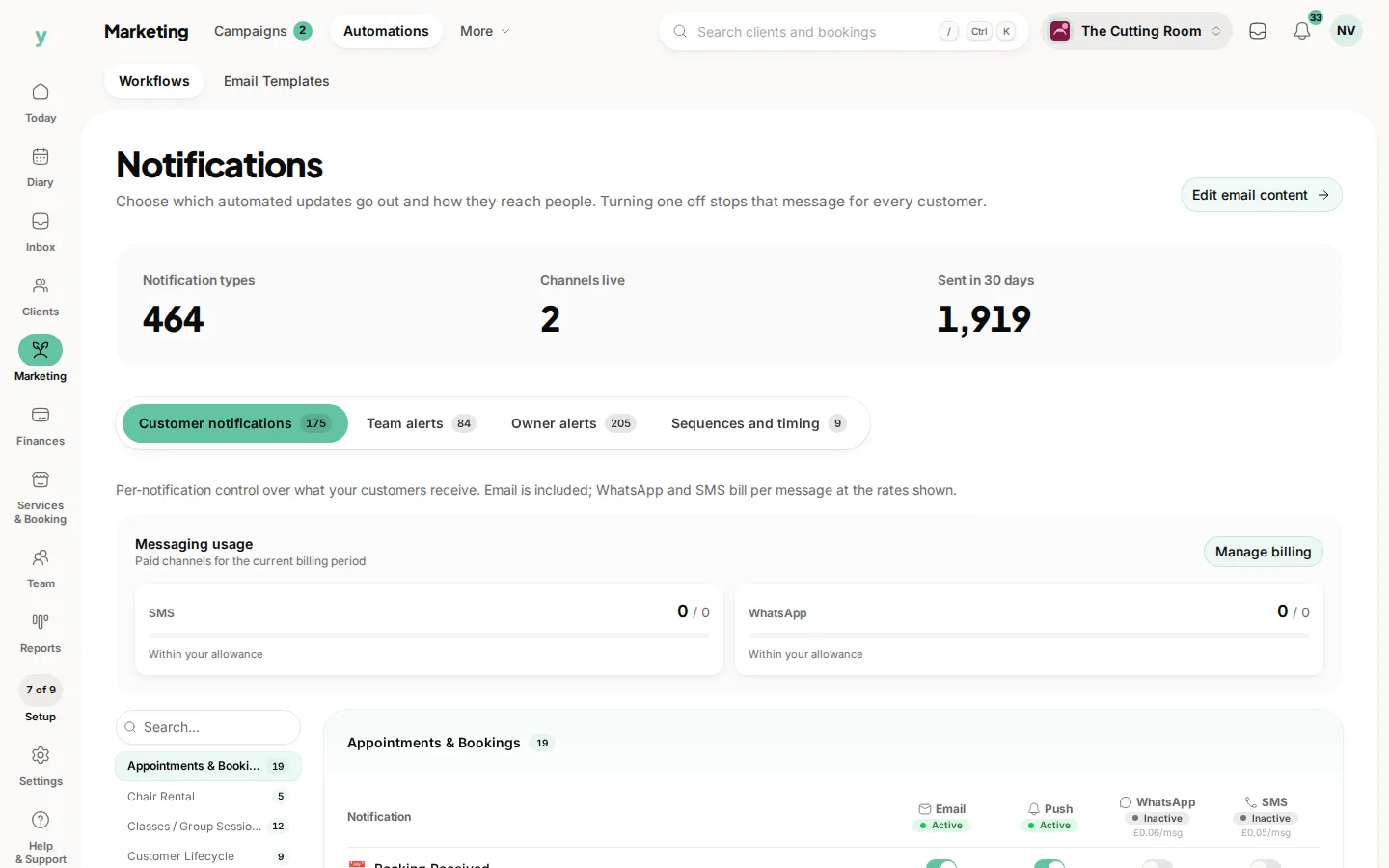
What you and your team receive is separate from what customers receive. Your own alerts are set from My account rather than from the customer notification settings.
What is worth being told about
- A new booking, so you know the diary changed
- A cancellation, because that is a gap you may want to fill
- A new enquiry, because response time wins the work
- A failed payment, because that needs chasing while it is fresh
What is not
Every reminder that goes to a customer. Alerts you learn to ignore are worse than no alerts, because you stop reading the ones that matter.
Different people need different alerts
Whoever answers the phone wants enquiries and cancellations. Whoever does the books wants failed payments. The same set for everybody suits nobody.
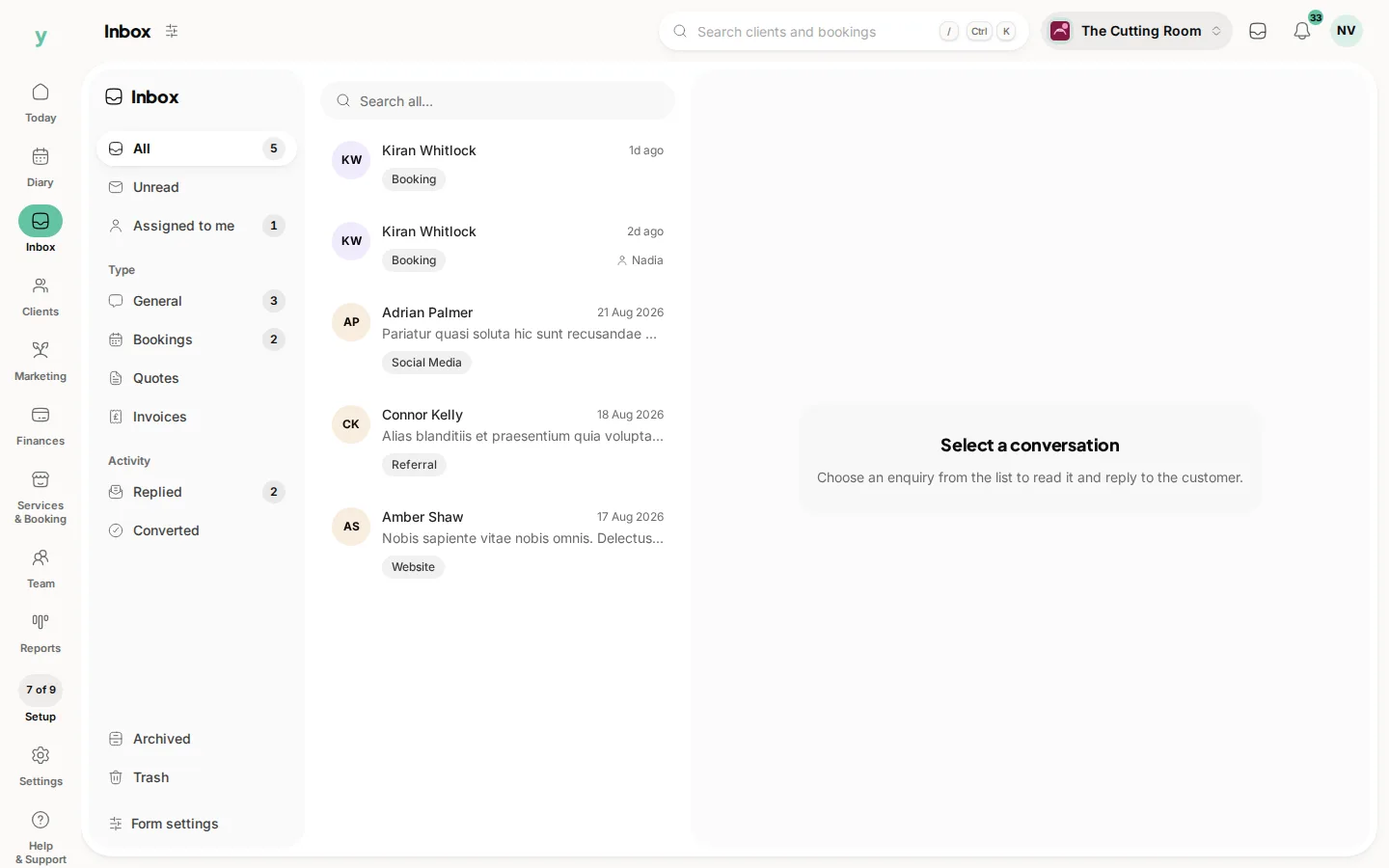
Enquiries live in Inbox regardless
Even with every alert off, enquiries still arrive in Inbox. Alerts tell you to look, they are not the record.
Common questions
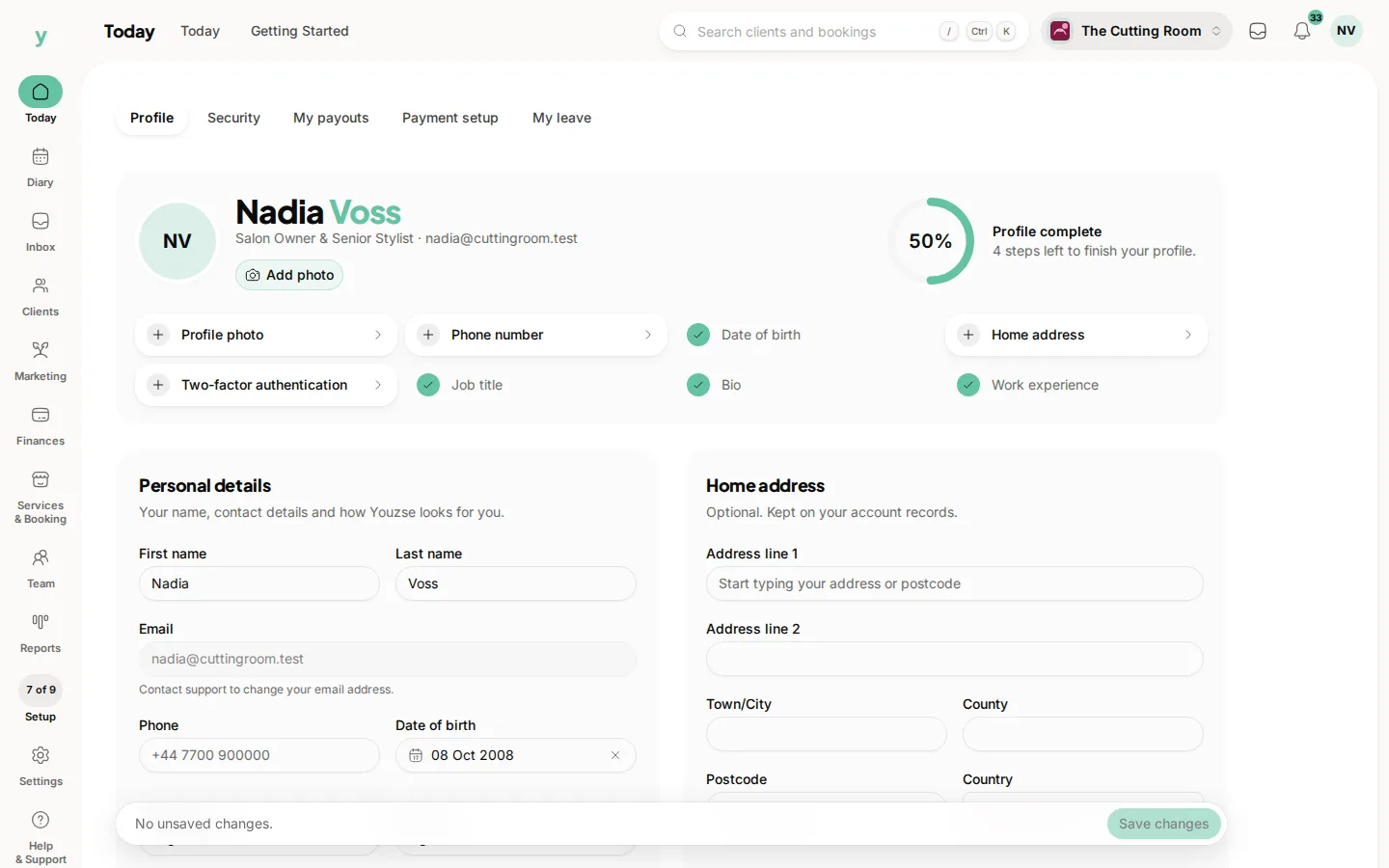
Where do I set my own notifications?
Open the account menu (your picture or initials at the top right), then My account. It is separate from the customer notification settings.
Can each staff member choose their own?
Yes. Their alerts are theirs to set.
I am getting too many alerts. What should I turn off?
Keep new bookings, cancellations, enquiries and failed payments. Turn off anything you have never acted on.