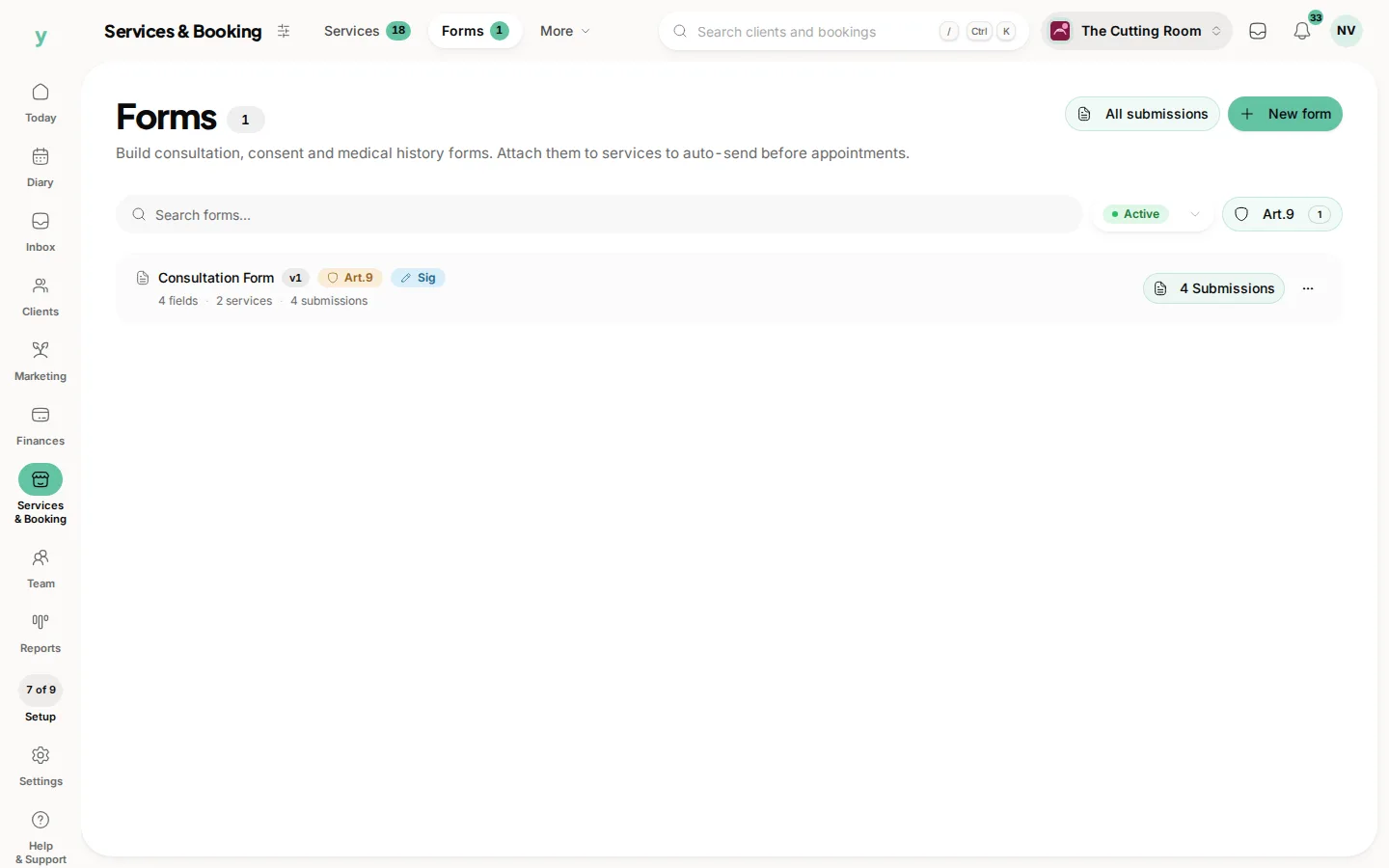
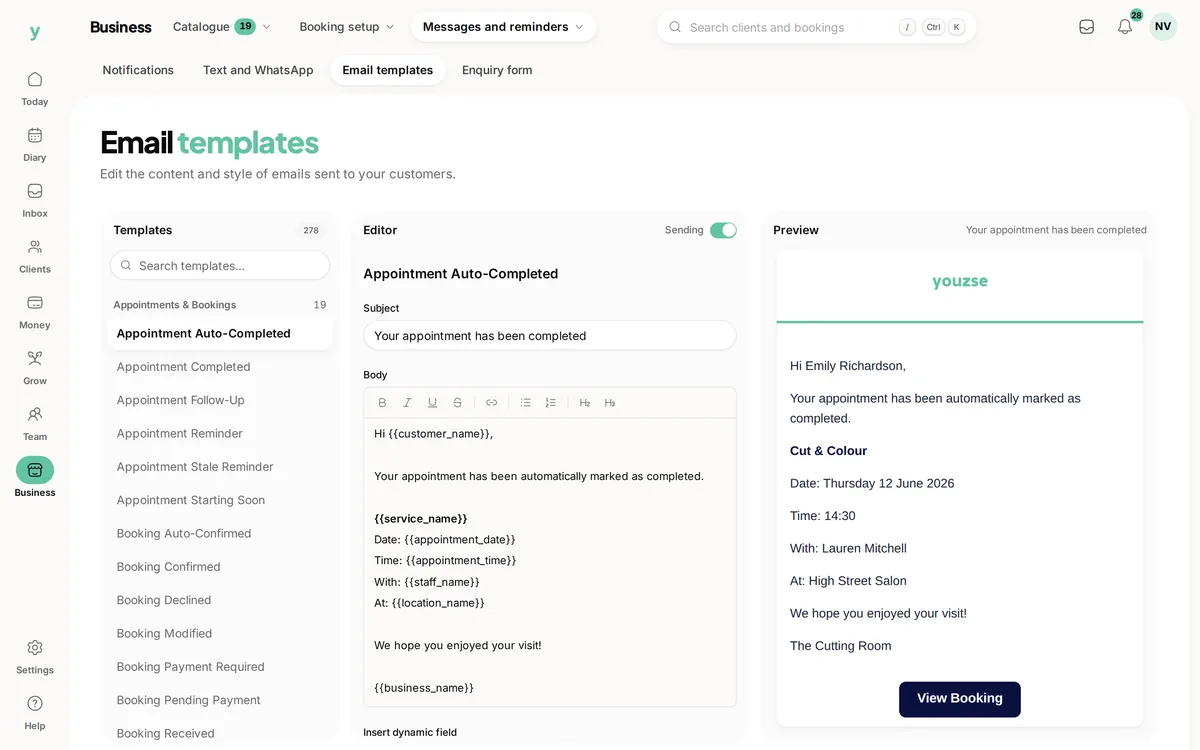
Go to Marketing, then Automations, then Email Templates. This is where the wording of your confirmations, reminders and receipts lives.
Why bother
The standard wording is perfectly serviceable and sounds like software. Two minutes making a confirmation sound like you is the difference between a message that reads as automated and one that reads as your business.
What to change first
Your booking confirmation, because every customer receives it. Then your reminder, because it is the one that prevents no-shows.
Keep the useful bits
Whatever you rewrite, the customer needs the date, the time, the service, the person and where to come. Charm is worth adding. It is not worth losing the address for.
Say what to do if plans change
A line telling somebody how to move or cancel their booking saves you phone calls and gets you more notice when they cannot make it.
Test before you rely on it
Make a booking yourself and read what arrives. A template that looks right in an editor sometimes reads oddly in a real inbox.
Common questions
Can I add my logo?
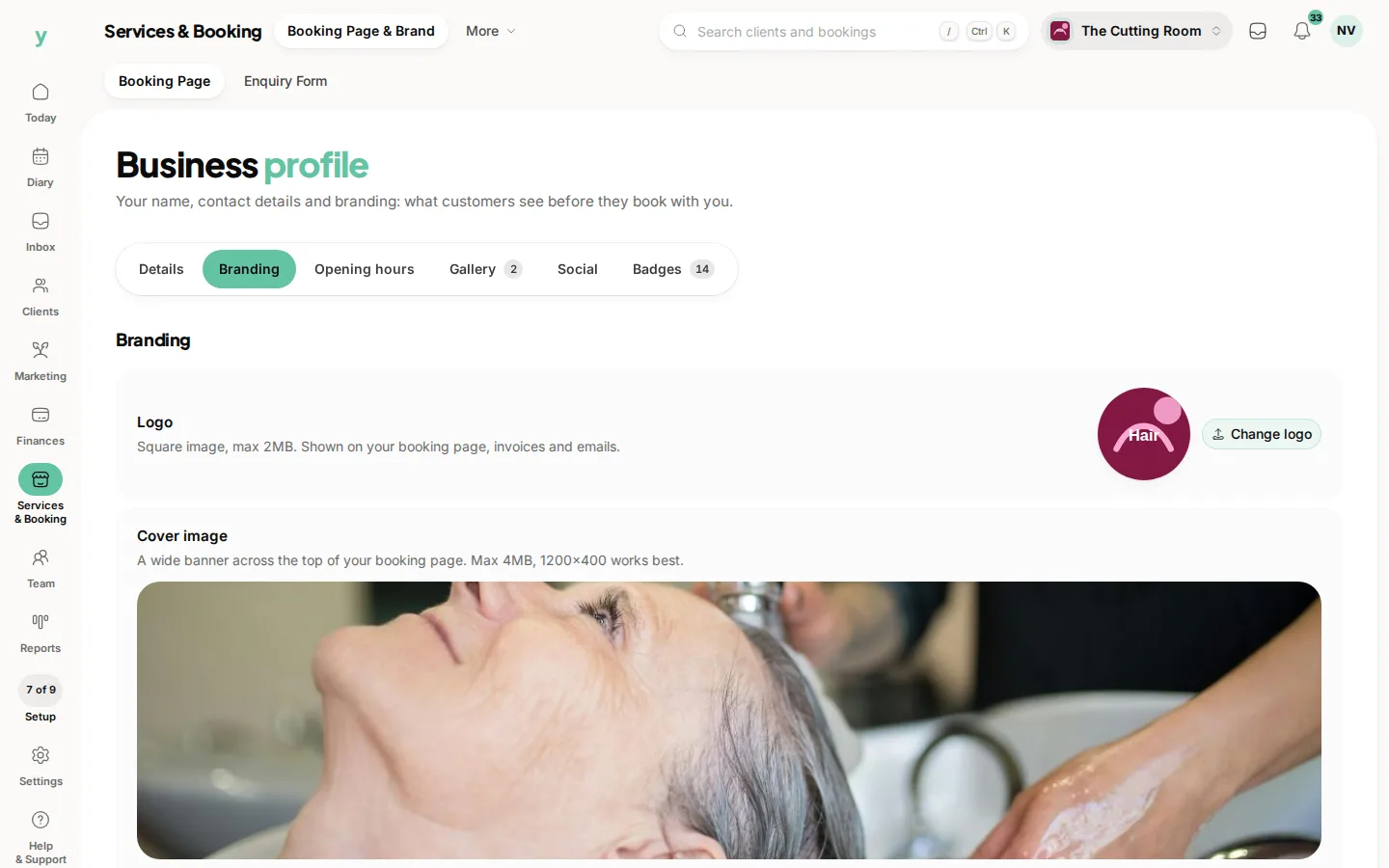
Branding comes from your business profile, so set your logo there and it carries through.
Will changing a template affect emails already sent?
No. Emails already sent are a record of what went out.
Can I have different templates per service?
Templates apply to the type of notification. Anything service-specific is better handled with a form or a note on the booking.