
Youzse speaks with a model key that belongs to this business. The owner saves that key. Other staff can ask questions, and they cannot save or remove the key.
Where to find it
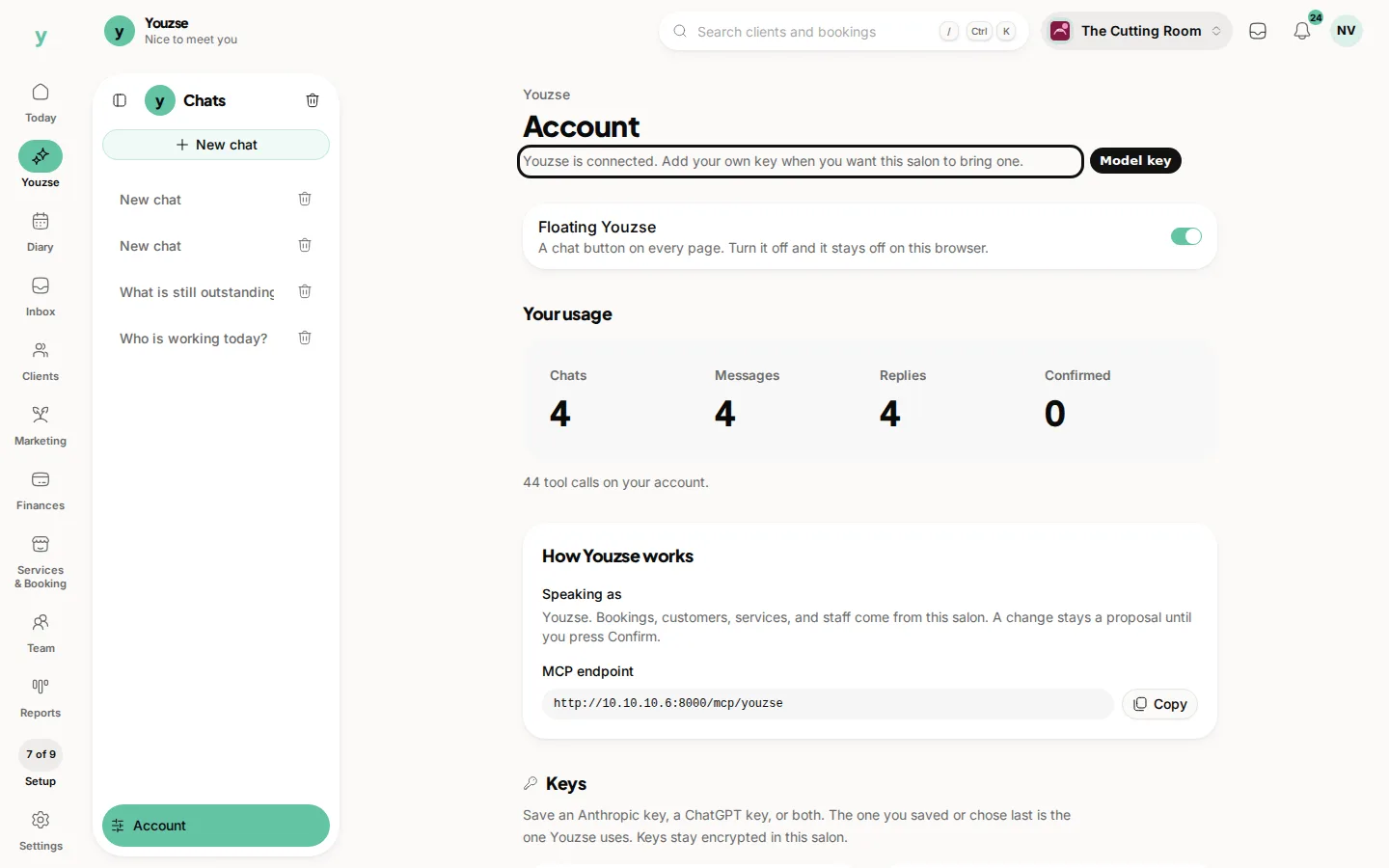
Open Youzse, then Account, then Keys. If you are not the owner, the page tells you that the owner connects the key.
Saving the key
Paste the key into the box and save it. The key is shown once, in that box, while you enter it. After you save, the page keeps the last four characters so you can tell keys apart. The full key is not shown again.
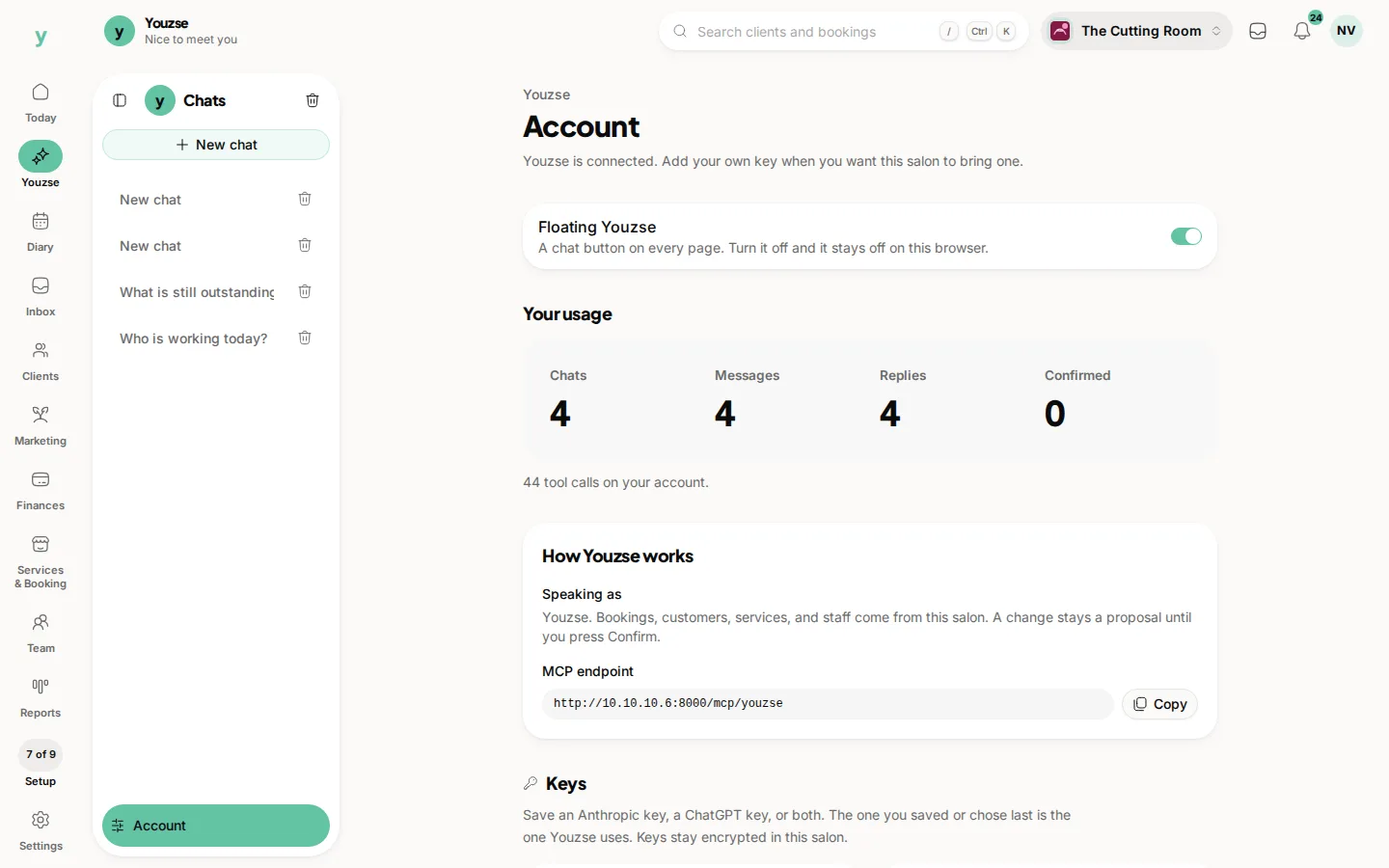
You can save an Anthropic key, a ChatGPT key, or both. Youzse speaks with the last key you saved. Saving again, or choosing a key that is already saved, makes that the one it uses. Keys stay encrypted in this business.
The key stays with this business. Signing into another business does not carry it across. That business has its own key, saved by its own owner.
Common questions
Who can connect the key?
The owner of this business. Other staff use Youzse once the key is saved.
I saved the key and cannot see it. Where did it go?
It is shown once, as you paste it in. Afterwards the account page shows the last four characters.
Which key is Youzse using?
The last one you saved. If more than one is saved, the one you saved or chose last is the one it speaks with.