
Not every staff screen on Youzse is open to every person. The assistant splits asking from connecting.
What any signed-in staff member can do
- Open Youzse and ask questions about this business
- Press Confirm or Deny on a change card
- Start, open and clear their chats
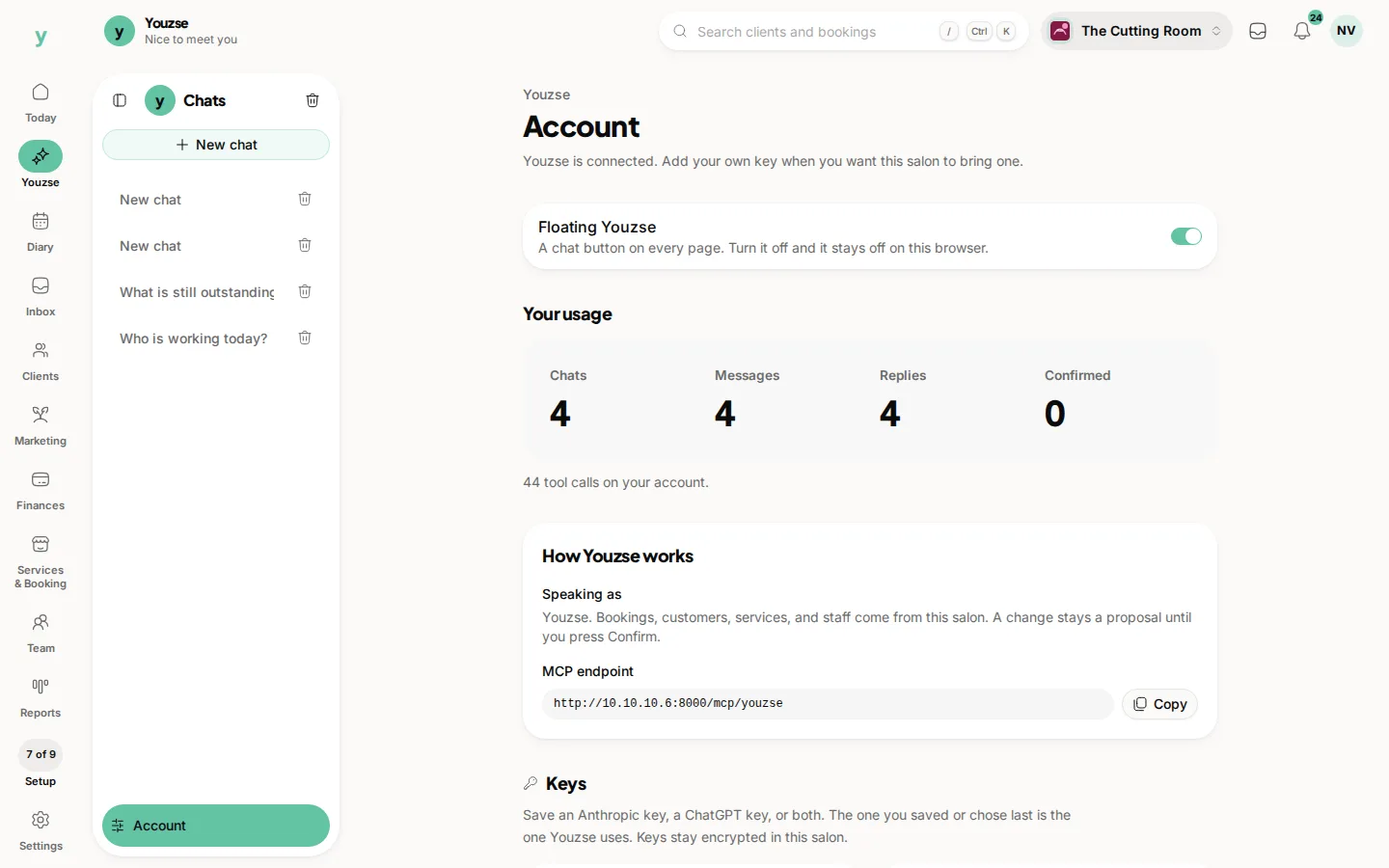
- Turn the floating Youzse button on or off for this browser
What only the owner can do
- Save or remove a model key
- Choose which saved key Youzse speaks with
- Copy the connector endpoint and connect Claude, ChatGPT or Cursor
- Issue or revoke connector access from Account
If you are not the owner and you open Account, the page still shows how Youzse works and your usage. The key boxes and connector setup stay with the owner.
Confirming a change is still a staff action. An owner can confirm, and so can other staff. The card does not wait for the owner unless your permissions already stop that person from the underlying change.
Common questions
Can a receptionist ask Youzse?
Yes, if they can sign in as staff. They cannot save the model key.
Can I hide Youzse from some roles?
People who cannot sign in to the staff app cannot open it. Signed-in staff see Youzse with the rest of the rail.
Who sees usage on Account?
Staff who can open Account. Connecting and keys still need the owner.