
Use this when you want Claude, ChatGPT or Cursor to ask Youzse about this business. The owner does the setup once. Staff still confirm any write inside Youzse.
Before you start
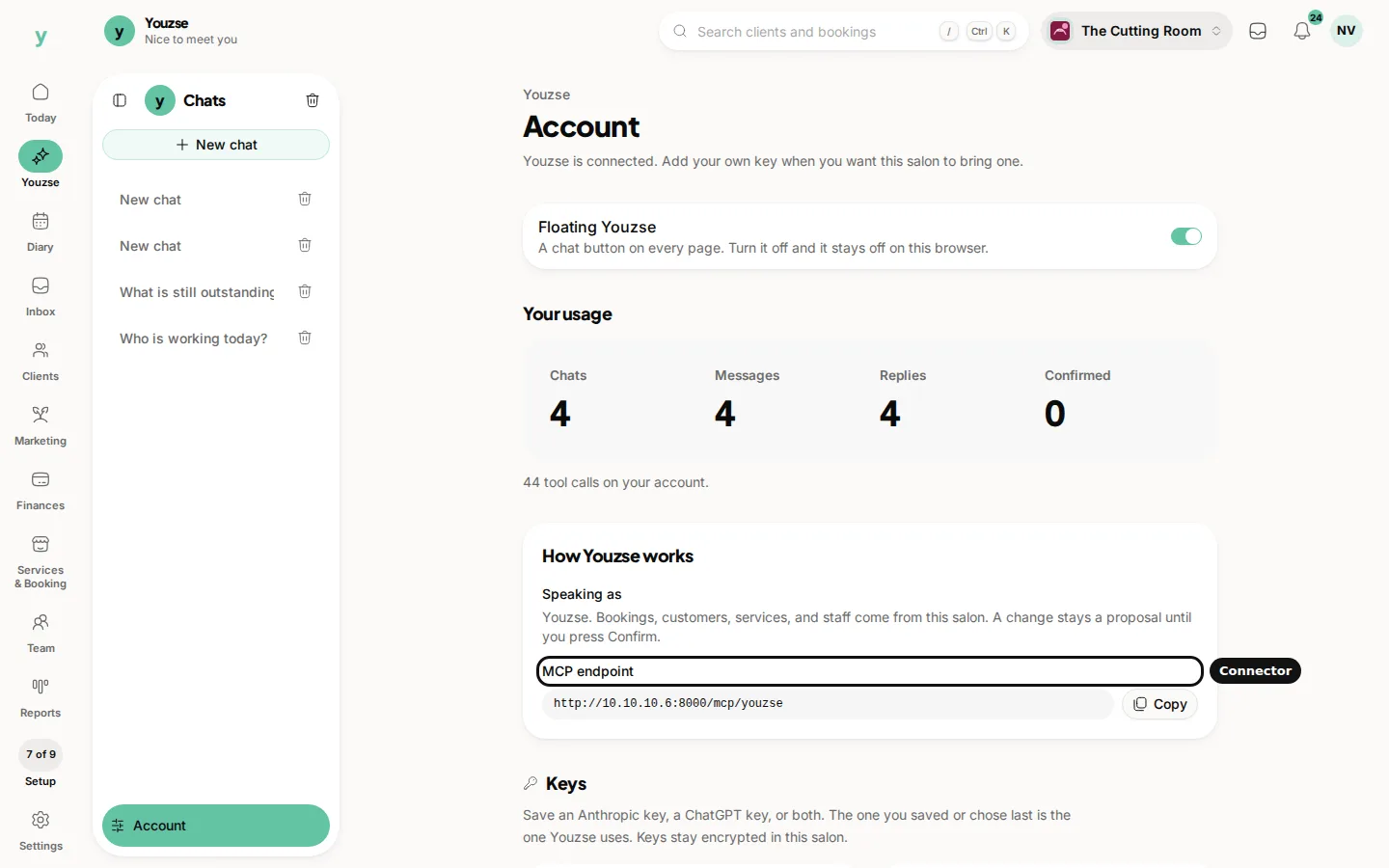
Sign in as the owner. Open Youzse, then Account. Keep that page open so you can copy the MCP endpoint.
The steps
- 1Copy the MCP endpoint from How Youzse works on Account.
- 2In Claude, ChatGPT or Cursor, add a connector or MCP server and paste that address.
- 3When the other app asks you to sign in, sign in to Youzse and choose this business.
- 4Ask a question there. Reads come back from this business. A write still waits for Confirm in Youzse.
Cursor can also use the JSON config block on Account. Copy that block when Cursor asks for a config and a connection token. The steps under Add Youzse to Cursor on the same page walk through it.
After you connect, usage still shows on Account inside Youzse. Confirmed counts only moves when someone presses Confirm on a card in Youzse.
Common questions
Do I need a separate model key for Claude?
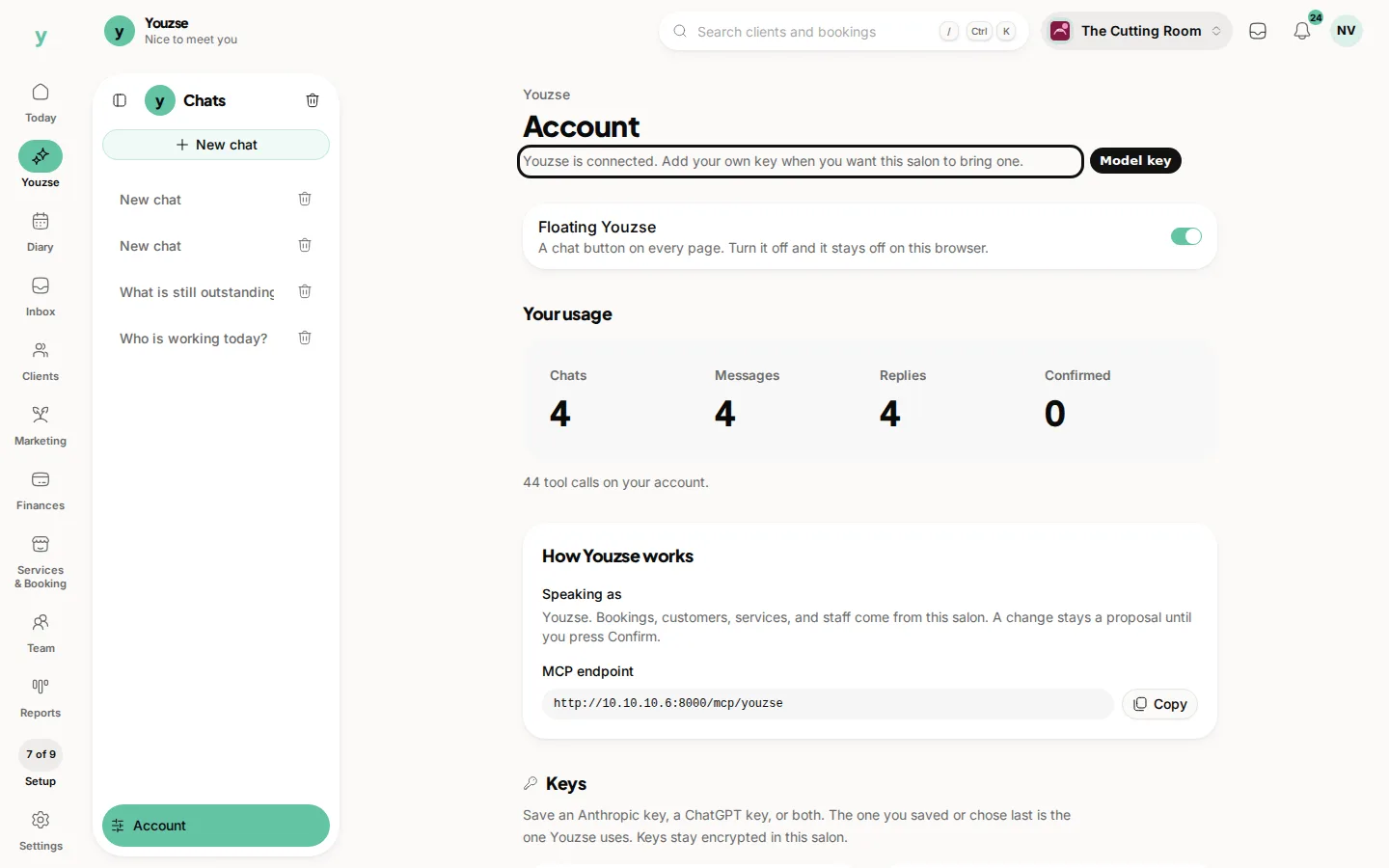
The connector talks to Youzse. A model key on Account is what Youzse itself speaks with inside the app. You can use both.
Can staff set this up?
No. Connecting is for the owner. Staff can still Confirm a change.
What if I connect the wrong business?
Sign out of the connector session and sign in again, choosing the business you mean.