
Floating Youzse is a chat button that sits on staff pages so you can ask without opening the full assistant screen first. Ask from the diary, from Today, or from wherever you already are.
Where to find the switch
Open Youzse, then Account. Floating Youzse is near the top. Turn it on and the button appears on staff pages in this browser. Turn it off and it stays off on this browser.
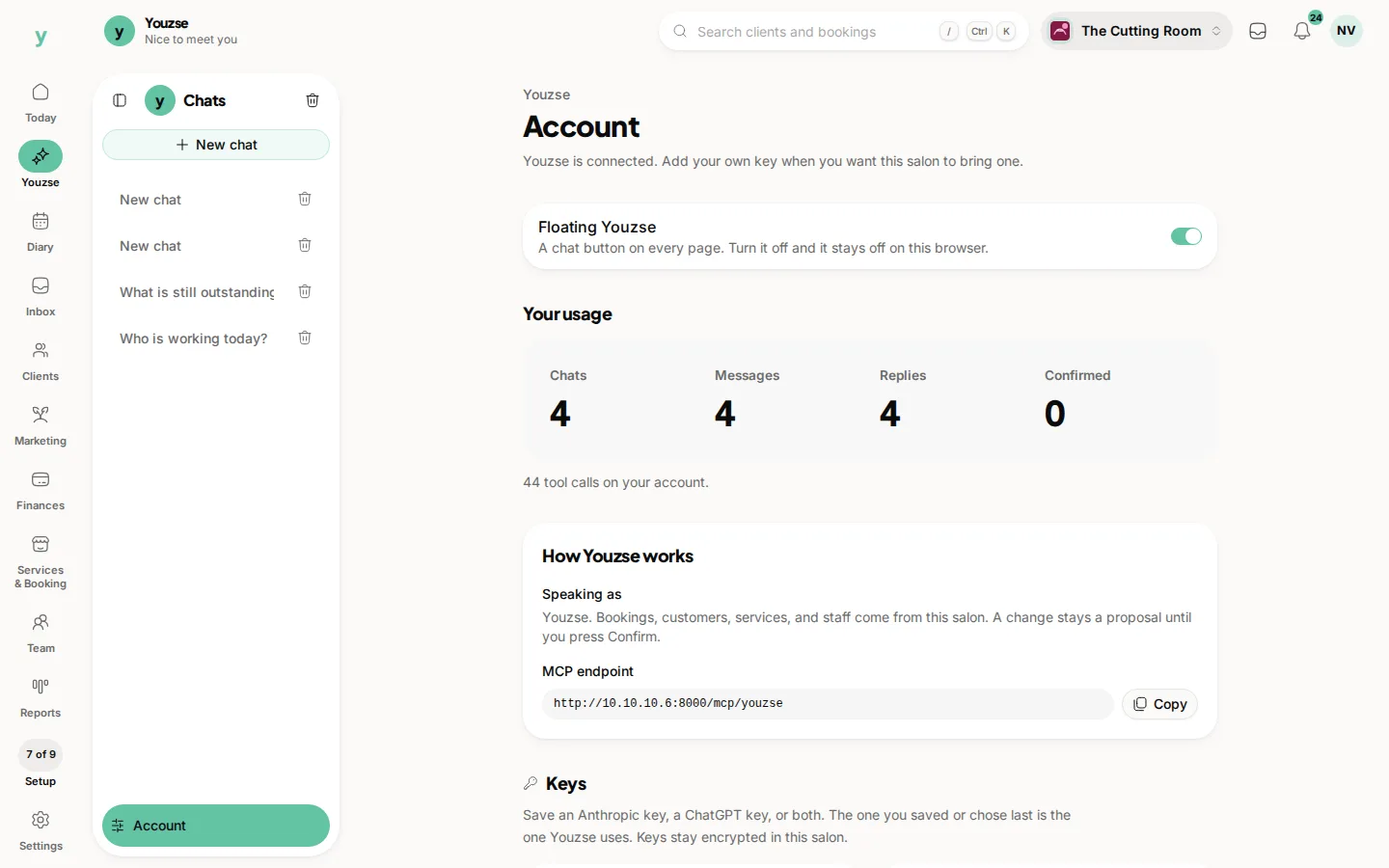
The floating button opens the same Youzse. The same suggestions, the same Confirm card, and the same business you are signed into. It does not give customers a way in.
Turning it off only affects this browser. Another computer, or another browser on the same computer, has its own setting. Staff still reach Youzse from the left rail or the bottom bar when the floating button is off.
Common questions
Does turning it off disable the assistant?
No. You can still open Youzse from the rail or the bottom bar. Only the floating button is hidden on this browser.
Can each person choose for themselves?
Yes. The switch is per browser, not a business-wide lock.
Will customers see the floating button?
No. It only appears on staff screens when you are signed in.