
Start with the four numbers the import shows you
created, updated, skipped and errors. Then spot-check about ten real records against your old system. That catches nearly everything.
Reading the counts
- Created is new records
- Updated is existing records the import filled in or overwrote, depending on your duplicate rule
- Skipped is rows deliberately left out, usually duplicates under the Skip rule
- Errors is rows that could not be imported at all
A high skipped count is normal on a second import and usually means the rule worked. A high error count means something about the file needs another look.
What to spot-check
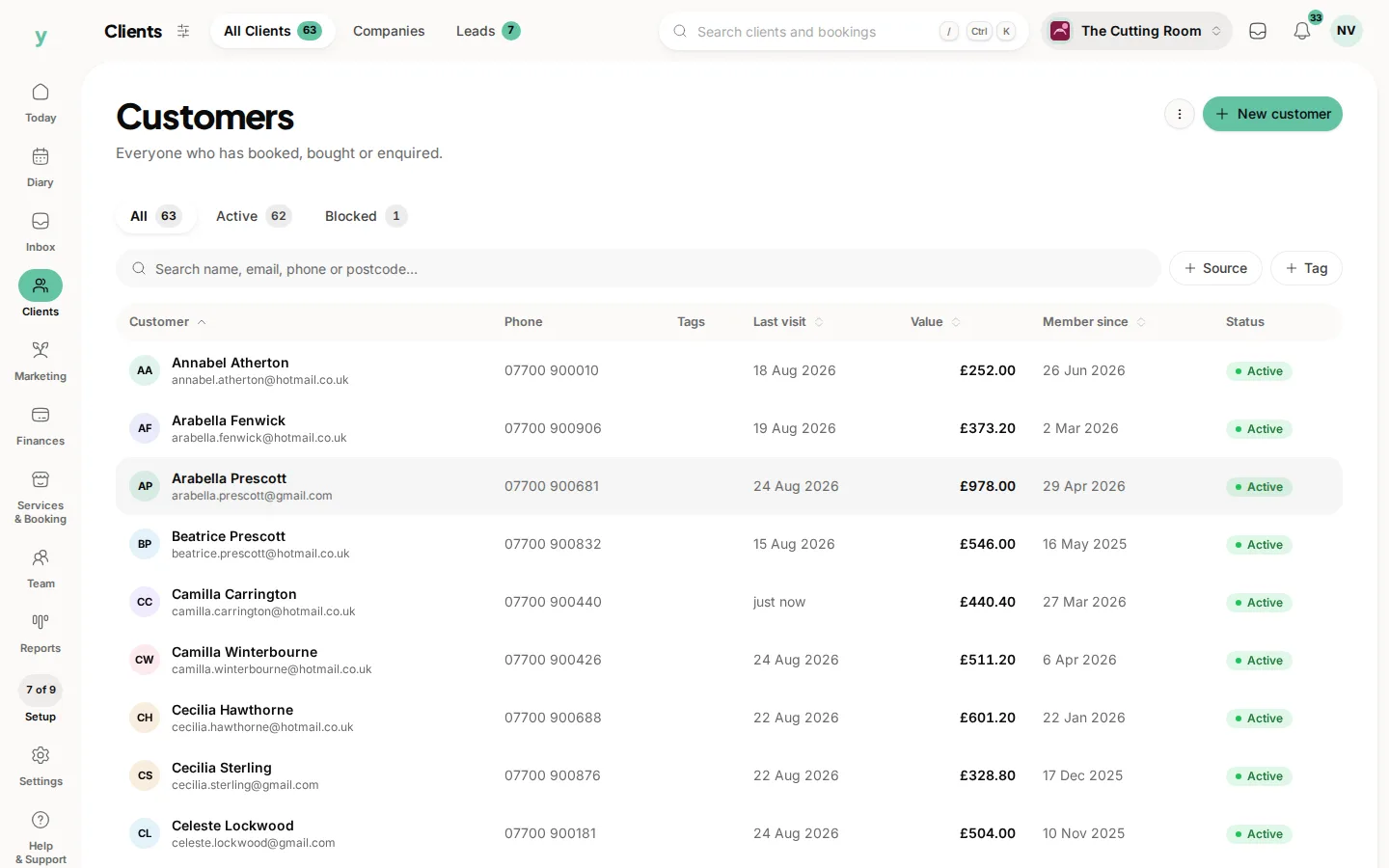
- Go to Clients, then All Clients and search for three people you know well, then check the phone number, email and any notes
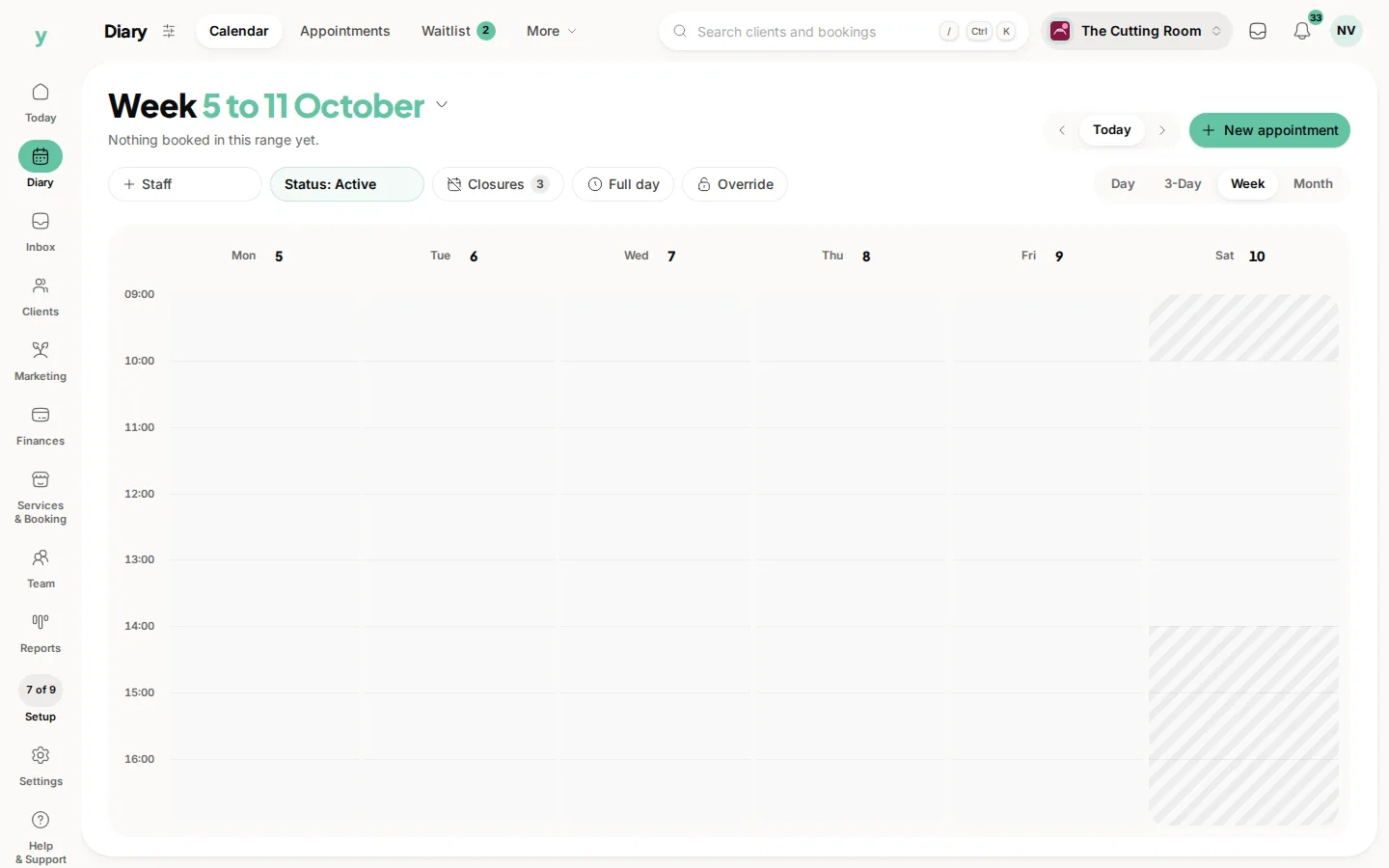
- Go to Diary, then Calendar and look at a week you remember, checking the right people are at the right times with the right staff member
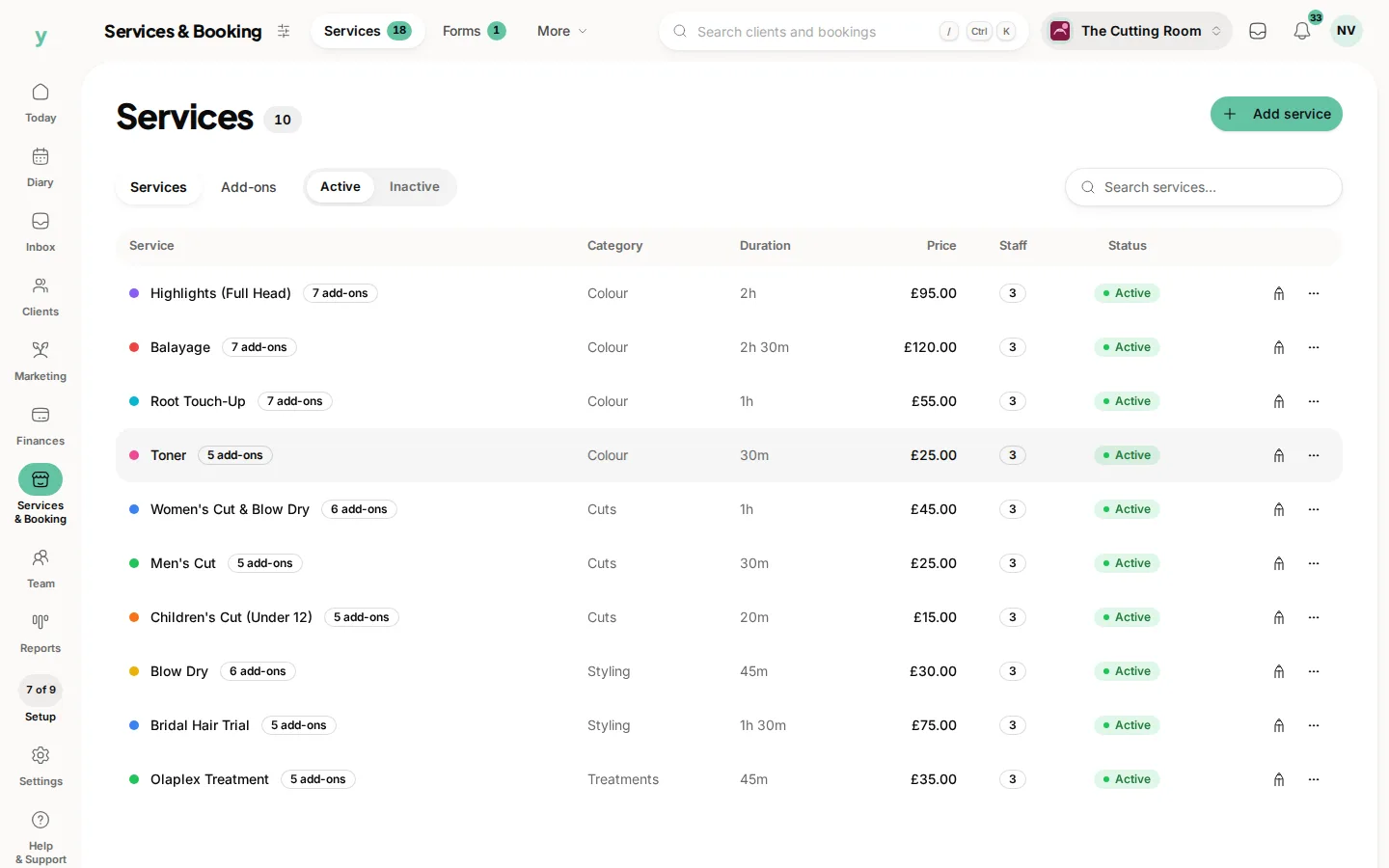
- Go to Services & Booking, then Services and check prices and durations came across, because a price in the wrong column is easy to miss
- Check that a customer you know has opted out of marketing is still opted out
Counts not matching
If 500 customers went in and you see 480, the difference is almost always duplicates already on the system, blank rows at the bottom of the spreadsheet or rows with no name and no contact details.
When something is wrong across the board
Do not fix hundreds of records by hand. Roll the import back, correct the export and run it again.
Common questions
How long does an import take?
Most finish in under a minute. A large appointment history can take several. The progress screen updates live, so you can watch it.
My customer count is lower than my old system. Is that a problem?
Usually not. Old systems count deleted and duplicate records in their totals. Check the skipped and error counts before worrying.
Can I see exactly which rows failed?
Yes. Download the error report from the import, which lists the row number, the field and what went wrong.