
Go to Services & Booking, then Import, open the import and download the error report. It is a CSV with three columns, Row, Field and Message, naming exactly which row failed and why.
The usual causes
- A missing name, because a customer with no name in any column cannot be created
- An unreadable date, which is why a column mixing formats lands some rows and not others
- An email that is not an email address, often a note that has drifted into the wrong column
- Blank rows at the bottom of the spreadsheet, which are harmless and can be ignored
- A price with a currency symbol or thousands separator in an unexpected place
How to fix them
- 1Download the error report
- 2Open your original export alongside it and find those row numbers
- 3Correct them in the spreadsheet or delete them if they are junk
- 4Save a new CSV containing just the corrected rows
- 5Import that file with the duplicate rule set to Update
Importing only the failures is deliberate. The rows that worked the first time are already in and re-importing everything just makes a longer report to read.
If nearly every row failed
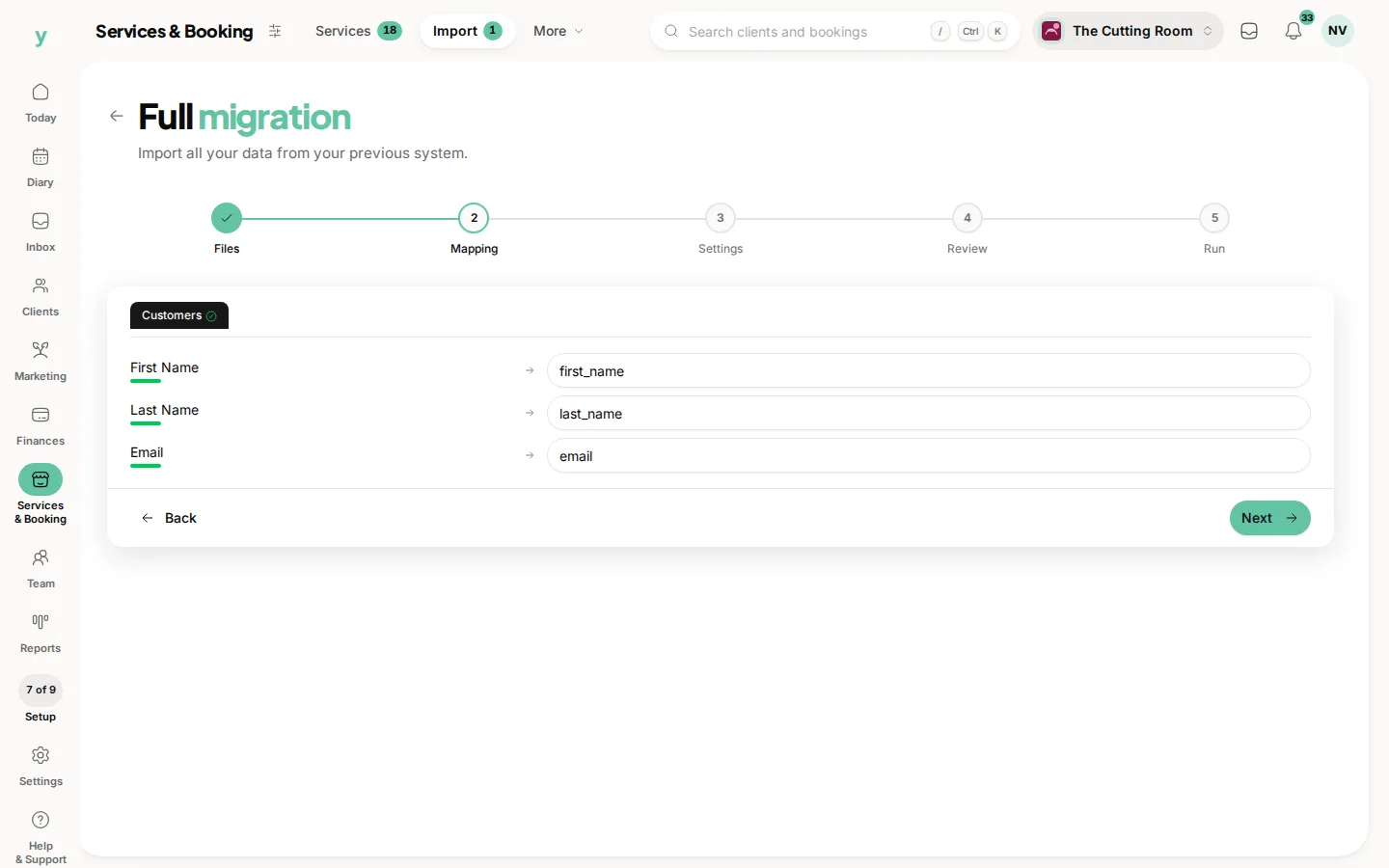
That is a mapping problem rather than a data problem. Start the import again and look carefully at the Mapping step, because a column pointed at the wrong field fails consistently rather than occasionally.
Common questions
Do failed rows partially import?
No. A row either imports completely or not at all, so you never end up with half a customer.
Where is the error report?
Go to Services & Booking, then Import, open the import and download it from there. It is named after the import, like import-42-errors.csv.
Can I just fix them by hand in Youzse?
For a handful, yes, that is quicker. For more than about twenty, fixing the spreadsheet and re-importing is faster and less error-prone.