
Youzse recognises Sage's column names, so a Sage export imports with the mapping already done for you. Export your data, upload the files and check the Mapping step rather than filling it in.
Exporting from Sage
Sign in at accounts.sage.com.
- 1Open Contacts, then Customers and export as CSV.
- 2Open Sales, then Invoices, filter to the period you want and export.
- 3Take a supplier export too if you are on Garage Pro and want suppliers across.
Uploading to Youzse
- 1Go to Services & Booking, then Import
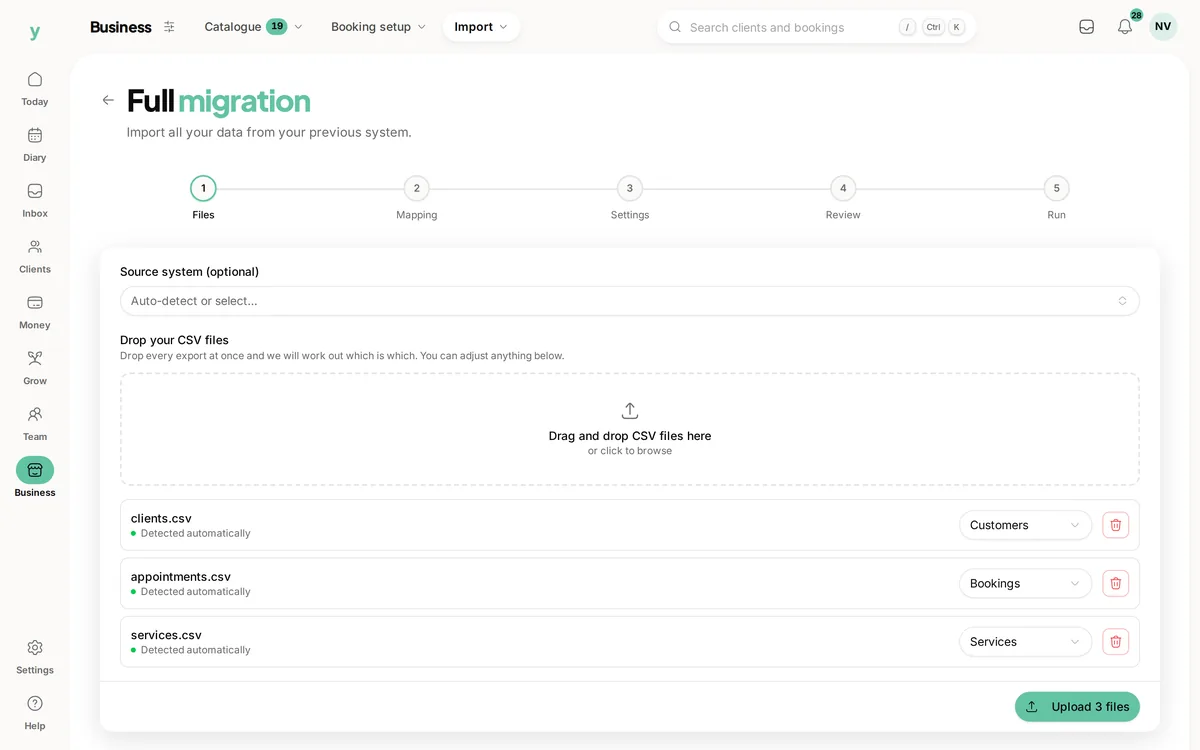
- 2Choose Full migration and add your files at the Files step
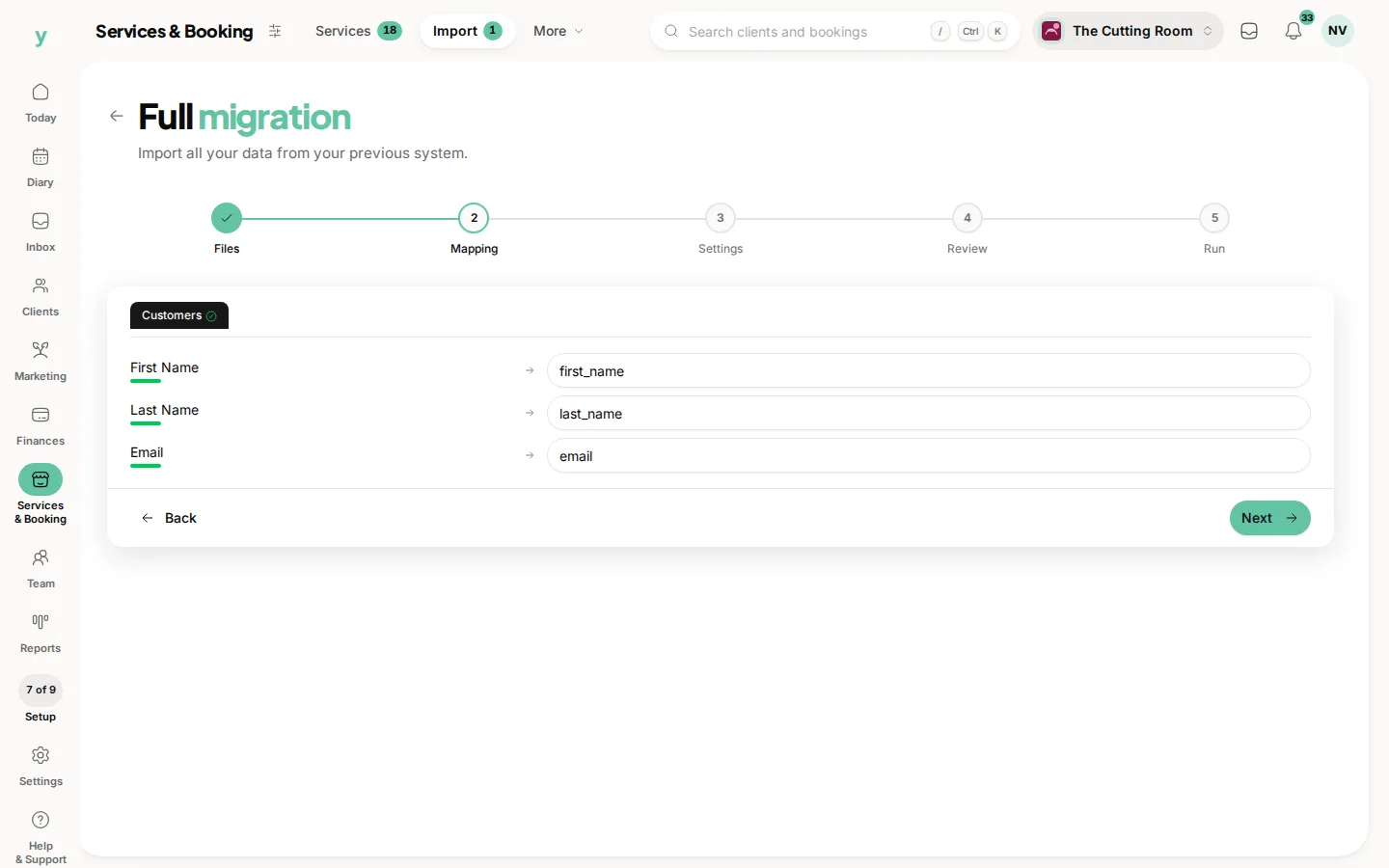
- 3At the Mapping step, check what has been matched, which coming from Sage should already be right
- 4At the Settings step, describe where the data came from and pick your lawful basis
- 5Review the counts and run it
Leave Source system on Auto-detect. Youzse works out that the file came from Sage from the headers.
Columns Youzse recognises
- Customers: Contact Name, Company Name, Email Address, Telephone, Mobile, Address 1, Address 2, Town, County, Postcode and Country
- Companies: Company Name, Email Address, Telephone, Address 1, Address 2, Town, County, Postcode, Country, VAT Number, Website and Account Ref
- Invoices: Invoice Number, Date, Due Date, Customer Reference, Net Amount, VAT Amount, Gross Amount, Outstanding and Status
Worth knowing
- Sage writes contact names as Surname, Forename, which is parsed correctly, so leave it alone
- Net Amount becomes the subtotal, VAT Amount the tax and Gross Amount the total
- Account Ref is stored as the company registration reference, so your Sage account codes are not lost
What will not come across
- Saved card details, which no platform can transfer
- Photos and attachments
- Staff logins, because staff are invited to set their own password
Common questions
My names are in Surname, Forename order. Do I need to fix them?
No. That format is expected and parsed correctly.
Does my VAT scheme come across?
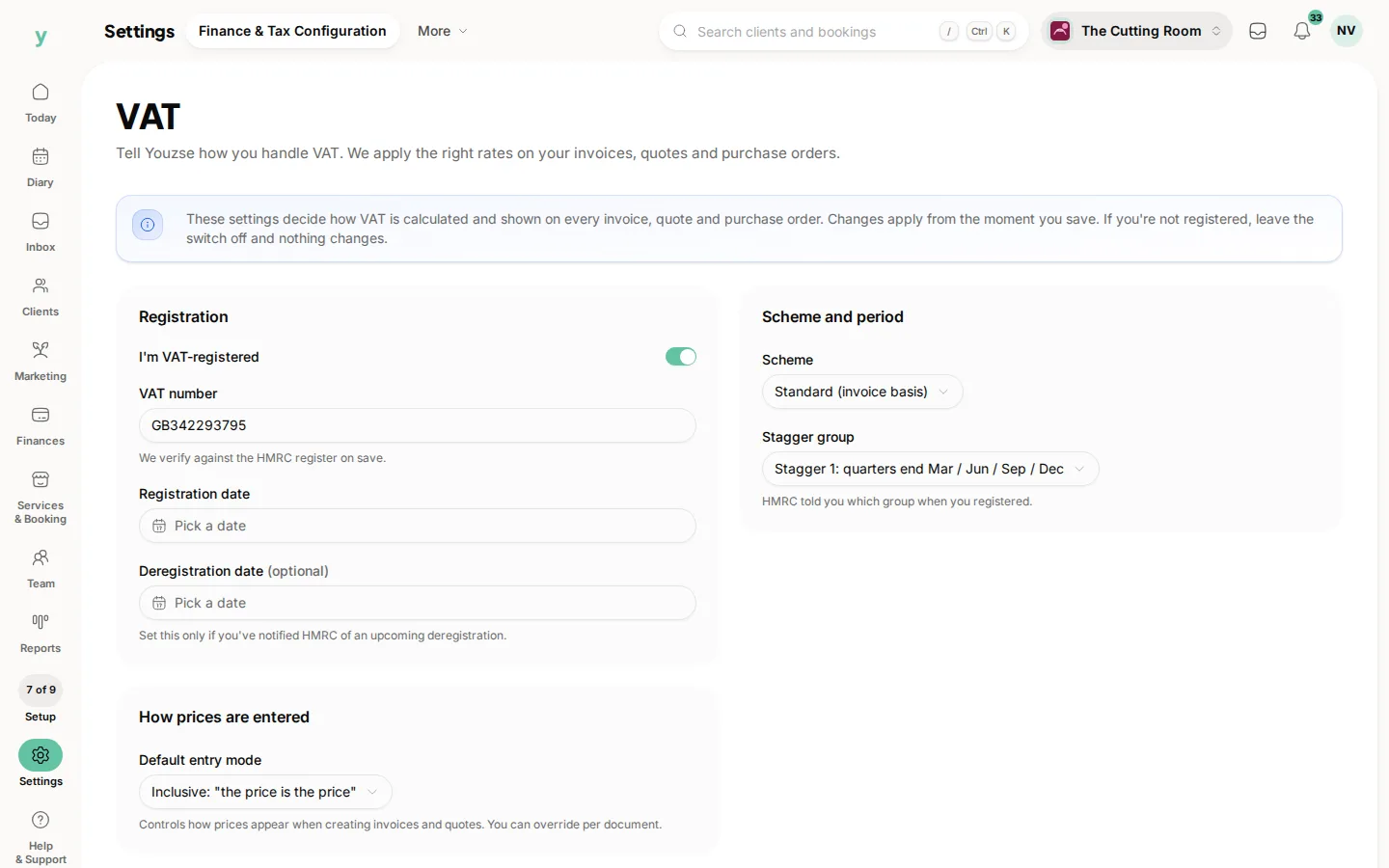
No. Set your VAT scheme up under Settings, then Finance & Tax Configuration. Only the numbers on invoices are imported.
Can I import supplier records?
Suppliers are a Garage Pro feature. On Garage Pro, export your Sage supplier list and import it as companies.