
Youzse recognises SimplyBook.me's column names, so a SimplyBook.me export imports with the mapping already done for you. Export your data, upload the files and check the Mapping step rather than filling it in.
Exporting from SimplyBook.me
Sign in at admin.simplybook.me.
- 1Open Reports from the main menu.
- 2Open the client list report and export as CSV.
- 3Open the booking report, set your date range and export.
- 4Inside SimplyBook.me you can also request a full data export from its own Settings, under Data Management.
Uploading to Youzse
- 1Go to Services & Booking, then Import
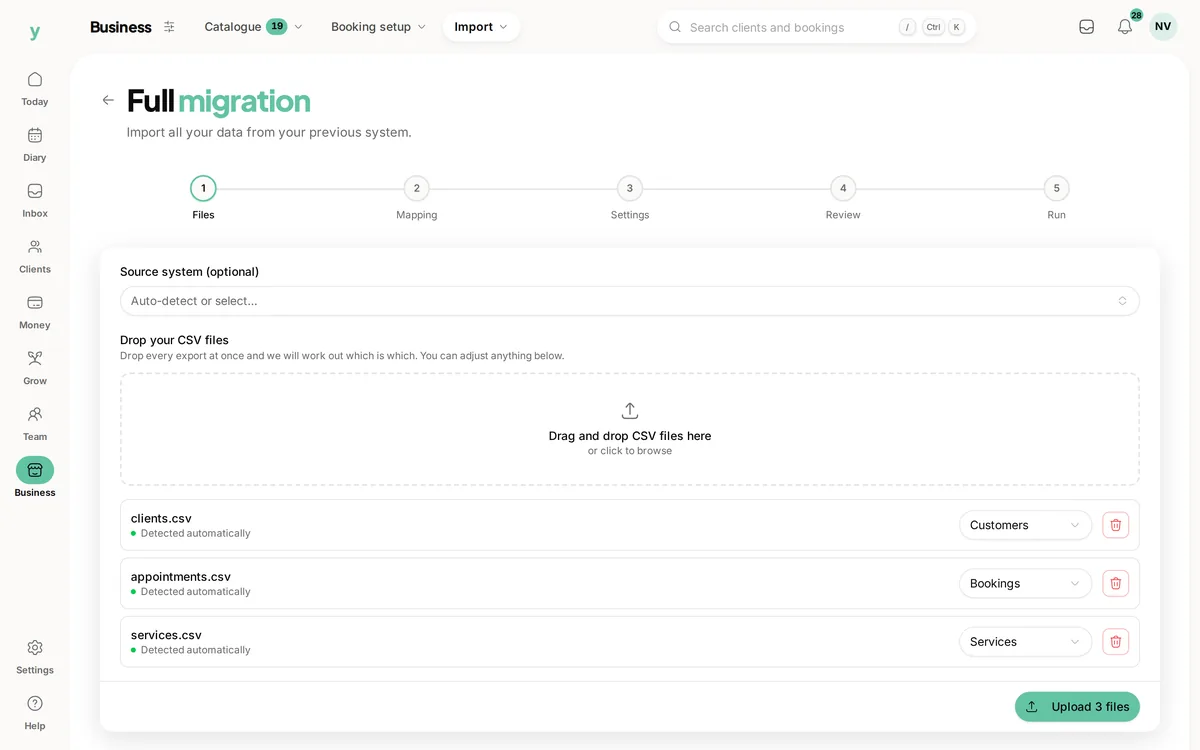
- 2Choose Full migration and add your files at the Files step
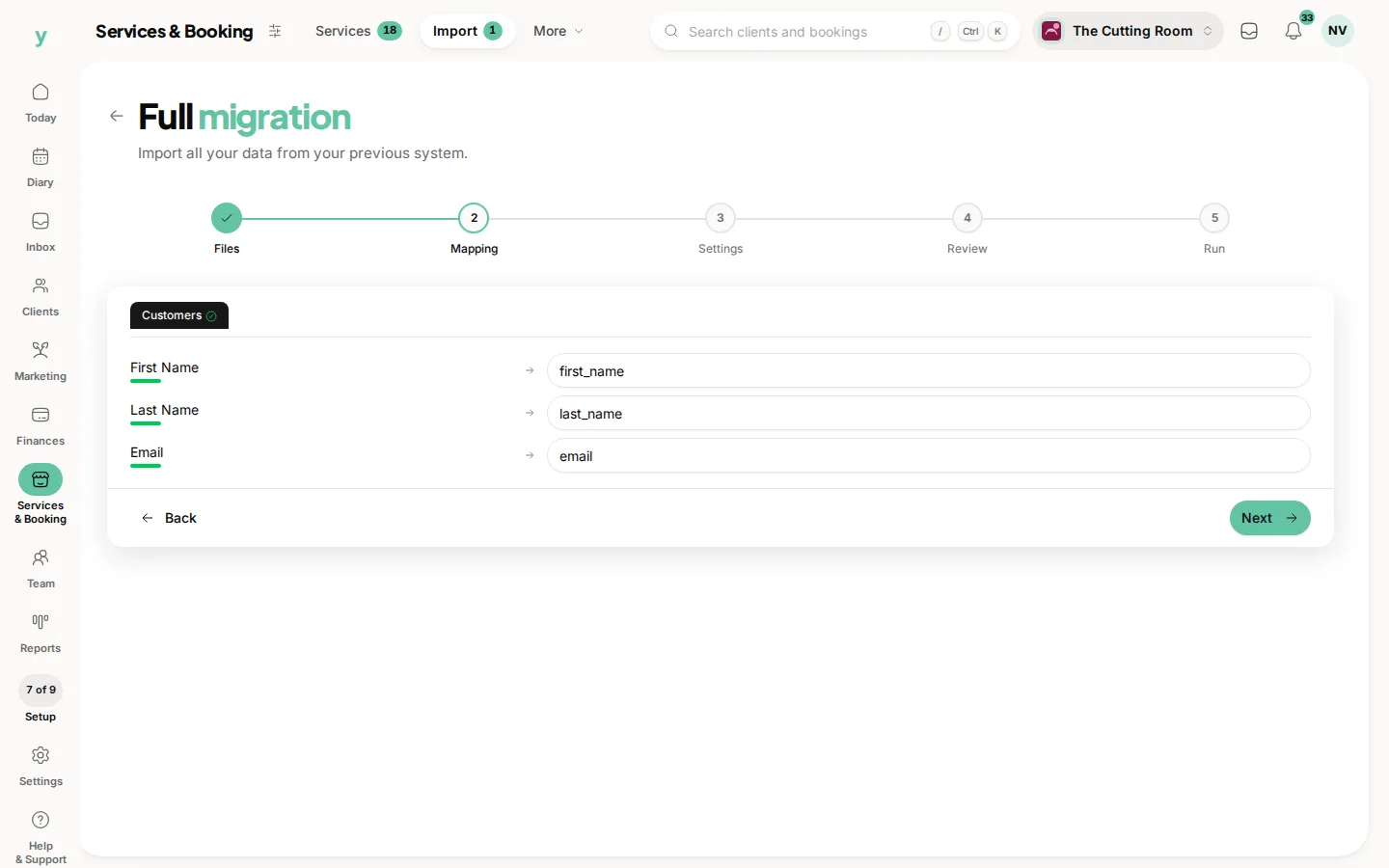
- 3At the Mapping step, check what has been matched, which coming from SimplyBook.me should already be right
- 4At the Settings step, describe where the data came from and pick your lawful basis
- 5Review the counts and run it
Leave Source system on Auto-detect. Youzse works out that the file came from SimplyBook.me from the headers.
Columns Youzse recognises
- Clients: Client Name, Client Email, Client Phone, Address, City, Zip, Country, Comment and Birthday
- Services: Service, Category, Duration, Price and Description
- Bookings: Start Date, Start Time, Service, Client Name, Client Email, Provider, Duration, Price, Status and Comment
- Providers: Provider, Provider Name, Email and Phone
Worth knowing
- SimplyBook.me calls staff Providers. That column becomes your staff member
- The Comment column is imported as the note on the record
- End Date and End Time are recognised and deliberately not imported, because duration is what Youzse works from
What will not come across
- Saved card details, which no platform can transfer
- Photos and attachments
- Staff logins, because staff are invited to set their own password
Common questions
What happens to my Providers?
Each Provider becomes a staff member. Import staff before bookings so each booking attaches to the right person.
Are my custom intake fields imported?
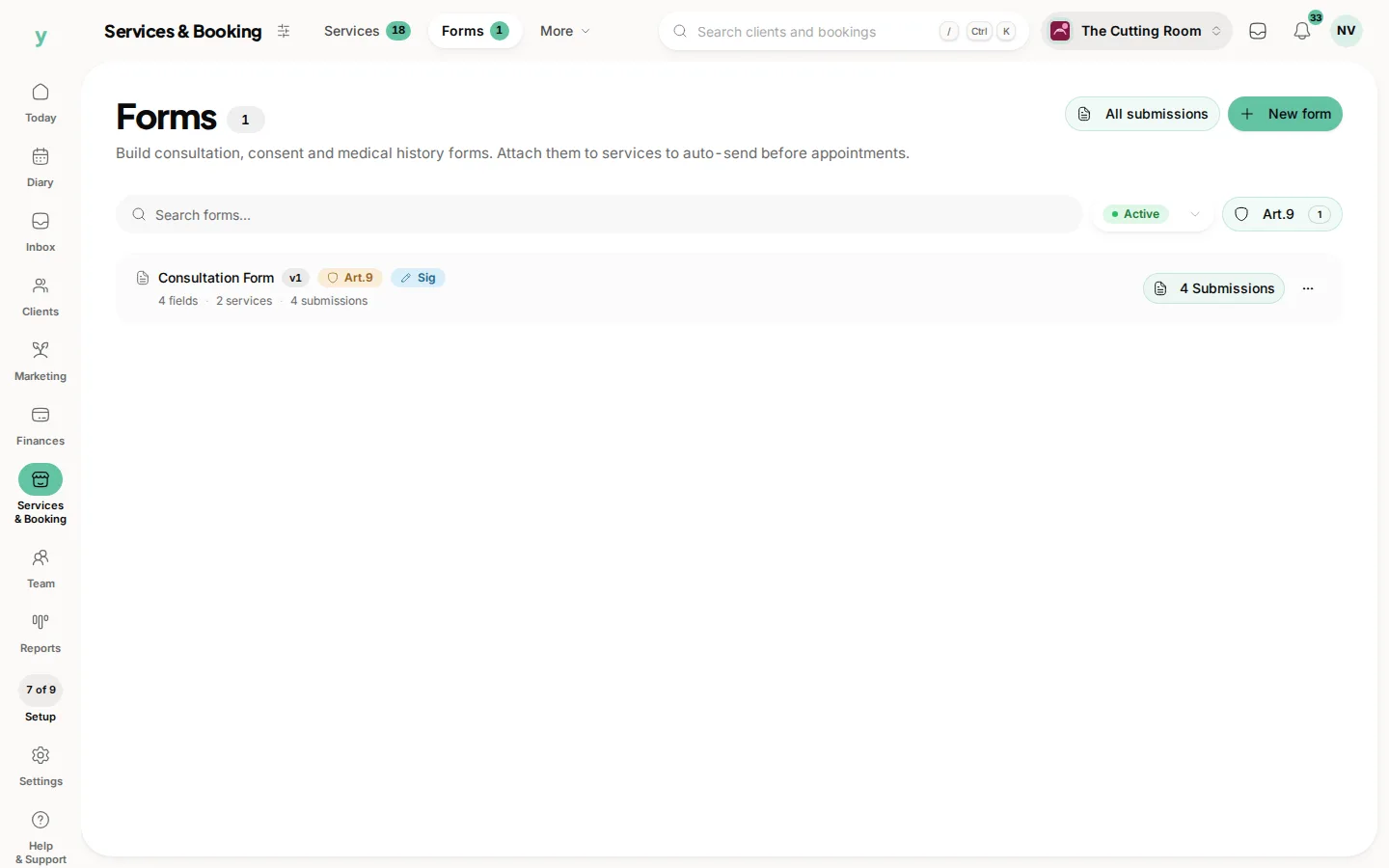
No. Custom fields do not map to standard Youzse fields. Rebuild them under Services & Booking, then Forms once you are set up.
Where do comments go?
The Comment column becomes the note on the client or the booking, depending on which file it came from.