
Youzse recognises Square's column names, so a Square export imports with the mapping already done for you. Export your data, upload the files and check the Mapping step rather than filling it in.
Exporting from Square
Sign in at squareup.com/dashboard.
- 1Open Customers, then Directory and export as CSV.
- 2If you use Square Appointments, open Appointments, then Activity and export your booking history.
- 3Open Invoices and export if you want your invoice history to come across.
- 4Export your item library if your services live there.
Uploading to Youzse
- 1Go to Services & Booking, then Import
- 2Choose Full migration and add your files at the Files step
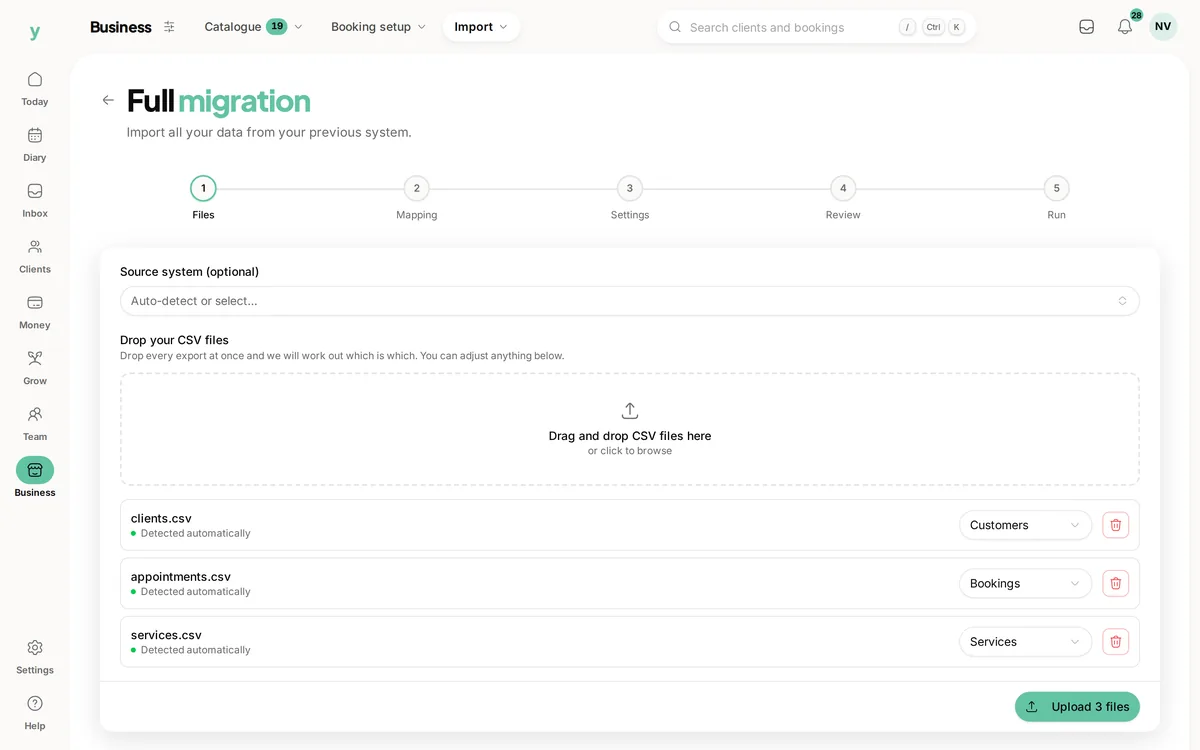
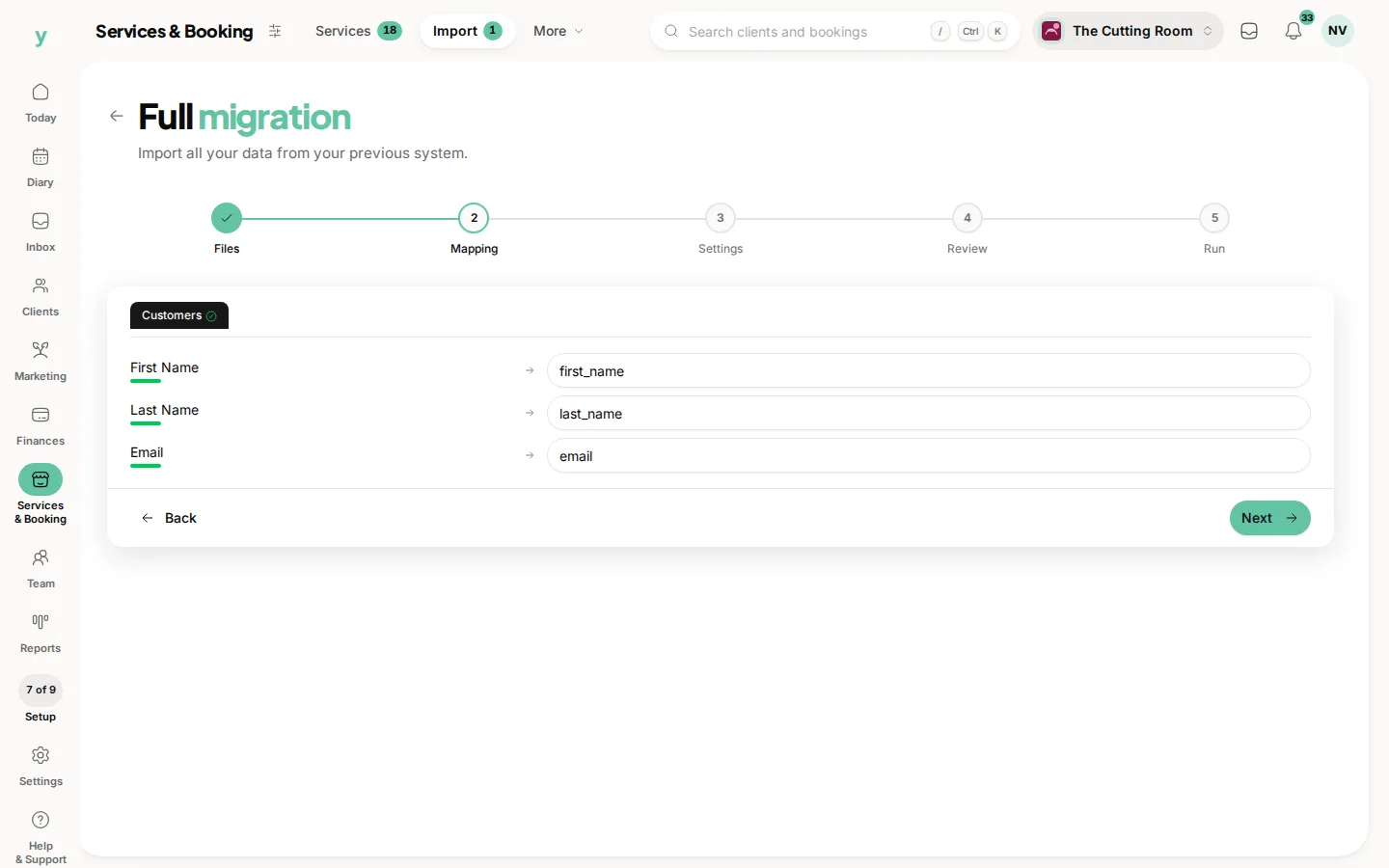
- 3At the Mapping step, check what has been matched, which coming from Square should already be right
- 4At the Settings step, describe where the data came from and pick your lawful basis
- 5Review the counts and run it
Leave Source system on Auto-detect. Youzse works out that the file came from Square from the headers.
Columns Youzse recognises
- Customers: Given Name, Family Name, Email Address, Phone Number, Company Name, Birthday, Address Line 1, Address Line 2, Locality, Administrative District, Postal Code, Country and Note
- Services: Item Name, Category, Price and Description
- Appointments: Start At, Service Name, Customer Name, Customer Email, Staff Member Name, Duration (min), Price, Status, Note and Location
- Invoices: Invoice Number, Date, Due Date, Customer Name and Amount
Worth knowing
- Square uses Given Name and Family Name rather than first and last and both are recognised
- Locality is the town and Administrative District is the county, which is how Square names UK address fields
- Reference ID and Instant Profile are recognised and deliberately not imported, because they are Square internals
What will not come across
- Saved card details, which no platform can transfer
- Photos and attachments
- Staff logins, because staff are invited to set their own password
Common questions
Do my Square card readers still work?
No. Square hardware is tied to Square. Youzse takes card payments through its own payment setup, including Tap to Pay on iPhone.
Will saved cards come across from Square?
No. Stored cards cannot be transferred between platforms by anyone. Customers add a card again on their next payment.
Can I import my Square invoices?
Yes. Export from the Invoices section and upload it. Invoice numbers, dates, customer and amount are recognised.