
Yes, you can import once you are already trading on Youzse. Take a fresh export from your old system and set the duplicate rule to Update. It fills in what is missing without touching what you have changed since.
Why this comes up
Most businesses do not migrate in one clean go. They import their client list, start taking bookings and only get round to appointment history a few weeks later. Or they run both systems for a fortnight and need the stragglers.
Doing it safely
- 1Export fresh from your old system rather than reusing the file from last time
- 2Import with the duplicate rule set to Update
- 3Check the counts, where created is genuinely new people and updated is gaps filled
- 4Spot-check a customer you have edited by hand since the first import
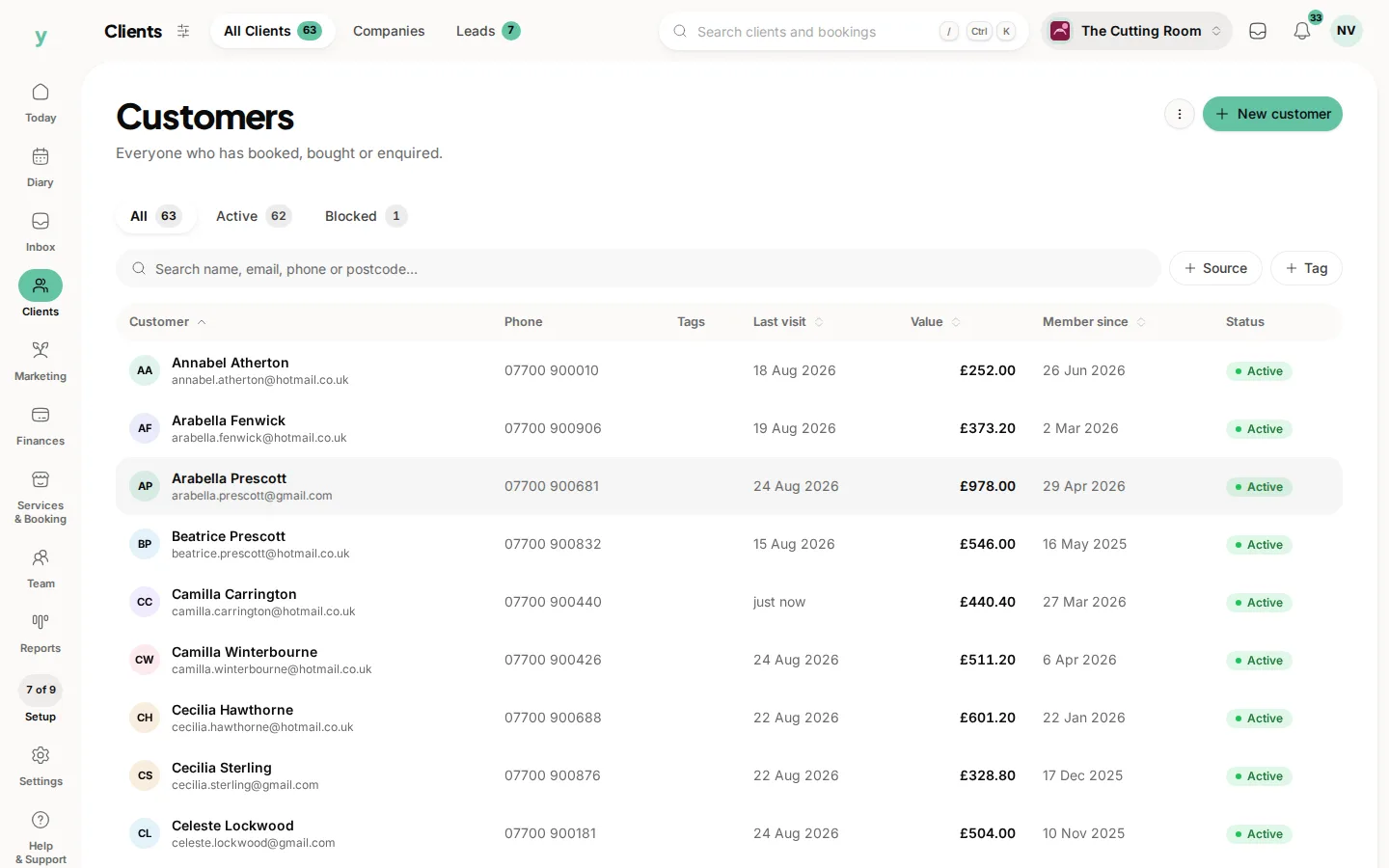
Update rather than Replace
This is the one place the difference really bites. Update fills empty fields and leaves everything else alone, so a phone number you corrected last week survives. Replace would overwrite it with whatever the old system still holds.
Overlapping appointment history
Appointments are matched on customer, service and start time together, so importing a date range you have already imported does not duplicate the diary.
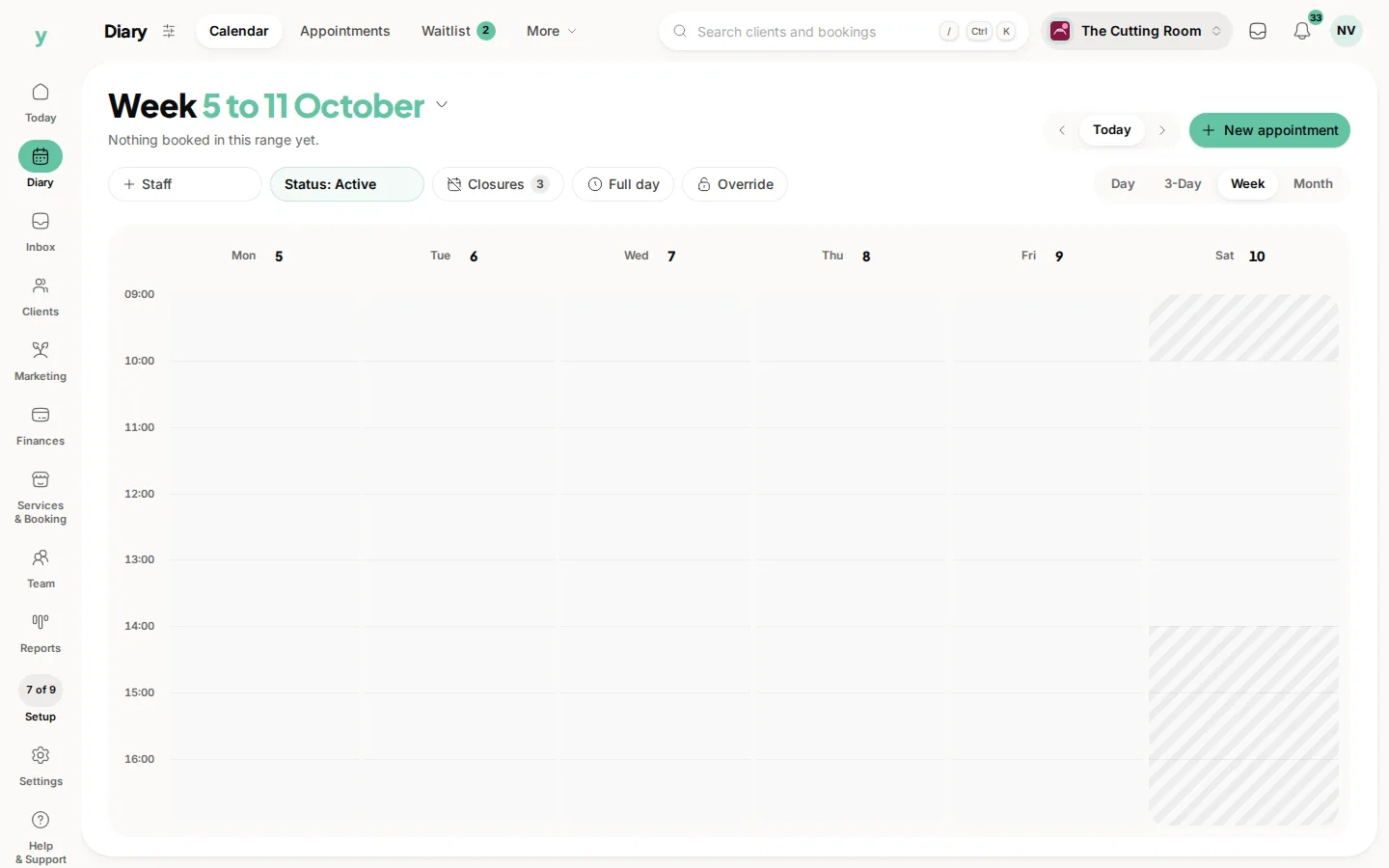
Running two systems at once
Pick one as the master for new bookings from day one, otherwise you will be reconciling two diaries. Most people switch new bookings to Youzse immediately and leave the old system read-only.
Common questions
Will importing again duplicate my customers?
Not with Skip or Update. Matching is on email, then phone, then close name matches and only Flag for review deliberately lets both through.
Can I import a date range I have already imported?
Yes. Overlapping appointments are matched and not duplicated.
Should I keep my old subscription running?
Keep it until you have checked your data and taken bookings on Youzse for a week or two. Export everything you might want before you cancel, because access usually ends with the subscription.